Bring everyone’s photo
Add a clear photo for each person, name the slots and include the family pet. You can crop or replace a photo before continuing.
Everyone brings a photo, wherever they are. Choose a scene and prepare one family portrait together. Check each face before sharing your AI-generated result.
JPG, PNG or WebP. A clear, well-lit face works best.
Your photos stay in this browser while you prepare them.

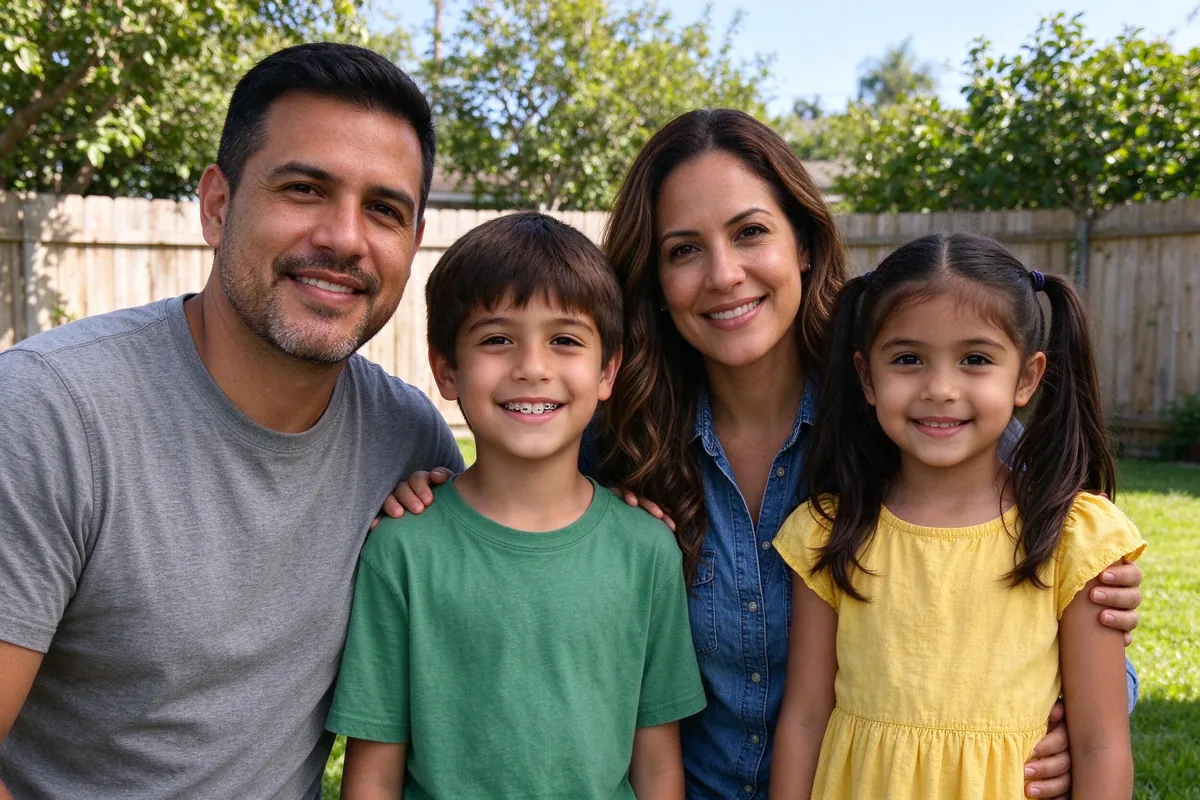
Examples use fictional AI-generated people. Some results were selected from two attempts. Actual results can vary.
Find the setting that feels like your family. Selecting a scene saves it with your photo draft.
Explore snow globes, hand-painted storybook scenes, retro portraits and 3D cartoons. These are AI examples, not customer testimonials.
Add a clear photo for each person, name the slots and include the family pet. You can crop or replace a photo before continuing.
Choose a holiday, beach, garden or studio setting. Your selection stays in your local draft while you explore.
Check everyone’s permission, choose your photos and generate your family portrait. Eligible verified accounts receive 10 gift credits for one 1K preview with a visible watermark.
Move the slider to compare a supplied reference with an AI result. Faces, hands and small details can change, so every generated portrait needs a careful review.
Use only photos you have permission to use, with guardian consent for children. Draft preparation stays on your device. Generating shares prepared photos privately with our AI provider.
These supplied samples show a range of styles. They do not guarantee an exact likeness or prove a success rate.
Before sharing a generated photo, check every face, person, hand and background detail. Clearly label AI-generated images.
Start with the family portrait workbench: choose a scene and prepare your photos. More dedicated photo tools are in development.
In development
In development
In development
In development
In development
In development
In development
Pay once for a credit pack. A standard HD family photo uses 10 credits. See checkout availability on the pricing page.
$9.99
200 credits
Pack credits never expire. A standard 2K family portrait uses 10 credits.
View credit packs$19.99
450 credits
Pack credits never expire. A standard 2K family portrait uses 10 credits.
View credit packs$39.99
1,000 credits
Pack credits never expire. A standard 2K family portrait uses 10 credits.
View credit packsBasic: $9.99 / 300 credits. Plus: $19.99 / 700 credits. Pro: $39.99 / 1,600 credits. Yearly plans are planned at $89.91, $179.91 and $359.91, with credits granted monthly. USD, before applicable tax.
Yes. Add clear reference photos, choose a scene and generate your family portrait. Eligible verified accounts receive 10 gift credits for one 1K preview with a visible watermark. A standard 2K portrait uses 10 paid credits; see pricing for available credit packs.
Yes. Use photos only with each person’s permission. You must be the parent or guardian, or have their consent, when including a child. Memorial photos need thoughtful permission from the family.
Photo preparation stays on your device, and local drafts expire after 24 hours. When you generate, prepared photos are uploaded to private storage and shared with our AI provider using temporary links. Our stored references expire after 24 hours and results after 30 days. You can delete the local draft or remove saved photos from your account.
No. The examples were supplied with the design and use fictional AI-generated people. Outputs were made with Seedream 5 Flash; some were selected from two attempts. They are not customer testimonials or a likeness guarantee.
Yes. Sign in and use My account to reach the existing dashboard. This homepage update keeps the template’s authentication, account, administration and existing application routes.
Start with the photos you already have. Pick a scene that feels like home.
Prepare your family photo