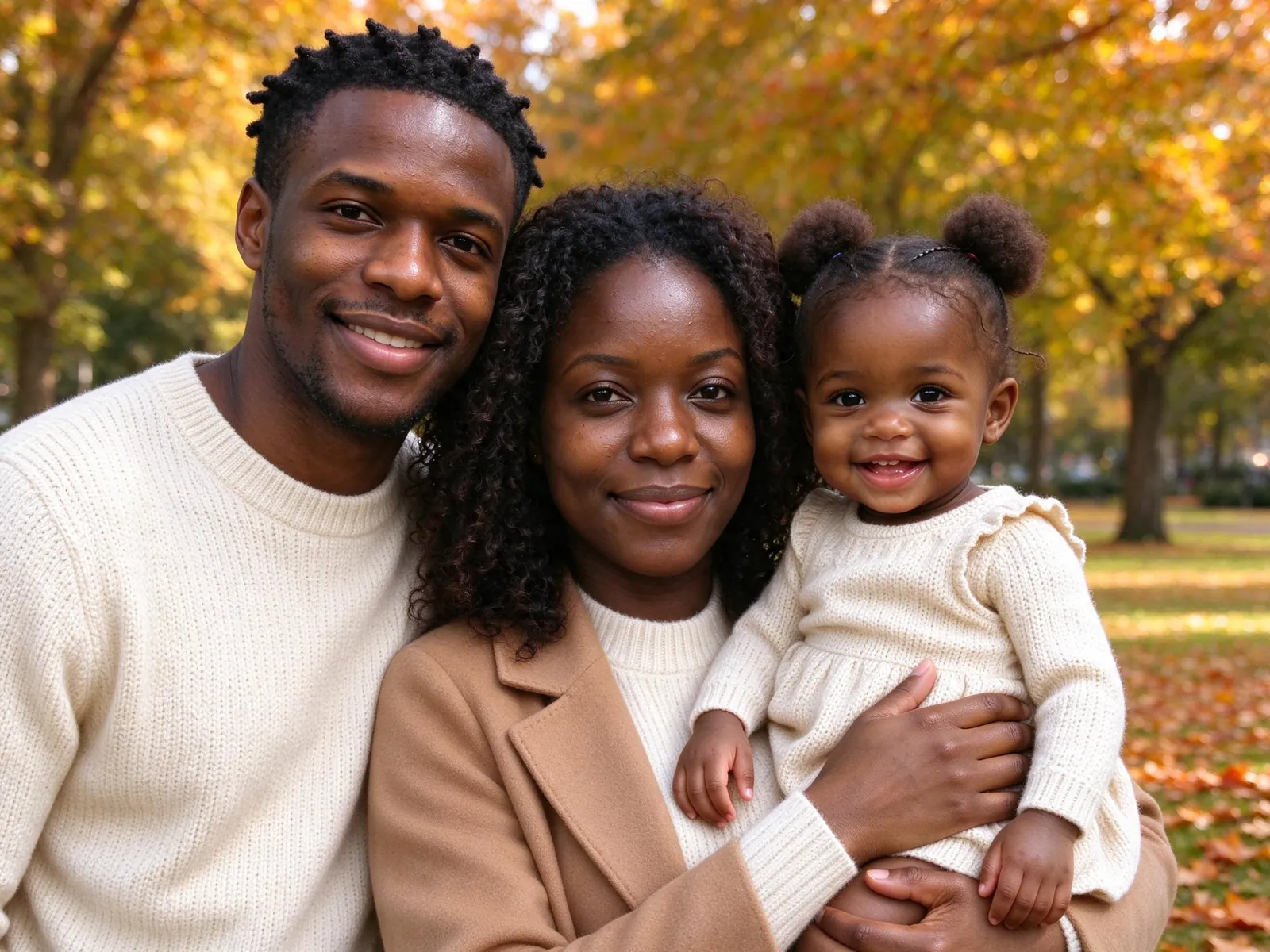
Do
Whole head in frame, eyes open, natural light, one pet per photo.
Upload one photo of your pet and one of each person. VibePico puts everyone, paws included, into one AI pet portrait. Your first watermarked photo is free with sign-up.
2Add everyone’s photo
JPG, PNG or WebP. A clear, well-lit face works best.
Take photo / Choose from library
Your photos stay in this browser while you prepare them.
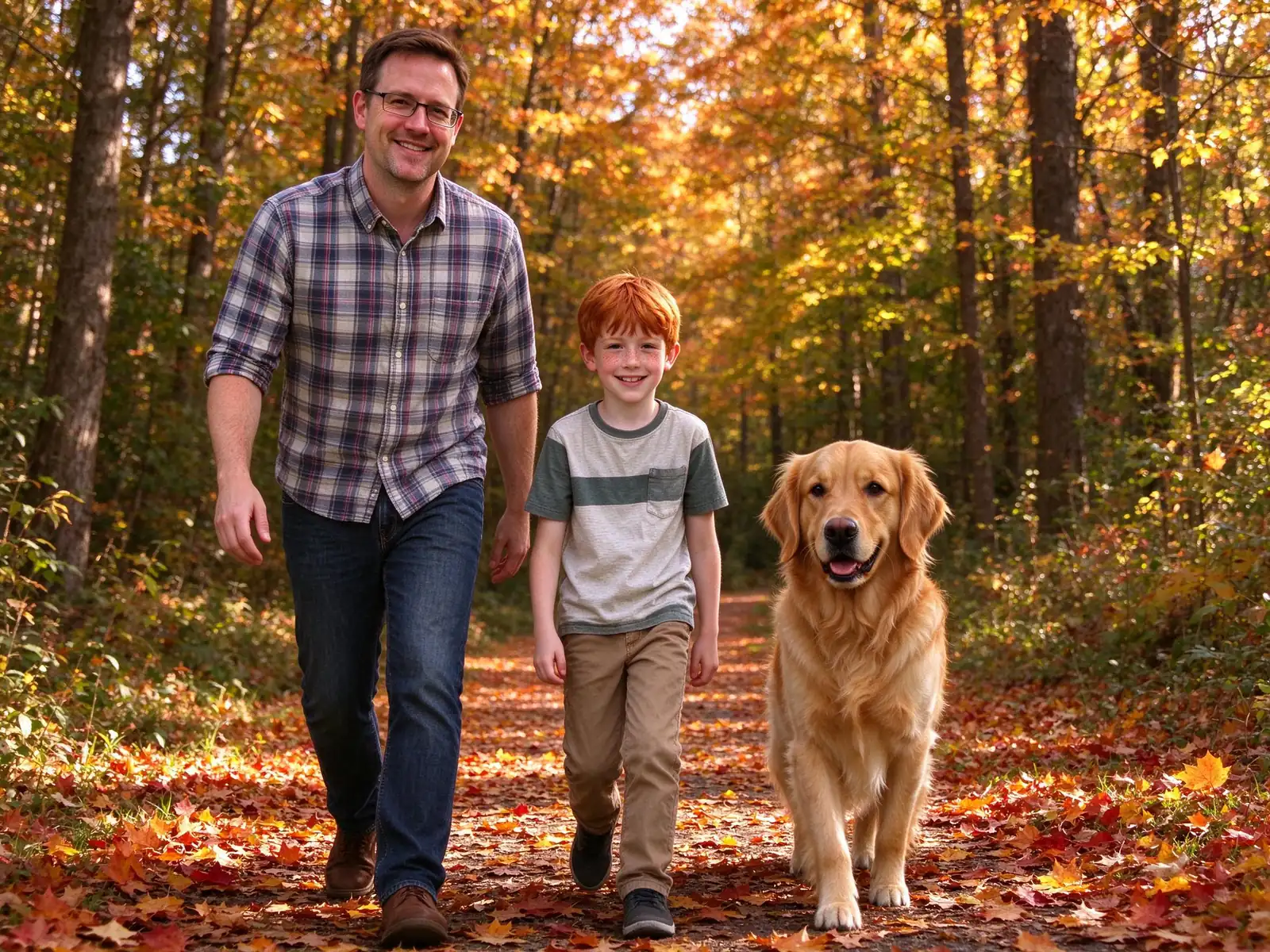
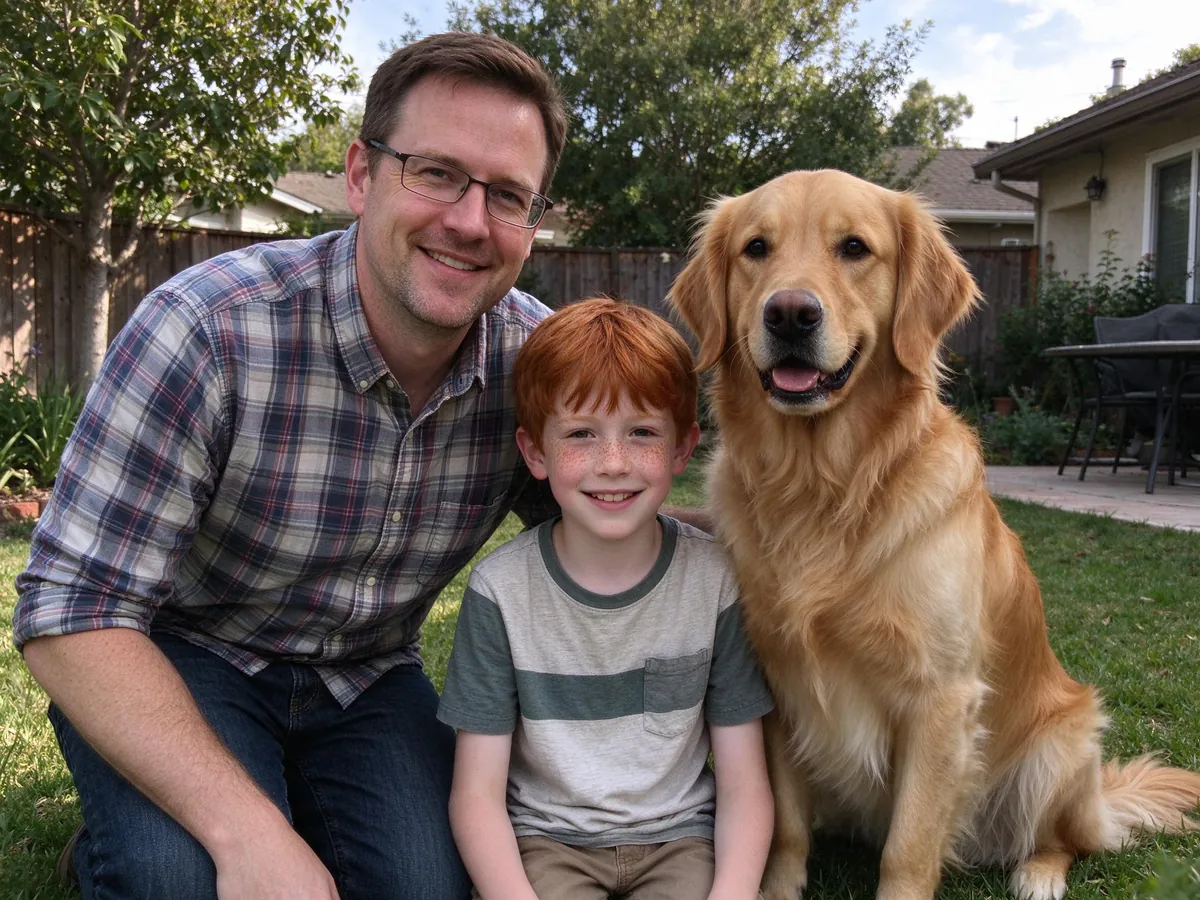
Examples use fictional AI-generated people. Some results were selected from two attempts. Actual results can vary.
Made from fictional families and pets with the same model the site uses. Typical results, not retouched.
Two people and a golden retriever on an autumn walk.
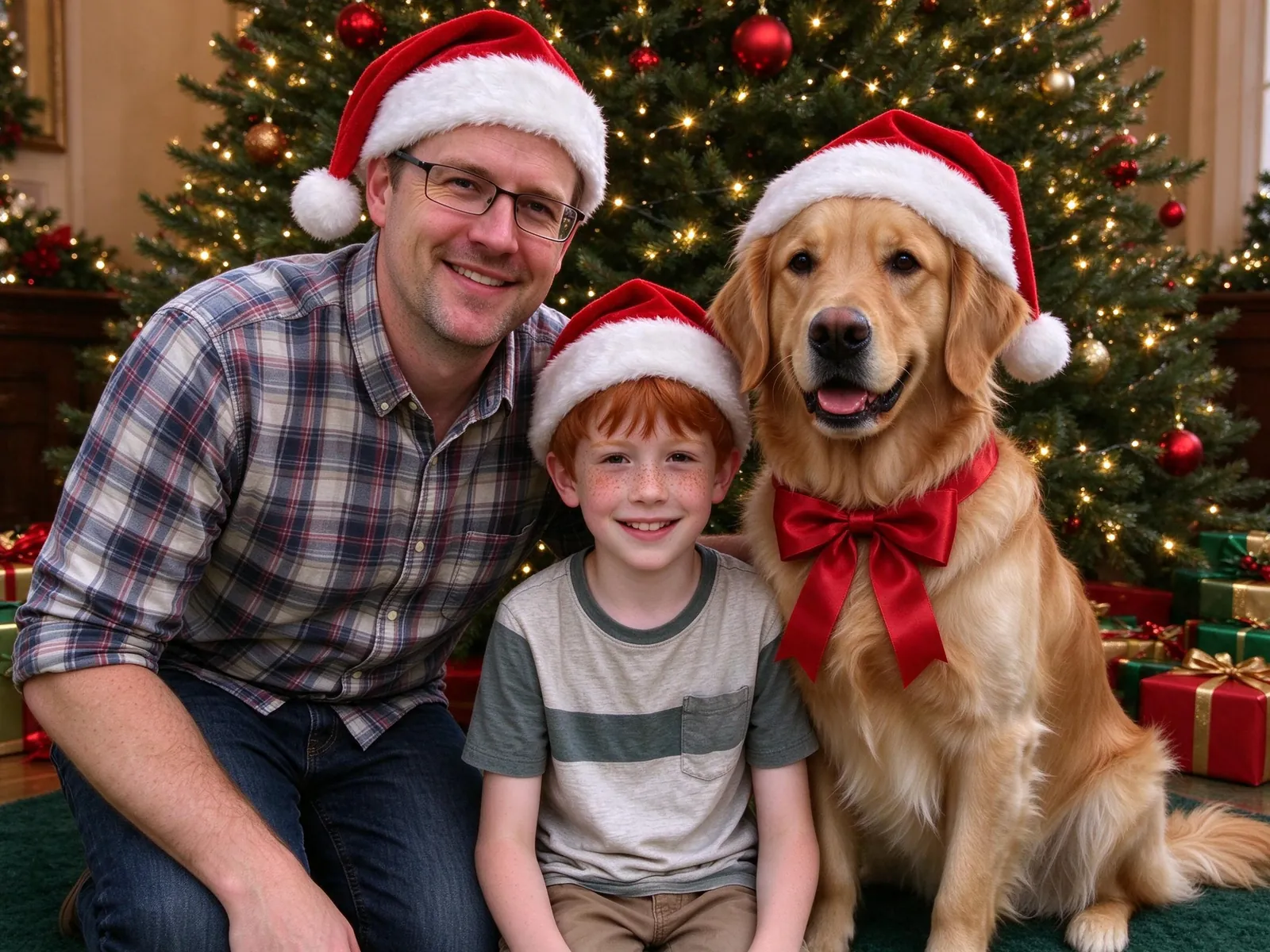
Santa hats by the tree, the dog in a red bow.
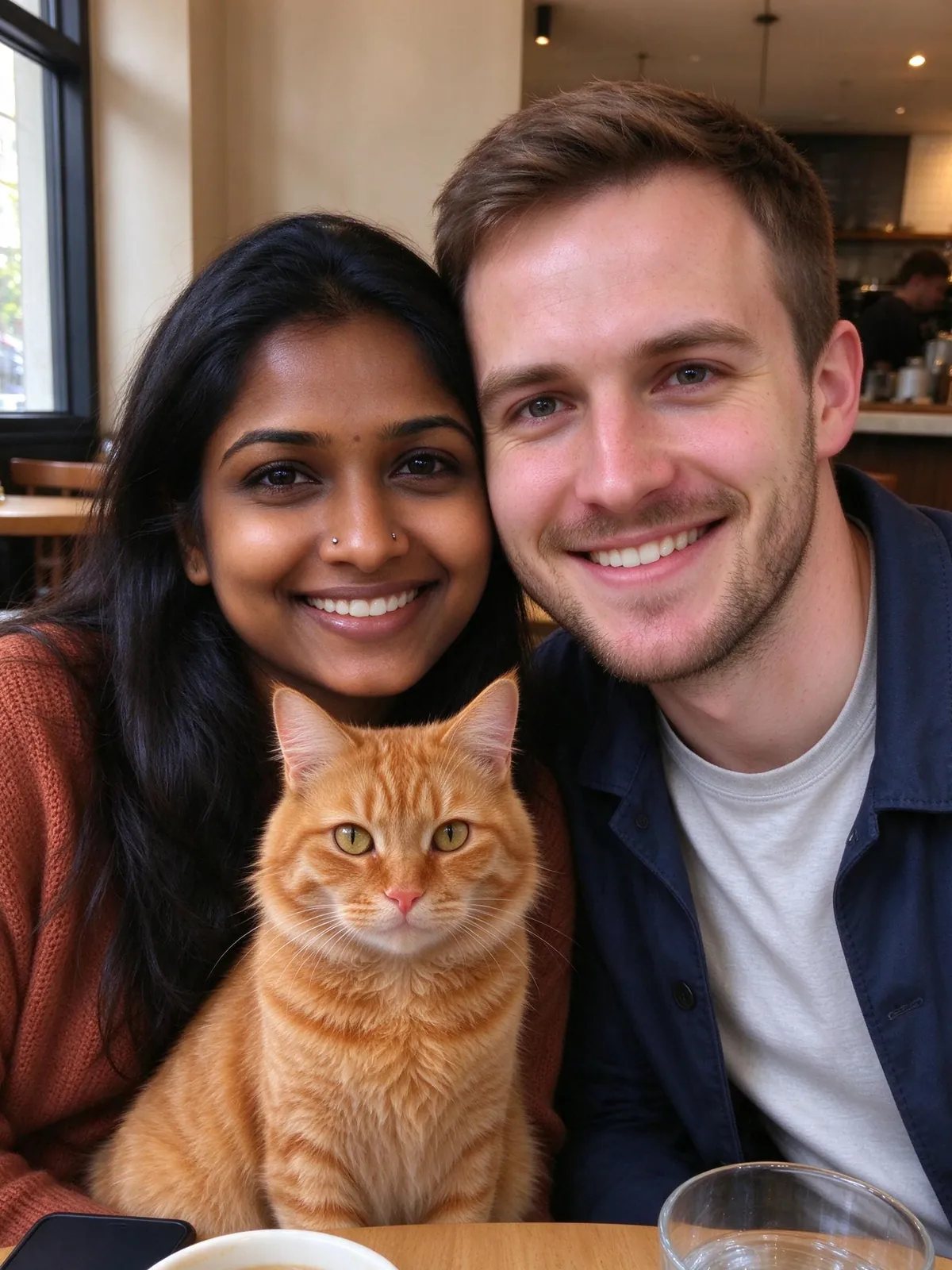
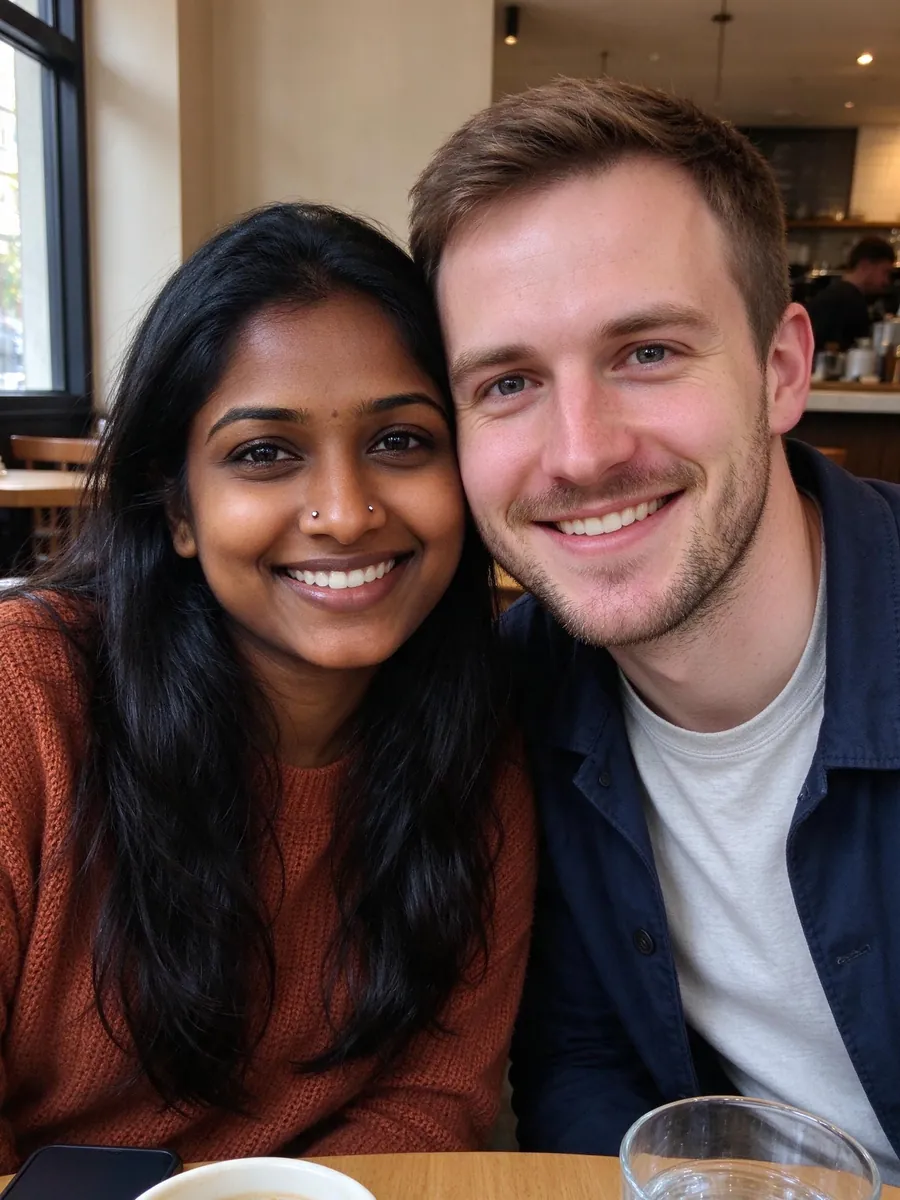
The cat comes from its own photo and joins the couple’s.
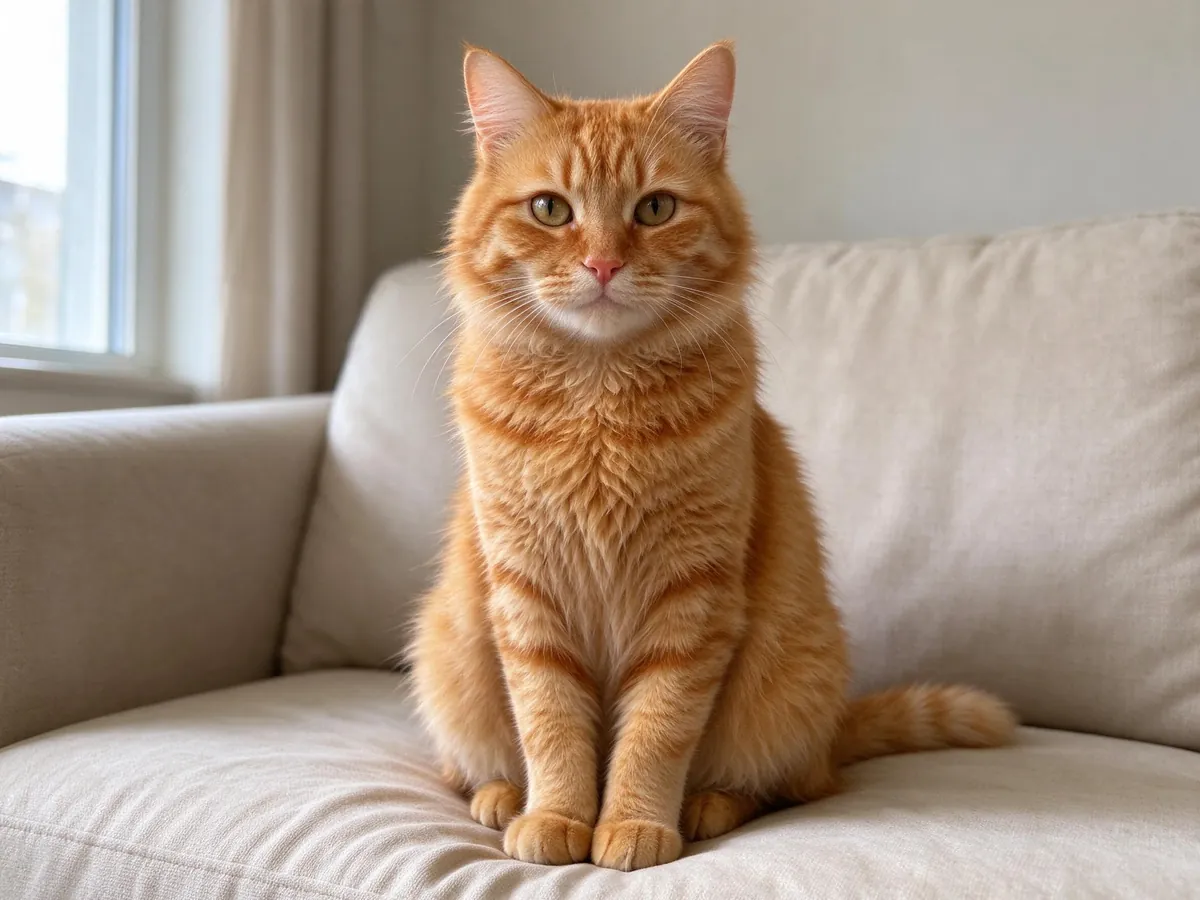
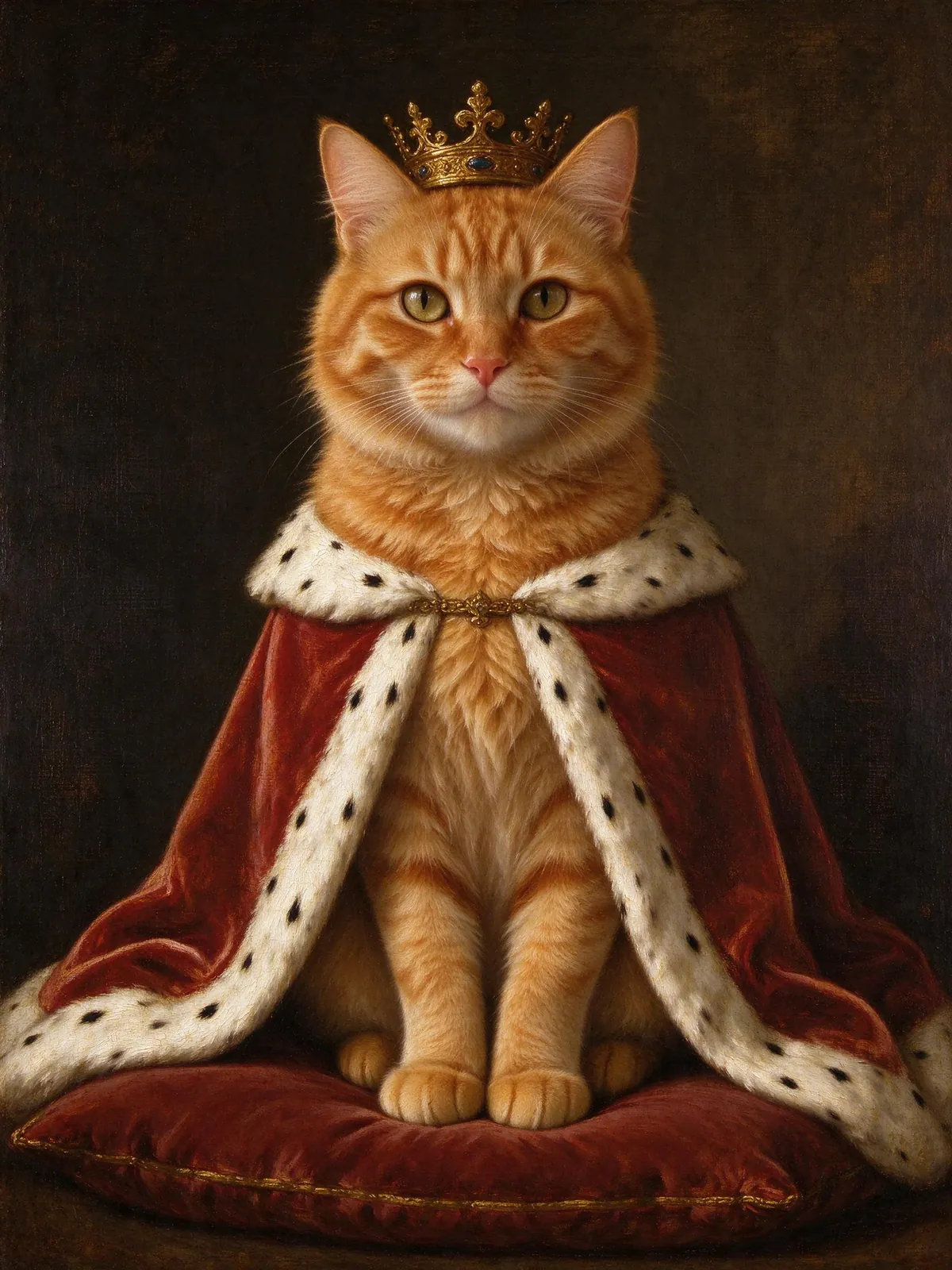
One cat photo, painted as a Renaissance royal.
Shoot at your pet’s eye level with the face and ears in view, in daylight if you can.
One recent, front-facing photo per person, with no filters or sunglasses. Skip this for a pet-only portrait.
Zoom in on every face, pets included, before you download. Each paid photo includes one free redo with a clearer photo.
Whole head in frame, eyes open, natural light, one pet per photo.
Blurry action shots, costumes, heavy shadows and pets far from the camera.
Fur patterns, collar colors and ear shape can drift. Compare with your original before sharing.
Pay once for a credit pack. A standard HD family photo uses 10 credits. See checkout availability on the pricing page.
$9.99
200 credits
Pack credits never expire. A standard 2K family portrait uses 10 credits.
View credit packs$19.99
450 credits
Pack credits never expire. A standard 2K family portrait uses 10 credits.
View credit packs$39.99
1,000 credits
Pack credits never expire. A standard 2K family portrait uses 10 credits.
View credit packsBasic: $9.99 / 300 credits. Plus: $19.99 / 700 credits. Pro: $39.99 / 1,600 credits. Yearly plans are planned at $89.91, $179.91 and $359.91, with credits granted monthly. USD, before applicable tax.
Yes. Set people to 0 and add only pet slots; the royal cat example came from a single cat photo. The scenes are written for families, so pet-only results are less tested than family ones.
Up to 3 pets alongside up to 8 people, within 10 reference photos in total. Give each pet its own slot.
Usually close, but not guaranteed. AI can soften markings, change collar colors or reshape ears. A sharp, well-lit photo at eye level helps most; compare the result before sharing.
Sign-up includes 10 credits for one watermarked 1K photo. After that a 2K HD photo is 10 credits, and credit packs start at $9.99 for 200 credits.
Yes. Paid 2K photos come with 4×6 and 5×7 print layouts. Larger prints are not available yet.
Reference photos are private and deleted after 24 hours, results after 30 days. You can delete them sooner from your account.
One photo of each of you. No studio, no treats needed.
Prepare your family photo