AI Couple Photo Generator
One clear photo of each of you. Choose a moment and pose, then review your portrait.
1You two
JPG, PNG or WebP. A clear, well-lit face works best.
- Add photos
- Check counts
- Give permission
Verify your email to get one free 1K preview with a visible watermark.
Your photos stay in this browser while you prepare them.
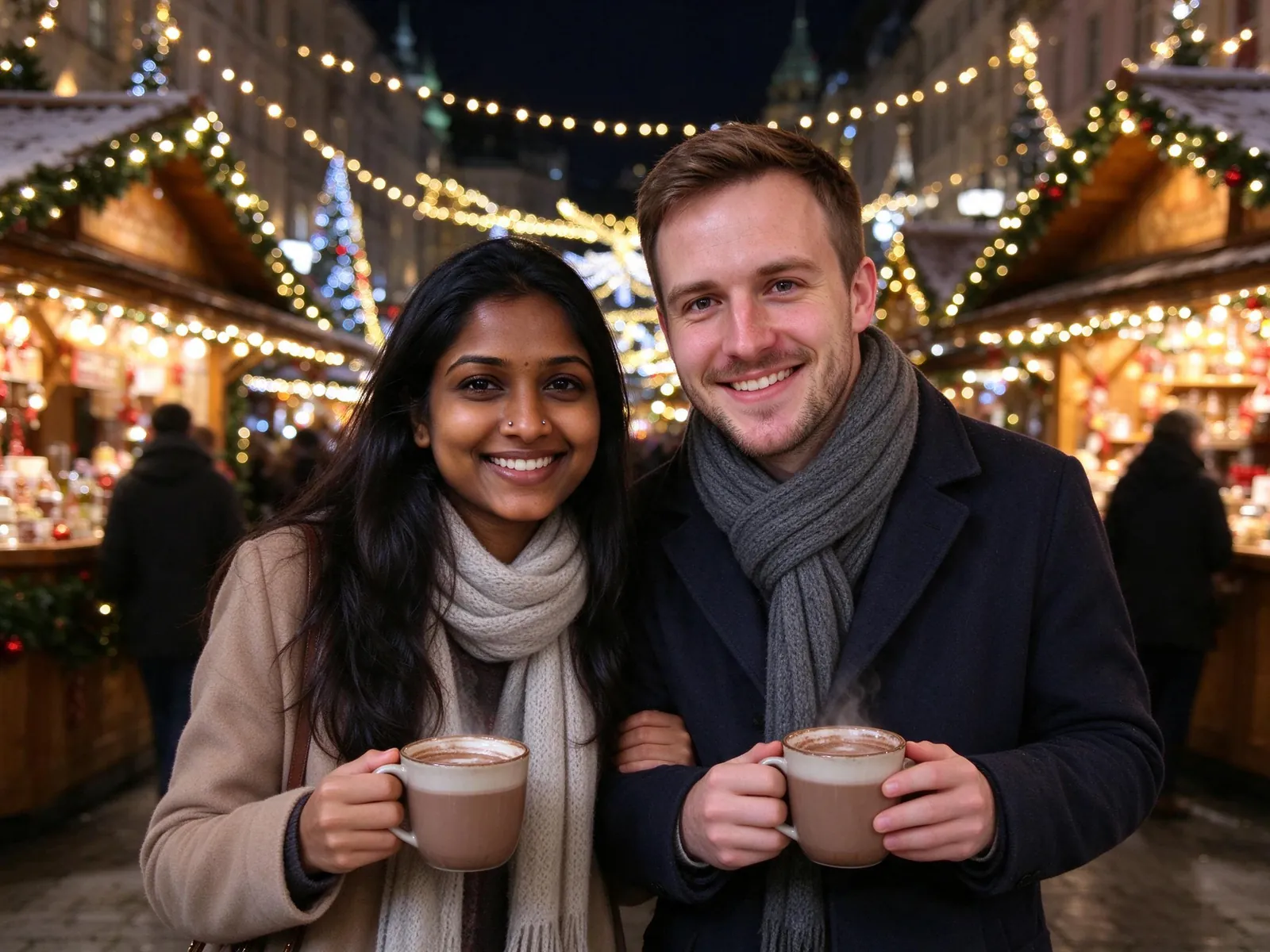
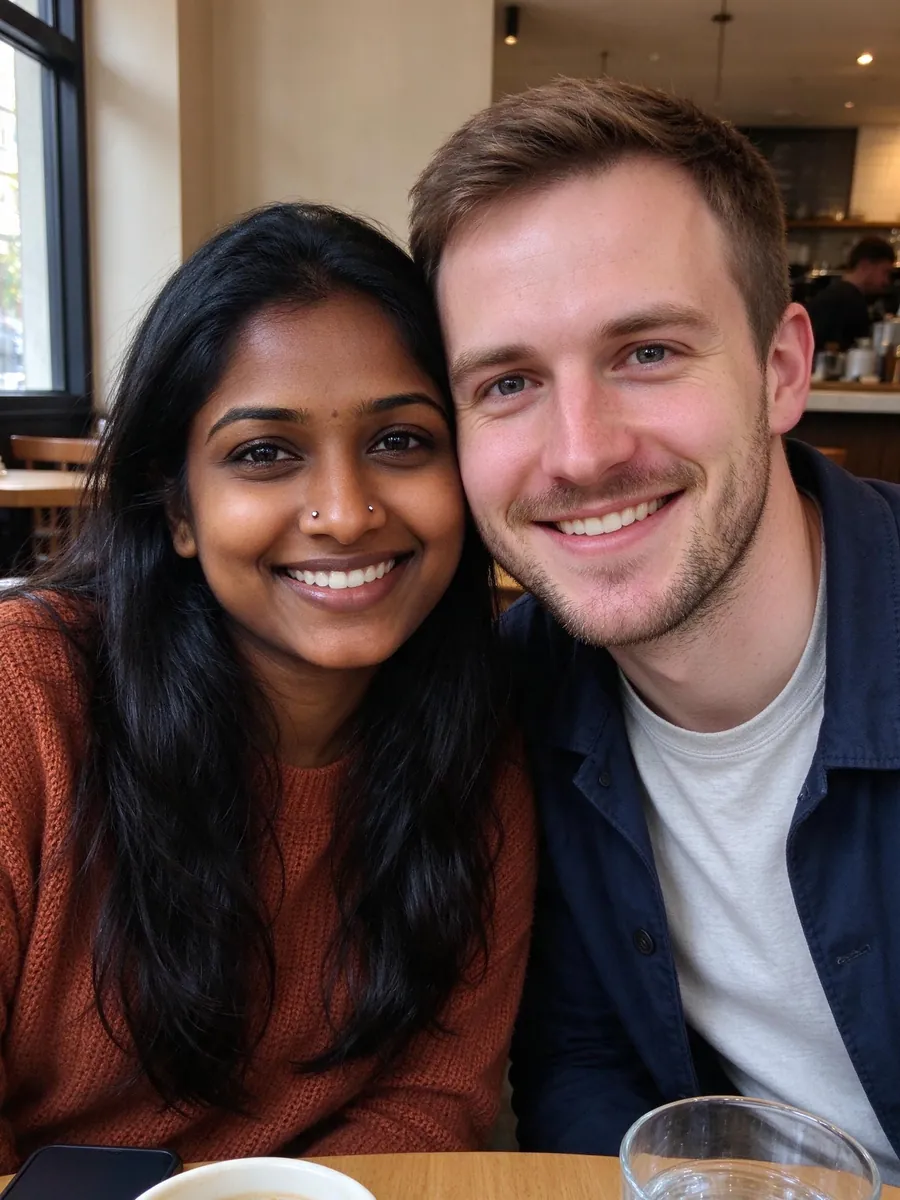
Supplied AI-generated examples with fictional people. These are not results from your upload. Some examples use an existing couple photo; this workbench takes a separate portrait of each person.
How to use the AI couple photo generator
1. Give each person a separate upload slot
Start with one recent portrait of each adult. Put your own photo in You and your partner’s photo in Partner, rather than placing a shared group photo in both slots. The second angle in a slot is an optional reference for that same person, not a third participant. Choose a sharp photo with the whole face visible and even lighting. You can name the slots, crop a photo or remove it before you continue. Prepare both people’s photos before signing in.
2. Choose a setting and pose together
Pick a moment that suits the picture you want: a first Christmas, an anniversary dinner, a snowy walk, an engagement portrait or a Paris café. Then choose side by side, a gentle hug or holding hands. These controls describe a newly generated scene; they do not prove that the two people were photographed there. Keep the original clothes for a familiar look. Choose portrait 4:5 for a taller composition or square 1:1 for a compact social image.
3. Review the price and every face
Check that you have permission from both adults, then review the cost beside the generation button. An eligible verified new account can use its 10 gift credits for one visibly watermarked 1K preview. A standard paid 2K portrait uses 10 credits per photo; generating a group uses the total shown before submission. After generation, compare the references with the result. Inspect both faces, hands, body proportions, clothing and background details before downloading or sharing.
Photos that work better for a couple portrait
Use clear, recognizable reference photos
Choose a front-facing or slightly turned face, with eyes visible and no sunglasses or mask. Use natural, even light and a photo in which the face occupies a useful part of the frame. A second angle can add information, but should show the same adult. A recent, minimally filtered photograph usually provides a clearer reference than a tiny face cropped from a distant group shot. If a quality warning appears, review it and replace the image when necessary before generating.
Avoid conflicting or ambiguous references
Do not mix two people into one person’s slot or upload a child’s photo to this adult couple workflow. Avoid heavy beauty filters, screenshots, motion blur and deep shadows across the face. If you want more than two people or want to include a pet, use the family portrait or pet portrait workbench instead. Do not use somebody else’s photos to suggest a relationship or event they have not agreed to portray. Ask both people to review the result before publishing it.
What an AI couple photo can and cannot promise
The generator asks the model to preserve both identities, ages, skin tones and builds, but this is not a guarantee of exact likeness. A new pose or lighting setup may change small facial details, and hands or accessories can be inconsistent. A romantic setting is a creative image, not evidence of an engagement, trip or other real event. Keep the image labelled as AI-generated when you share it. The supplied examples illustrate possible scenes; they do not establish a success rate for your photos.
Your photos, permission and deletion
Photo preparation and the local draft stay in your browser until you request generation. Generating sends prepared reference photos privately through our image provider. Uploaded references are scheduled for deletion after 24 hours; generated results stay until you delete them with your account's deletion controls. Deleting a local draft removes that workbench’s browser copy without clearing the family or pet draft. The adult-consent checkbox records your statement that both people are adults and agree. It does not automatically verify anybody’s age.
AI family photo pricing
Pay once for a credit pack. A standard HD family photo uses 10 credits. See checkout availability on the pricing page.
Starter
$9.99
200 credits
Pack credits are valid for 1 year. A standard 2K family portrait uses 10 credits.
View credit packsFamily
$19.99
450 credits
Pack credits are valid for 1 year. A standard 2K family portrait uses 10 credits.
View credit packsHoliday
$39.99
1,000 credits
Pack credits are valid for 1 year. A standard 2K family portrait uses 10 credits.
View credit packsMonthly plans
Compare monthly plansCan we start from two separate photos?
Yes. Upload one clear adult portrait into each of the two slots. You may add a second angle of the same person within a slot. The tool composes a new couple scene; it does not simply place two unedited photos next to each other. Both adults must agree to the use of their photos.
Can children use the couple photo workflow?
This couple workflow is for two consenting adults. Do not upload a child here. Use the family portrait workbench for an appropriate family photo, with guardian permission for children. The couple checkbox is an attestation from the person submitting the photos, rather than automatic age verification.
Is an AI couple photo free?
Eligible verified new accounts receive 10 gift credits for one watermarked 1K preview. A standard paid 2K photo costs 10 credits and has no watermark. Review the current quote before generating. Preparing a draft and browsing examples do not spend generation credits. Credit packs and subscriptions are explained on the pricing page.
What if generation fails or a face looks different?
System failures follow the automatic retry and credit-refund policy. A completed photo that looks unlike its reference is handled separately: eligible paid tasks can replace a reference and request one free redo under the published rules. A redo does not guarantee better likeness. Keep the task in your photo library so you can review its status and available actions.
Can I use the result for a card or announcement?
You can download the result for personal use and prepare a card with the available card tools. Review the actual output dimensions before printing; a large print may reveal details that are less noticeable on a screen. Tell recipients it is an AI-generated image, and do not use it as a factual record of an engagement or other event.
Make a picture of you two
Bring one portrait each, agree on a scene and review the result together.
Prepare your family photo