Starter
$9.99
200 credits
Pack credits are valid for 1 year. A standard 2K family portrait uses 10 credits.
View credit packsBring three generations together, one clear photo per person.
2Add each family member’s photo
JPG, PNG or WebP. A clear, well-lit face works best.
Take photo / Choose from library
Prepared on your device. Uploaded copies expire after 24 hours.Photo privacy
Verify your email to get one free 1K preview with a visible watermark.
Your photos stay in this browser while you prepare them.
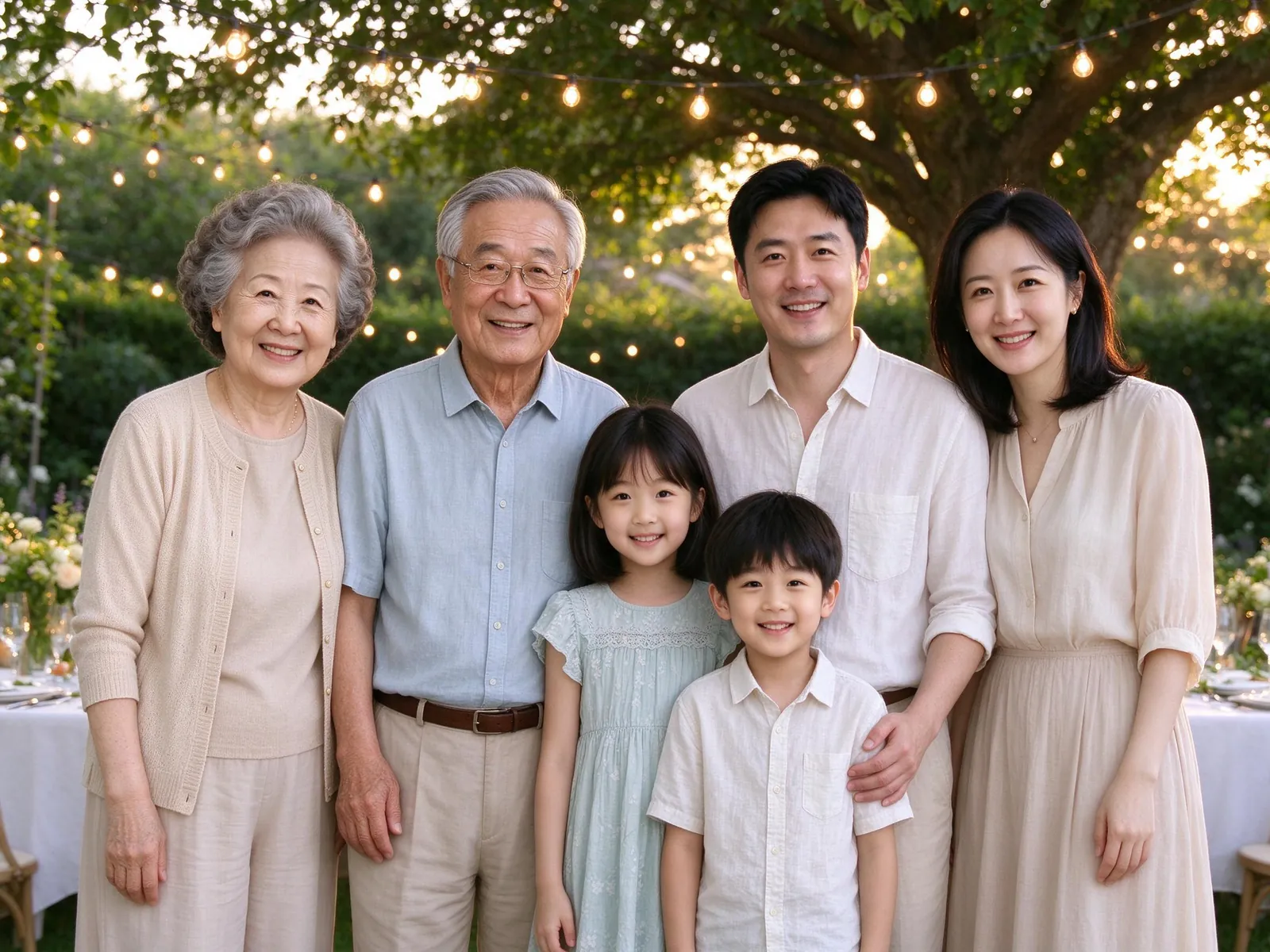
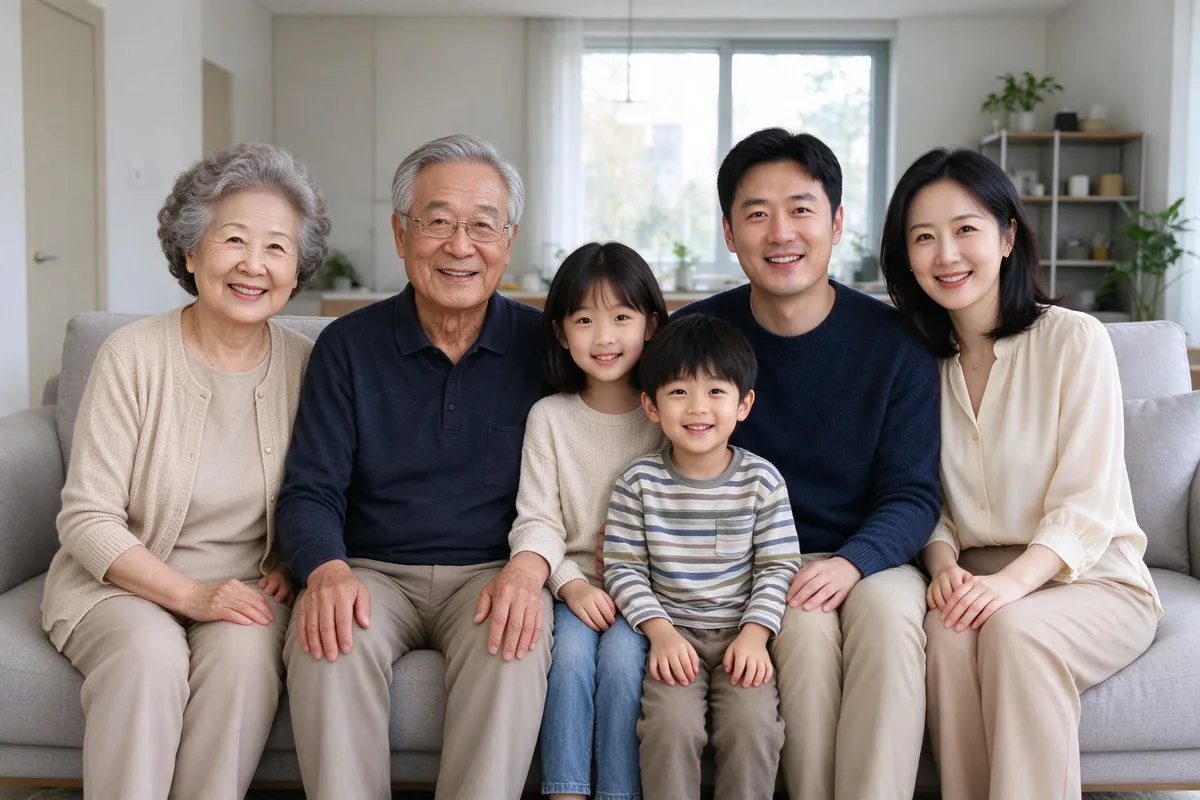
Supplied AI illustrations, not a preview of your upload or a measured quality benchmark.
Start with three separate slots for a grandparent, a parent and a child, then add or remove slots to fit your family. Each slot represents one person, rather than one generation or household. Choose a recent, well-lit photograph where that person’s face is clear and large enough to inspect. Avoid a distant face inside a crowded group photograph. A label such as Grandma or Alex helps you review the inputs; it is not a request to add text to the final picture. You may add a second angle to the same slot without counting that person twice.
Before generating, enter the number of people and the number of pets you actually uploaded. The service supports up to eight people, three pets and ten reference photographs in total. A second angle uses one of those ten references, even though it does not add another person. Empty slots do not count as uploaded family members. If someone is missing an image, add their photograph or remove the unused slot before confirming the counts. These limits apply equally to grandparents, adults and children; a larger family does not cost more per generated image.
The garden-party scene offers an outdoor family setting; the flower-lined front porch offers another place to gather several generations. Both use the existing family portrait recipes. Choose a template to keep that selection and synchronize the example on the right. Automatic example rotation stops when you make a manual choice. The examples are supplied AI illustrations, rather than results made from your photographs. Choose a portrait, square or landscape canvas, and decide whether to keep the people’s reference clothing or request coordinated, age-appropriate clothes for the scene.
Upload photographs only when you have permission to use them, including consent from a child’s parent or guardian. Generation requires signing in. The quote beside the button shows the available output, number of images, credits required and resulting balance. An eligible account with a verified email may receive ten restricted welcome credits for one visibly watermarked 1K preview. Paid family portraits use ten credits per image for 2K output without the visible preview watermark. Batch availability follows the account’s wallet and plan. This page uses the same wallet as the other portrait tools; preparing a separate draft does not create more free credits.
A multi-generational family portrait can change a person’s age, hairstyle, skin texture, expression or facial details. Inspect grandparents and children as carefully as the adults in the middle generation. The result review provides references alongside the generated image and, when local detection is available, enlarged face areas that you select yourself. Face rectangles do not establish identity, and the service does not promise that a detected face resembles the right family member. If local detection fails, use the whole-image comparison. Check the number of people, natural hands, body proportions and clothing before downloading. For pets, compare the animal’s markings and body yourself: human-face detection does not identify or count animals. Rate the result and select the relevant feedback reasons. Eligible successful paid tasks offer one free redo after replacing a reference or adding a clearer second angle, subject to the account’s daily limit; that is an opportunity to try a better input, not a guarantee of a better likeness.
This workspace stores its prepared draft in a separate local browser record, so opening the general family tool or the pet tool does not replace it. Local storage can be unavailable, cleared or removed by your browser, and a local draft is not a permanent backup. Download photographs you want to retain. When you submit a generation, processed reference photographs are sent through the configured KIE provider; preparing a draft alone does not submit a model request. The product retention policy keeps uploaded references for twenty-four hours and generated results for thirty days. Use My photos to recover an account-owned task while it is available, and the account tools to delete photographs or the account. Failed system tasks follow the existing retry and credit-return process. A request that is still pending should be recovered rather than submitted again just because you reloaded the page.
Save an available result as PNG or JPG, or use the group ZIP option when the batch supports it. The printing tools offer 4×6 and 5×7 inch layouts and show the source pixels and estimated print resolution. Layout changes do not reconstruct missing facial detail or turn a low-resolution preview into a high-resolution original. Check faces, edges and cropping at the size you intend to print, especially when several generations share the frame. The browser export prepares a file; it does not order a physical print or ship a framed portrait. Larger 4K upscaling is not offered by this launch flow. Results are private by default. Creating an optional private link lets a person holding that link view the selected result until its expiry; revoke it when the family no longer needs it. A download someone has already saved cannot be taken back by revoking the link.
Pay once for a credit pack. A standard HD family photo uses 10 credits. See checkout availability on the pricing page.
$9.99
200 credits
Pack credits are valid for 1 year. A standard 2K family portrait uses 10 credits.
View credit packs$19.99
450 credits
Pack credits are valid for 1 year. A standard 2K family portrait uses 10 credits.
View credit packs$39.99
1,000 credits
Pack credits are valid for 1 year. A standard 2K family portrait uses 10 credits.
View credit packsYes. Use one slot for every person and keep any second angle in that person’s slot. Start with the three supplied slots and add or remove people as needed, up to eight people and ten reference photographs in total. This workspace uses the same validated family-photo generation path as the main family tool. It does not require all generations to have been photographed together, and the supplied examples are not your result preview.
Exact identity or age preservation is not guaranteed. AI can change details, miss a person or add an unexpected face. Review each family member and use the reference comparison before sharing or printing. Automatic people-count checks address obvious count problems through the existing retry and return process; they do not certify likeness. The real-world twenty-family quality benchmark has not been completed for this preview page.
The number of people does not change the ten-credit paid price per generated 2K image, within the supported limits. Generating several images multiplies that price and remains subject to the account’s batch allowance. Restricted welcome credits cover one 1K watermarked preview and cannot pay for upscaling or a paid multi-image batch. Check the live quote before submitting; no credits are consumed merely by choosing a scene or preparing the local draft.
Start with the photos you already have. Pick a scene that feels like home.
Prepare your family photo