Combine two photos into one
Bring two people from separate photos together — siblings, friends, a parent and child.
1Add two photos
JPG, PNG or WebP. A clear, well-lit face works best.
Awaiting quality review. Generation is unavailable; no credits are charged.
- Add photos
- Check counts
- Give permission
Verify your email to get one free 1K preview with a visible watermark.
Your photos stay in this browser while you prepare them.



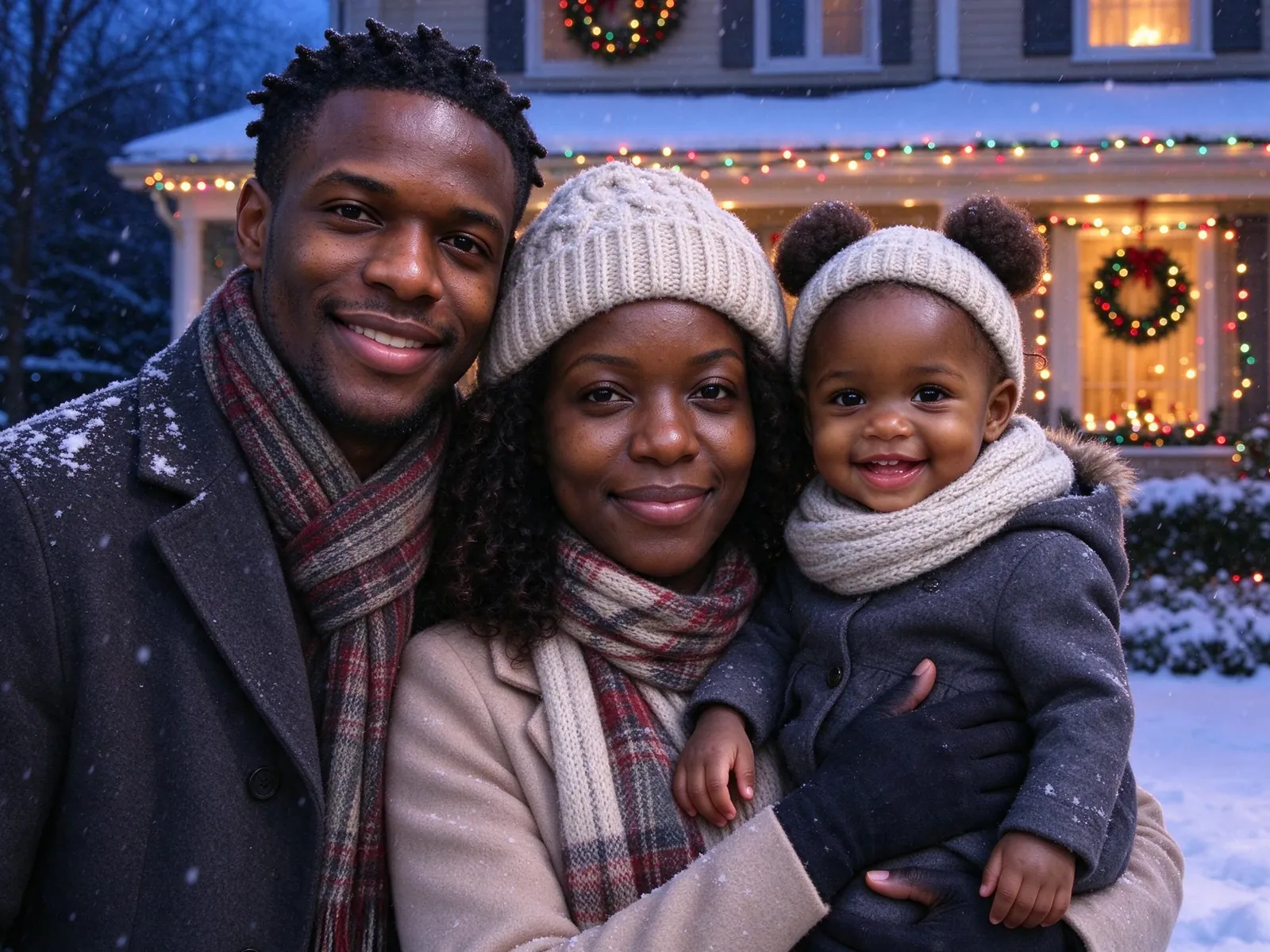
Supplied AI illustrations, not your upload or a measured quality benchmark.
Prepare your two-person portrait
Add two people
Place one clear individual photo in Person A and one in Person B. This tool accepts exactly two people and no pets. For larger groups, use the family portrait tool.
Choose a setting
Choose side by side, a gentle hug, a wedding-day setting or a holiday sofa. A wedding setting does not imply the two people are marrying.
Choose framing
Keep natural height or align eye levels through pose and framing. Children keep their age and natural proportions. Choose 4:5, square or landscape.
Review before submitting
Confirm permission from every adult and the guardian of any child. Check the cost, resolution and watermark. New combine generation stays unavailable until its quality review is complete.
One clear photo per person
Use an individual photo with a visible face and even light. Separate photo slots keep references assigned to each person. Group photographs, pets and extra angles belong in the general family tool.
Keep children child-sized
Natural height preserves relative size. Similar eye level requests seated positioning or camera framing, rather than making a child look older or taller. AI can still alter details, so review both people before sharing.
Private preparation and recovery
The two-photo tool has a separate local draft, sign-in return and task recovery. Uploaded references expire after 24 hours. Generated results stay until you delete them. Preparing photos and viewing illustrations do not use credits.
More family photo tools
AI family photo pricing
Pay once for a credit pack. A standard HD family photo uses 10 credits. See checkout availability on the pricing page.
Starter
$9.99
200 credits
Pack credits are valid for 1 year. A standard 2K family portrait uses 10 credits.
View credit packsFamily
$19.99
450 credits
Pack credits are valid for 1 year. A standard 2K family portrait uses 10 credits.
View credit packsHoliday
$39.99
1,000 credits
Pack credits are valid for 1 year. A standard 2K family portrait uses 10 credits.
View credit packsMonthly plans
Compare monthly plansCan I combine more than two people?
Use AI Family Portrait for up to eight people and three pets, within ten reference photos. This dedicated tool has exactly two individual person slots.
Will faces or ages change?
The recipe asks to preserve each person’s identity, age, skin tone and natural proportions. AI can change details. Review every face against the original references; supplied illustrations do not establish quality for your family.
When can I generate, and what will it cost?
Generation remains closed pending quality verification. When available, the existing family-photo quote applies: 10 credits per paid 2K image, with the existing one-time watermarked 1K signup preview only for eligible accounts. This tool adds no new signup allowance.
Get everyone in the picture
Start with the photos you already have. Pick a scene that feels like home.
Prepare your family photo