Starter
$9.99
200 credits
Pack credits are valid for 1 year. A standard 2K family portrait uses 10 credits.
View credit packsRich colors and visible brush texture for a classic family portrait.
1Add everyone’s photo
JPG, PNG or WebP. A clear, well-lit face works best.
Take photo / Choose from library
Prepared on your device. Uploaded copies expire after 24 hours.Photo privacy
Awaiting quality review. Generation is unavailable; no credits are charged.
Verify your email to get one free 1K preview with a visible watermark.
Your photos stay in this browser while you prepare them.
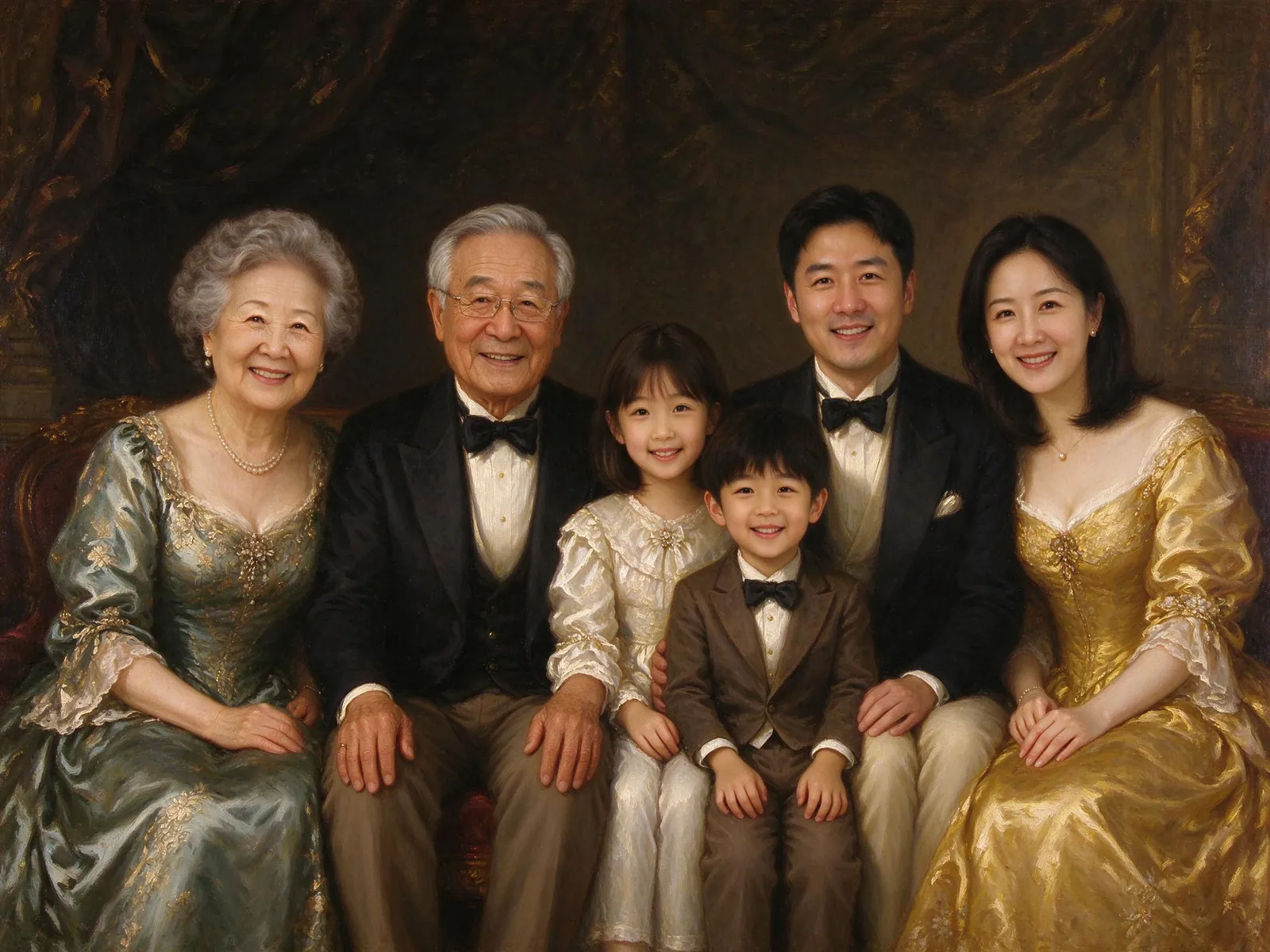

Supplied AI illustrations, not your upload or a measured quality benchmark.
Give each person or pet their own photo slot. Use clear, well-lit references. A second angle belongs in the same slot and does not add another subject.
Move from a subtle illustration toward a stronger painted or drawn surface. Stronger effects can soften facial details; check the result against your references.
Pick a garden, studio, everyday living room or beach, then choose a canvas and whether to keep the original clothes. The examples show illustrative possibilities, not live previews of these settings.
Confirm permission and review the displayed cost, resolution and watermark. New style generation stays unavailable until its quality review is complete. Viewing examples and preparing photos do not use credits.
Up to eight people, three pets and ten reference photographs in total use the existing family-photo limits. Keep children child-sized in your references. The generator uses each person’s own references rather than a shared face description.
Painted and drawn treatments may soften skin, hair or small features. Review every person’s age, expression and identifying details before sharing. A supplied illustration does not prove recognizability for your family.
Each style has its own local draft and sign-in return. Uploaded references are private and expire after 24 hours; results stay until you delete them. Check the stated pixel dimensions before preparing a print.
Pay once for a credit pack. A standard HD family photo uses 10 credits. See checkout availability on the pricing page.
$9.99
200 credits
Pack credits are valid for 1 year. A standard 2K family portrait uses 10 credits.
View credit packs$19.99
450 credits
Pack credits are valid for 1 year. A standard 2K family portrait uses 10 credits.
View credit packs$39.99
1,000 credits
Pack credits are valid for 1 year. A standard 2K family portrait uses 10 credits.
View credit packsNo. Preparing photos, changing settings and viewing examples do not generate an image. Generation is available only after the style’s quality verification is complete.
It uses the existing family-photo quote: eligible verified new accounts may use the one-time 10-credit watermarked 1K preview; paid photos cost 10 credits each with 2K output. Review the displayed quote and eligibility before submitting.
These presets use general watercolor, oil-painting, pencil and cartoon directions. There is no artist-name, studio-name or copyrighted-character prompt field. Use the controls to choose a general treatment.
Start with the photos you already have. Pick a scene that feels like home.
Prepare your family photo