Just you
One clear selfie is enough for a festive portrait for your profile or a card. The scenes were written for groups, so compare your face with the original before you share.
This AI Christmas photo generator turns everyday snapshots into one festive picture: just you, the two of you, the whole family or the dog. Pick a holiday scene, upload one photo per person, and review the credit cost before you generate.
2Add everyone’s photo
JPG, PNG or WebP. A clear, well-lit face works best.
Take photo / Choose from library
Prepared on your device. Uploaded copies expire after 24 hours.Photo privacy
Verify your email to get one free 1K preview with a visible watermark.
Your photos stay in this browser while you prepare them.


Examples use fictional AI-generated people. Some results were selected from two attempts. Actual results can vary.
Nine Christmas scenes, from matching pajamas to a photo with Santa. Each one works for one person, a couple or a household with pets.
A cozy living room with warm lights and a decorated tree.
Choose this scene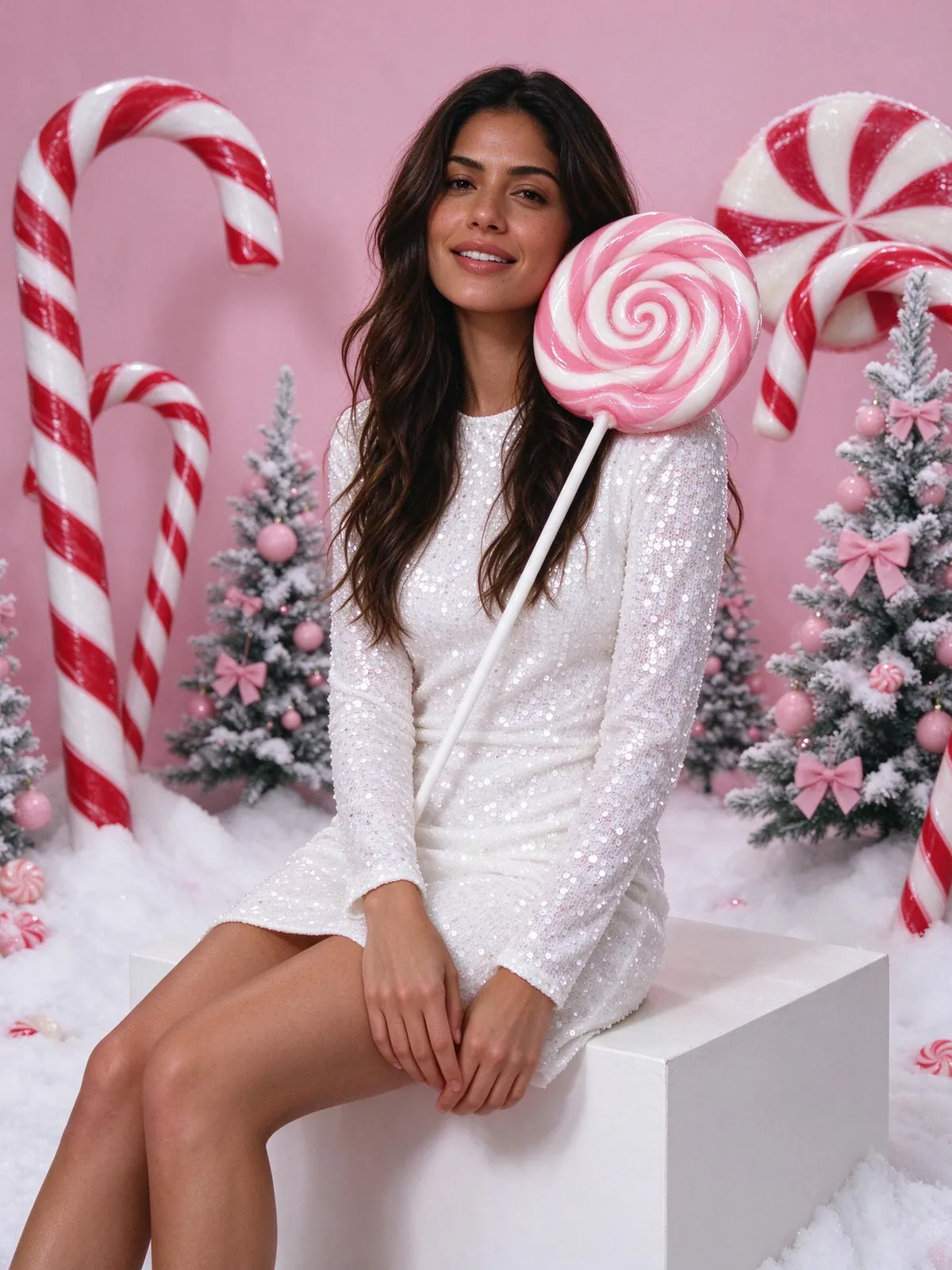
A candy-shop studio with a giant peppermint lollipop, frosted pink trees and fake snow.
Choose this scene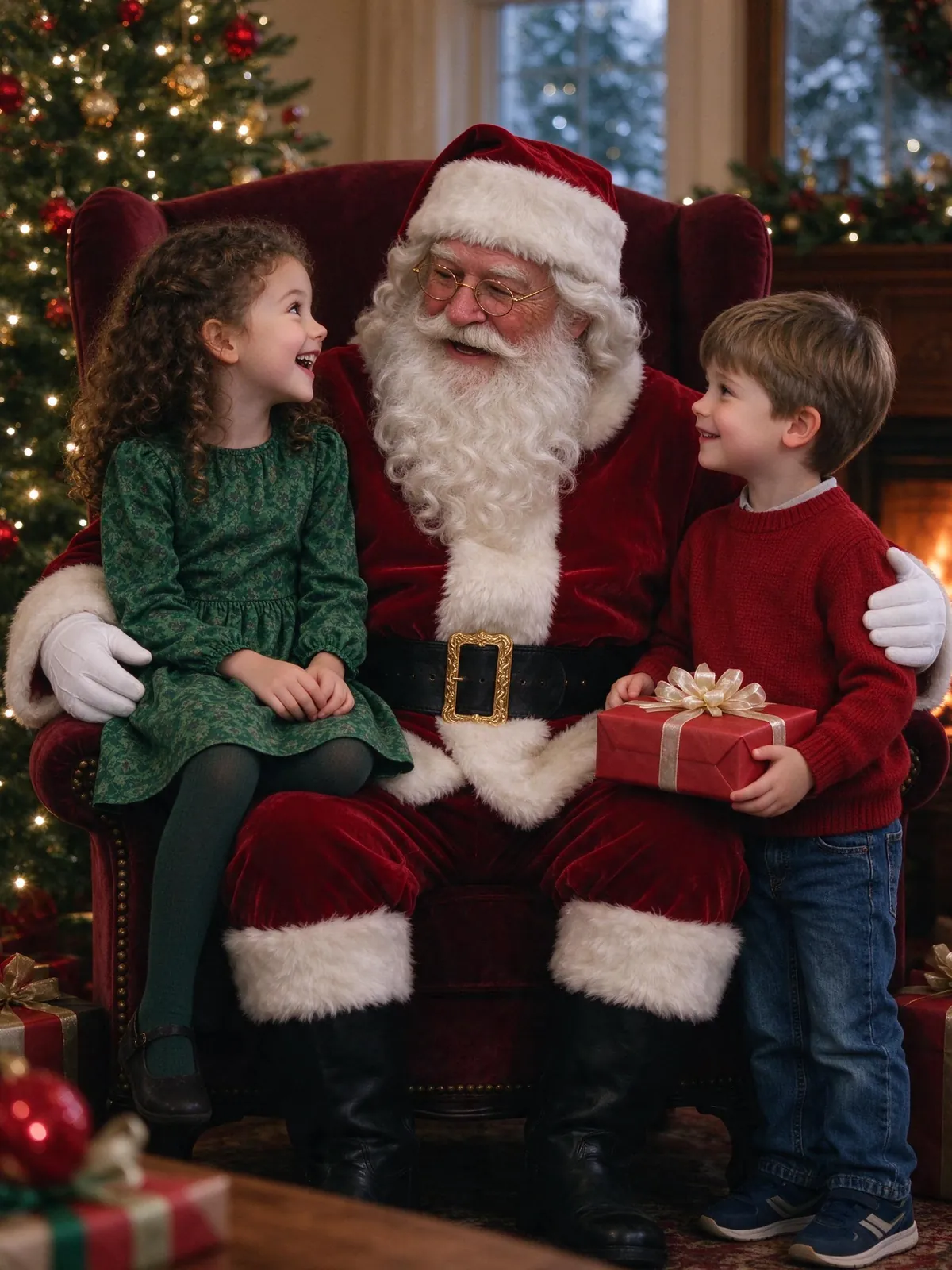
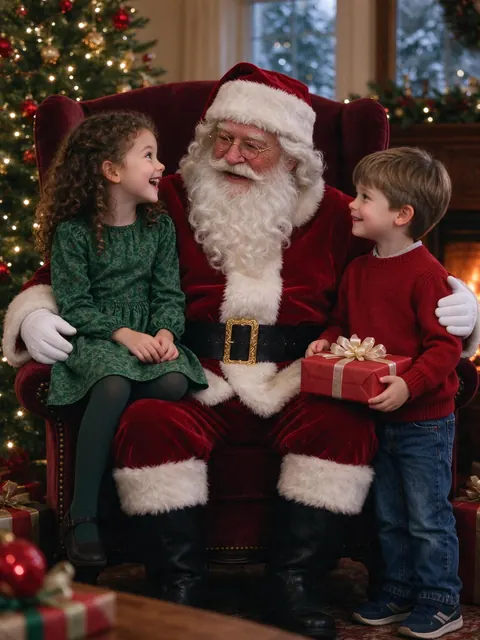
A fictional AI Santa in his armchair by the tree, with the kids beside him.
Choose this scene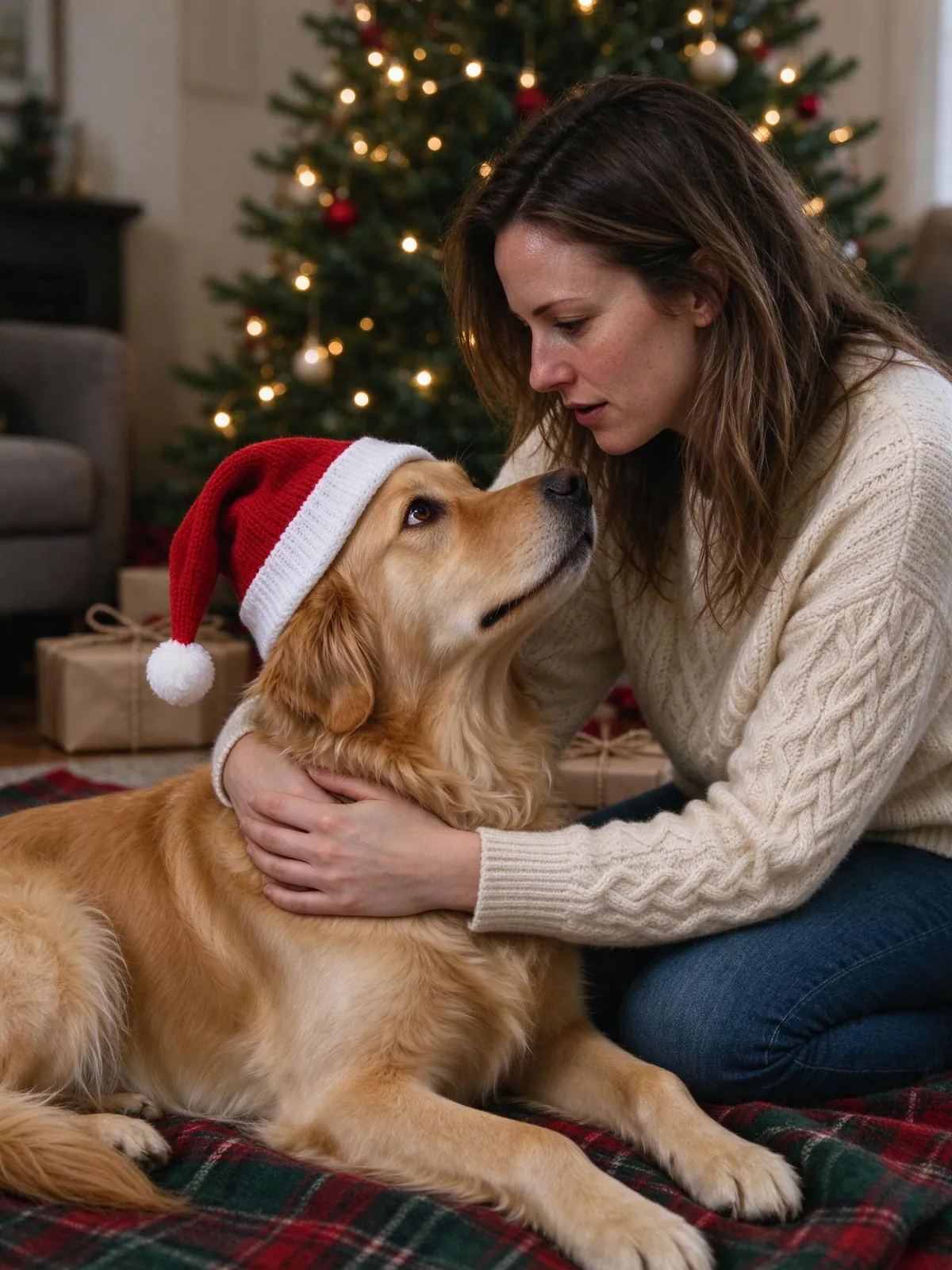
Your dog or cat on a plaid blanket under the tree, in a little Santa hat.
Choose this scene
A tiny snowy village inside a glass snow globe, with warm festive lights.
Choose this scene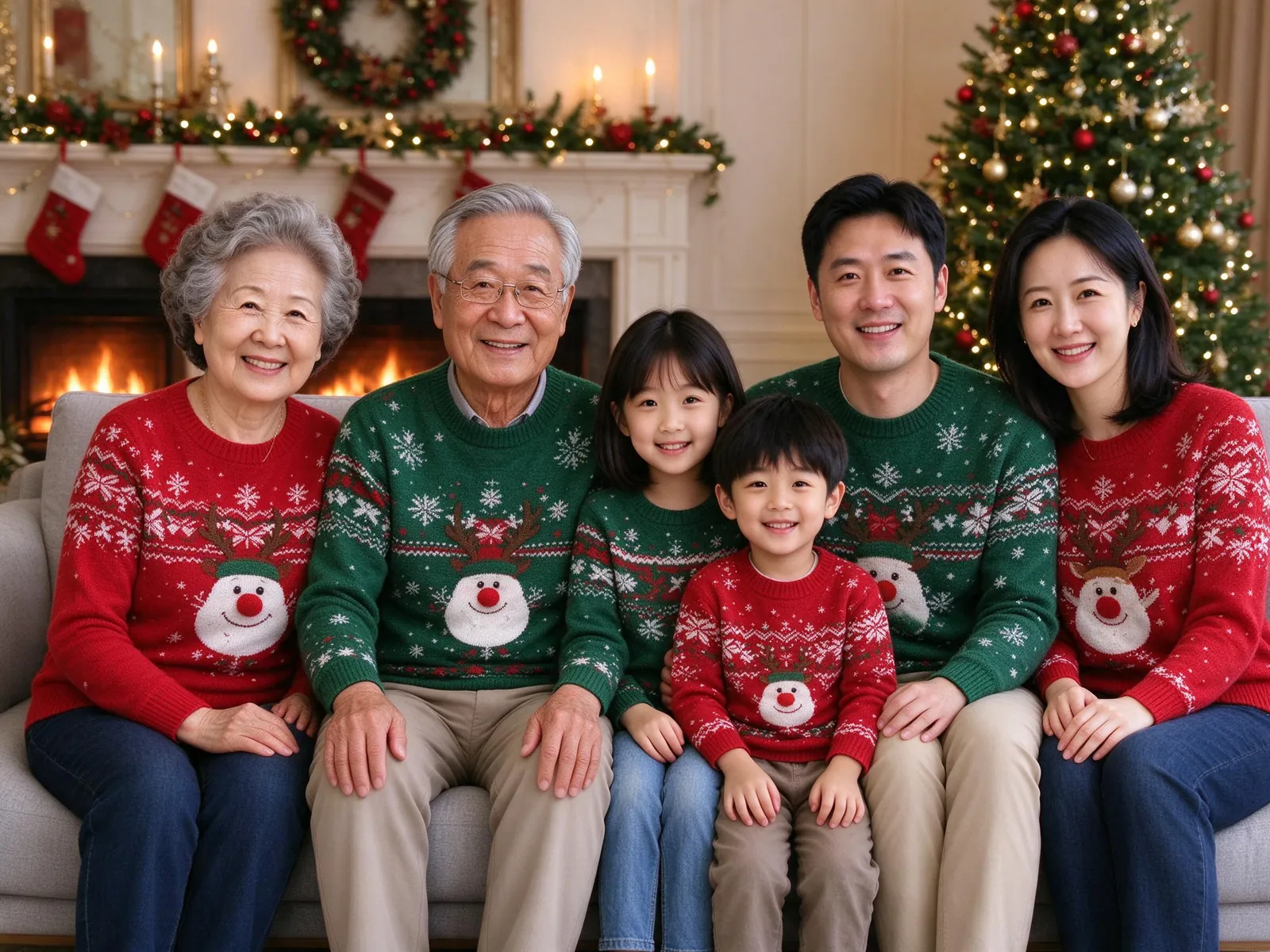
The tree beside a fireplace, stockings hung, everyone in sweaters.
Choose this scene
A snowy front yard with lights, a wreath and gentle snowfall.
Choose this scene
Baking Christmas cookies together in a warm kitchen.
Choose this scene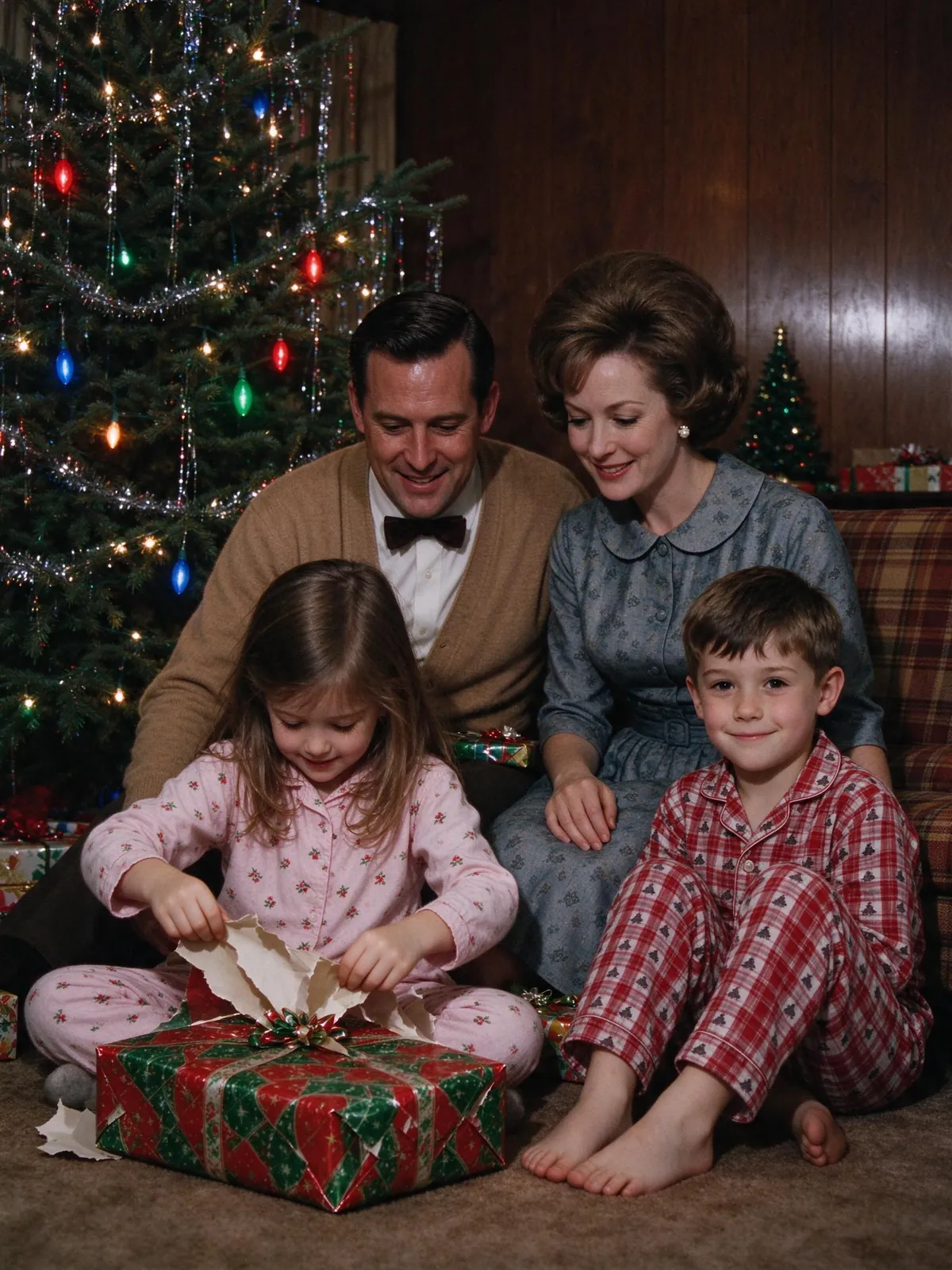
A 1960s living room in warm Kodachrome color, tinsel tree and all.
Choose this sceneOne clear selfie is enough for a festive portrait for your profile or a card. The scenes were written for groups, so compare your face with the original before you share.
Two photos, one slot each. You don’t need to have been in the same place, or even the same country.
Up to 8 people, including relatives who live far away. Each person sends one recent photo.
Add up to 3 pets in their own slots, with or without people. Fur and markings can change a little, so compare your pet too.
Add a slot for each person and pet: just you, a couple, or the whole family.
One recent, well-lit face per photo. Then choose a Christmas scene and the canvas shape.
Check every face against its original before you download or share. If a photo fails, the credits come back automatically.
Verify your email and you get 10 credits: one 1K Christmas photo with a visible watermark, enough to try a scene on your own photos. After that, a 2K photo without a watermark costs 10 credits, and the cost is shown beside the button before you generate. Plans add credits every month.
A photo from this year keeps ages right. Faces turned well away from the camera are harder to match.
Soft window light shows skin tone and eye color best. Skip filters and beauty modes.
Keep everyone’s own clothes, or choose “match the scene” for matching sweaters or pajamas.
4:5 for cards and Instagram, 16:9 for a banner or TV screen, 1:1 for a profile picture.
Put the finished photo into a Christmas card layout with your own greeting and export a 4×6 or 5×7 PNG or PDF. Card layouts use no credits. Or post it as your holiday profile picture and send prints to the grandparents.
Open the Christmas card generatorPay once for a credit pack. A standard HD family photo uses 10 credits. See checkout availability on the pricing page.
$9.99
200 credits
Pack credits are valid for 1 year. A standard 2K family portrait uses 10 credits.
View credit packs$19.99
450 credits
Pack credits are valid for 1 year. A standard 2K family portrait uses 10 credits.
View credit packs$39.99
1,000 credits
Pack credits are valid for 1 year. A standard 2K family portrait uses 10 credits.
View credit packsPick a Christmas template on VibePico, upload one clear photo of each person (or pet), choose the canvas and generate. Each 2K photo costs 10 credits, and you see the cost on the button before you start.
It depends on what you need. Gemini and ChatGPT are free but need a written prompt and one group photo. VibePico gives you ready-made templates and combines separate photos. Sign-up includes 10 credits for one watermarked 1K photo.
Partly. Verified sign-up includes 10 credits for one watermarked 1K photo. Watermark-free 2K photos cost 10 credits each, from packs starting at $9.99 for 200 credits.
Nine: matching pajamas, fireplace sweaters, snowy front yard, baking cookies, candy cane studio, photo with Santa, pet portrait, snow globe and vintage 1960s. Card layouts for the finished photo are free.
Yes. Upload one photo per person and VibePico places everyone in the same scene, so nobody has to be in the same room.
Yes. Add up to 3 pets next to the people, or make a pet-only portrait with a Santa hat by the tree.
Each prompt asks the model to keep every face, age and skin tone from its reference. Compare each face with the original before you share, and if one looks off, try again with a clearer photo for free.
One recent photo per person: face visible, eyes open, no sunglasses or heavy filters, ideally daylight. JPG, PNG, WebP and HEIC work.
Up to 8 people and 3 pets. Couples and families of four to six look most natural. For bigger groups, pick the wide 16:9 canvas so every face stays large enough.
Yes. Paid photos are 2K, which prints well at 4×6 and 5×7 inches, and the Christmas card layouts use no credits. An 8×10 print needs a 4K upscale, which is not available yet.
No. Each template carries its own scene, outfits and lighting, so you only pick a scene and upload photos.
Our copies of your reference photos expire after 24 hours, and results stay in your account until you delete them. Photos of children need a parent's or guardian's permission.
Upload one photo per person or pet, pick a Christmas scene and see the credit cost before you generate.
Prepare your family photo