AI Decade Photos: 1950s to 1990s, What Looks Real
The AI decade photo trend from the 1950s to the 1990s: the film, light and background details that make each era look real, and the mistakes to avoid.
The AI decade photo is the trend of turning a normal photo into one that looks like it was taken in another era: a 1950s diner, a 1970s road trip, a 90s yearbook. Done well, people do a double take. Done badly, it looks like a costume party with a filter. This guide explains what makes each decade look real, and the mistakes that give an AI photo away.
The example images are AI-generated, and the people in them are fictional.
What makes an AI decade photo look real
Three things matter more than the clothes: the camera, the light and the background.
The camera
Every era has its own film and lenses. A 1950s snapshot has soft grain and slightly faded colour. A 70s photo is warm and a little hazy. A 90s photo has on-camera flash and red-eye. If the image is perfectly sharp and noise-free, it reads as today.
The light
Old cameras used bright on-camera flash indoors and harsh sun outdoors. Soft, flattering studio light across the whole frame is a modern look.
The background
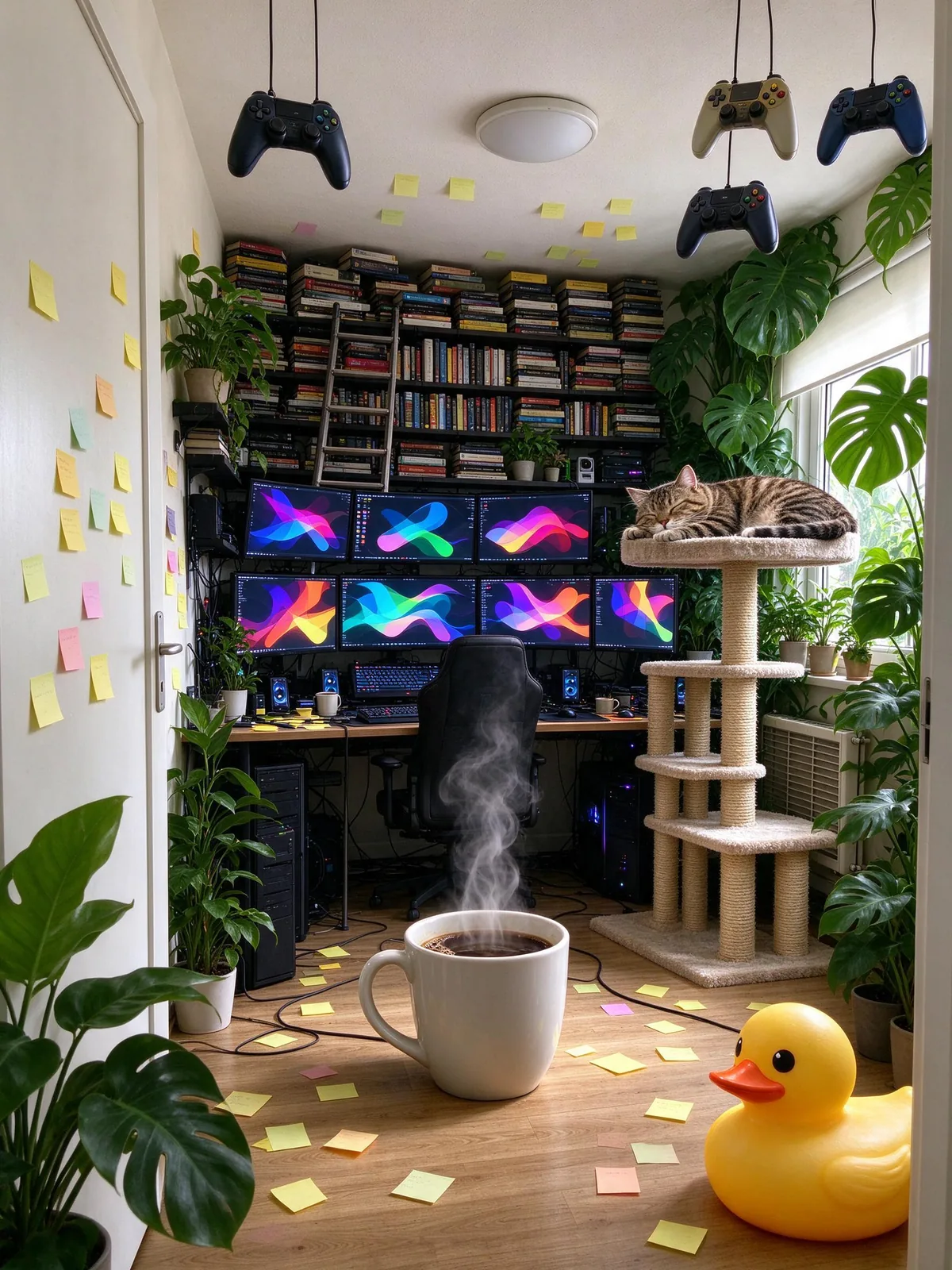
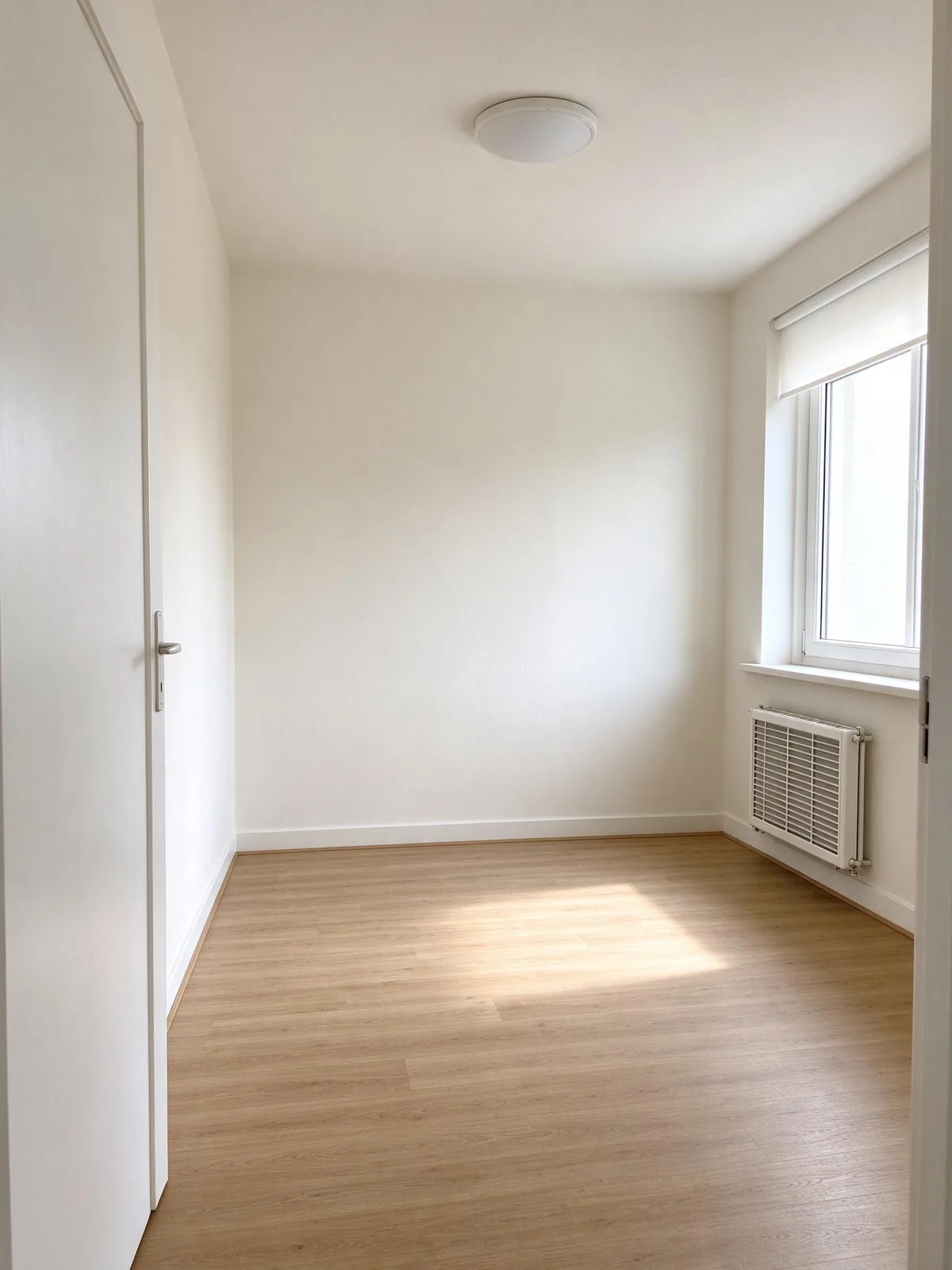
Furniture, cars, signs and packaging date a photo faster than hair. One plastic bottle or LED strip breaks the illusion, which is exactly what the "spot the modern item" game plays with.
The 1950s
The look
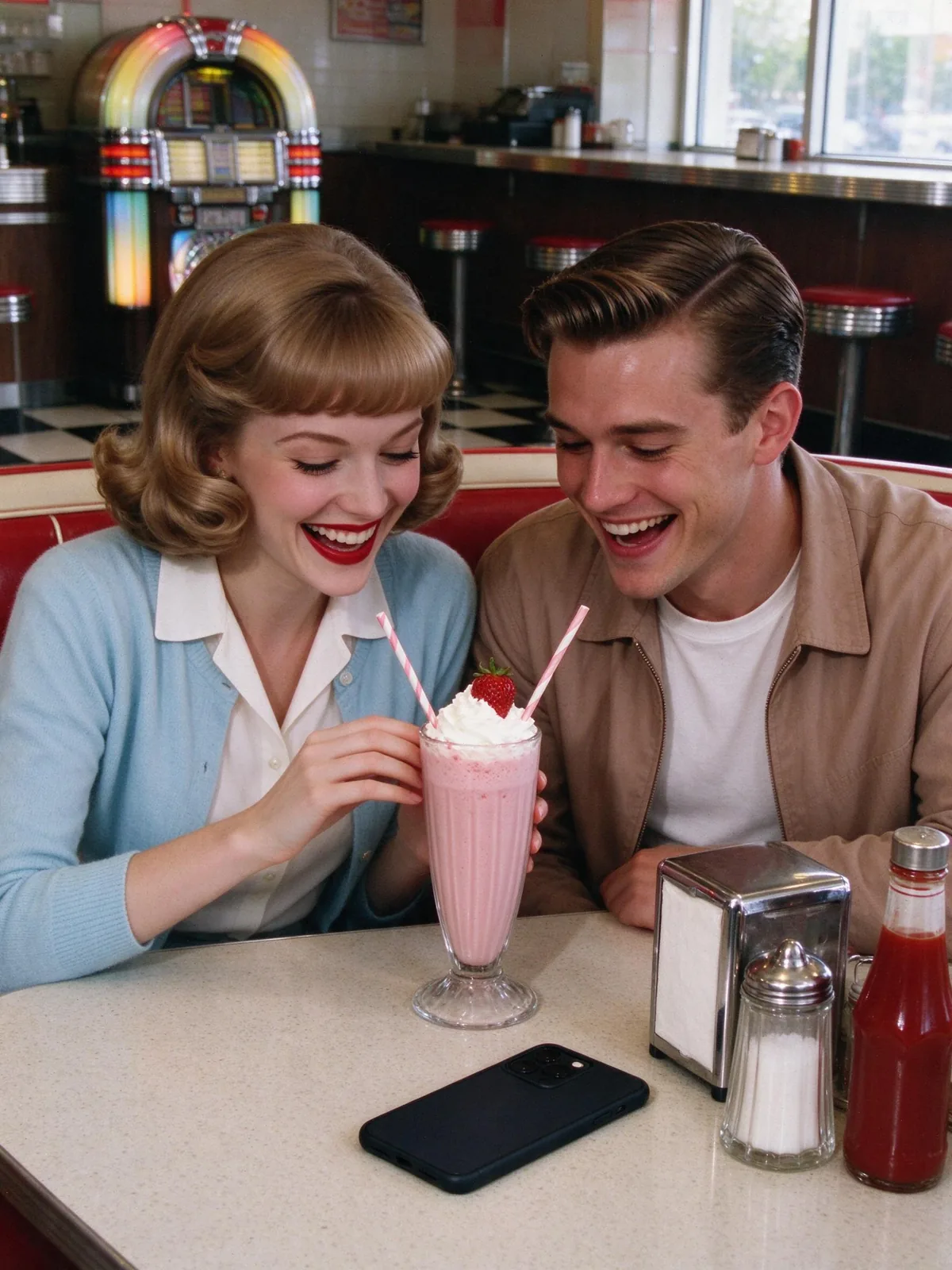
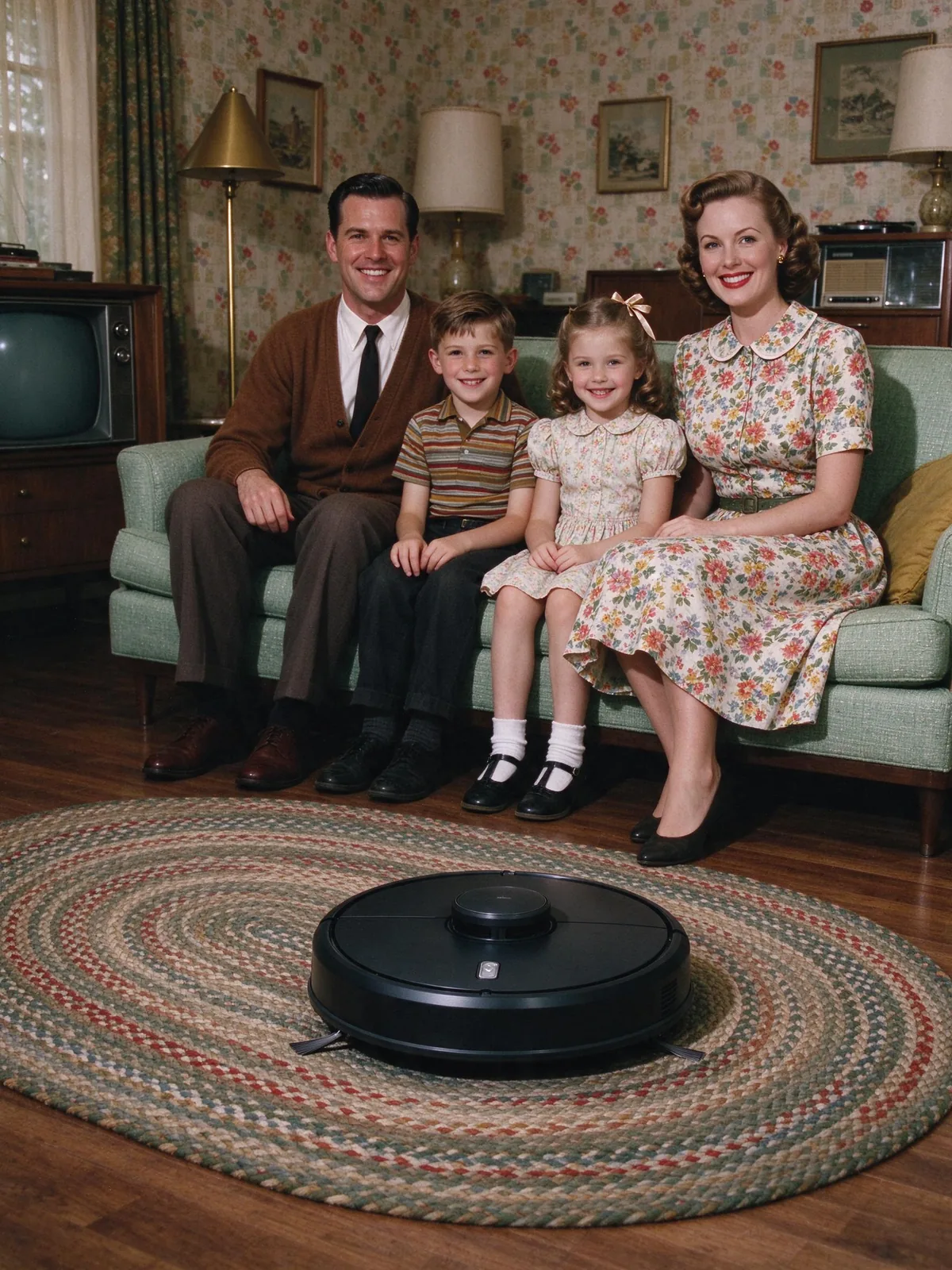
Kodachrome colour with warm reds and teal shadows, or crisp black and white. Diners, mint living rooms, chrome and Formica.
Clothes and hair
Shirtwaist dresses, circle skirts, cardigans, ties, rolled jeans, set curls and side parts.
Common mistakes
Modern makeup, perfectly white teeth and modern glasses frames. The background is the other trap: AI loves to add a flat-screen TV.
For scene ideas, see 15 1950s photo ideas. To turn one into a puzzle, read the spot the modern item prompt guide.
The 1960s
The look
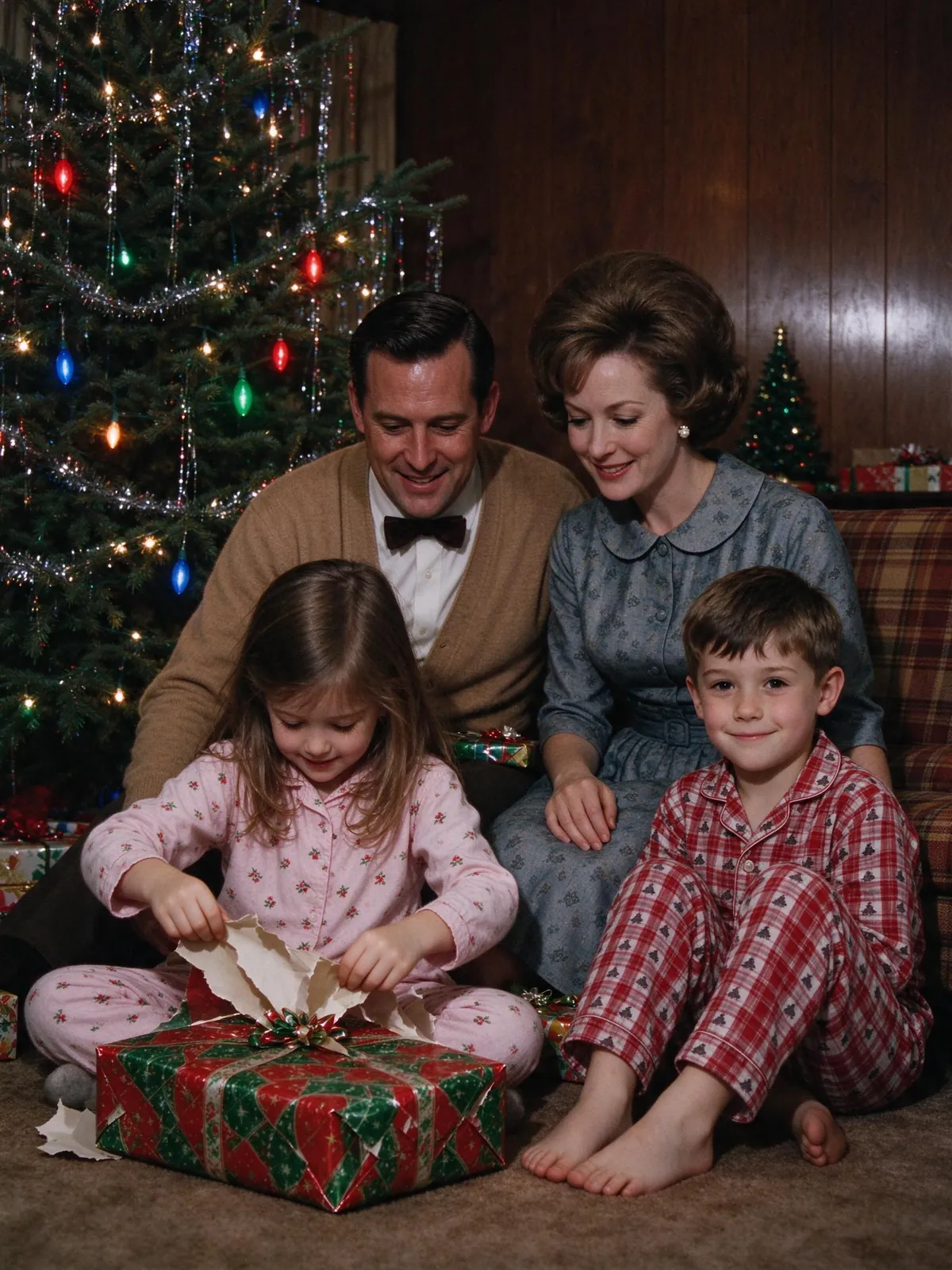
Brighter, more saturated colour and square prints with white borders. Wood panelling, plaid sofas and tinsel Christmas trees.
Clothes and hair
Shift dresses, turtlenecks, bob cuts and bouffants, bow ties for kids.
Common mistakes
Mixing 50s and 60s details can work, but 70s flares and long hair push it too far.
The 1970s
The look
Warm, faded colour with a yellow or orange cast, soft focus and light leaks. Orange kitchens, shag rugs, station wagons and road trips.
Clothes and hair
Flares, wide collars, knitted vests, feathered hair and big sunglasses.
Common mistakes
Too much orange. A gentle warm cast looks real; a heavy filter looks like an app.
The 1980s
The look
Saturated colour, bright flash and glossy prints. Neon, pastel interiors, arcades and malls.
Clothes and hair
Shoulder pads, windbreakers, big perms and bright makeup.
Common mistakes
Neon everywhere. Most real 80s photos were taken at home or on holiday, not at a laser show.
The 1990s
The look
Disposable-camera flash, a date stamp in the corner and slightly washed-out colour. School yearbooks with laser backdrops are the trend favourite.
Clothes and hair
Denim jackets, flannel shirts, scrunchies and curtain hair.
Common mistakes
Perfect skin. Real 90s flash was harsh, with shine and red-eye.
A quick checklist for any decade
Film, not filter
Ask for the film stock or camera of the era, such as Kodachrome, Polaroid or a disposable camera, rather than a "vintage filter".
One year, one place
"A 1974 station wagon road trip" gives a clearer picture than "the 70s".
Name what to leave out
List the modern things you do not want: phones, flat screens, plastic bottles, LED lights, modern glasses.
Real people, real poses
Snapshots from every decade show ordinary moments. A family on a sofa looks more real than a fashion shoot.
How to make an AI decade photo that looks like you
Use one clear photo per person
Front-facing, well lit and recent. Period hair and lighting change how people look, so a good reference matters more than usual.
Pick a scene, not a filter
A filter only changes colour. A scene template rebuilds the clothes, room and light around you, which is what sells the era.
Compare every face
Before you share, check each person against their photo. If someone looks off, try a clearer photo.
FAQ
What is the AI decade photo trend?
It is the trend of making realistic photos of yourself in a past era, such as the 1950s or 1990s, often posted as a series or as a "spot the modern item" puzzle.
Which decade looks the most real?
The 1950s and 1990s are easiest to recognise: the 50s through colour film and furniture, the 90s through flash and yearbook backdrops.
Can I do it with my family?
Yes. Use one photo per person. Family scenes like a 1950s living room or a 1960s Christmas suit groups well.
How is this different from restoring an old photo?
Restoration repairs a real old photo. A decade photo creates a new one. If you have real family photos from the era, try old photo restoration.
Start your AI decade photo in the 1950s
The 1950s are the easiest decade to get right and the most fun to share. Pick the diner or the living room, upload one photo per person, and try the AI 1950s photo generator; each 2K image costs 10 credits, shown before you start.