Empty Room Photo for AI: How to Shoot Your Own
How to take an empty room photo for AI room trends: where to stand, what light to use, what to clear and what to keep out of frame before you upload it.
A good empty room photo is the whole trick behind the AI room trend. The model can only keep what it can see, so the photo you upload decides whether your before and after line up or fall apart. This guide covers where to stand, what light to use, what to clear out and what to keep out of frame for privacy.
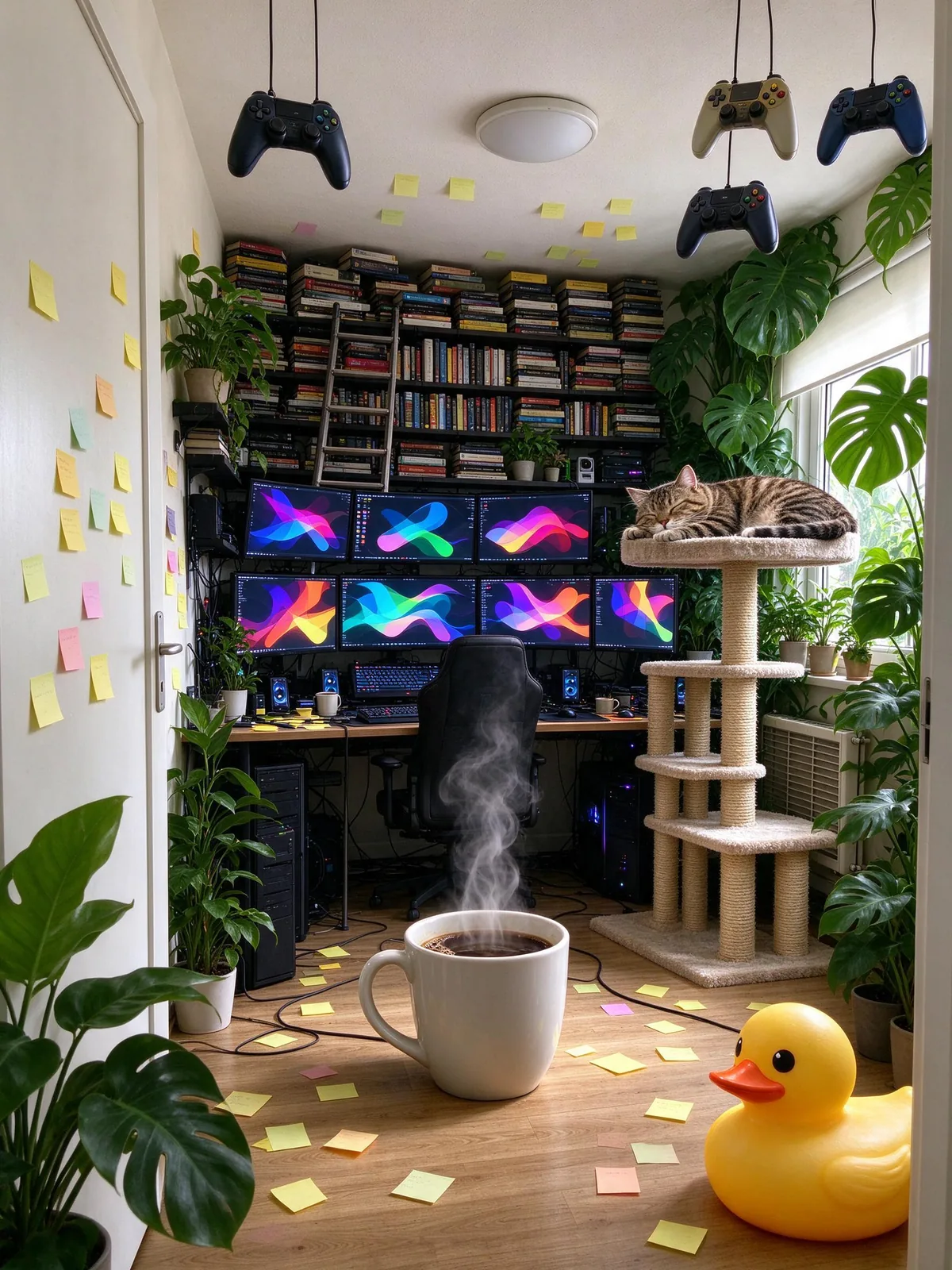
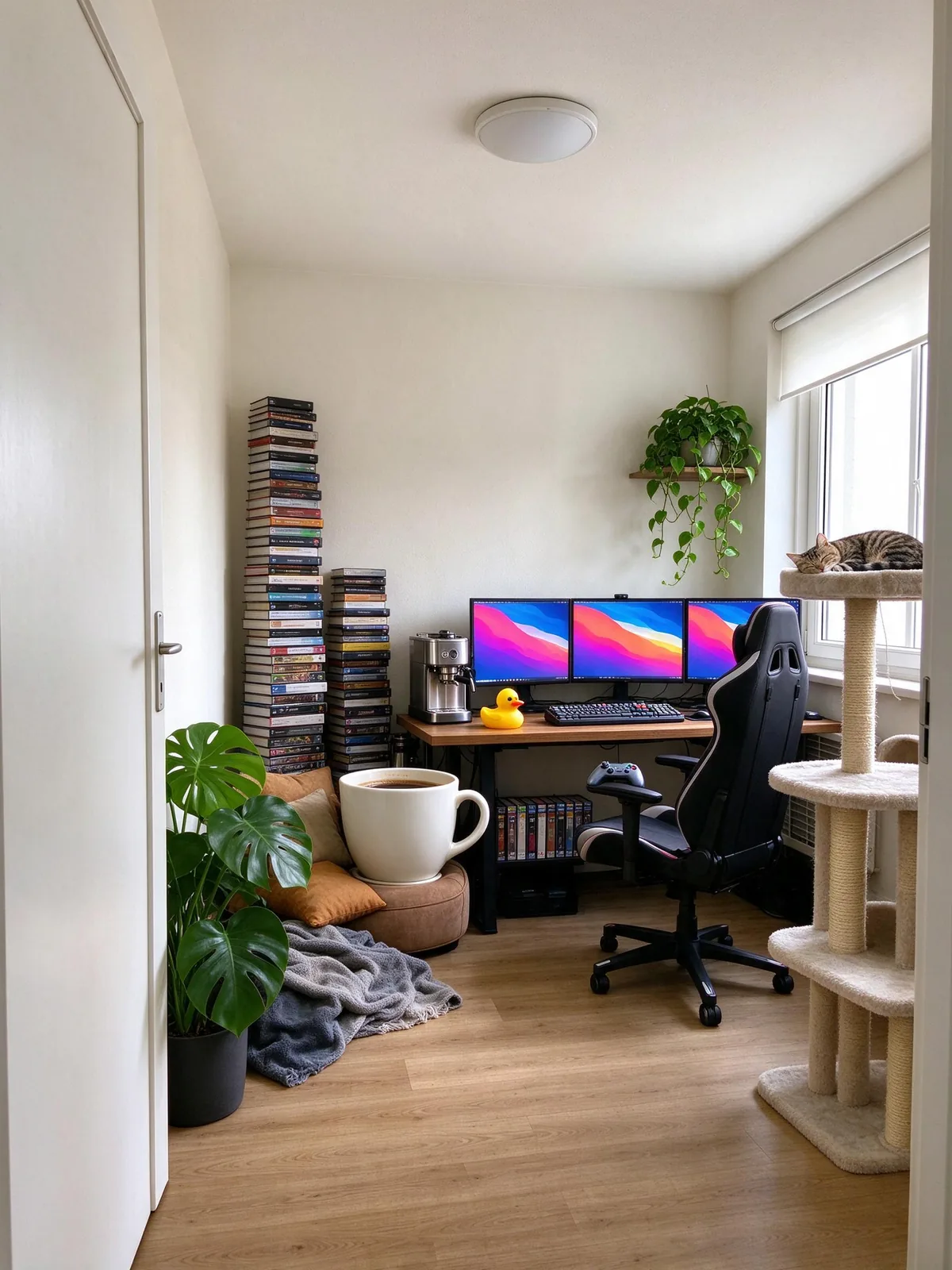
Everything here works for the "fill this room with everything you know about me" trend in a chatbot or with a dedicated tool. The example pictures are AI-generated.
What makes an empty room photo work for AI
The AI is asked to keep your walls, windows, door and floor, then add objects. It does that best when those things are easy to see and the floor is clear.
Clear landmarks
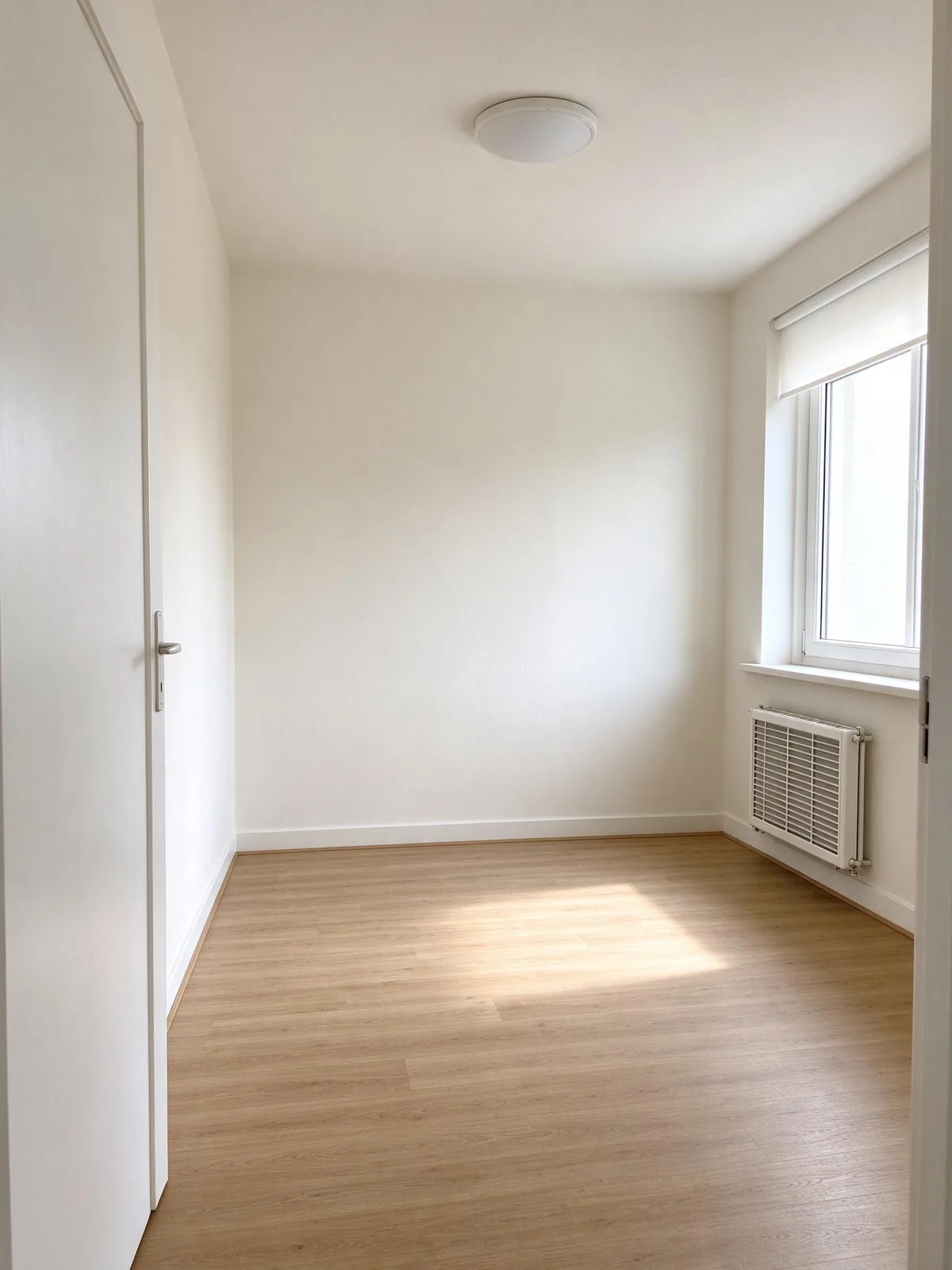
A window, a door, a radiator or a ceiling light gives the model fixed points to hold on to. When they stay in place in the result, the before and after read instantly. A blank wall from close up gives it nothing to keep, and the room tends to drift.
Visible floor
The floor is where most objects go. If it is covered in boxes, the model has to decide what to keep and what to replace, and it often removes things you wanted or keeps the mess.
Enough of the room
Show at least two walls and the floor. A corner shot from the doorway is ideal. A tight close-up of one wall usually becomes a different room.
Where to stand and how to frame
Shoot from the doorway
Stand in the doorway or a corner and hold the phone at chest height. This is how estate agents photograph rooms, and it gives the deepest view with the most landmarks.
Keep the phone level
Tilted verticals make the room feel off, and the model may "correct" them by redrawing walls. Turn on your camera's grid and keep the door frame straight.
Portrait or landscape?
Both work. Portrait (3:4) suits phone screens and Stories. Landscape (16:9 or 4:3) shows more of the room and suits a before-and-after post on X or LinkedIn. The result keeps the closest standard shape to your photo.
Skip the ultra-wide lens
The 0.5x lens bends straight lines at the edges. The normal 1x lens keeps walls straight and gives cleaner results.
Light
Daylight is best
Open the curtains and shoot in the middle of the day. Even light from a window keeps colours natural and gives the model a clear light direction to match.
Turn off mixed lights
A warm ceiling bulb plus cool daylight gives a two-tone room. Pick one. If you shoot at night, use only the room's lights and keep them all the same colour.
Avoid harsh sun patches
Bright stripes of direct sun on the floor can turn into odd shapes. Early or late in the day, a sheer curtain helps.
What to clear and what to keep
Clear the floor
Move boxes, laundry and cables out of shot. You want the AI to fill a blank stage, not edit your mess.
Keep big furniture if you like
A half-empty room is fine. A bed or sofa can stay; the tool asks the model to keep large furniture that is already there. Expect it to rearrange small things around it.
No people
Take the photo when nobody is in the room. A person in frame is likely to be changed or removed, and it is their photo too.
Privacy checks before you upload
Remove addresses and documents
Letters on a table, a parcel label or a visible street number can end up in a picture you post publicly. Clear them out or crop them away.
Check what is outside the window
A view of your street or house number tells strangers where you live. Close the blinds a little if the view is recognisable.
Family photos and screens
Framed photos of your kids and a laptop with an open email are easy to miss. Turn them away or take them out.
If you are curious how much the original trend can reveal, read what your fill this room image says about you.
No empty room? Options that still work
Use a rental listing photo of your own place
If you moved in recently, the listing photo of your flat is often the cleanest empty room you will ever have. Use only photos of a place you live in or have permission to use.
Try a corner
Clear one corner, a desk area or a bare shelf. Smaller spaces fill faster and still make a fun before and after.
Pick ideas first
Before you shoot, choose what should end up in the room. The fill this room AI prompt ideas list 20 jobs, hobbies and pets with the objects that tell each story.
FAQ
Can I use a photo of a furnished room?
Yes, but results are clearer with a mostly empty room. The model keeps large furniture and adds objects around it, and a crowded room gives it little space.
Does the photo need to be high resolution?
A normal phone photo is plenty. Very small or heavily compressed images lose the edges the model uses to keep walls and windows in place.
Can I use a stock photo of an empty room?
You can for testing, but the trend is more fun with your own room, and you need the rights to any photo you upload.
Will my room photo be stored?
On VibePico, our copy of your upload is deleted after 24 hours and the result stays in your account until you delete it. See the privacy policy.
Turn your empty room photo into the trend
Got the shot? Upload it to fill this room AI, pick three to eight interests and a fill level, and compare the before and after with the slider. One 2K image costs 10 credits.