What Your Fill This Room Trend Image Reveals About You
The fill this room trend can show more than you planned when it uses chatbot memory. What the image reveals, what to check, and how to join in safely.
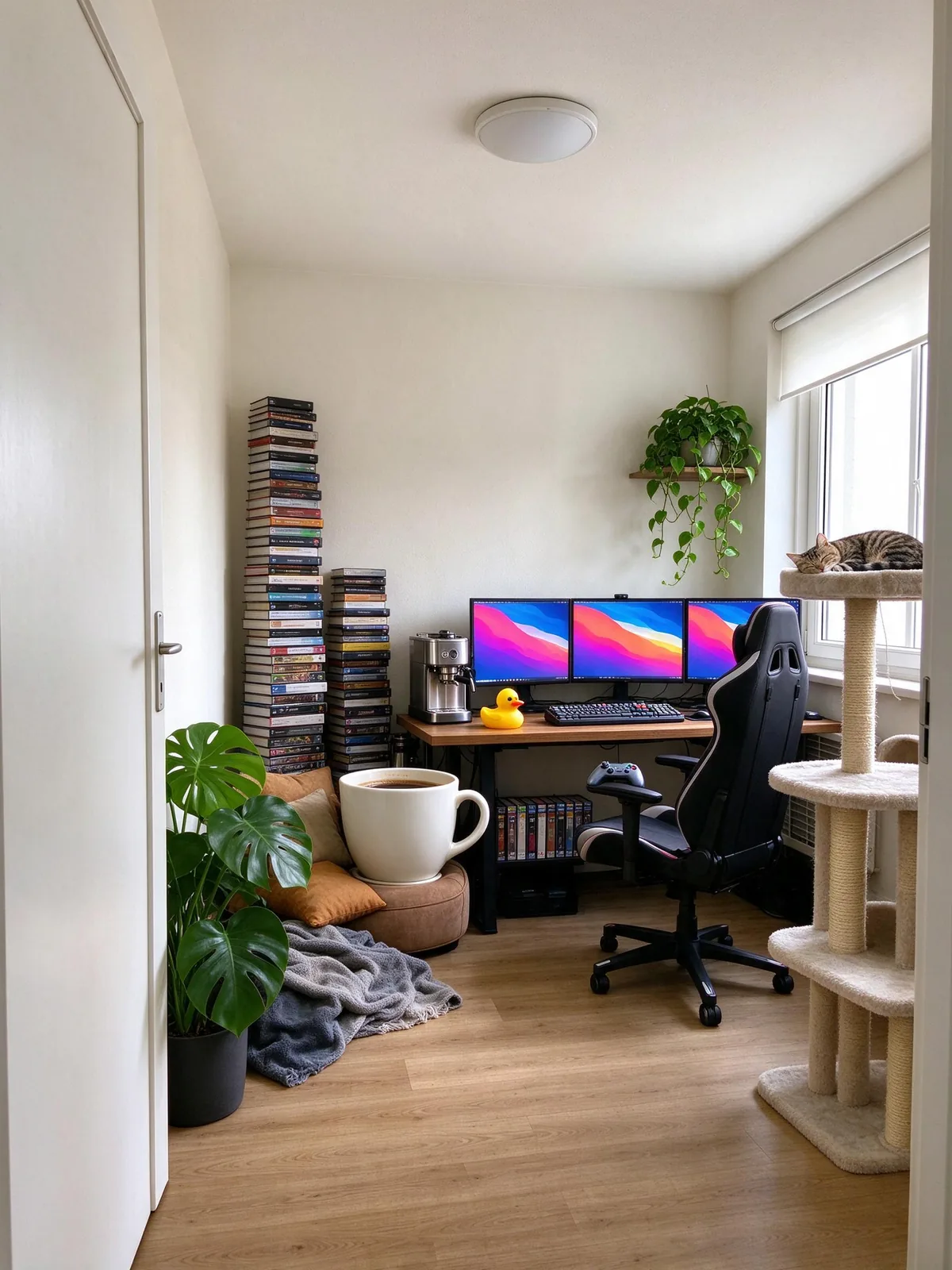
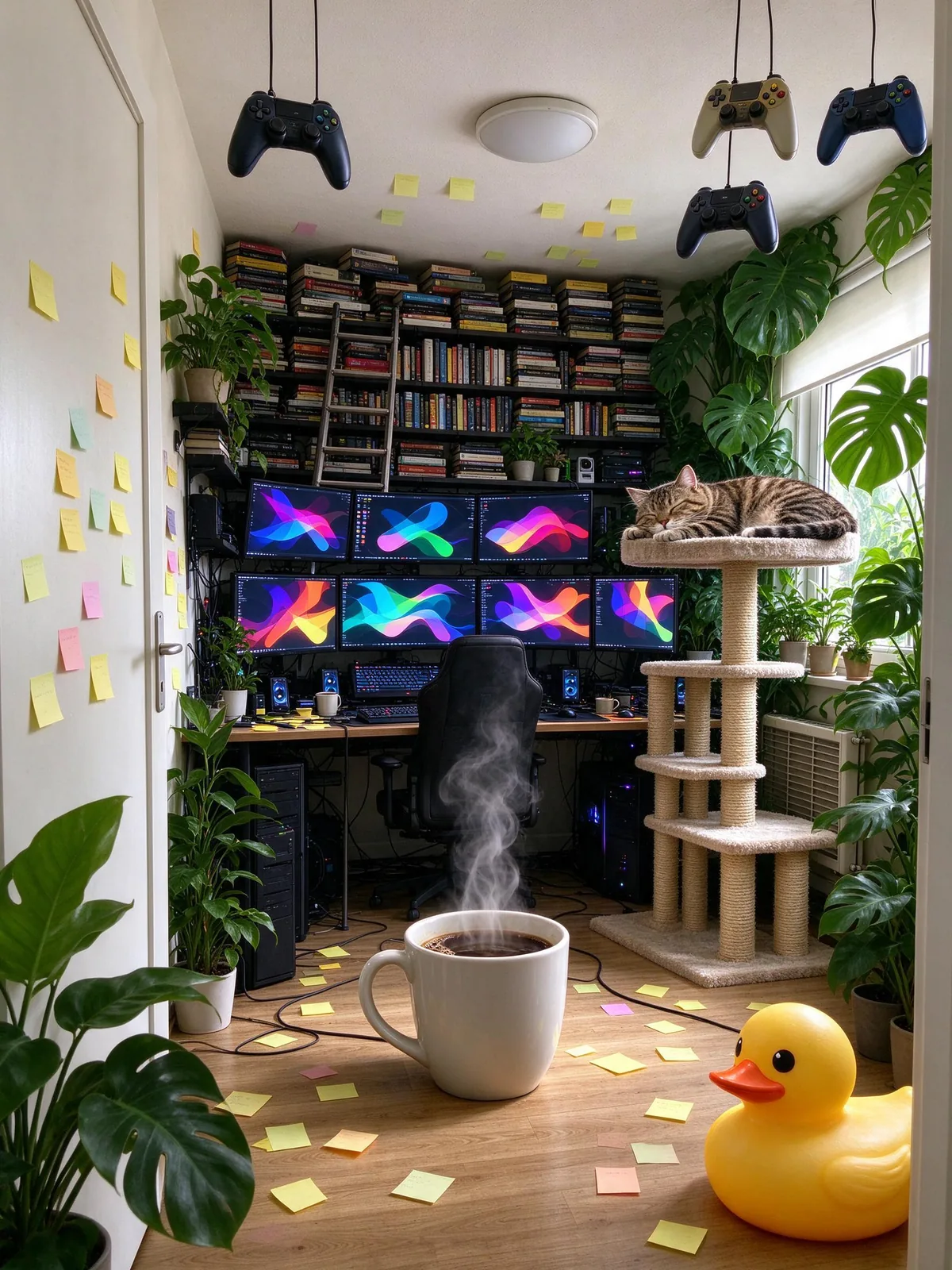
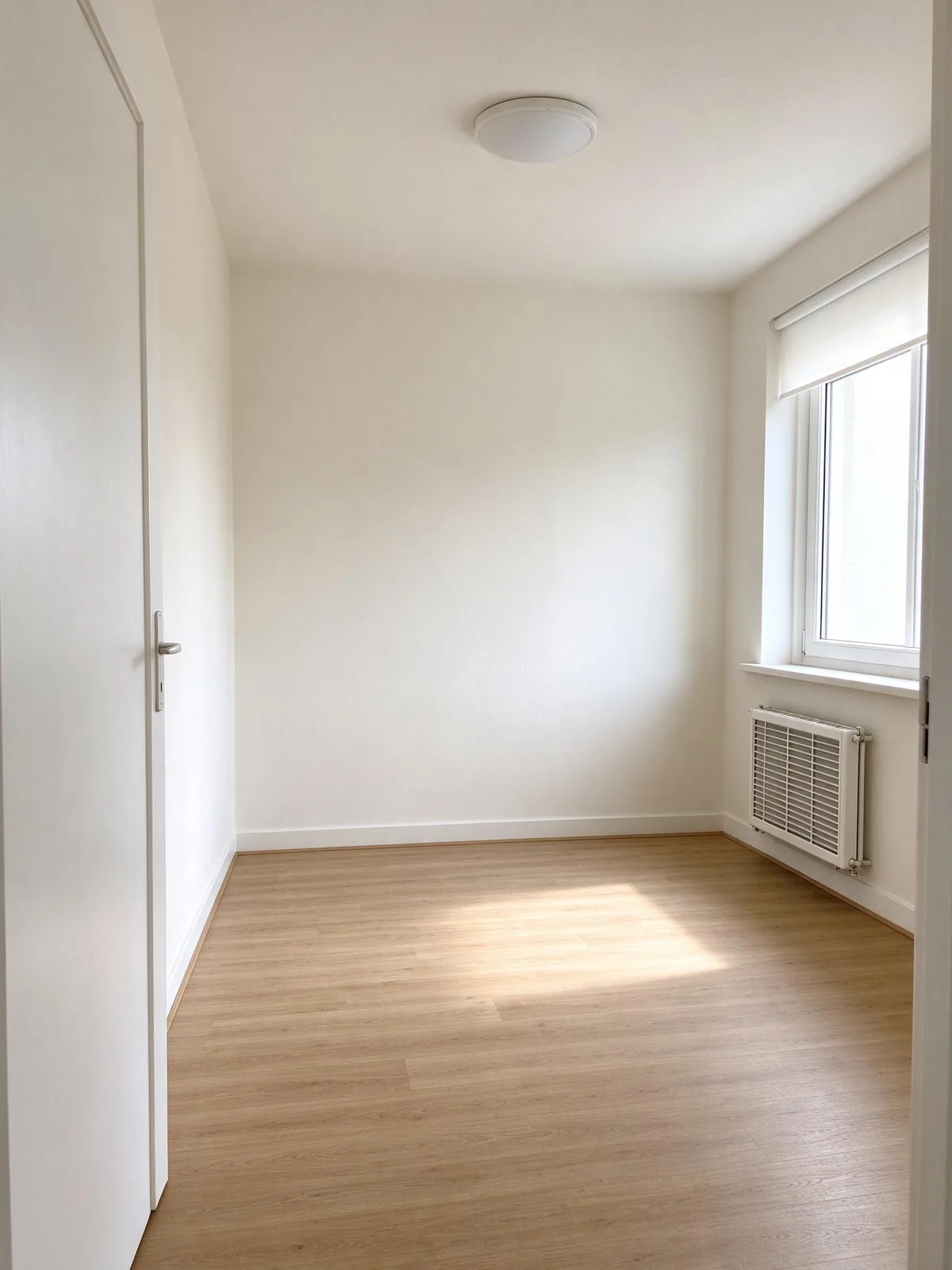
The fill this room trend looks harmless: an empty room, one line of text, and an AI that packs it with your life. But when the prompt relies on chatbot memory, the result is a picture of what an AI has learned about you, and some people were surprised by how much showed up.
This article explains what the image can reveal, why that happens, and how to join the trend while keeping control of what ends up in the picture. The example images are AI-generated.
What the fill this room trend actually shows
The original prompt is "fill this room with everything you know about me." The key word is know. A chatbot with memory turned on builds the room from things you told it in past chats: your job, your hobbies, your pets, sometimes your worries.
The fun part
For most people it is a flattering mirror. A home baker gets a sourdough jar the size of a fridge. A runner gets a wall of medals. Seeing your own interests turned into a cartoonishly full room is the reason the posts spread.
The surprising part
Memory does not only store hobbies. If you once asked about a health condition, a breakup or money trouble, those topics can appear as objects too: a pill organiser, a stack of bills, a moving box. You post a funny picture and accidentally share something private.
Why the AI includes things you did not expect
Memory is broad
Chat memory is meant to make answers more personal. It is not sorted into "safe to show in a public picture" and "private". When you ask for everything, you get a little of everything.
Images are literal
A model turning traits into objects picks the most visual ones. "Has been looking at new jobs" can become a stack of CVs on the desk. "Worried about sleep" can become a row of sleep aids. The picture states what a chat only hinted at.
Friends read pictures closely
A before-and-after post invites people to zoom in. Small details on a shelf or a screen are exactly what friends and strangers comment on.
What it can reveal, and what to check
Before you post, look at the result the way a stranger would.
Health and medicine
Pills, braces, medical equipment or a hospital bracelet. If you would not mention it in a public post, crop it or regenerate.
Work and money
Company names on mugs or lanyards, a laptop with an email on screen, bills, bank cards or anything that looks like a document.
Relationships and family
Framed photos, a second toothbrush, baby items or a wedding album can say more about your life than you planned.
Location
Your real room photo may show a street, a house number or a parcel label. Our guide to the empty room photo for AI covers what to clear before you shoot.
How to do the fill this room trend safely
Tell it exactly what to include
Instead of "everything you know about me", list three to eight interests in the prompt. You get a room about the parts of your life you chose to share. The fill this room AI prompt ideas list 20 options to copy.
Use a temporary chat
Many chatbots offer a temporary or incognito chat that does not use memory. The result then depends only on the prompt and the photo.
Review your chatbot memory
Most assistants let you see and delete what they remember. Clearing anything sensitive before you run the prompt is a good habit anyway.
Use a tool that does not read your chats
A dedicated tool builds the picture only from the room photo and the interests you tick. It cannot reveal what it was never told.
How VibePico handles your room photo
On VibePico, the fill this room tool uses only your room photo and the interests you pick from a fixed list. It does not read chats, social accounts or anything else. Sensitive categories such as health, religion and politics are not on the list.
Our copy of your upload is deleted after 24 hours, the result stays in your account until you delete it, and we do not use your photos to train our own AI models. The full details are in the privacy policy.
FAQ
Is the fill this room trend safe?
It is as safe as what you put in. A room built from a short list of hobbies is harmless. A room built from months of chat memory can reveal private details, so review it before you post.
How do I stop ChatGPT using my memory for the image?
Use a temporary chat or turn memory off for that conversation, then list your interests directly in the prompt.
Can the AI see my other photos or accounts?
A chatbot only knows what is in its memory and the current chat. A separate image tool only sees what you upload to it.
What should I do if the result shows something private?
Do not post it. Regenerate with a more specific list of interests, or crop the detail out.
Try the fill this room trend with only what you choose
Upload an empty room, pick the interests you are happy to share, and choose how full it should be. Fill this room AI never reads your chats, and the cost, 10 credits for one 2K image, shows before you start.