Upload a front-facing photo
The paint needs to see your whole face. Avoid hats, sunglasses and hands near your face.
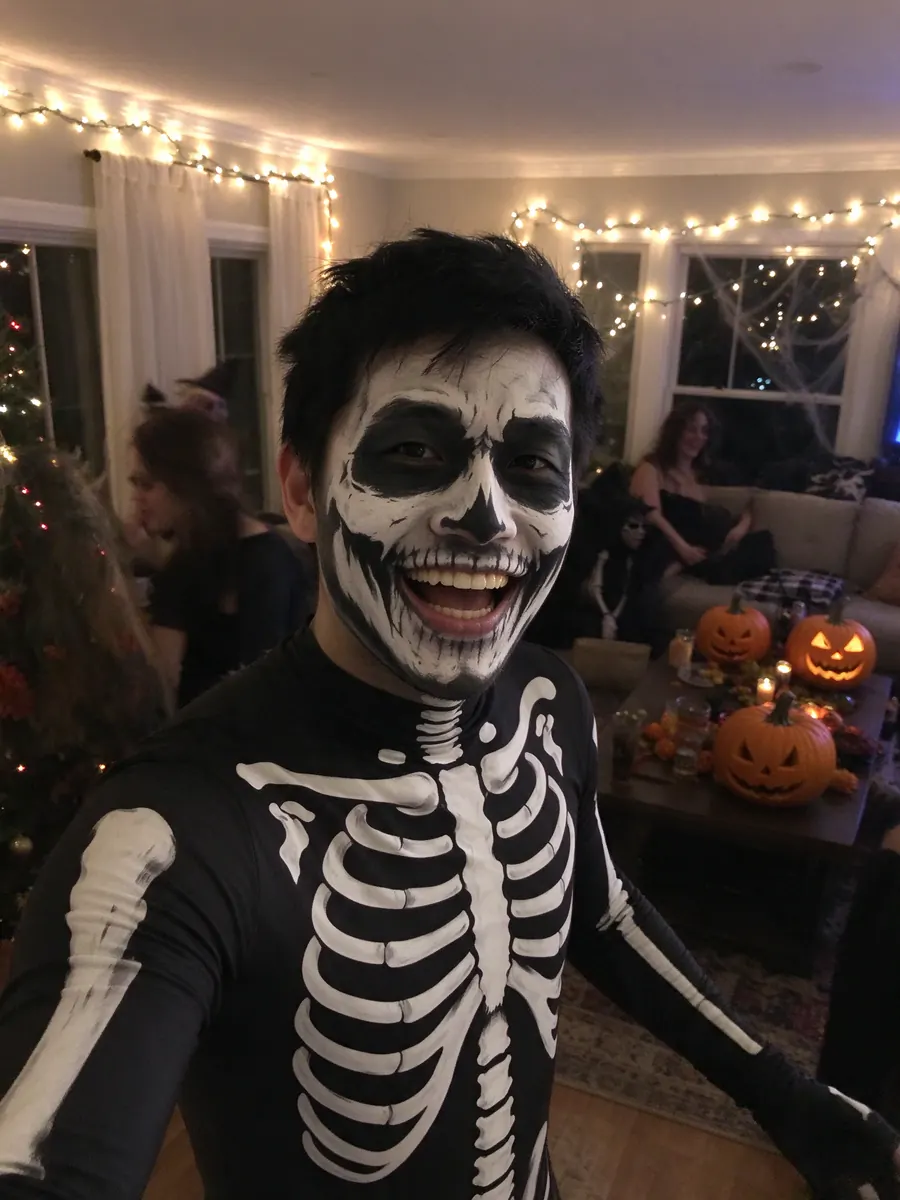
Upload a selfie and see yourself in skull face paint and a bone suit, as if a friend snapped you at a party.
Skeleton phone photo: Face paint and a bone suit, shot like a real party pic.
10 creditsFree with sign-up · 1 watermarked photo · ~40 s
You · Add photo
 3 / 12
 ↔OriginalAI result
The paint needs to see your whole face. Avoid hats, sunglasses and hands near your face.
It is preselected here. Portrait (4:5) shows the most of the bone suit.
About 40 seconds later you have your skeleton photo, ready to post.
Skeleton is one of the most popular Halloween costumes because it is cheap: a printed bodysuit and some black and white face paint. The hard part is the face paint. This AI skeleton costume shows you the finished look before you pick up a brush.
The photo is deliberately casual. Instead of a studio portrait, it looks like a smartphone shot on a porch at night, with jack-o-lanterns and string lights behind you. The skull paint is drawn on your actual face, so the eye sockets, nose and teeth line up with your own features.
Black-and-white skull makeup follows your eyes, nose and jawline instead of floating on top as a mask.
Night porch, pumpkins and string lights make it look like a real party picture, not an edit.
Your outfit becomes a printed skeleton bodysuit, so the whole costume reads at a glance.
Use the AI result as a reference while you paint the real thing. You can see where the dark areas go on your face shape.
Run each family member’s selfie and post them side by side as a matching skeleton crew.
No time to paint? Post the AI skeleton and say so.
A head-on photo keeps the skull pattern symmetrical. Strong side angles twist it.
Painted teeth line up best across closed lips.
If your shoulders are visible, the bone suit has room to show.
You get a finished image. It does not give step-by-step makeup instructions.
Looking for dancing skeleton videos? This page makes still photos only.
Each run draws the skull a little differently. Make another if you want a different pattern.
It covers the classic skull areas: dark eye sockets, a dark nose, and teeth drawn across the lips and cheeks. Your face shape stays recognisable underneath.
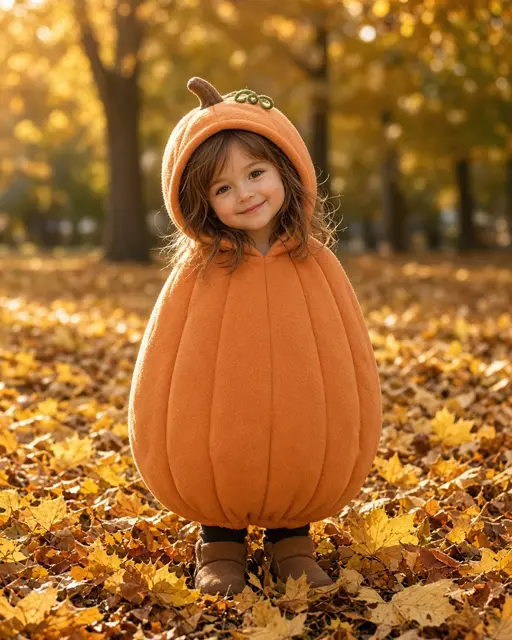
Only upload photos you have permission to use. For children, a parent or guardian should do the upload. For a softer kids look, try the little pumpkin photoshoot.
A new account gets 10 free credits, which make one watermarked 1K photo. After that each photo costs 10 credits and comes out at 2K with no watermark; paid plans can make 2 or 4 variations at once. If a photo fails on our side it is retried once and then the credits are refunded automatically.
Uploads are private and used only to make your picture. Uploaded photos are deleted after 24 hours. Results stay in My photos until you delete them, and you can delete either at any time.
Tools, trends, prompts and scenes that go with this page.