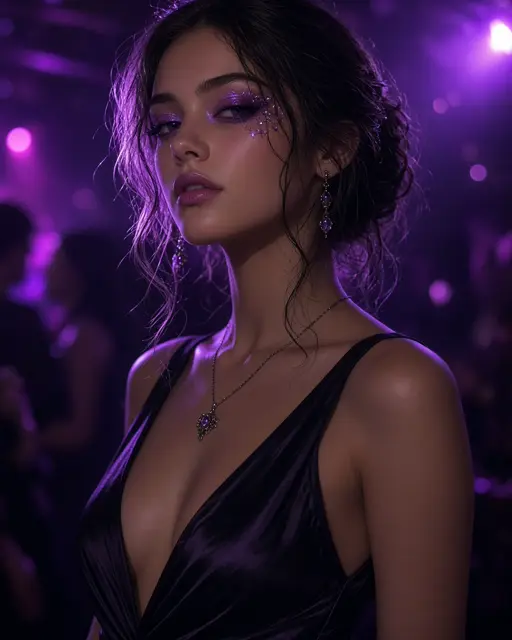
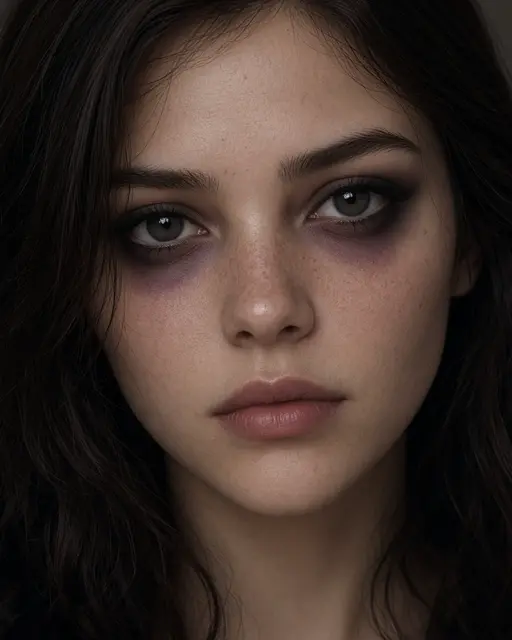

Upload a clear selfie
Face the camera in good light, with nothing covering your eyes. A plain phone selfie is enough.
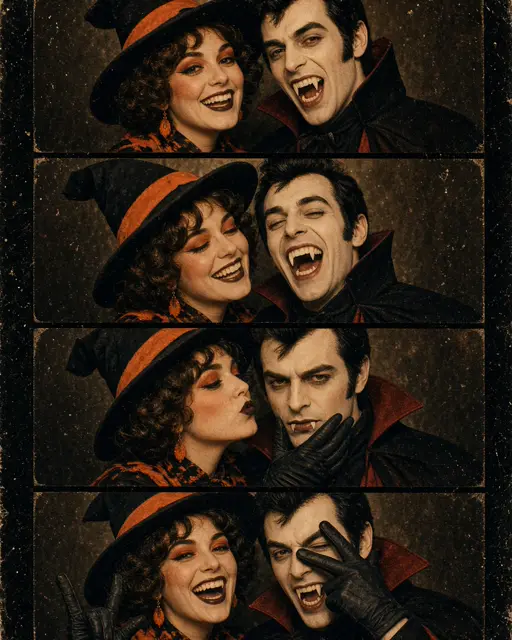
Upload one selfie and get a flash-lit vampire party photo with fangs and red eyes that still looks like you.
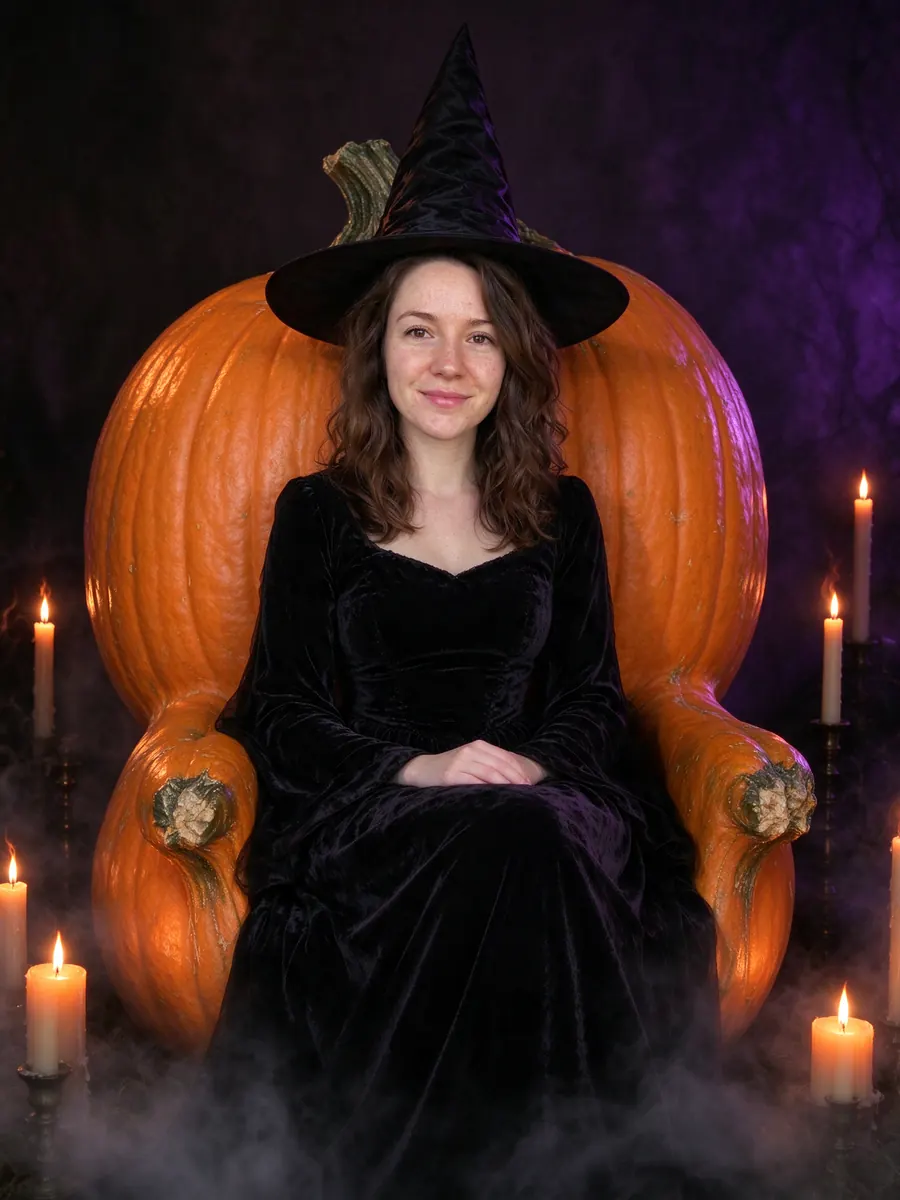
Vampire party: Fangs, red eyes and flash-lit party glam.
10 creditsFree with sign-up · 1 watermarked photo · ~40 s
You · Add photo
 1 / 12
 ↔OriginalAI result
Face the camera in good light, with nothing covering your eyes. A plain phone selfie is enough.
This page opens with the vampire look already picked. Choose an output ratio if you want something other than Story.
The photo is usually ready in about 40 seconds. Save it, post it, or try another costume on the same picture.
Most vampire filters on Instagram or Snapchat paint fangs and a red tint over a live camera feed. They move with your face, but the background stays your bedroom and the effect disappears the moment you stop recording. This AI vampire filter works the other way round: it takes one still photo and redraws the whole picture as a vampire party shot, with the costume, the makeup and the room built around you.
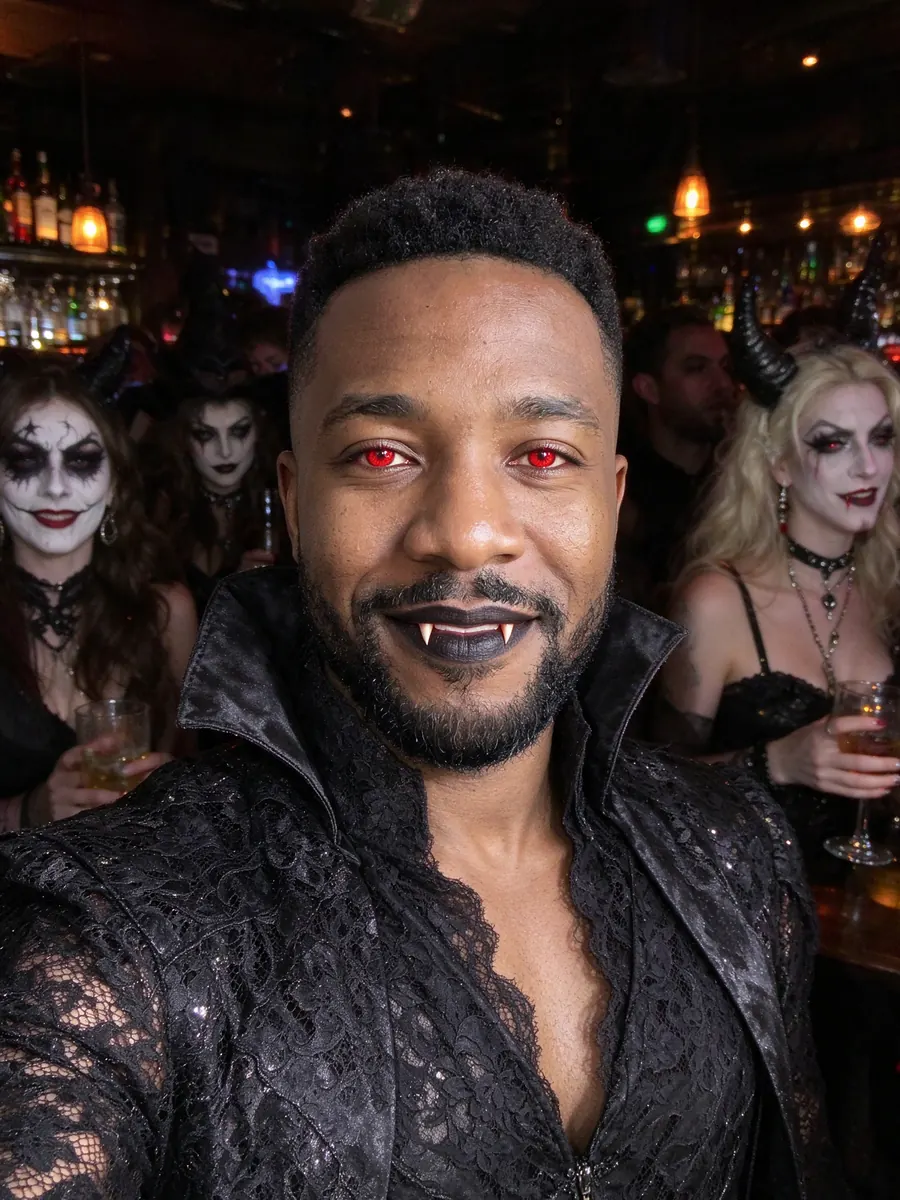
The look is a glamorous vampire rather than a horror monster. Think subtle fangs, deep red eyes, pale skin and a dark high-collared outfit, shot like a direct-flash photo at a crowded Halloween house party with other guests blurred behind you. Your face shape, skin tone and features are kept so friends recognise you straight away.
Eyes turn red, skin goes pale, fangs appear, and your clothes become a dark gothic party outfit. The background becomes a busy, flash-lit Halloween party.
Your face, your hair colour and the way you look at the camera. The filter is tuned to change the costume and the scene, not who you are.
A finished still photo in Story (9:16), Portrait (4:5), Square (1:1) or Landscape (16:9), ready to post or send. No app to install.
Post a convincing vampire look on Halloween night even if you stayed in. It reads as a real party photo, not a sticker.
Send the before and after to friends and let them guess which party you were at.
See whether red contact lenses and pale makeup suit you before you spend money on them.
Everyone runs their own selfie through the same filter, so a group post looks like one night out.
The red-eye effect needs your eyes. Take off sunglasses and push hair out of your face.
Window light or a bright room keeps your skin tone accurate before it is turned pale. Strong coloured lighting confuses it.
Fangs are drawn most cleanly on a closed mouth or a gentle smile. A wide laugh can look odd.
There is no video or real-time preview. You upload a photo and get a new photo back.
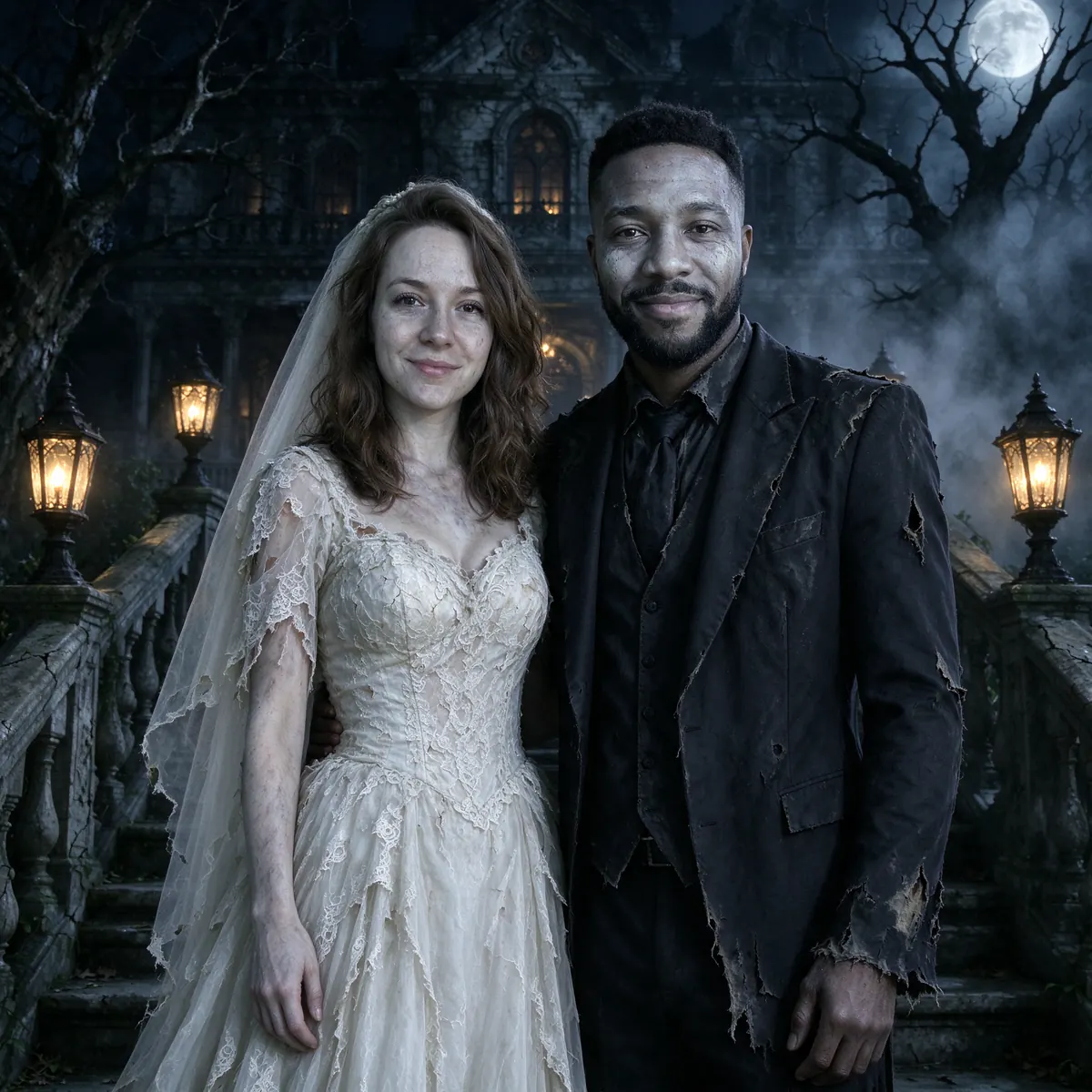
The vampire look is built for one face. For two people use the corpse-bride couple look instead.
Each run draws a new picture, so fang size and background guests differ. Paid plans can make several variations at once.
No. Those are live face effects. This AI vampire filter redraws a single photo as a complete vampire party picture, including the outfit and background, and gives you a still image to keep.
Yes. The filter keeps your face shape, skin tone and features and changes the makeup, costume and scene. A sharp, front-facing selfie gives the closest likeness.
A new account gets 10 free credits, which make one watermarked 1K photo. After that each photo costs 10 credits and comes out at 2K with no watermark; paid plans can make 2 or 4 variations at once. If a photo fails on our side it is retried once and then the credits are refunded automatically.
Uploads are private and used only to make your picture. Uploaded photos are deleted after 24 hours. Results stay in My photos until you delete them, and you can delete either at any time.
Tools, trends, prompts and scenes that go with this page.