
Add one selfie
Choose a front-facing photo with your whole face visible. JPG, PNG and WebP all work.
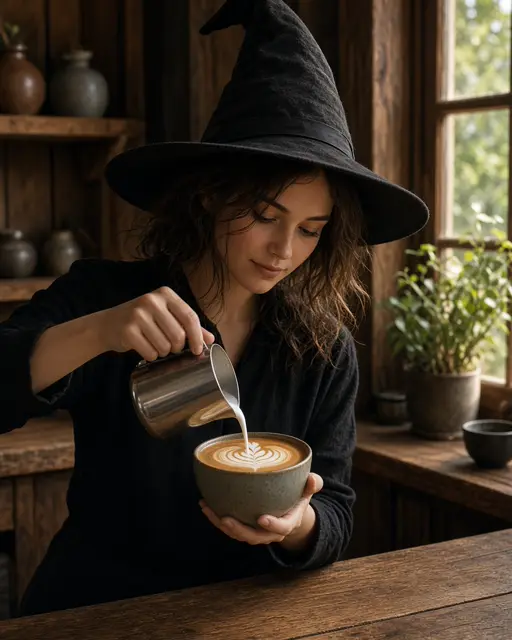
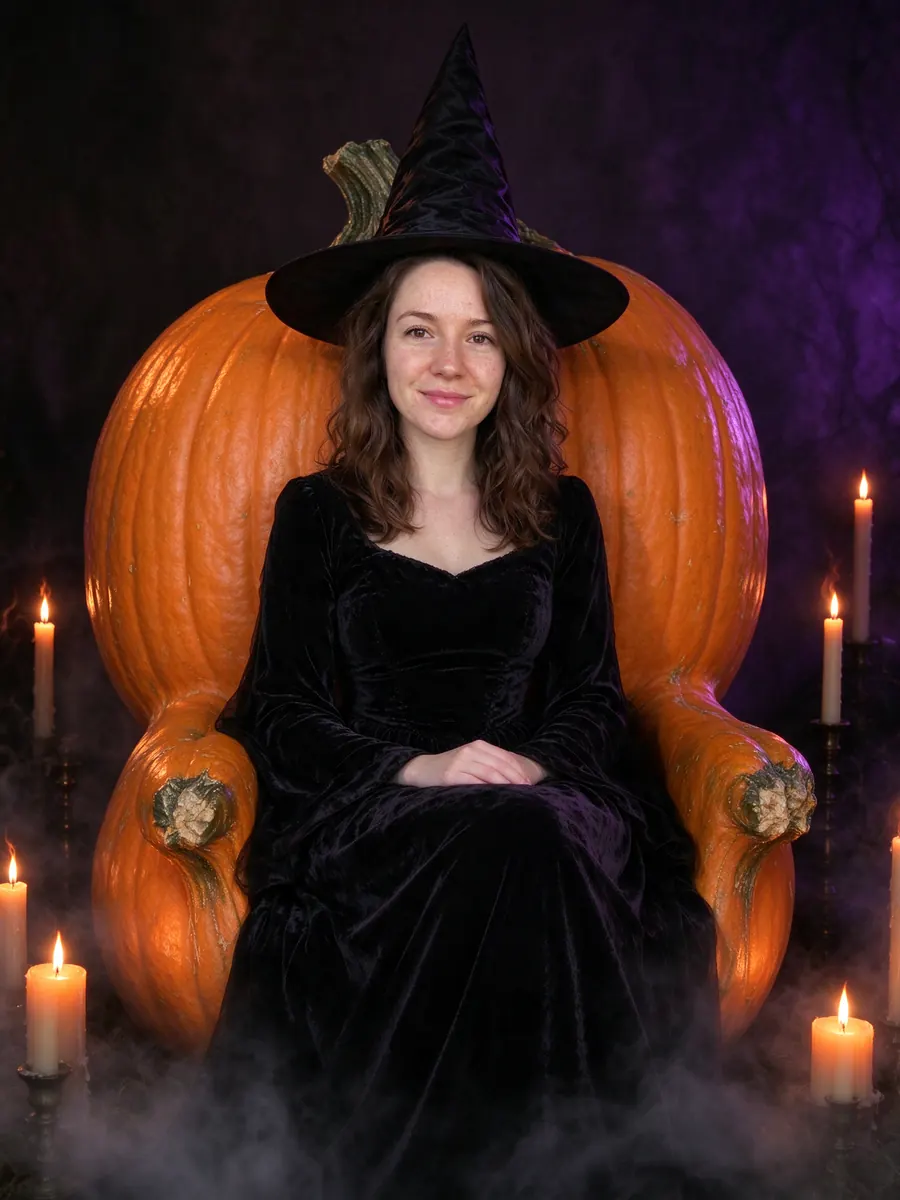
Upload a selfie and get a moody gothic witch portrait on a pumpkin throne that still has your face.
Gothic witch: Pointed hat, candles and a pumpkin throne.
10 creditsFree with sign-up · 1 watermarked photo · ~40 s
You · Add photo
 2 / 12
 ↔OriginalAI result
Choose a front-facing photo with your whole face visible. JPG, PNG and WebP all work.
The witch look is preselected on this page. Pick Portrait (4:5) for Instagram or Story (9:16) for TikTok and Reels.
In about 40 seconds you get the portrait. Download it as PNG or JPG.
Search for an AI witch photo and you mostly find prompt lists for Gemini or ChatGPT. You paste a long prompt, upload a photo, and hope the face survives. This AI witch photo generator skips the prompt: the gothic witch look is already written and tested, so you upload a selfie and press one button.
The result is a cinematic witch portrait. You sit on a carved giant-pumpkin throne in a black velvet gown and a tall pointed hat, surrounded by lit candles and low purple haze. It is closer to a film still than a costume-shop photo, and it keeps your features so the witch is clearly you.
Costume, throne, candles and lighting are drawn together, so the light on your face matches the room.
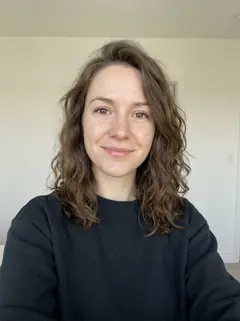
Face shape, skin tone, eye colour and hairline come from your photo. Only the costume, makeup and setting are new.
The witch look is fixed and tuned. You do not need to know how to prompt an image model.
Landscape (16:9) crops work as a cover photo or header for October.
Each friend makes their own witch portrait and you post them as a carousel.
Use your witch portrait as the picture on a Halloween party invite.
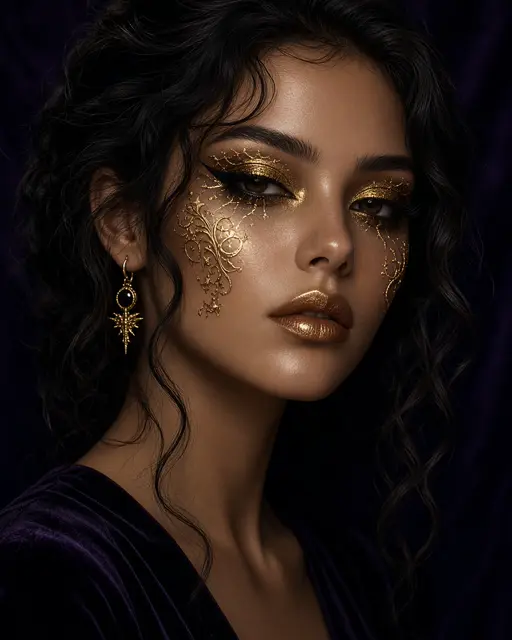
Prefer beauty over gloom? The glam witch makeup look is a close-up with editorial makeup instead of a throne room.
The hat sits on your head, so a visible hairline helps it fit naturally.
A calm or slightly serious face suits the moody lighting better than a big grin.
Crop out other people. The generator expects one person in the photo.
You cannot type your own prompt. The page offers fixed looks, and switching to another costume is one click.
Jewellery, glasses and tattoos are not guaranteed to carry over. Check the result before you print it.
The portrait is AI-generated. Label it as such if you post it somewhere that asks.
No. The witch look is already built in. You only upload a selfie and pick an output ratio.
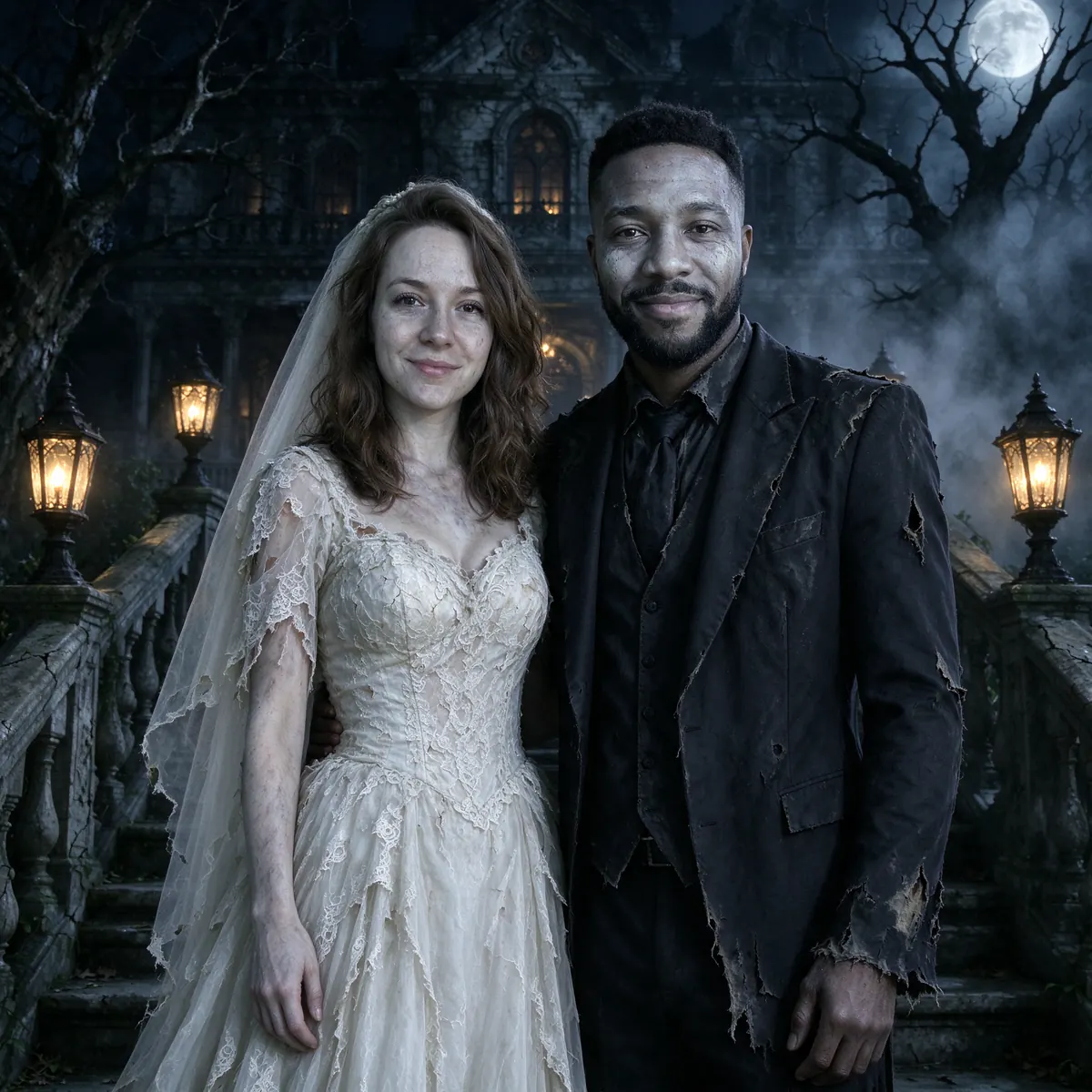
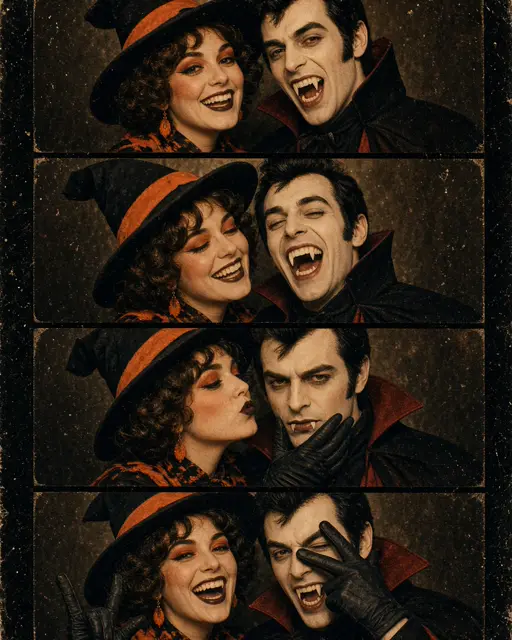
The gothic witch look is for one person. For two people, try the corpse-bride couple costume, which takes one photo of each of you.
A new account gets 10 free credits, which make one watermarked 1K photo. After that each photo costs 10 credits and comes out at 2K with no watermark; paid plans can make 2 or 4 variations at once. If a photo fails on our side it is retried once and then the credits are refunded automatically.
Uploads are private and used only to make your picture. Uploaded photos are deleted after 24 hours. Results stay in My photos until you delete them, and you can delete either at any time.
Tools, trends, prompts and scenes that go with this page.