AI Christmas Photo Trend 2026: How to Make the Viral Looks
The AI Christmas photo trend explained: candy cane studio shoots, photos with Santa, snow globes and 1960s snapshots, and how to make one that looks like you.
The AI Christmas photo trend is simple: you upload an everyday photo, pick a festive look, and get back a finished holiday picture where you still look like yourself. Last December the candy cane studio shoot spread across Facebook and TikTok, and this year matching pajamas, photos with Santa, snow globes and retro 1960s snapshots are joining it.
This guide walks through the looks people are posting, what makes a result worth sharing, and how to make your own in a few minutes with an AI Christmas photo template.
The pictures in this guide are AI-generated. The people and animals in them are fictional.
What is the AI Christmas photo trend?
The AI Christmas photo trend is a wave of holiday portraits made with AI from ordinary photos. Instead of booking a studio or dressing the whole family, people upload a selfie or one photo per person and let the AI build the set, outfits and light around them.
Why it caught on
Holiday photos are hard to organize. Someone is always missing, the kids will not sit still, and the light in most living rooms is poor. An AI picture skips all of that, and relatives who live in different cities can still end up in the same frame.
What makes a good one
The face has to stay. A beautiful set with a stranger's face does not get shared. The best results keep each person's features, age and skin tone, and only change what is around them.
The candy cane studio shoot
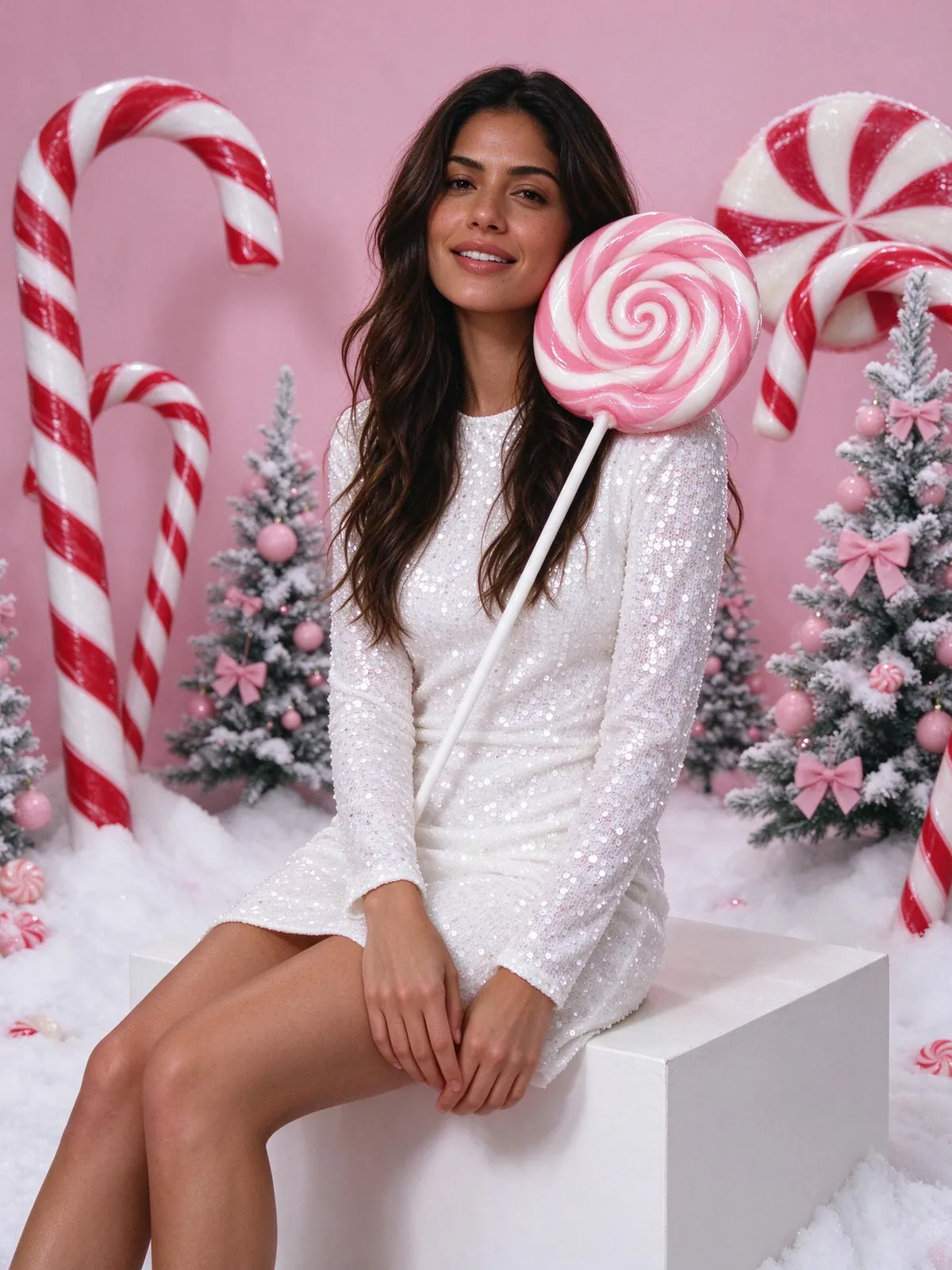
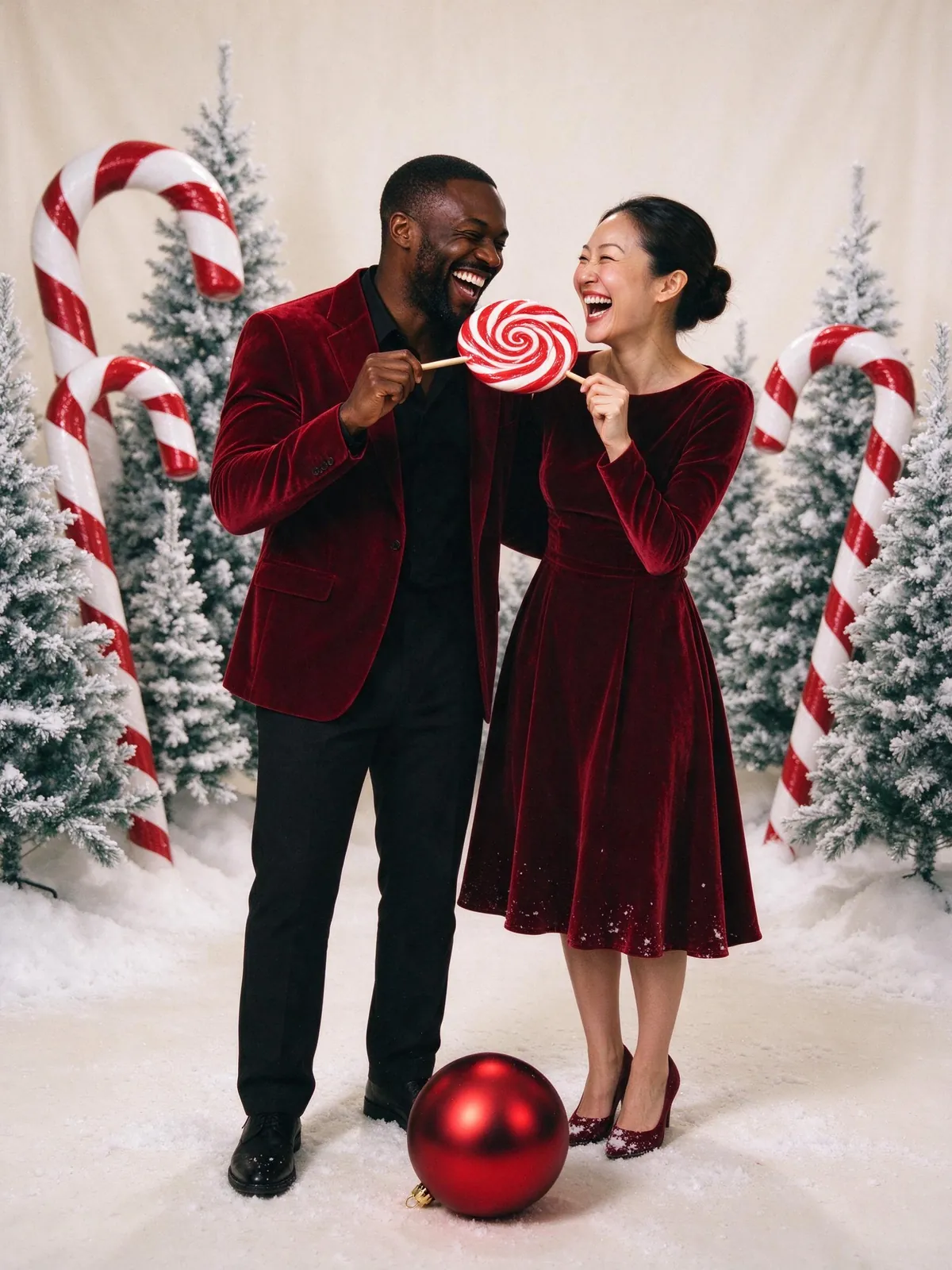
The look that started it: a bright candy-shop studio, a giant peppermint swirl lollipop on your shoulder, oversized candy canes, frosted pink trees and a dusting of fake snow. Adults usually wear sparkly white sequins.
Make it family friendly
For kids, swap the sequins for soft pink knit sweaters. Our candy cane Christmas photo template does that automatically when outfits are matched.
Matching pajamas by the tree
The classic still works. Everyone in matching red plaid pajamas in a cozy living room, warm lights on the tree, maybe a fireplace. It is the safest choice for a family card because it looks like a real Christmas morning.
Tip for big families
With six or more people, pick a wide 16:9 canvas so every face stays large enough to recognize.
A photo with Santa
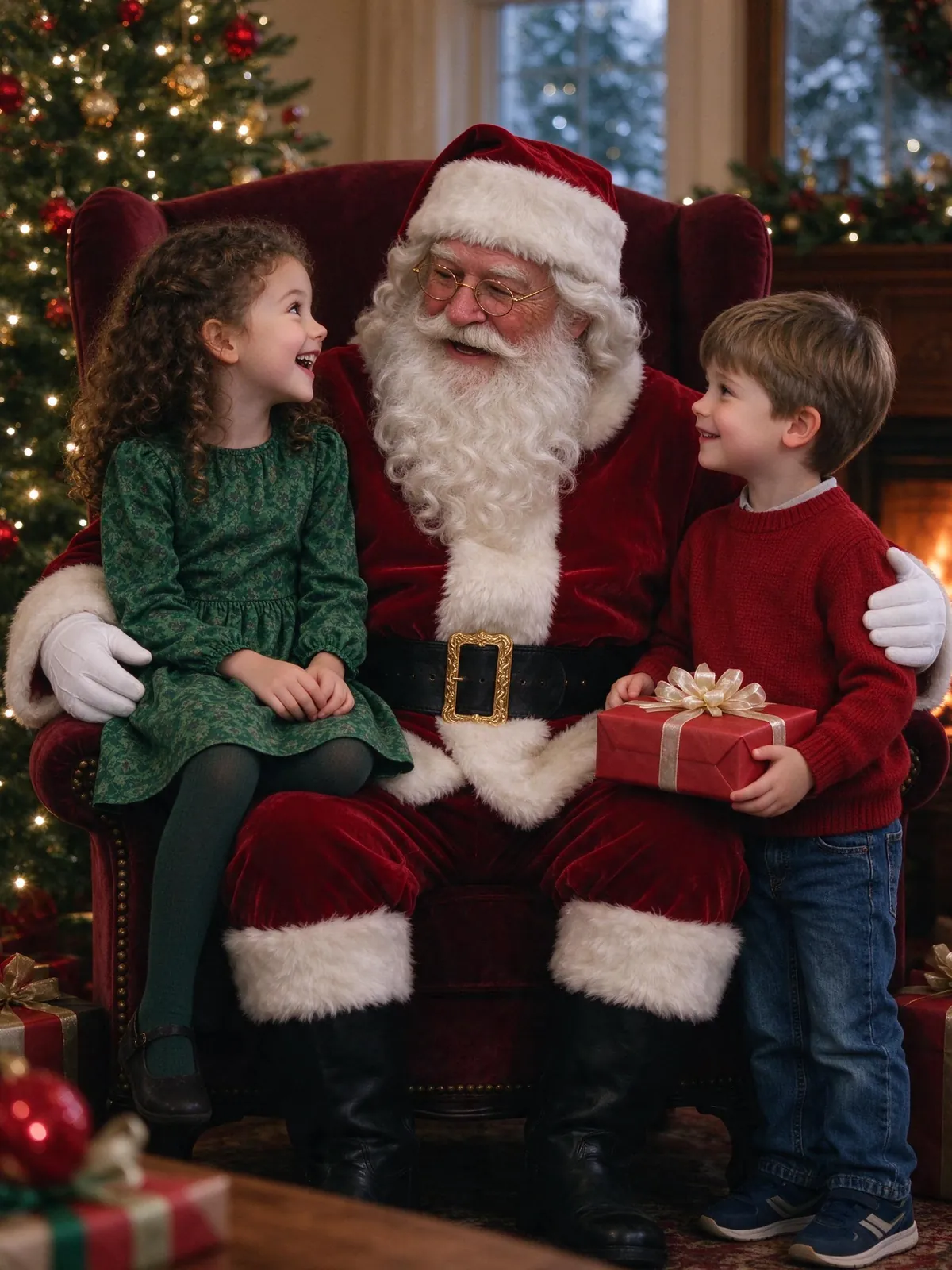
Parents are using AI to give kids a picture with Santa without the mall line: Santa in his armchair by the tree, in his toy workshop, or driving the sleigh. The Santa in these pictures is a fictional AI character, not a real performer.
Keep it honest with kids
We suggest telling children it is a fun Christmas picture, not a real visit. The AI Santa photo generator page covers the scenes and how children's photos are handled.
Snow globe portraits
A tiny version of your family inside a glass snow globe, standing in a winter village with falling snow. It reads well as a small profile picture and as a card, because the globe frames everyone in one shape.
Vintage 1960s Christmas
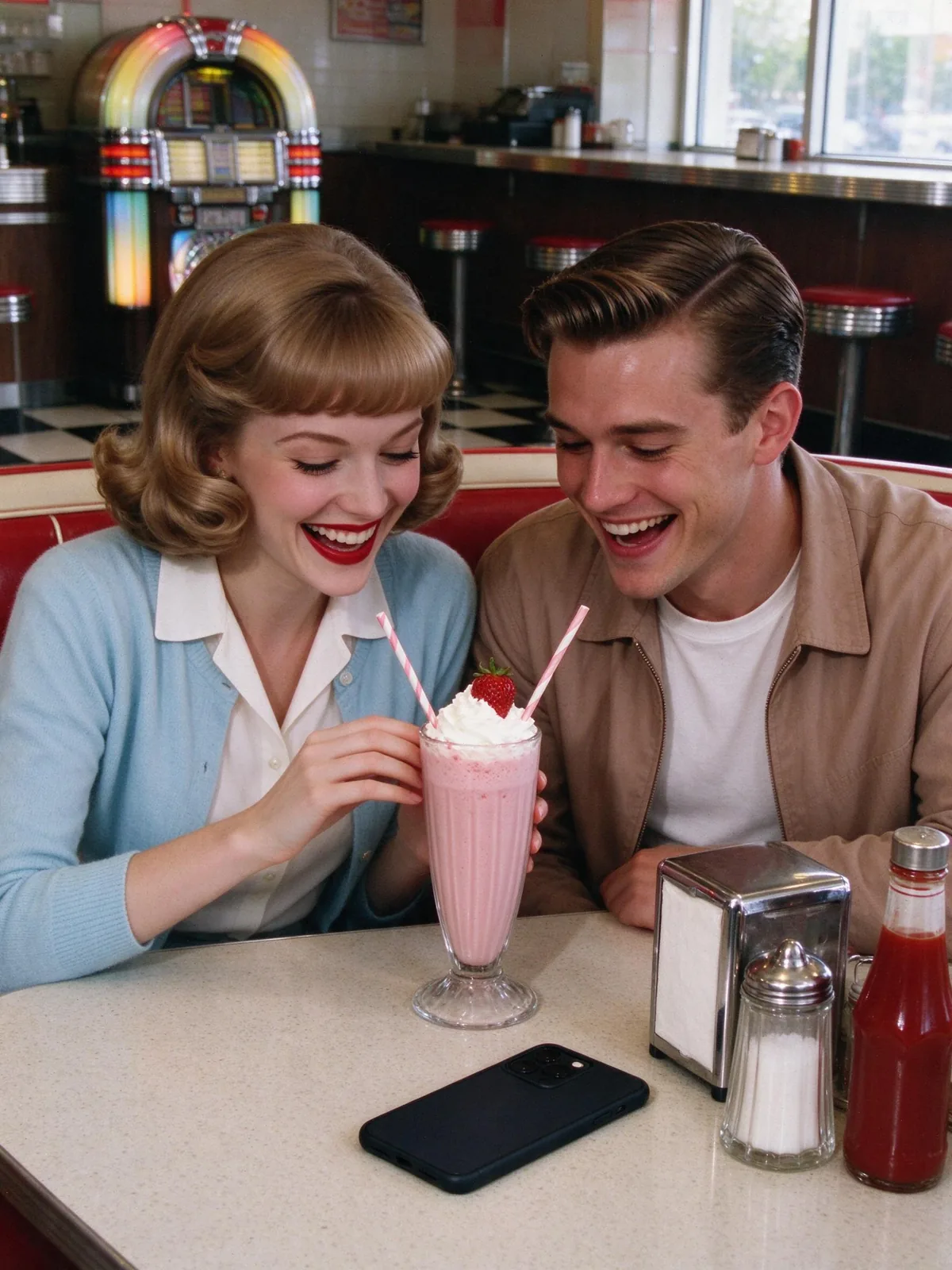
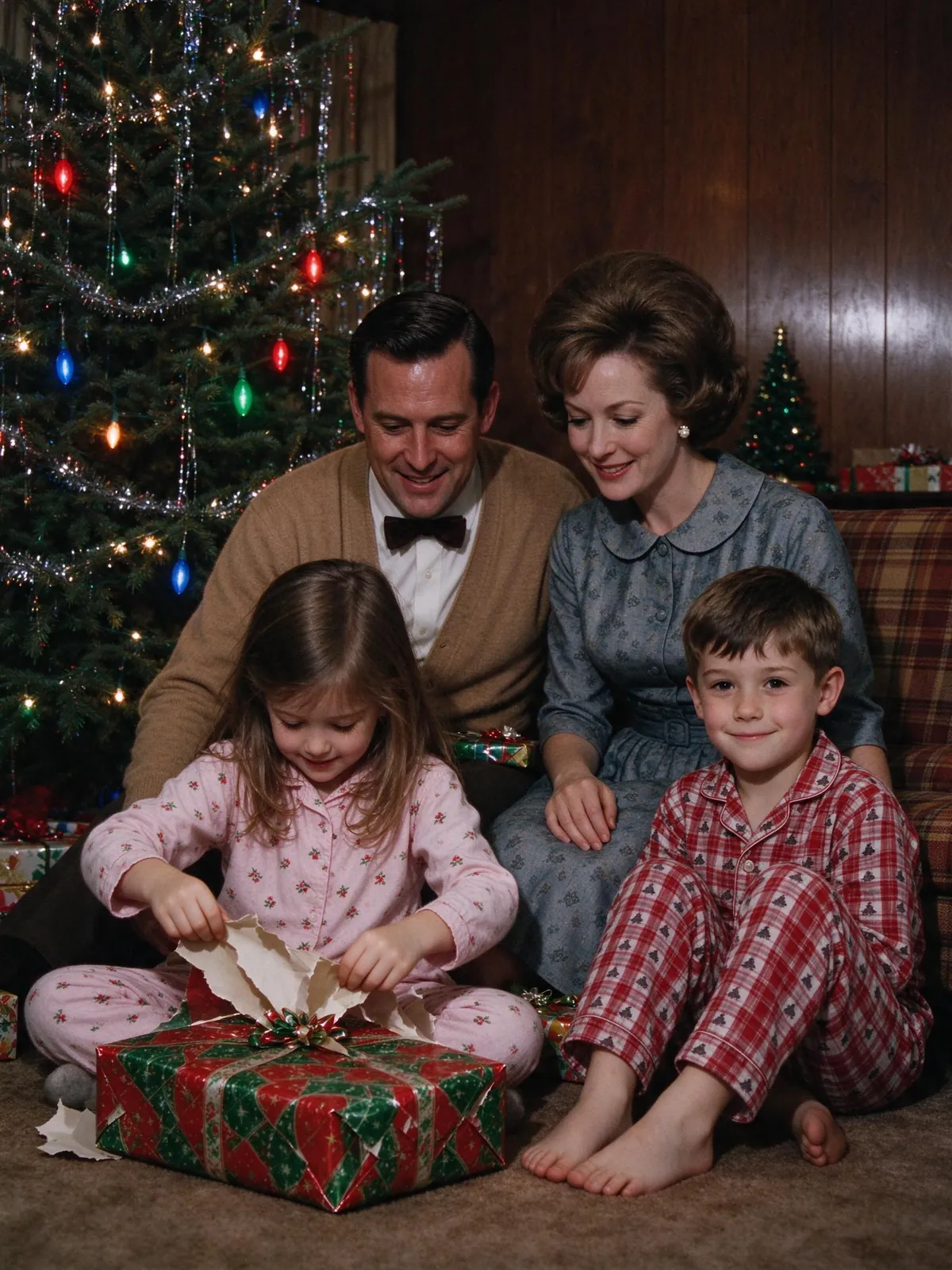
Warm Kodachrome colors, a tinsel tree with big colored bulbs, wood-panel walls and a little film grain. It looks like a print found in a grandparent's album, which is exactly why it gets shared.
Pets in the Christmas photo
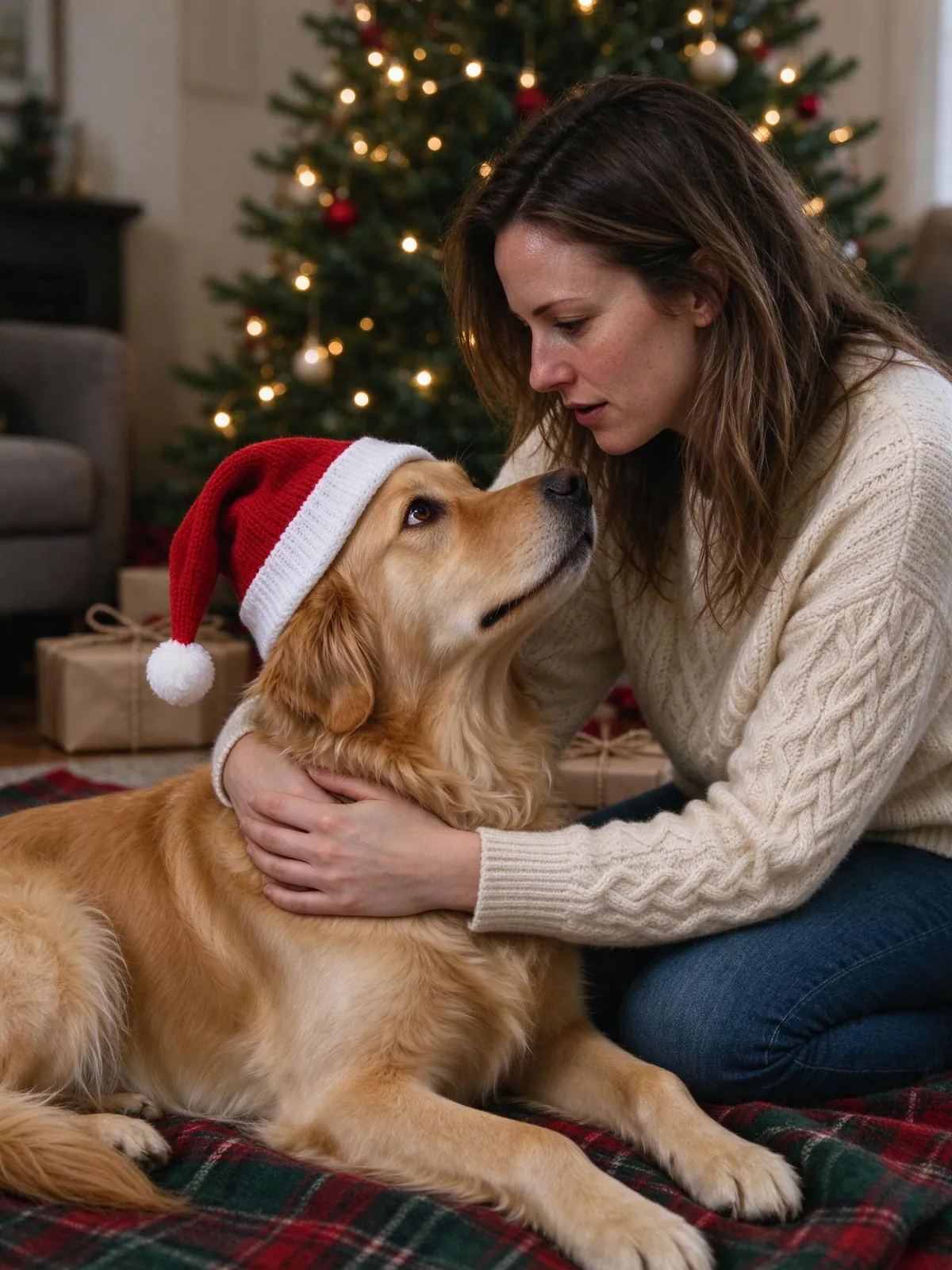
Dogs and cats in small Santa hats on a plaid blanket under the tree are some of the most liked posts every year. You can add pets next to the people or make a pet-only portrait. We collected more ideas in pet Christmas photos with AI.
ChatGPT or Gemini prompt, or a template?
You can make many of these looks by pasting a long prompt into Gemini or ChatGPT with one photo. That works best for a single person. Prompts struggle when several people come from separate photos, and faces often drift.
When a prompt is enough
One person, one clear selfie, and you do not mind trying a few times. Our Christmas photo prompts are free to copy.
When a template is easier
Several people or pets from separate photos, or you want the same look for the whole family. A template carries the set, outfits and lighting, and you only add photos.
How to make one in 3 steps
1. Pick a look
Choose one of the nine Christmas scenes: pajamas, sweaters, snowy yard, cookies, candy cane, Santa, pet, snow globe or 1960s.
2. Upload one photo per person
Use a recent, front-facing photo with the face clearly visible. Daylight beats flash, and filters make faces harder to match.
3. Generate and check faces
Compare each face with its original before you share. If a face looks off, try again with a clearer photo.
FAQ
Is the AI Christmas photo trend free to try?
On VibePico, verified sign-up includes 10 credits for one watermarked 1K photo. A watermark-free 2K photo costs 10 credits.
Will the photo still look like me?
The templates ask the model to keep your features, age and skin tone. Results vary with the photo you upload, so compare faces before sharing.
Can I print it?
Yes. A 2K photo prints well at 4×6 and 5×7 inches, and the AI Christmas card generator puts it on a card without using credits.
Can I get a photo with Santa for my kids?
Yes. Read how to get a photo with Santa using AI for the steps and safety notes.
Try the AI Christmas photo trend with your own photos
Pick a Christmas scene, upload one photo per person or pet, and see the credit cost before you generate with the AI Christmas photo generator.