Pet Christmas Photos with AI: 10 Dog & Cat Ideas
Ten pet Christmas photo ideas you can make with AI from one photo of your dog or cat: Santa hats, plaid blankets, snow globes, candy canes and family shots.
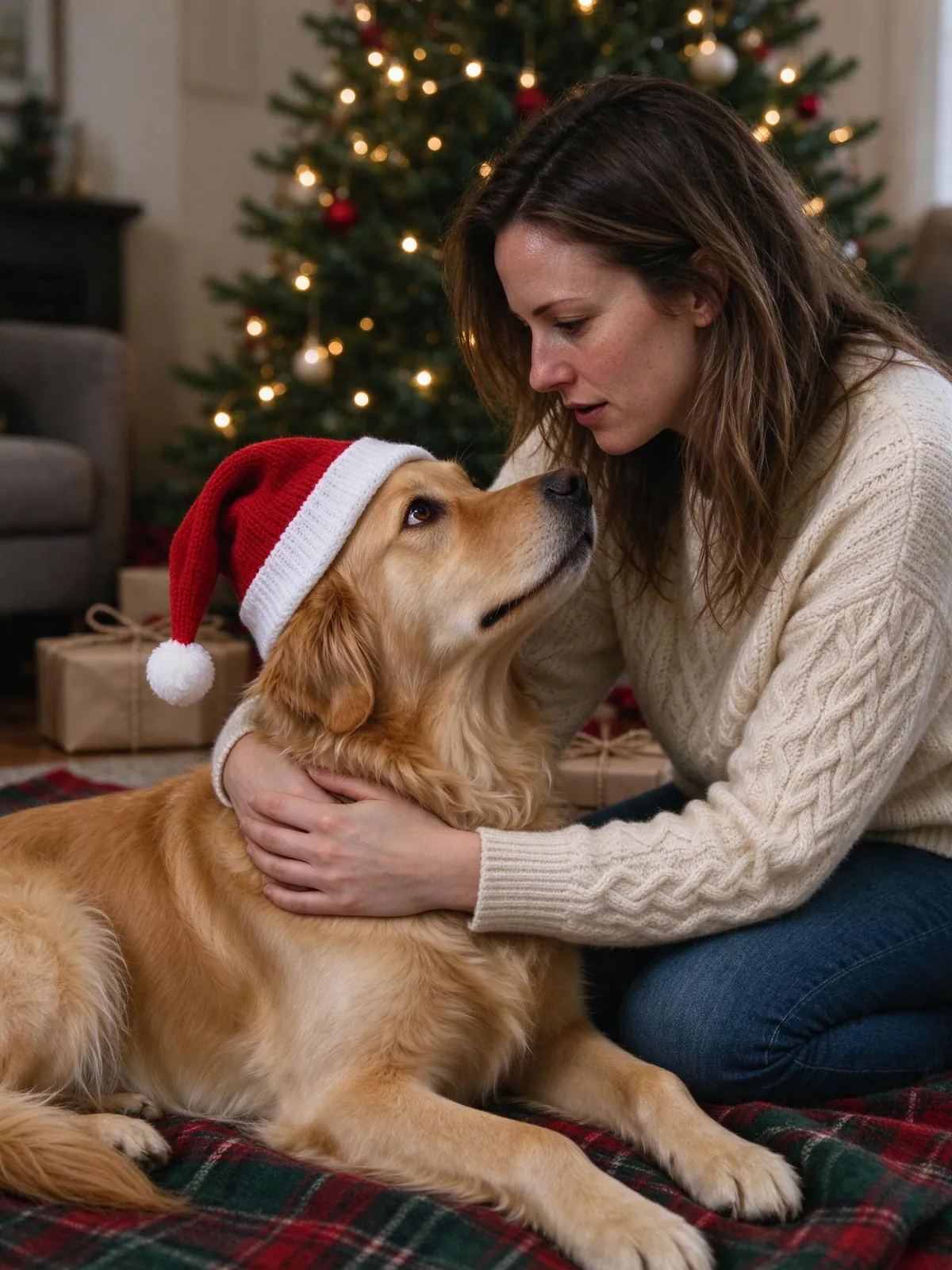
A pet Christmas photo is the easiest holiday post to love and the hardest one to take. Dogs will not hold a pose, cats leave the moment you bring out a hat, and the tree lights are never bright enough. With AI you can start from a photo you already have and let the set, the hat and the light be added around your pet.
Here are ten ideas, tips for the reference photo, and how to turn the result into a card. To try one now, open the pet Christmas portrait template.
The pictures in this guide are AI-generated. The animals and people in them are fictional.
Can AI make a pet Christmas photo of my dog or cat?
Yes. Upload one clear photo of each pet, pick a Christmas scene, and the AI builds the picture around them. You can make a pet-only portrait or put pets next to the people. Fur color and markings can shift a little, so compare the result with your original photo.
10 pet Christmas photo ideas
1. Santa hat by the tree
A small knit Santa hat, a decorated tree and warm lights. The classic for a reason, and the one most people start with. Use the pet Christmas portrait scene, which puts every pet in a small hat that fits naturally.
2. Plaid blanket on Christmas morning
Your pet lying on a red-and-green plaid blanket under the tree, surrounded by wrapped presents. The same pet scene covers this one; add people if you want someone kneeling beside the dog with an arm around it.
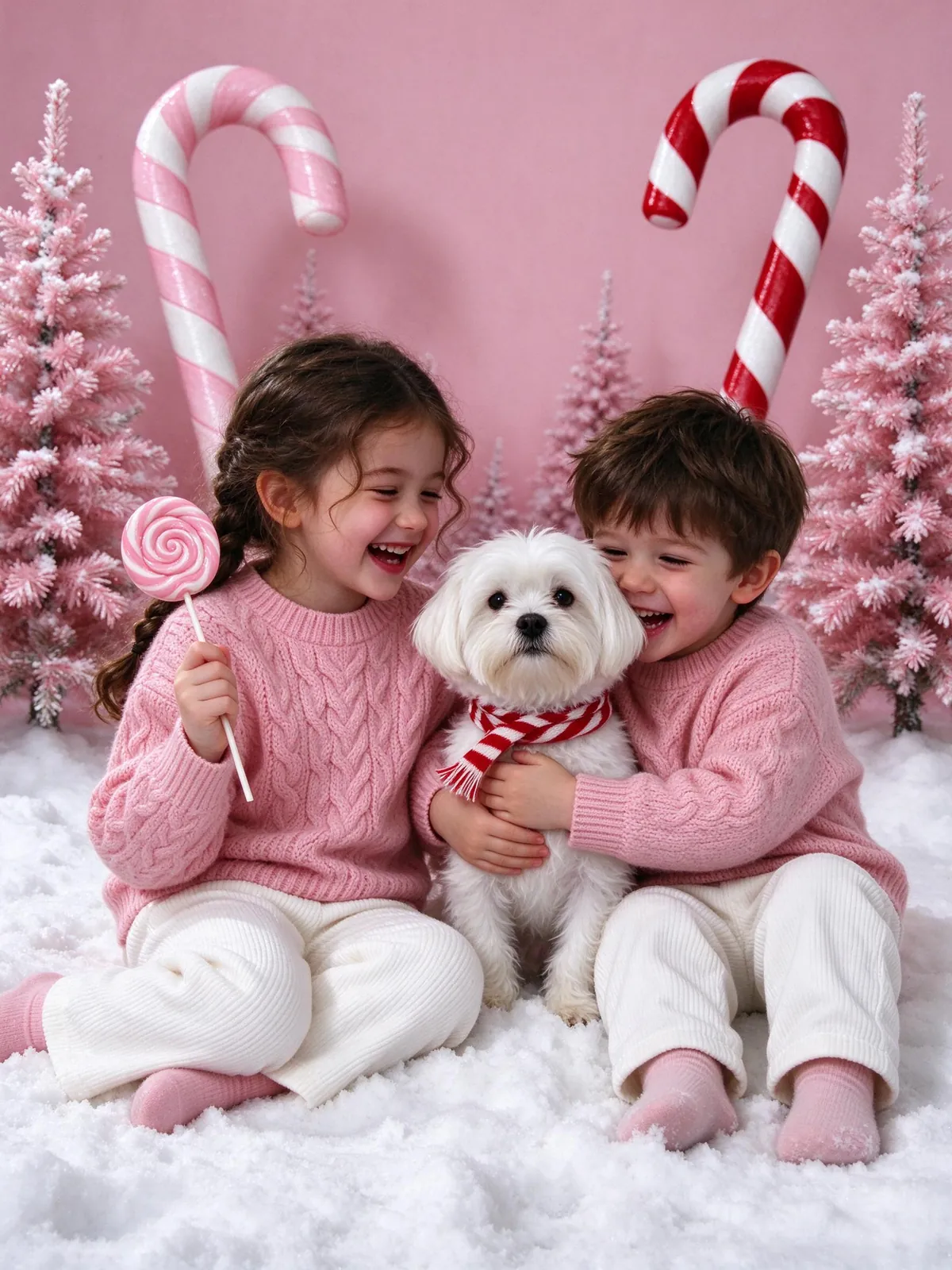
3. Candy cane studio
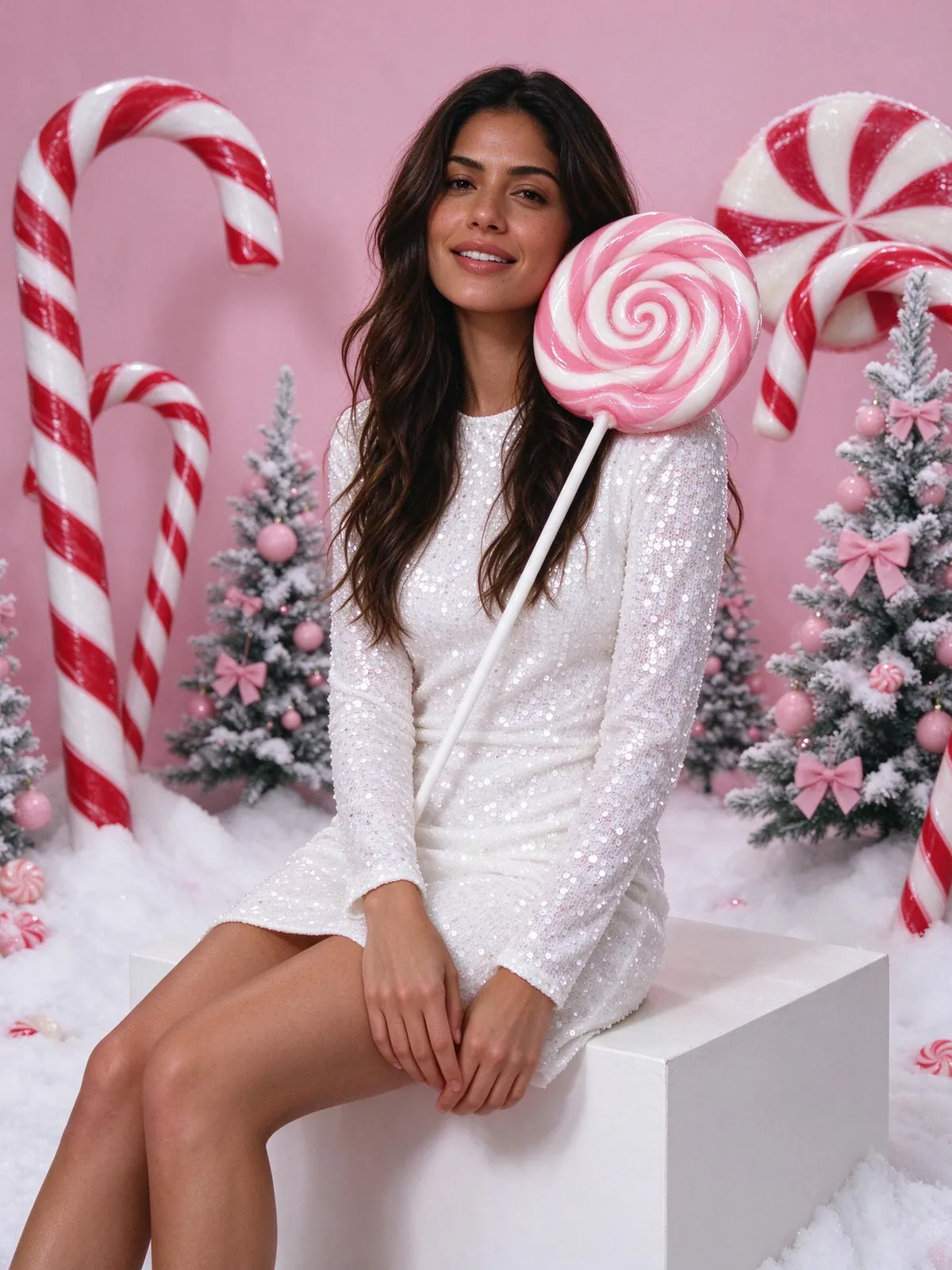
The viral candy cane Christmas photo set with giant lollipops and pink trees, with your dog or cat sitting next to you.
4. Snow globe pet
Your pet inside a glass snow globe with a tiny winter village and falling snow. Works well as a round profile picture. Use the snow globe style and add your pet in its own slot.
5. A visit to Santa
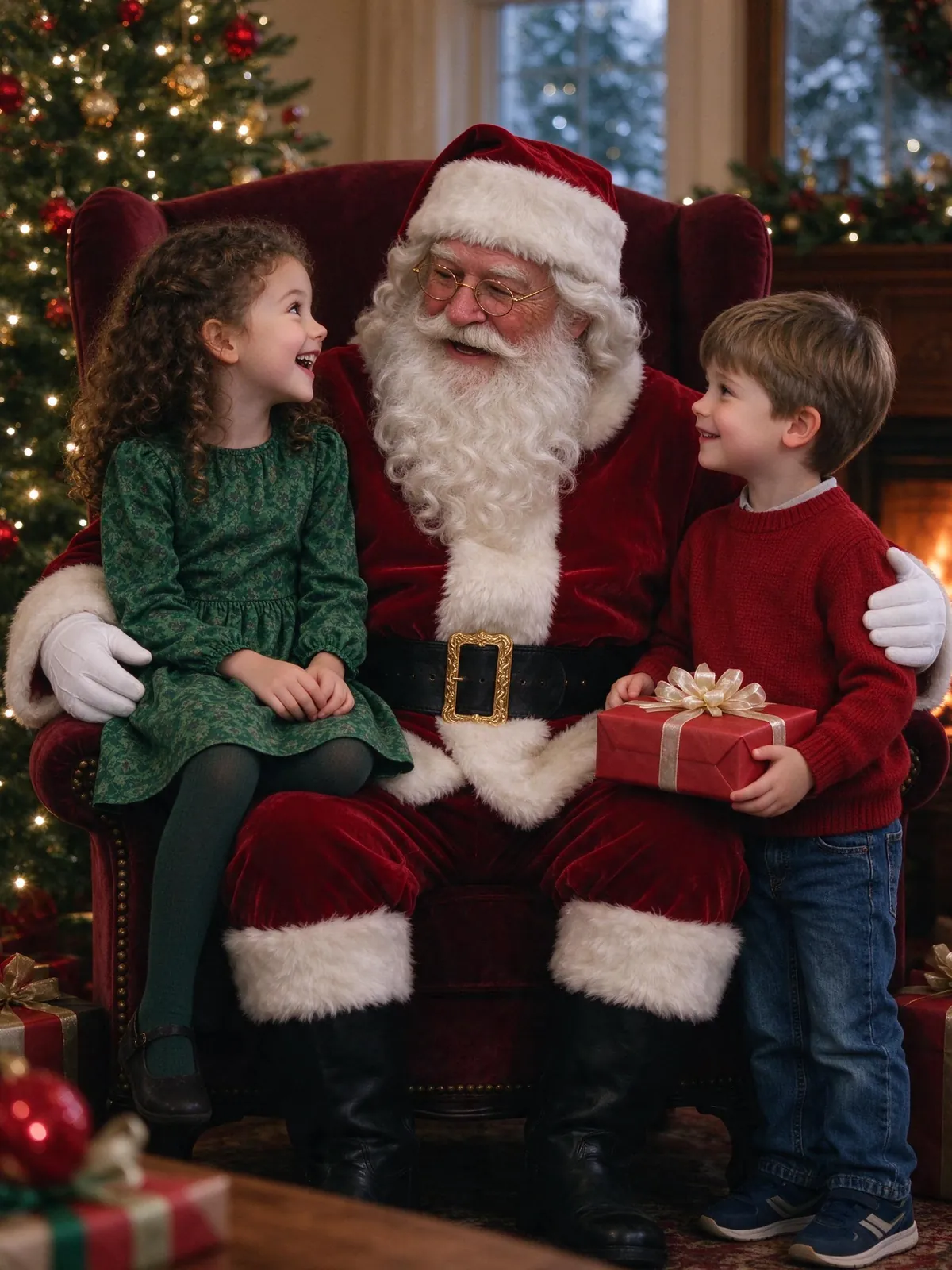
Your dog sitting next to the kids and a fictional AI Santa in his armchair. See the AI Santa photo generator for the scenes. Pets sit next to the children, so the picture still feels like a family visit.
6. Snowy front yard
Your pet in the snow outside a house lit with Christmas lights, with a wreath on the door. Use the snowy front yard scene. Dark fur shows up well against the snow.
7. Matching pajamas with the family
Everyone in red plaid pajamas, pets included in the frame. It is the easiest way to get the whole household on one card. Use the matching pajamas scene and switch outfits to match the scene.
8. Cookie thief
Your dog or cat on the kitchen counter next to a tray of Christmas cookies, with the family baking in the background. Use the baking cookies scene and add the pet next to the people.
9. Vintage 1960s Christmas
Warm Kodachrome colors, a tinsel tree and your pet on a plaid sofa, like an old family print. Use the vintage 1960s scene. The film grain hides small differences in fur.
10. Fireplace and stockings
Your pet curled up by the fireplace with stockings hung above, in soft evening light. Use the fireplace and sweaters scene, with or without the family.
How to take a good reference photo of a dog or cat
The AI can only keep what it can see.
Get down to their eye level
Photos taken from above shrink the face and hide the eyes. Sit on the floor.
Use daylight
A window in the morning beats a flash at night. Flash turns eyes green or white and flattens fur.
Show the markings
If your dog has a white patch or your cat has a striped tail, make sure the photo shows it clearly. One photo per pet works best.
Adding pets to the family photo
You can add up to 3 pets next to up to 8 people, each from their own photo, so nobody has to be in the same room. The AI Christmas family photo page is built around getting relatives and pets into one picture.
From photo to pet Christmas card
Once you have a result you like, put it on a 4×6 or 5×7 card with your own greeting using the AI Christmas card generator. Card layouts do not use credits. For portraits outside the holidays, try the AI pet portrait tool.
FAQ
Is a pet Christmas photo free to make?
Verified sign-up includes 10 credits for one watermarked 1K photo. A watermark-free 2K photo costs 10 credits.
Will it look like my pet?
It aims to keep fur color, markings and face shape, but details can change. Compare the result with your original photo.
Can I include more than one pet?
Yes, up to 3 pets in one picture, with or without people.
What else is trending this Christmas?
See the AI Christmas photo trend guide for candy cane shoots, Santa photos and more.
Make your pet Christmas photo today
Pick a Christmas scene, upload a clear photo of each pet, and see the credit cost before you generate with the AI Christmas photo generator.