How to Get a Photo with Santa Using AI (No Mall Line)
How to get a photo with Santa using AI: what photos you need, three Santa scenes, how children's photos are protected, and how it compares with a mall visit.
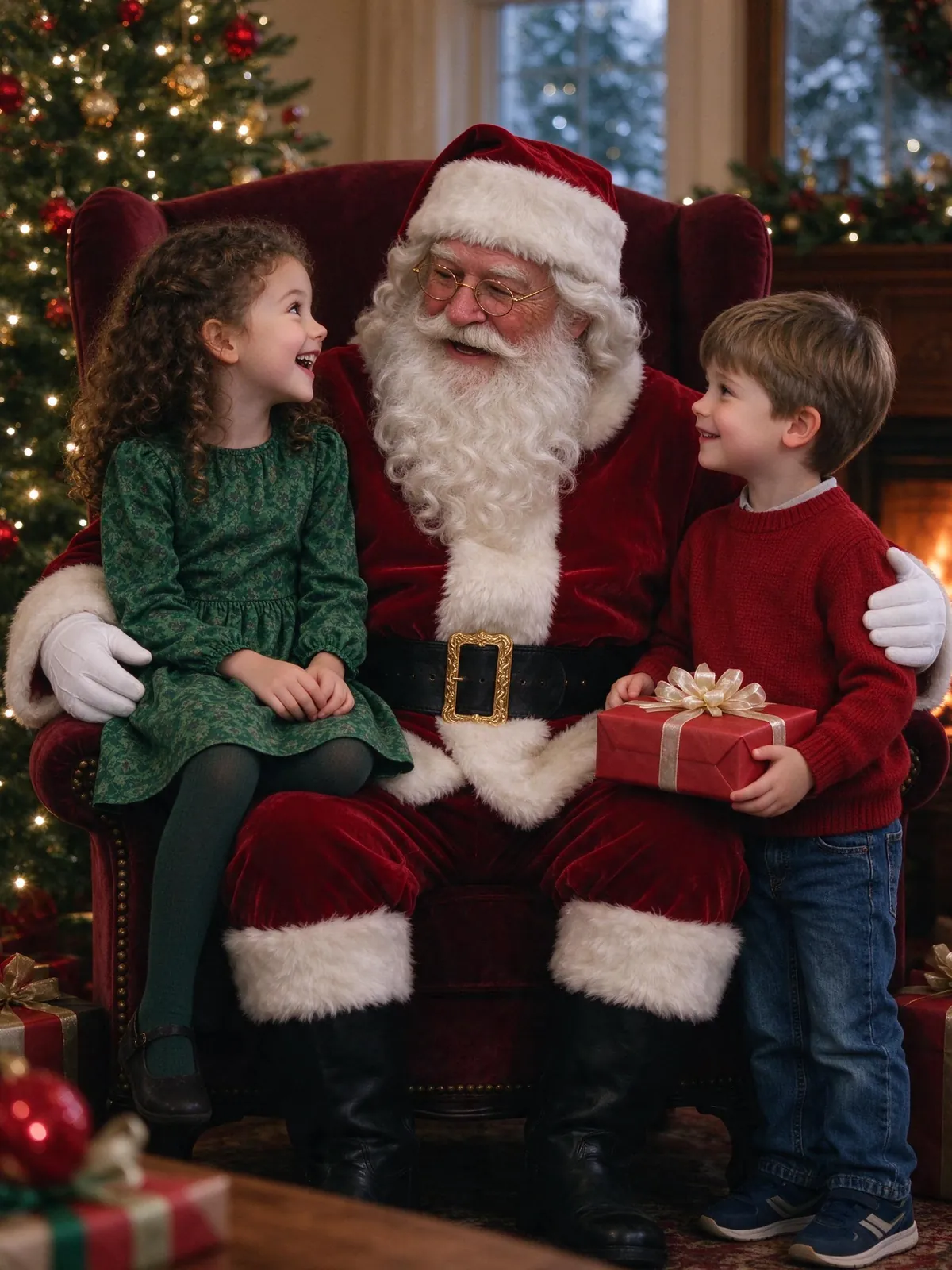
You can get a photo with Santa using AI from your own living room: upload a clear photo of each child, choose a Santa scene, and the AI places a friendly, fictional Santa next to them. No line, no crying in a queue, and grandparents who live far away can still get a print.
This guide covers what you need, the scenes that work best, how children's photos are handled, and when a real visit is still the better choice. If you want to start right away, open the Santa photo scenes.
The pictures in this guide are AI-generated. The people in them, including Santa, are fictional.
Can you get a photo with Santa using AI?
Yes. AI image tools can build a complete Santa scene around photos you already have. The Santa in the picture is an AI character, not a real performer or anyone's likeness, and nothing about him comes from your uploads.
What it is good for
A Christmas card, a picture for relatives, or a fun extra when the mall line is three hours long or a child is sick on the day you planned to go.
What it is not
It is not a replacement for meeting Santa. We suggest telling kids it is a Christmas picture made on the computer, not a real visit.
What you need: one clear photo per child
The result can only be as good as the photos you start with.
Pick recent photos
Faces change fast in young children. A photo from the last few months keeps ages right.
Face the camera, use daylight
Eyes open, face visible, no sunglasses, hats pulled low or heavy filters. Window light is better than flash.
One person per photo
Each child or adult gets their own photo. You do not need a picture of everyone together. Babies work too, as long as the face is clearly visible.
Step by step
1. Choose a Santa scene
Pick Santa's armchair, his workshop or his sleigh. Each scene comes with its own set, outfits and lighting, so there is no prompt to write.
2. Upload photos and confirm permission
Add one photo per person and up to 3 pets. Photos of children need a parent's or guardian's permission, and you confirm it before generating.
3. Generate and compare faces
A 2K photo costs 10 credits, and the cost shows on the button before you start. Compare each child's face with the original before you share.
Three Santa scene ideas
Santa's armchair
The classic visit: Santa in a velvet armchair beside the tree, kids next to him, warm tree lights. It looks most like a traditional photo with Santa.
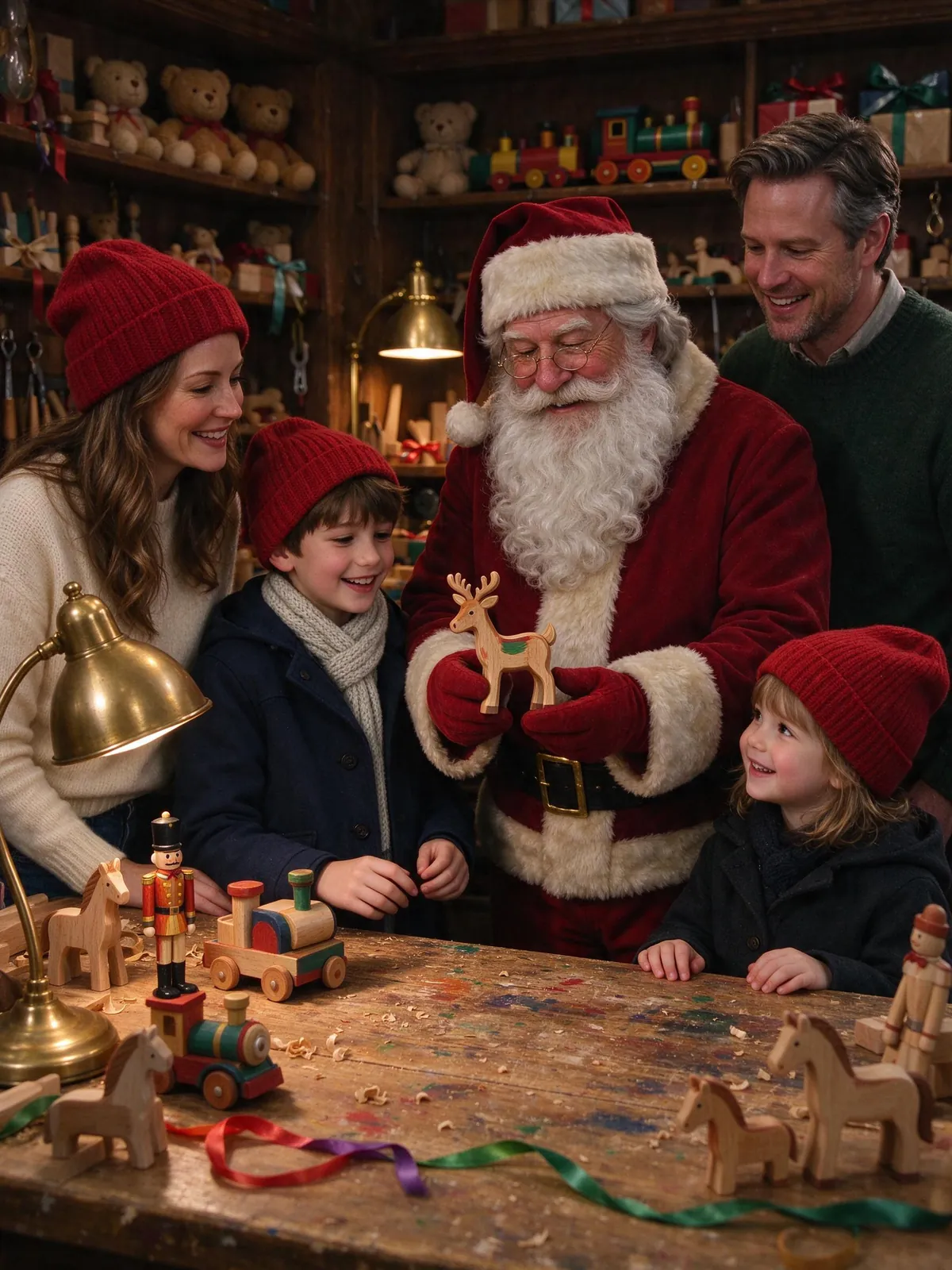
Santa's workshop
Shelves of wooden toys, wrapped presents and warm brass lamps. It has room for parents and grandparents, so it works for bigger families.
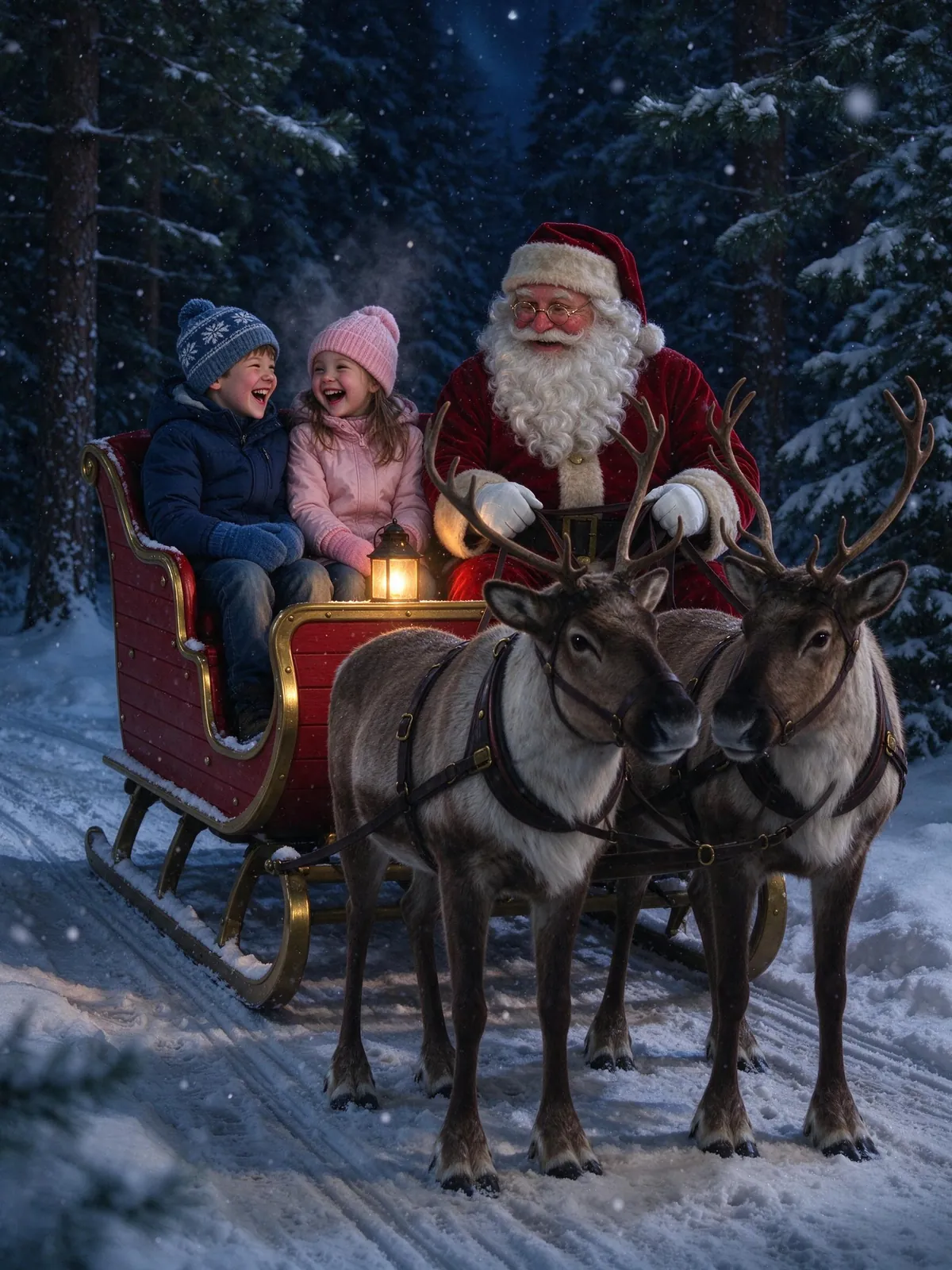
Santa's sleigh
A night ride through a snowy pine forest with lanterns on the sleigh. Kids love it, and it makes a striking card.
Keeping your kids' photos safe
Before you upload a child's photo anywhere, check what happens to it. On VibePico:
Permission comes first
You confirm that you have permission to use every photo, including guardian consent for children.
References expire after 24 hours
Our copies of your reference photos expire after 24 hours. Results stay in your account until you delete them.
No face identification
Face checks count faces for photo quality. They do not identify anyone or keep face templates; the biometric information policy has the details.
Not used for training
We do not sell your personal information or use your photos to train our own AI models.
AI Santa photo vs. a mall Santa visit
A mall visit gives kids the real moment: the line, the conversation, the wish list. An AI picture gives you a photo when that is not possible, and it can include relatives who live far away. Many families do both. If you want a printed card from the result, the AI Christmas card generator lays it out at 4×6 or 5×7 without using credits.
Time and cost
A mall or garden-center visit often means a long wait and a fixed photo package. An AI picture takes a few minutes at home, and you only pay for the photos you make, with the price shown before each one.
Tears and timing
Toddlers who are scared of a stranger in a beard can still end up smiling in a Santa picture, because the photo you upload can be one you took on a good day.
FAQ
Is an AI Santa photo free?
Verified sign-up includes 10 credits for one watermarked 1K photo. A watermark-free 2K photo costs 10 credits.
Do I need an app?
No. It works in any phone or desktop browser.
Can my baby be in the photo?
Yes, with a clear photo where the face is visible. Small faces are harder to match, so compare before sharing.
Is the Santa a real person?
No. He is a fictional AI character and is never made from your uploads.
Get your photo with Santa using AI tonight
Choose a Santa scene, upload one photo per child, and see the cost before you generate with the AI Santa photo generator. For more holiday looks, see the AI Christmas photo trend guide or pet Christmas photo ideas.