AI Halloween Photo Trend: How to Make Yours from a Selfie
The AI Halloween photo trend explained: what people are posting, why Gemini and ChatGPT prompts change your face, and how to make one that still looks like you.
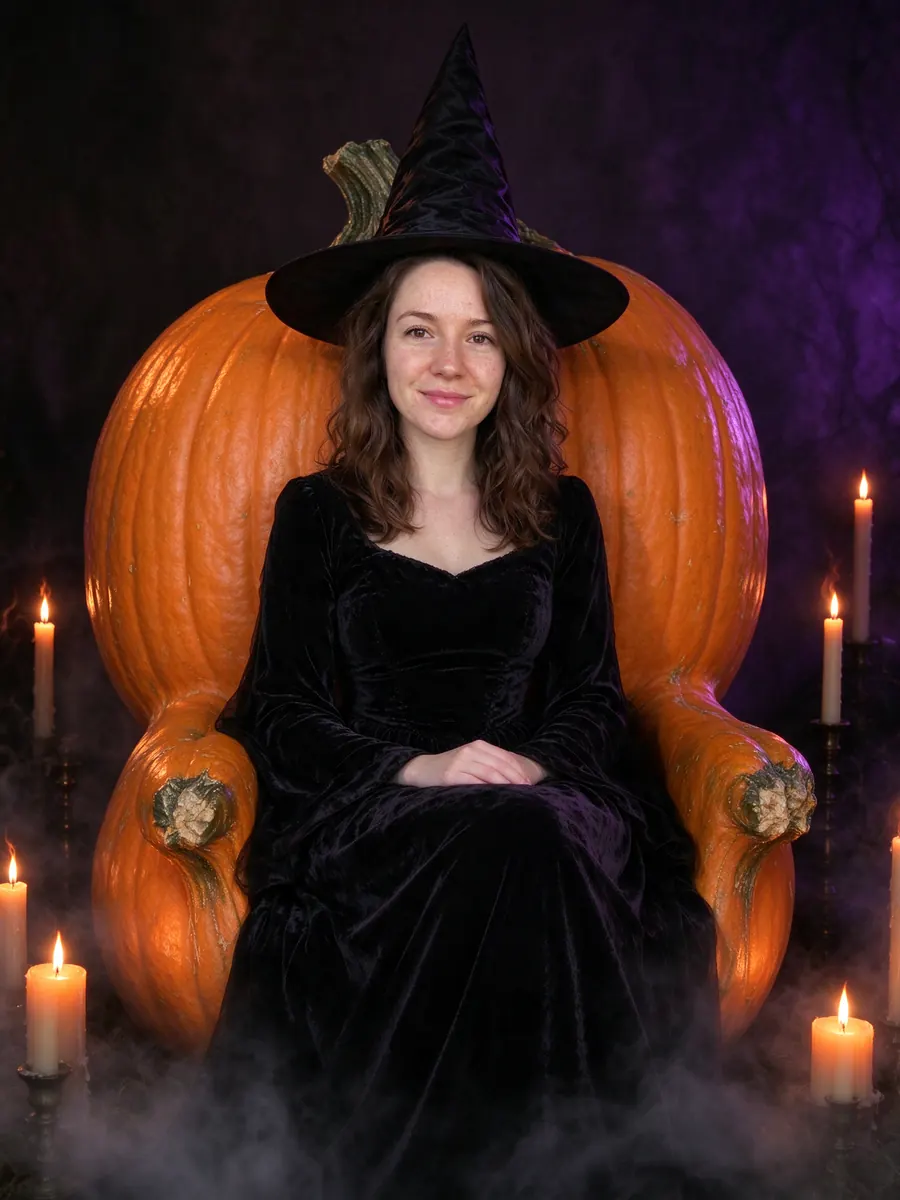
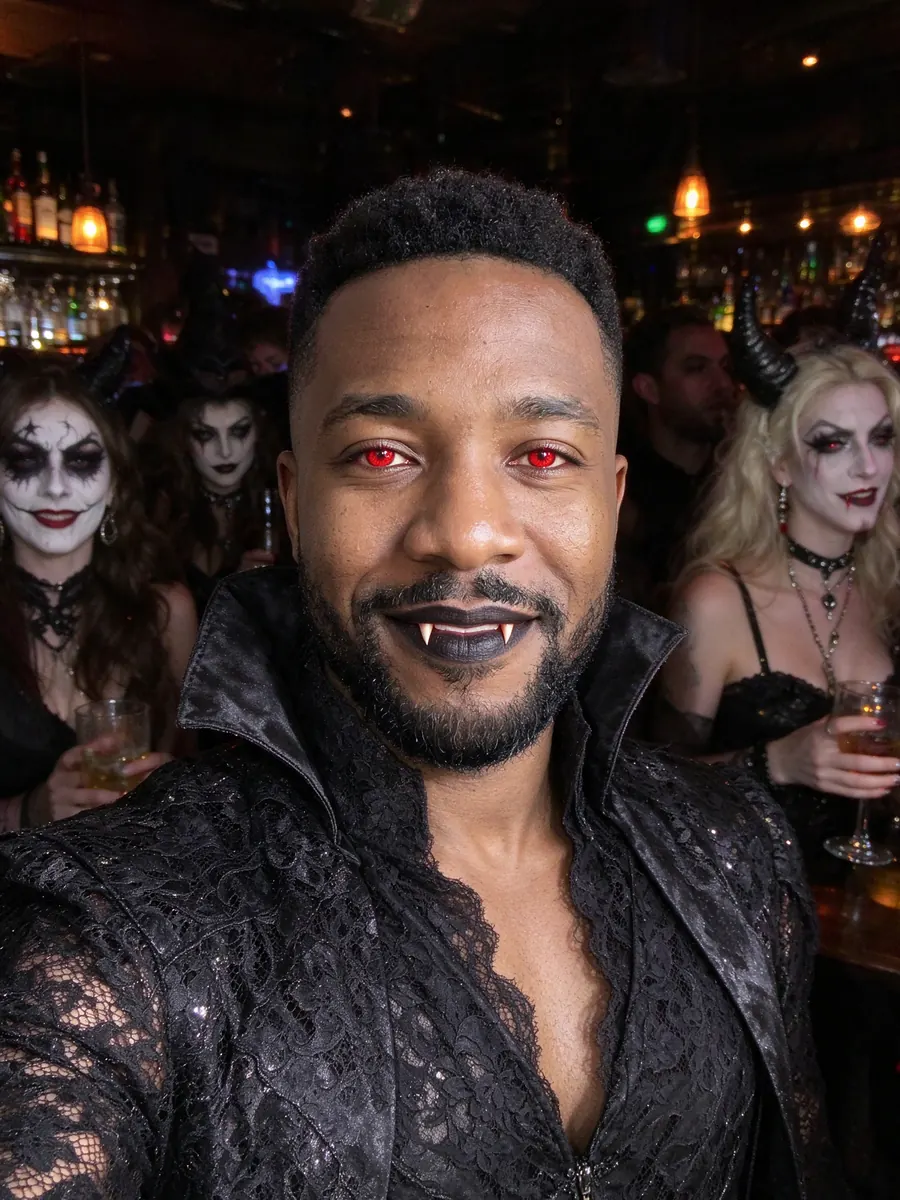
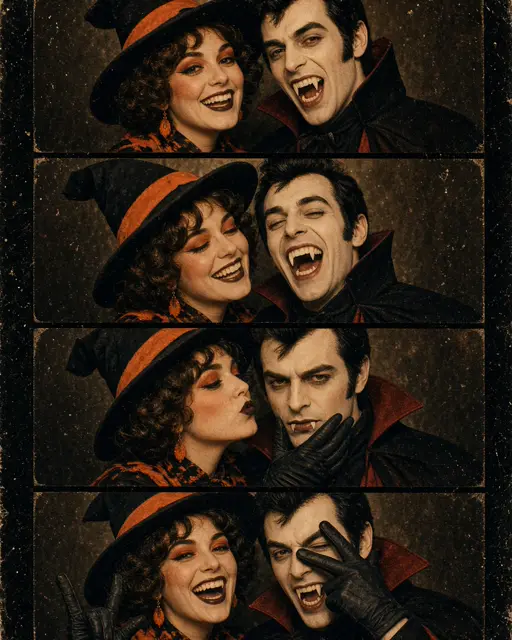
Every October a new AI Halloween photo trend takes over feeds. This year the format is simple: one ordinary selfie goes in, and a finished costume photo comes out, with the person still recognisable. Vampires at a house party, witches on pumpkin thrones, grainy 1970s photo-booth strips and pets in witch hats are all over X, Instagram and TikTok, mostly made with Gemini, ChatGPT and dedicated photo apps.
This guide explains what people are making, why many results come back looking like someone else, and how to make your own in a few minutes.
The pictures in this guide are AI-generated. The people and animals in them are fictional.
What the AI Halloween photo trend looks like
The posts share a few traits.
It is a photo, not a filter
Live face filters on Snapchat or Instagram draw over a camera feed. The AI Halloween photo trend makes a new still picture instead: costume, makeup, lighting and background are all redrawn together, so the result looks like a photo someone took at a real party.
The face has to stay
The whole point is that friends recognise you. A great costume on a stranger's face does not get shared.
A handful of looks dominate
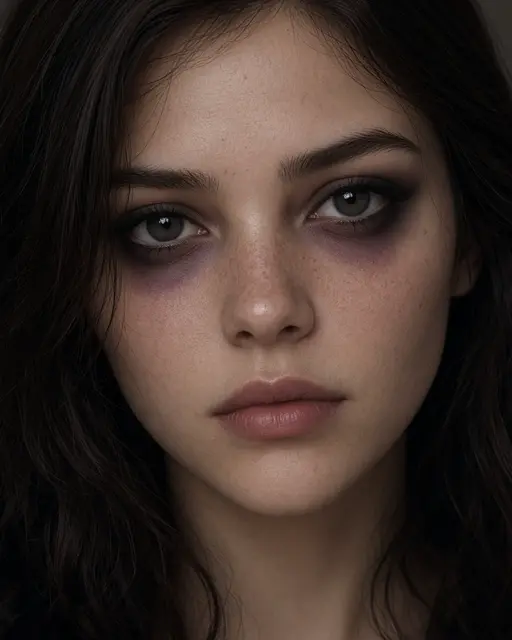
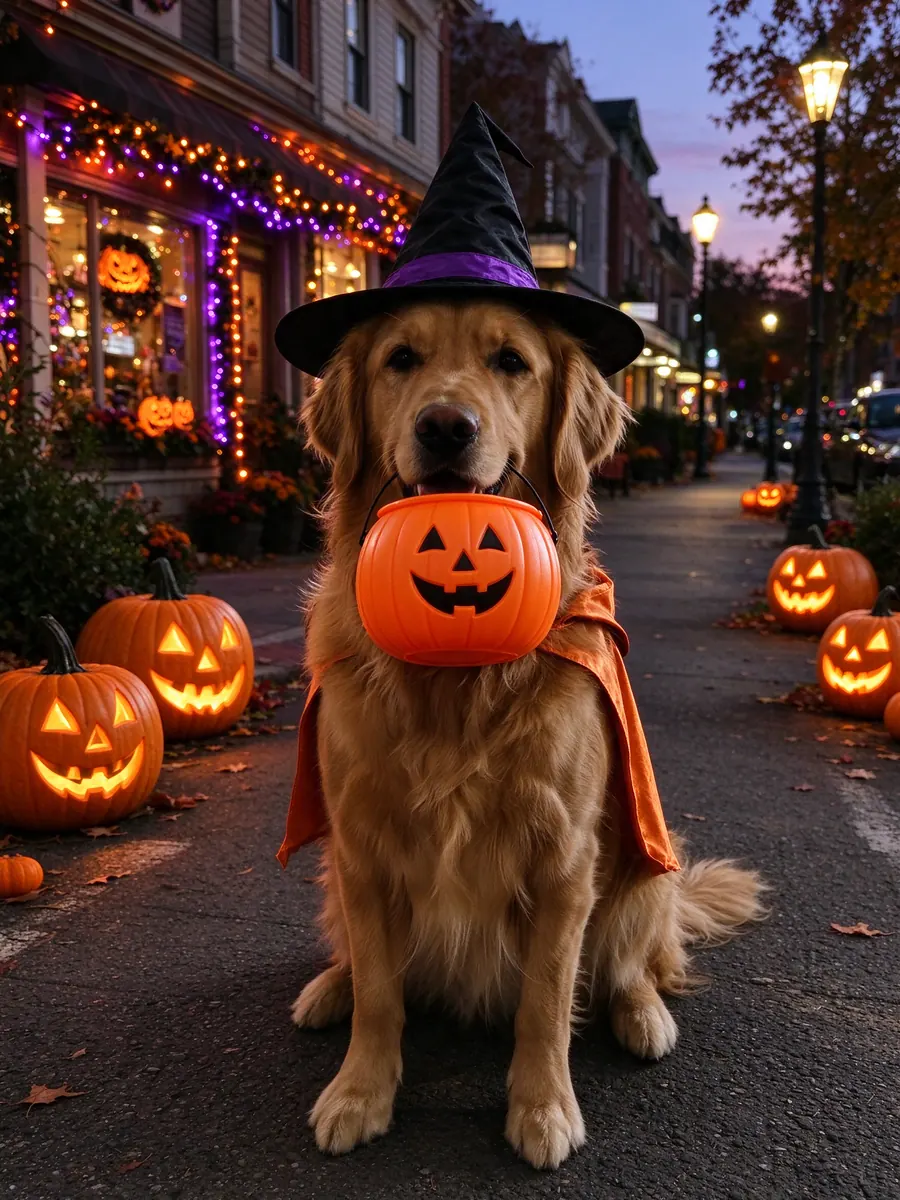
Gothic and glam witches, vampires, skeleton face paint, corpse-bride couples, pets trick-or-treating, retro photo-booth strips and dark-fantasy before-and-after splits make up most of what gets posted.
Why prompt-based results often change your face
Most trend posts come with a prompt to paste into a general chatbot. That works, but it has known weak spots.
The prompt does the heavy lifting
A long prompt describes the costume, the scene, the light and the camera. Change one word and the result changes a lot. Shared prompts are also written for one person's photo, not yours.
Face likeness is not guaranteed
General image models often smooth skin, change face shape or swap features to fit the costume. The more dramatic the look, the more likely it drifts.
Results are hard to repeat
Run the same prompt twice and you can get two different people. That makes matching couple or group posts difficult.
How to make an AI Halloween photo step by step
A dedicated costume tool replaces the prompt with a tested look. Here is the process with VibePico.
Step 1: Choose a clear selfie
Use a recent, front-facing photo in even light, with no sunglasses, masks or heavy beauty filters. One person per photo, unless you pick a couple look.
Step 2: Pick a costume
Choose a look such as the AI vampire filter, a gothic witch, a skeleton or the vintage Halloween photo booth strip. Couples can upload one photo each for a corpse bride couple costume, and pet owners can upload a dog or cat photo instead.
Step 3: Pick a size for where you will post
Story (9:16) for TikTok, Reels and Stories. Portrait (4:5) for an Instagram feed. Square (1:1) for a profile picture. Landscape (16:9) for a before-and-after split.
Step 4: Generate and check the face
The photo is usually ready in about 40 seconds. Check eyes, hairline and any glasses or jewellery before posting. If something is off, run it again: each run draws a new picture.
Tips to get your post noticed
Post the before and after
The reveal is half the fun. Put your original selfie next to the costume photo, or use a split look that does it in one image.
Match the format to the app
A tall 9:16 image fills a phone screen. A square image looks small in a story. If you post the same picture to several apps, make one version per format rather than cropping a single image three ways.
Post before Halloween night
Feeds fill up on October 31. Posting a day or two earlier gives your photo more room to be seen.
Label it as AI
Some platforms ask for edited or AI images to be labelled. Saying so up front also avoids "where was this party?" questions.
Privacy and cost
What happens to your selfie
On VibePico, uploads are private and used only to make your picture. Uploaded photos are deleted after 24 hours, and results stay in your account until you delete them.
What it costs
A new account gets 10 free credits, enough for one watermarked 1K photo. After that, each photo costs 10 credits and comes out at 2K with no watermark.
FAQ
Is the AI Halloween photo trend free?
Most tools offer a free first try. On VibePico the first photo is free and watermarked.
Can I use a Gemini prompt instead?
Yes, and it can work well. A dedicated tool trades flexibility for a tested look that keeps your face more reliably.
Can I do the trend with my partner?
Yes. Couple looks take one photo of each person, so you do not need a photo together.
Join the AI Halloween photo trend with your own selfie
Pick a costume, upload one clear photo and get a share-ready picture in about 40 seconds with the AI Halloween costume generator.