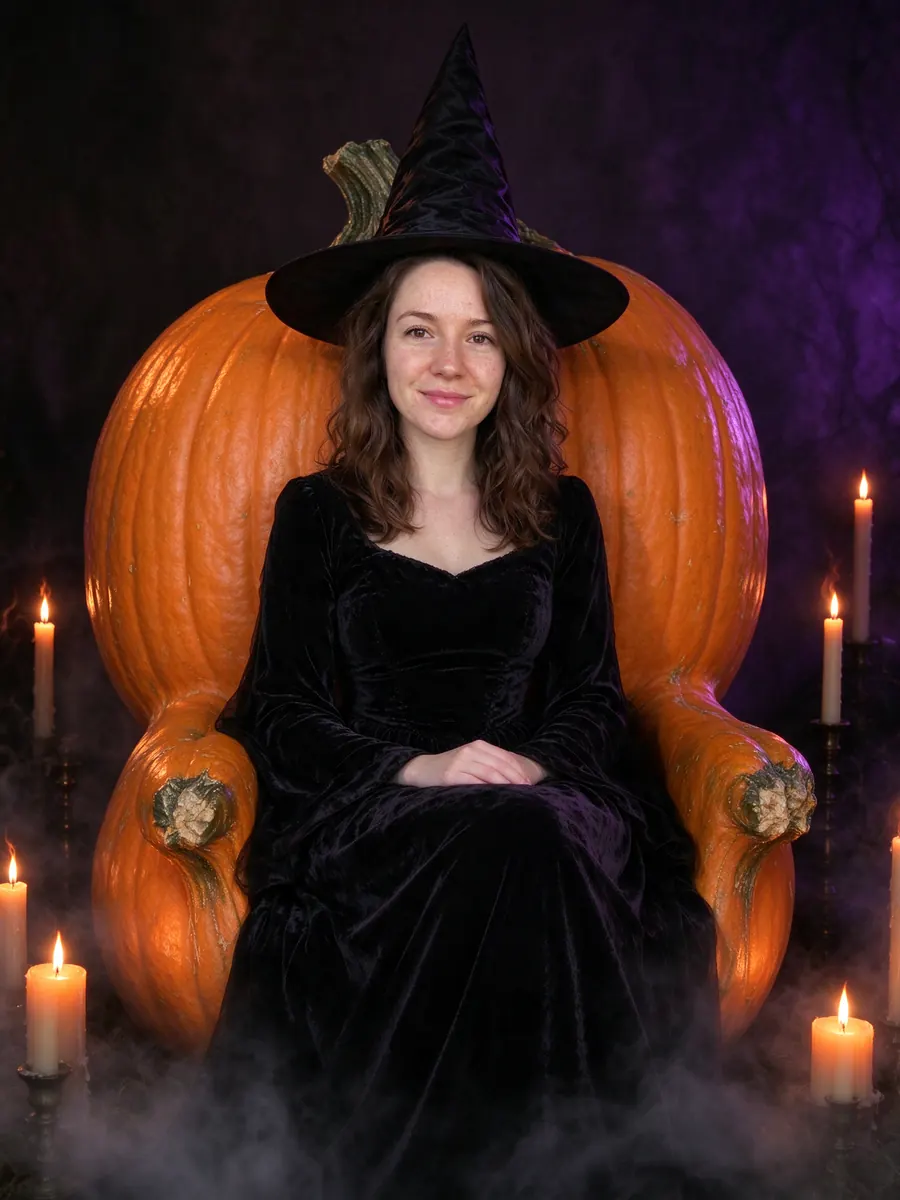
Three Generation Photo Ideas: 9 Shots With Grandparents
Nine three generation photo ideas for grandparents, parents and kids, from a front porch to matching sweaters, plus how to make one when the family lives apart.
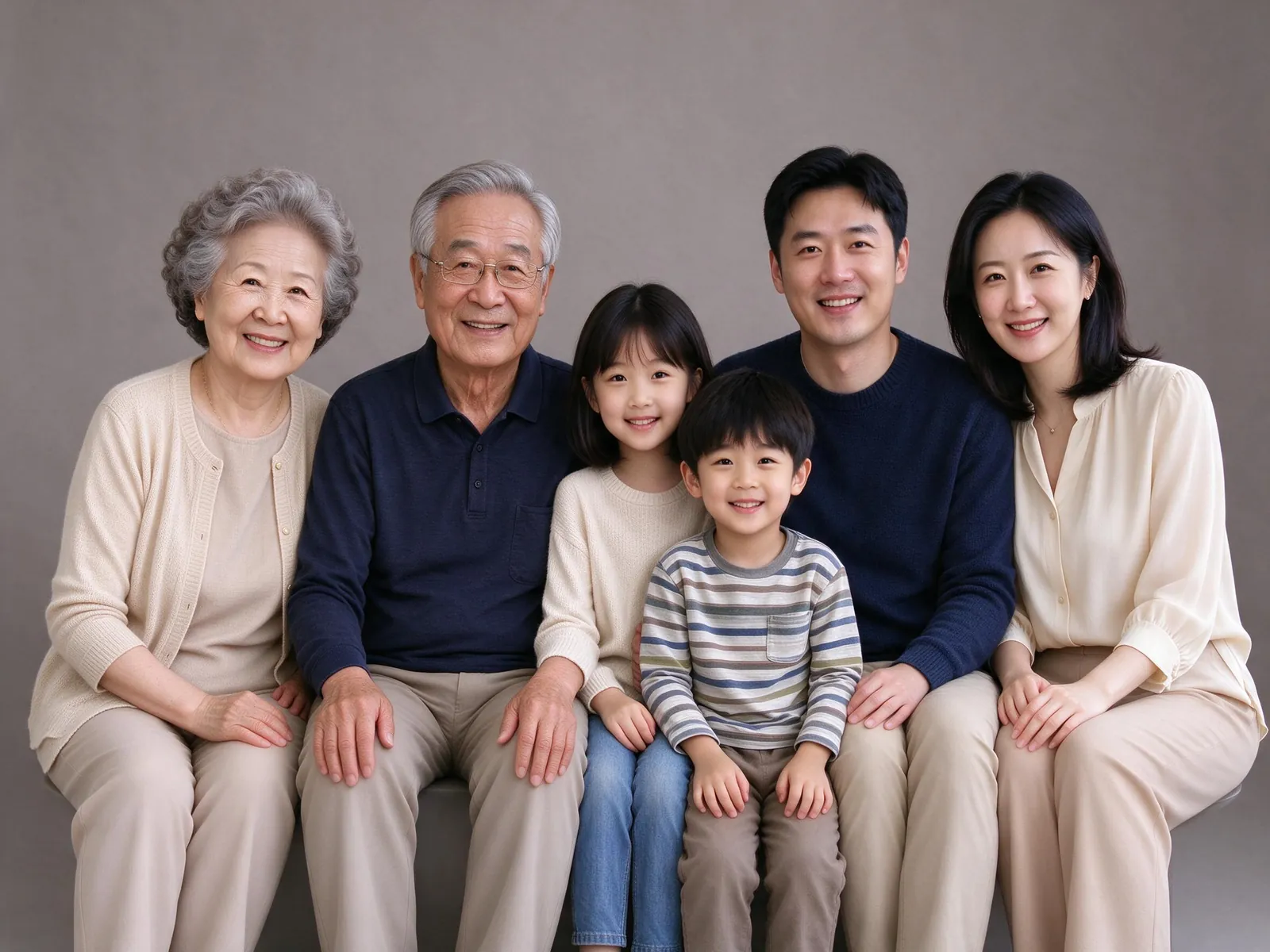
A picture with grandparents, parents and grandchildren in one frame is the photo families say they wish they had taken sooner. These three generation photo ideas cover poses and settings that work for a real photoshoot, and they also work when the family lives in three different cities and you build the picture with AI instead.
Each idea below lists what makes it work, who it suits, and what to watch for. The example pictures are AI-generated with fictional people.
Three generation photo ideas that work for any family
Before the list, three rules that apply to every idea:
- Put faces on similar levels. Seat grandparents, have parents stand or kneel behind them, and bring the kids to the front. Faces at very different heights make the photo feel scattered.
- Coordinate, do not match exactly. Two or three related colors look calmer than everyone in the same shirt, unless matching is the point (see idea 6).
- Plan for the smallest and the oldest. Little kids lose patience fast and grandparents may not want to stand for long. Keep the setup simple.
1. The classic studio line-up
A plain backdrop, soft even light, everyone close together. It is the most timeless of the three generation photo ideas and the easiest to frame. Grandparents sit in the middle, kids in front or on laps.
Best for: a print that will hang for years.
2. The front porch gathering
Grandparents and grandchildren side by side on a flower-lined porch, parents behind. It feels like a visit home, which is exactly why it works. VibePico's "Grandparents together" scene is built around this setup.
Best for: families who want a relaxed, everyday look.
3. The garden party
Flowers, string lights and garden-party outfits. An outdoor table or bench gives grandparents somewhere to sit.
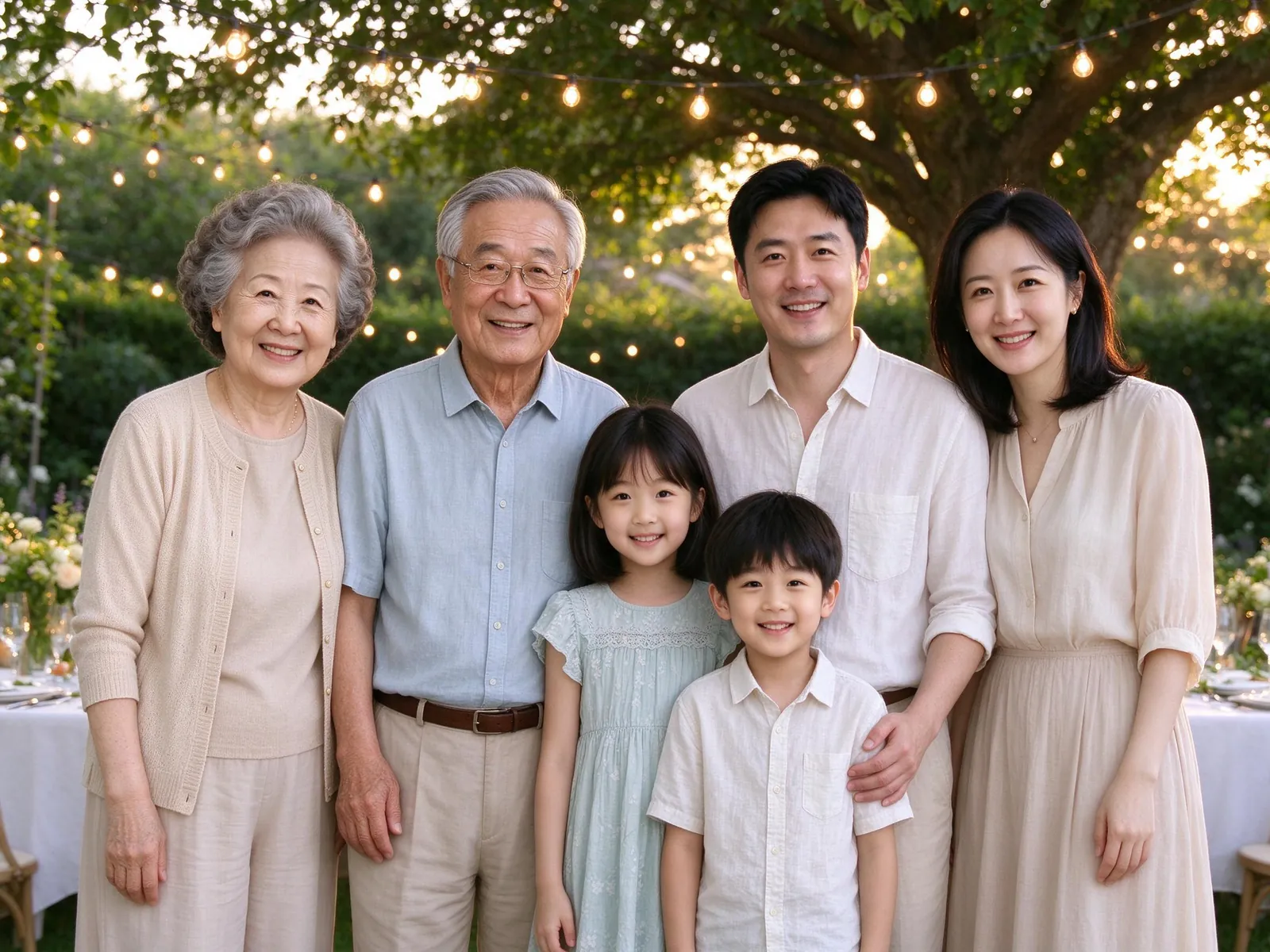
Best for: summer birthdays and anniversaries.
4. The autumn park walk
Golden leaves, cozy knitwear in warm colors and soft afternoon light. Ask everyone to walk slowly toward the camera, holding hands across generations.
Best for: families with energetic kids who will not sit still.
5. The golden-hour beach
Light summer clothes, a low sun behind the group and a soft breeze. Shoot about an hour before sunset so faces are not squinting.
Best for: reunions planned around a summer trip.
6. Matching Christmas sweaters by the fireplace
Here matching is the point. Red and green sweaters, a decorated tree, stockings on the fireplace. It is a natural fit for a holiday card, and there are six more setups in these Christmas family photo ideas at home.
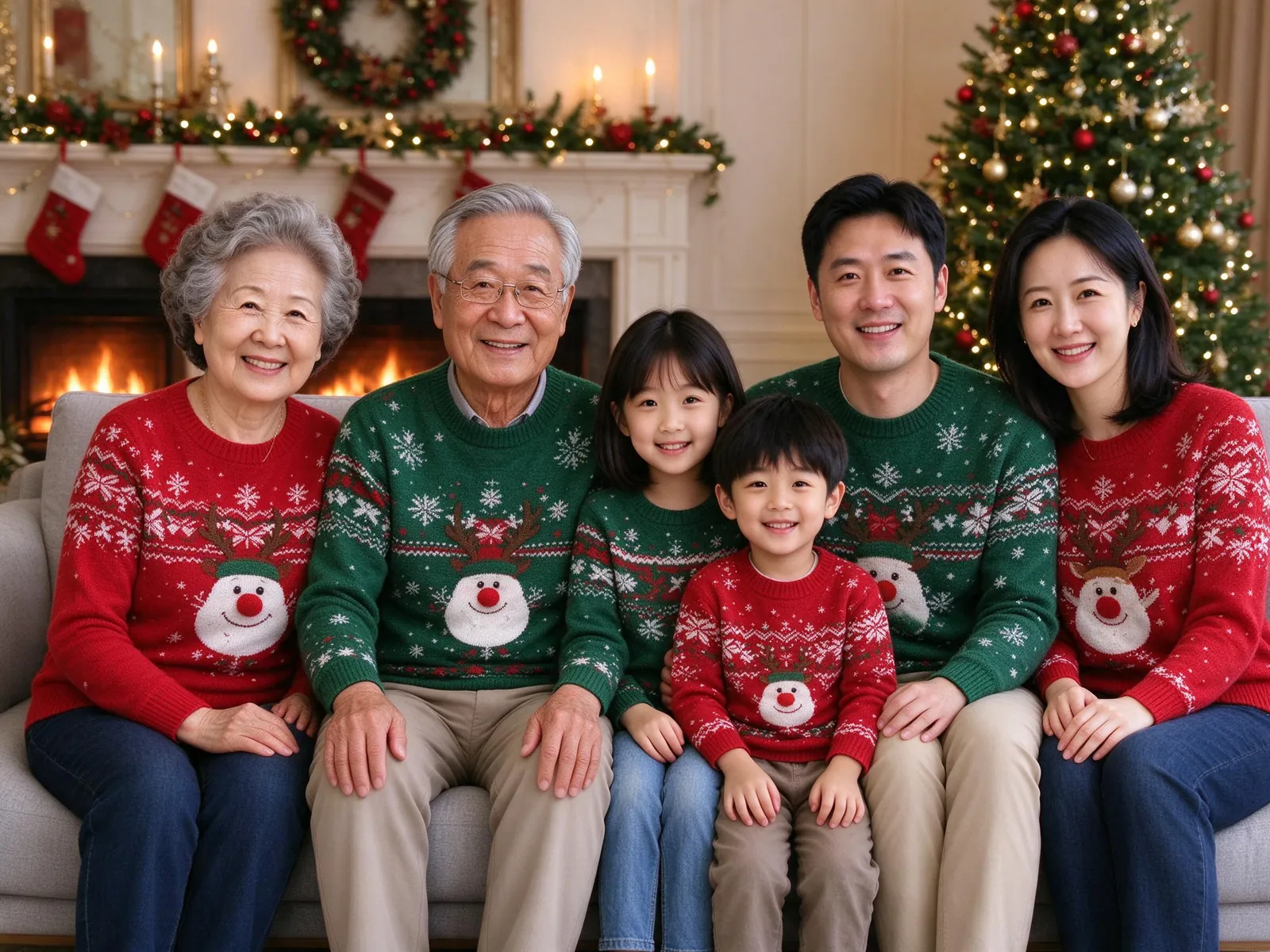
Best for: a Christmas card that includes everyone. The AI Christmas family photo tool has this scene plus pajamas, a tree and snow.
7. The painted storybook portrait
A hand-painted watercolor look with soft colors and gentle brush texture.
Best for: a gift for grandparents. The AI family portrait page groups the painted and studio styles.
8. The hanbok family portrait
Everyone in elegant Korean hanbok in complementary colors, in a traditional courtyard with wooden pillars and maple trees. A strong choice for Lunar New Year or Chuseok.
Best for: families who want a cultural keepsake.
9. The "everyone in the picture" photo for a family that lives apart
This is the idea most families actually need. Grandma is in one city, your sister in another, and nobody can fly in for a shoot. Instead, each person sends one clear, recent photo of themselves, and an AI tool generates a single picture with all three generations.
Best for: anyone who has not had everyone in one place for years. The step-by-step version is in how to make a family photo from individual photos.
How to make a three generation photo when you can't meet
The steps are short:
- One photo per person. Ask every grandparent, parent and child for a recent photo with the face large and well lit. One slot per person, not per household.
- Confirm the count. Enter how many people and pets you uploaded. The limit is 8 people, 3 pets and 10 reference photos in total.
- Pick a scene. Garden party or front porch are made for several generations. Each scene uses a tested prompt, so you do not have to write one. If you want to read them, the family photo prompts page lists them.
- Check the cost. A paid 2K picture costs 10 credits whether it has 3 people or 8. A new account gets 10 credits for one watermarked 1K preview.
- Review every generation. AI can change a person's age, hair, skin texture or expression. Check grandparents and kids as closely as the adults in the middle.
Mistakes to avoid with three generation family photos
Hiding the youngest. Small kids in the back row disappear. Bring them forward.
Using an old photo of a grandparent. A photo from ten years ago can make the result look like a different person. Recent is better than flattering.
Too many people for the frame. Larger groups make each face smaller. With eight people, pick a landscape canvas and look closely at each face.
Skipping permission. Use photos only with each person's agreement, and a guardian's consent for any child. Grandparents often ask where the photos go; the AI photo generator privacy guide answers that.
Frequently asked questions
What is the best pose for a three generation photo?
Grandparents seated in the center, parents standing or kneeling behind them, kids in front or on laps. It keeps faces close and at similar heights.
What should three generations wear?
Two or three coordinated colors in similar tones. Match outfits only when the theme calls for it, such as Christmas sweaters.
Can grandparents who live far away be in the same picture?
Yes. Each person sends their own recent photo, and the AI generates one picture with everyone. Nobody has to travel.
Will an AI multi-generational photo keep everyone exact?
Not guaranteed. AI can change details or miss a person. Compare each family member with their reference before you print or share.
Try these three generation photo ideas with your own family
Pick an idea, collect one photo from each person and check every face before you print. The multi-generational family portrait tool starts with slots for a grandparent, a parent and a child, and shows the cost before you generate.