Pick a GIF look
Blink, smile, pet tail wag, Christmas snow, twinkling house lights, or a reaction you describe in one sentence.
Make a ChatGPT GIF from your own photo: pick a blink, smile, tail wag or Christmas snow loop, or type one sentence for a reaction GIF. Same GPT Image 2.6 GIF model, with the motion already written for you.
Blink loop: One soft, natural blink on your own photo, looped forever.
68 creditsPer GIF · square loop · about a minute
You · Add photo
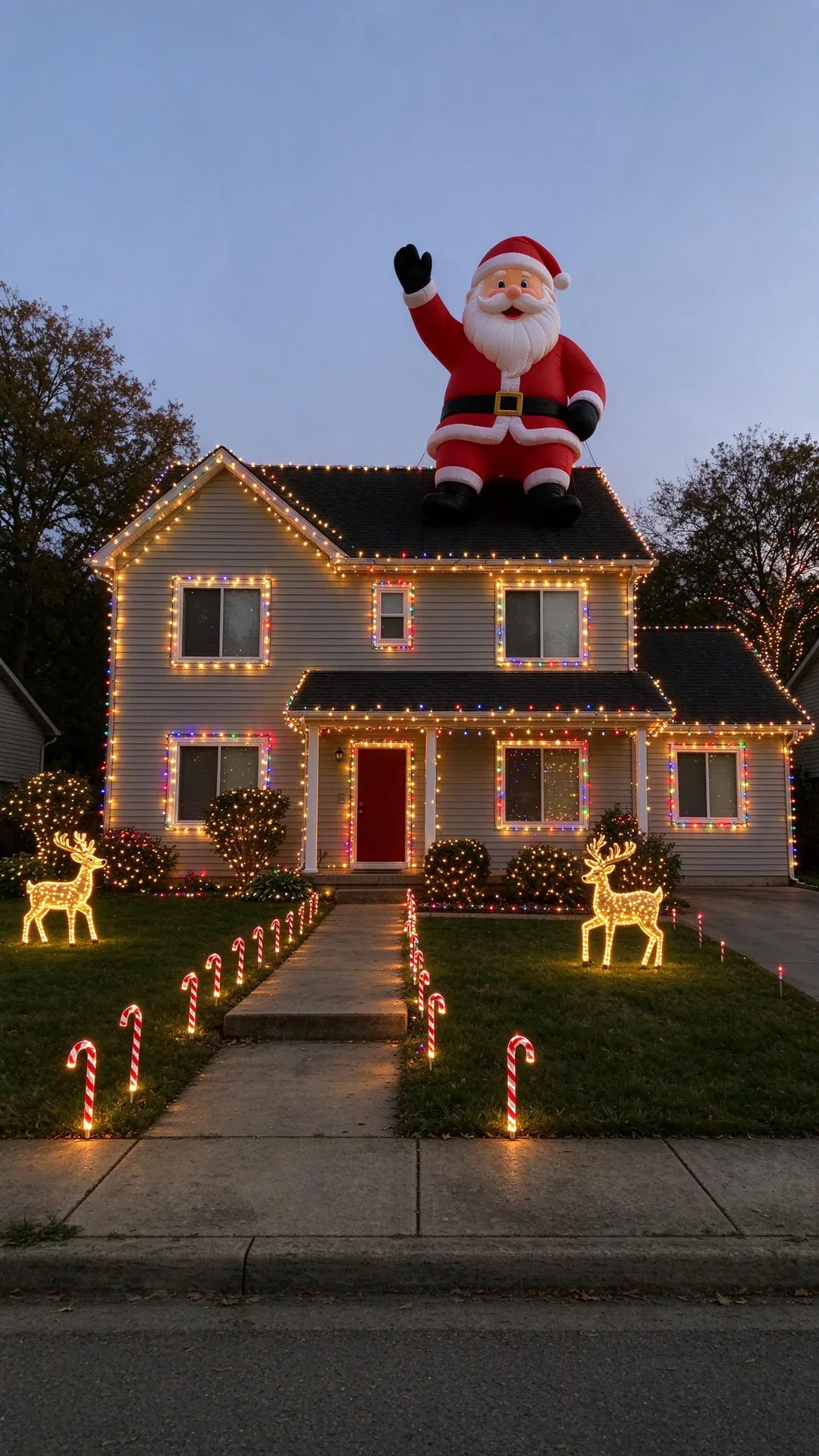
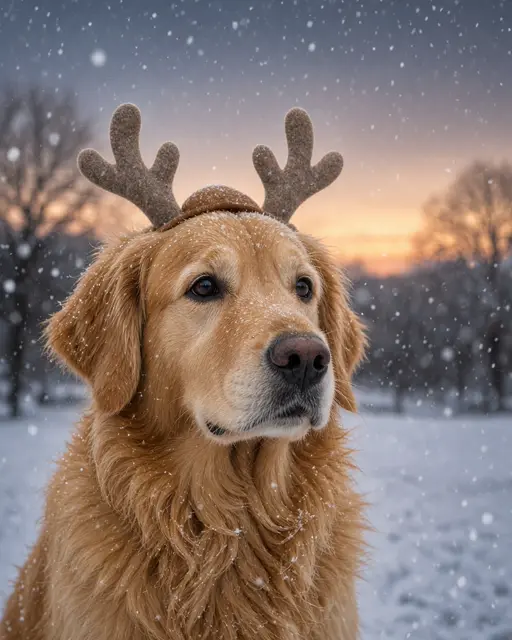
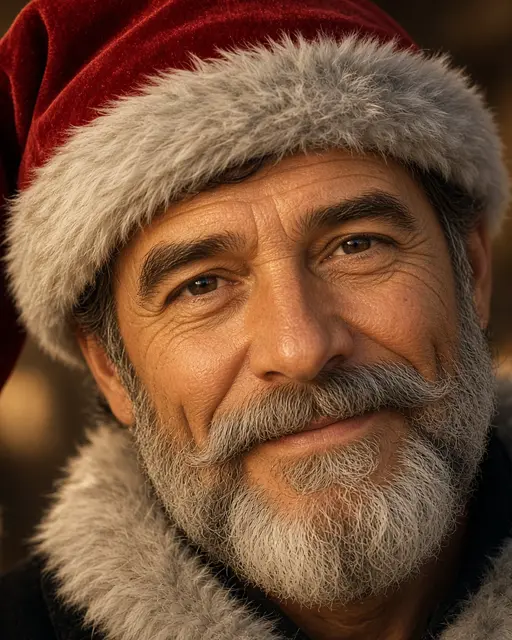
Example photos you could start from, not GIF results. Real VibePico GIF samples are on the way.
Blink, smile, pet tail wag, Christmas snow, twinkling house lights, or a reaction you describe in one sentence.
A clear photo of you, your pet or the front of your house. One subject, good light, nothing covering the face.
A short square loop (about 1.08 seconds) you can download as a GIF for chats, stories and Slack. The cost shows on the button first.
Since GPT Image 2.6 arrived on 4 November 2026, ChatGPT and the OpenAI API can return an animated GIF instead of a still: a short loop of 2 to 16 frames drawn together, so the subject stays the same from frame to frame. People now search “chatgpt gif” and “gpt gif” to turn a photo into a moving loop or to make a quick reaction GIF.
VibePico runs the same model with the motion prompt already written: each look says where the loop starts, what moves, and how it returns to the first frame, which is what keeps a GIF from jumping when it repeats. You pick the look and add the photo; there is no prompt to tune.
One soft, natural blink on your own photo, looped forever.
A calm face that warms into a real smile, then relaxes again.
Your dog or cat wagging its tail, ears up, same fur and face.
Snow drifting around you with a frosty winter glow.
Your house lit up with Christmas lights that twinkle on a loop.
Type one sentence and your photo acts it out as a reaction GIF.
You can ask ChatGPT for a GIF for free in a chat. This tool is for when you want a specific loop from your own picture without writing and rewriting the prompt: a natural blink, a real smile, your dog’s tail wag, or your house with Christmas lights that twinkle. Each look keeps the face, fur or house from your photo and uses a fixed camera so the loop stays clean.
Christmas snow and twinkling lights are tuned for December greetings, cards and stories.
Every prompt returns the motion to its starting pose, so the last frame leads back into the first.
Type the reaction, like “slow clap, then a thumbs up”, and your photo acts it out.
One adult, one pet or one house. Crop other people out before you upload.
Eyes open and visible for blink and smile loops; the whole tail in frame for a wag.
GIFs come out square. Keep the subject in the middle of the photo so nothing important is cropped.
Step by step: which look suits which photo, what the safety check and credits cover, and how to check the loop before you share it.
Nine frames make a quick loop. Small movements like blinks, smiles, wags and falling snow look best; long actions get choppy.
GIFs have no sound and up to 256 colours, so smooth gradients can band a little. Download the file to share it.
Photos of children, celebrities and copyrighted characters are not animated.
Pick a look (blink, smile, pet tail wag, Christmas snow, twinkling lights or reaction), upload one clear photo and press Generate. The GIF is made with GPT Image 2.6, the OpenAI image model that brought GIFs to ChatGPT, from a motion prompt written for that look.
OpenAI’s GPT Image 2.6 Sunburst, released on 4 November 2026, which can output an animated GIF of 2 to 16 frames. VibePico uses 9 square frames per GIF at medium quality, which keeps the motion smooth and the price fixed.
A GIF costs 68 credits, shown on the button before you generate. New accounts get 10 free credits after email verification, enough for a still-photo trial on our other tools but not for a GIF, so GIFs use a credit pack (prices in USD on the pricing page). If a GIF fails on our side, it is retried once and then the credits are refunded automatically.
Yes. Pick Reaction GIF, add a photo of yourself and type one sentence such as “eye roll, then a slow nod”. Your photo acts it out as a short loop. A photo is needed so the GIF shows you rather than a stranger.
Each look has its own written motion: where the loop starts, what moves, and how it returns to the first frame. No video or other person’s footage is used; the model draws every frame from your photo and that description.
GIFs you make from your own photos are yours to share in chats, stories, cards and posts. Only upload photos you have the right to use. The tool will not make GIFs of celebrities, children, copyrighted characters or brand logos.
No. VibePico is independent and not affiliated with, endorsed by or sponsored by OpenAI. ChatGPT and GPT are trademarks of OpenAI; we name them only to describe the model this tool uses.
Uploads are private and used only to make your GIF. Uploaded photos are deleted after 24 hours. Finished GIFs stay in My photos until you delete them. Only use a photo of yourself, your own pet or house, or of an adult who gave you permission.
Tools, trends, prompts and scenes that go with this page.