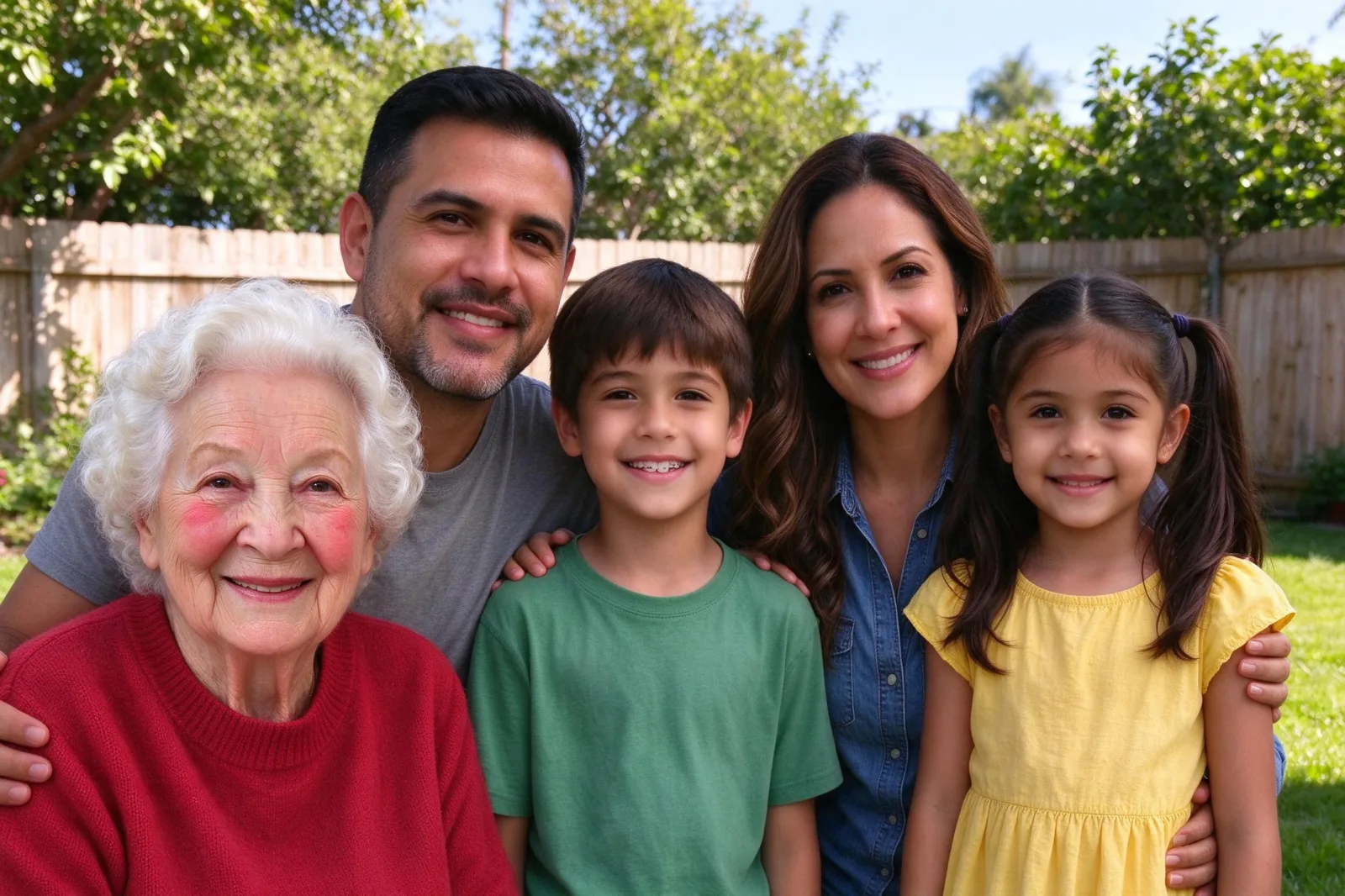
How to Make a ChatGPT GIF From Your Own Photo
How to make a ChatGPT GIF from one photo: pick a blink, smile, tail wag, snow or reaction loop, choose the right picture, and know what 68 credits gets you.
Since OpenAI's GPT Image 2.6 started returning animated GIFs in early November 2026, people have been asking how to make a ChatGPT GIF from their own picture: a selfie that blinks, a dog that wags its tail, a house with Christmas lights that twinkle. This guide shows how to make a ChatGPT GIF from one photo, which picture to pick for each kind of loop, and what the GIF can and cannot do.
The steps use VibePico's ChatGPT GIF generator, which runs GPT Image 2.6 with the motion prompt already written for you. If you just want to make one now, open the GIF generator and come back if the result needs work.
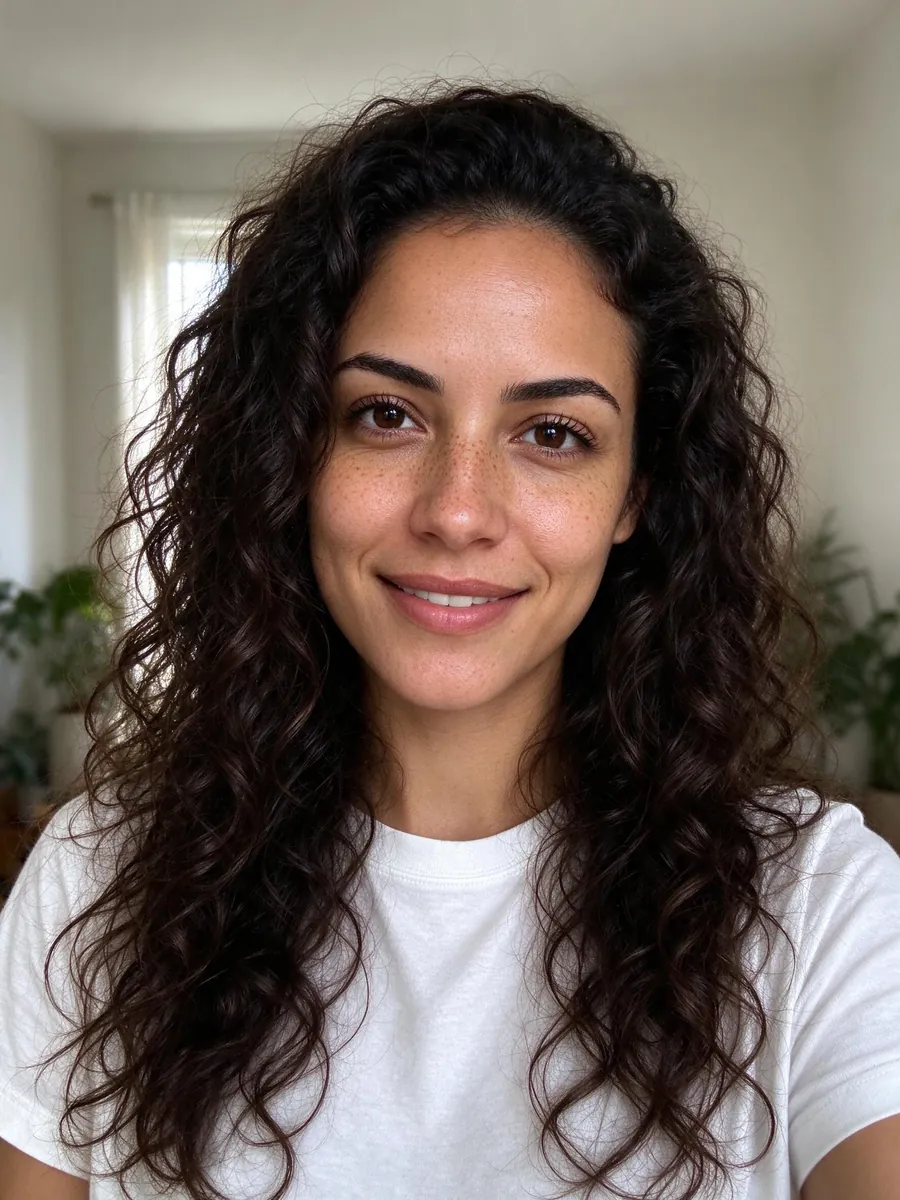
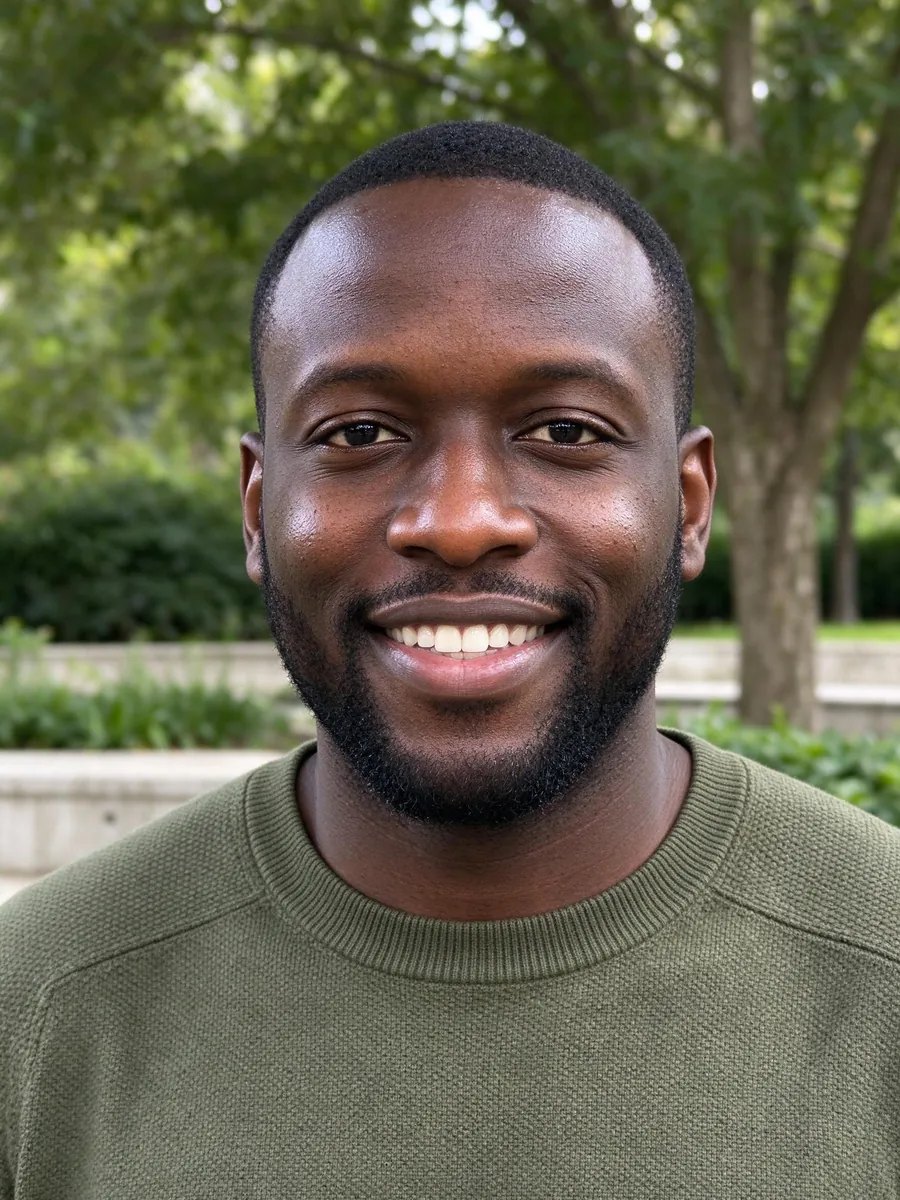
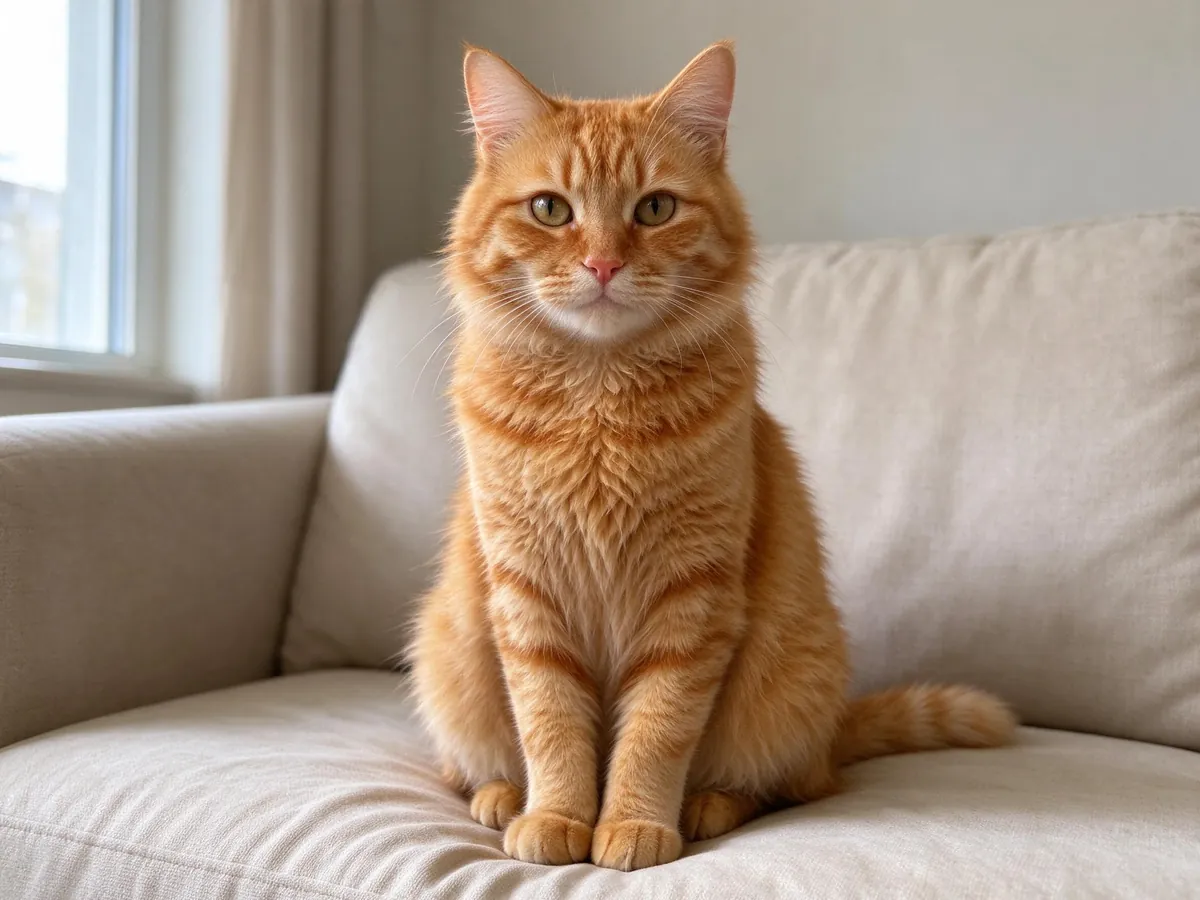
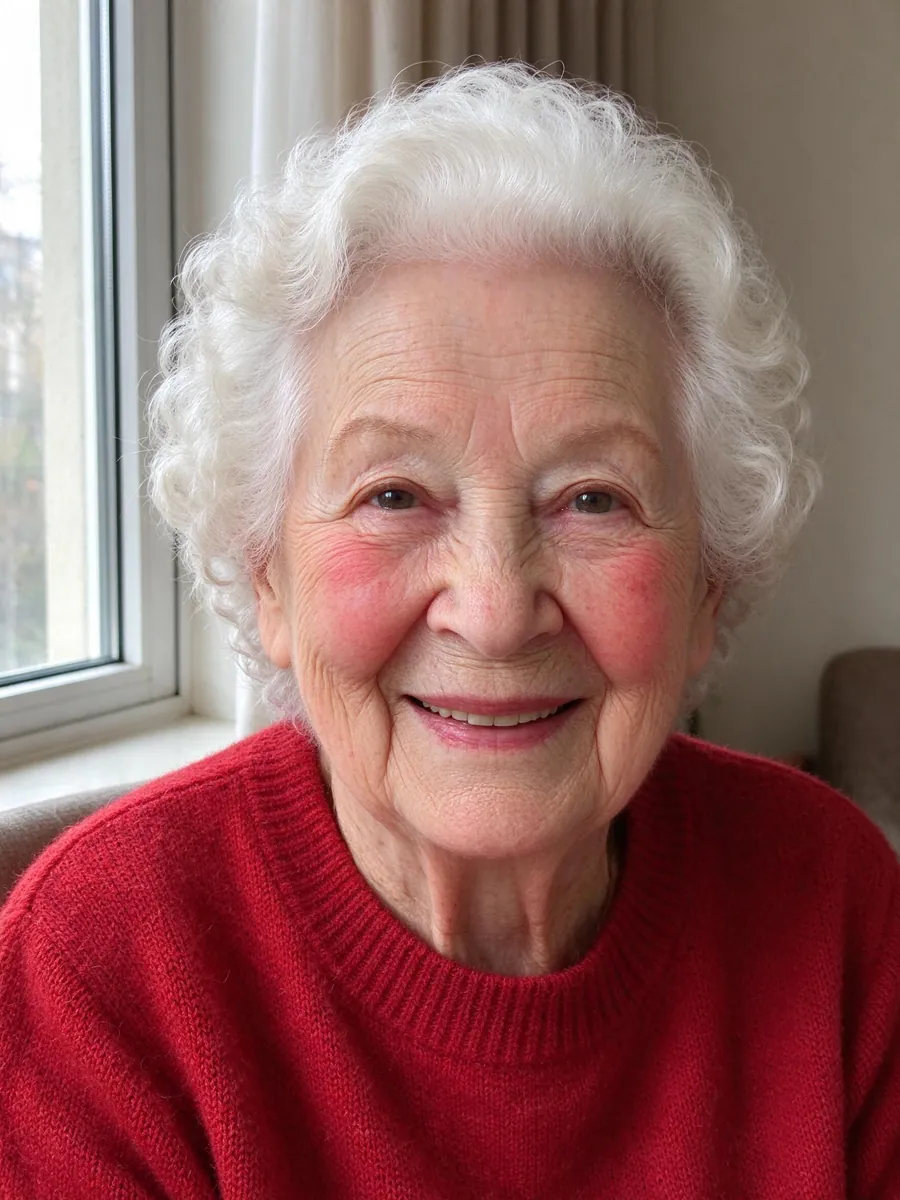
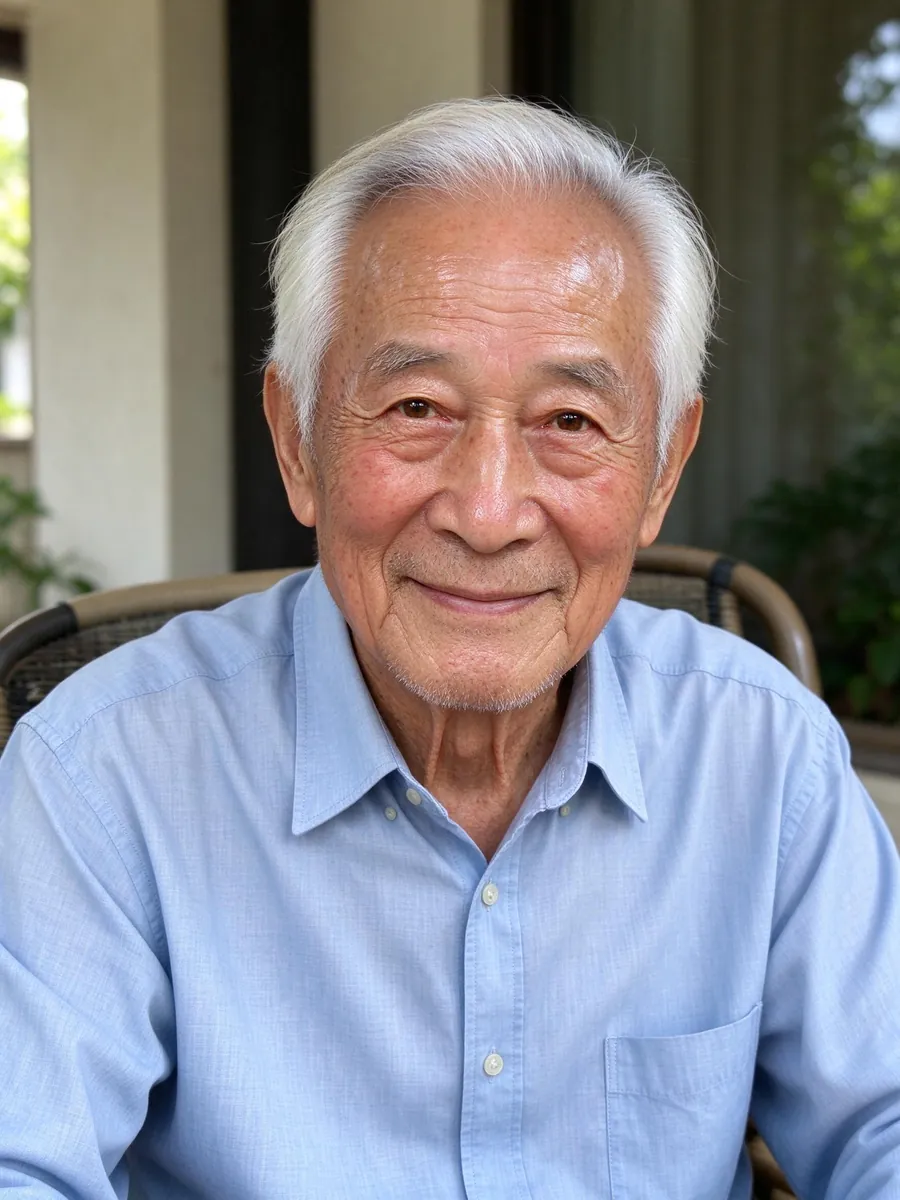
The pictures in this guide are still example photos from our tool page. They show AI-generated fictional adults and a cat. They are inputs you could start from, not GIF results.
How to make a ChatGPT GIF: the short version
- Pick a GIF look: blink, smile, pet tail wag, Christmas snow, twinkling lights or a reaction you describe.
- Add one clear photo of yourself, your pet or the front of your house.
- Confirm you have permission to use the photo and that everyone in it is an adult.
- Check the 68-credit fee on the button and press Make my GIF.
- Download the square GIF and share it in chats, stories or Slack.
The sections below explain each step and the choices that make a loop look clean.
What a ChatGPT GIF actually is
A ChatGPT GIF is a short animated loop drawn by an image model, not cut from a video. GPT Image 2.6 can output a GIF of 2 to 16 frames, and it draws the frames together so the face, fur or house stays the same from one frame to the next.
You can ask ChatGPT for a GIF in a chat. The hard part is the prompt: you have to say where the motion starts, what moves, whether the camera moves and how the last frame leads back into the first. Leave any of that out and the loop jumps when it repeats.
What VibePico adds
VibePico is an independent site, not ChatGPT itself, and it does not read your ChatGPT chats. It sends your photo to GPT Image 2.6 with a motion prompt written for the look you picked. Every look starts from a pose, moves, and returns to that pose, with a fixed camera. You can open "See the motion prompt" under each look to read exactly what is sent.
Each GIF uses 9 square frames, so a loop lasts a little over one second, depending on the look. That is short on purpose. Small movements loop well; long actions get choppy.
Step 1: Pick a GIF look
The generator has six looks. Each one expects a certain kind of photo.
Blink loop and smile loop
These two need a person, facing the camera, with the face fully visible. The blink loop closes and opens the eyes once; the smile loop warms a calm face into a real smile and relaxes it again. Head, hair and background stay still.
Pet tail wag
A dog or cat wags its tail, perks its ears and settles back. The whole tail needs to be in the frame, or there is nothing to wag.
Christmas snow and twinkling lights
Christmas snow keeps you nearly still, with one breath and a soft blink, while snow drifts in front of and behind you. Twinkling lights works on a photo of the front of a house: it adds string lights along the roofline, windows and door and makes the bulbs twinkle in a chasing pattern.
Reaction GIF
Type one sentence, such as "slow clap, then a thumbs up" or "eye roll and a sigh", and your photo acts it out. The box takes up to 280 characters, but one clear action works best. A photo is still needed, so the GIF shows you and not a stranger.
Step 2: Choose the right photo
Most bad GIFs start with the wrong photo. Here is what works.
One subject, in the middle
Use one adult, one pet or one house. Crop other people out before you upload. GIFs come out square, so keep the subject near the center of the picture so nothing important ends up outside the square.
A clear, well-lit face
For the blink, smile, snow and reaction looks, the eyes should be open and visible, with no sunglasses, hands or hair across the face. Even daylight from a window is better than a dark room or a heavy filter.
Photos the tool will not animate
The generator only animates adults, pets and homes. It will not make GIFs of children, celebrities, copyrighted characters or brand logos.
Step 3: Consent, safety check and credits
Sign in, tick the box that says you have permission to use the photo and that everyone in it is an adult, and check the fee on the button.
What it costs
A GIF costs 68 credits. New accounts get 10 free credits after email verification, which cover still-photo trials on our other tools but not a GIF, so GIFs need a credit pack. The pricing page lists the packs in USD.
What happens before you are charged
A safety check screens the photo before any credits are taken. If the check cannot confirm the photo is allowed, the GIF is refused and nothing is charged. If a GIF fails on our side after that, it is retried once and then the credits are refunded automatically.
Most GIFs take about a minute. Finished GIFs are saved to My photos until you delete them.
Step 4: Check the loop and share it
Watch the GIF loop a few times before you download it. Check that the face, fur or house still looks like your photo, and that the last frame flows back into the first without a jump.
Know the GIF format's limits
GIFs have no sound and up to 256 colors, so smooth gradients such as sky or skin can band a little. That is the format, not your photo. If a look did not come out the way you wanted, try another look or a clearer photo; each new GIF costs another 68 credits.
More holiday ideas from one photo
If you want a still Christmas picture instead of a loop, the AI Christmas lights prank covers a whole house in lights, and the pet Christmas photo tool dresses your pet for the holidays. For a December card with a loop on it, a twinkling lights GIF of your own front door is hard to beat.
ChatGPT GIF FAQ
Is this the ChatGPT app?
No. VibePico is independent and not affiliated with, endorsed by or sponsored by OpenAI. It uses OpenAI's GPT Image 2.6 model, the same model family that brought GIFs to ChatGPT, with motion prompts written for each look.
How many credits does a ChatGPT GIF cost?
68 credits per GIF, shown on the button before you start. Free signup credits do not cover GIFs.
What photos work best?
One adult, pet or house, centered, sharp and evenly lit, with the face or tail fully visible. GIFs come out square.
How long does it take?
Usually about a minute. Finished GIFs are saved to My photos.
Can I make a GIF of my child?
No. A safety check runs before generation and the tool only animates adults, pets and homes. If the check cannot confirm a photo is allowed, the GIF is refused and you are not charged.
Where can I use the GIF?
GIFs made from your own photos are yours to share in chats, stories, cards and posts. Only upload photos you have the right to use.
What happens to my photo?
Uploads are private and used only to make your GIF, and they are deleted after 24 hours. Finished GIFs stay in My photos until you delete them. Our guide to AI photo generator privacy explains what to check on any site.
Make your ChatGPT GIF on VibePico
That is how to make a ChatGPT GIF that loops cleanly: pick a look that matches your photo, use one clear subject in the middle of the frame, and check the loop before you share it. Open the ChatGPT GIF generator, add your photo and pick a look.