AI Photo Generator Privacy: What Happens to Your Photos
AI photo generator privacy, answered: where your family photos go, how long they are kept, what face detection does and does not do, and the questions to ask.
Before you upload a photo of your kids to any website, you should know where it goes. AI photo generator privacy comes down to four questions: who receives your photos, how long each copy is kept, what the service does with faces, and how you delete everything. This article answers those questions for VibePico in plain words, including the parts we cannot promise.
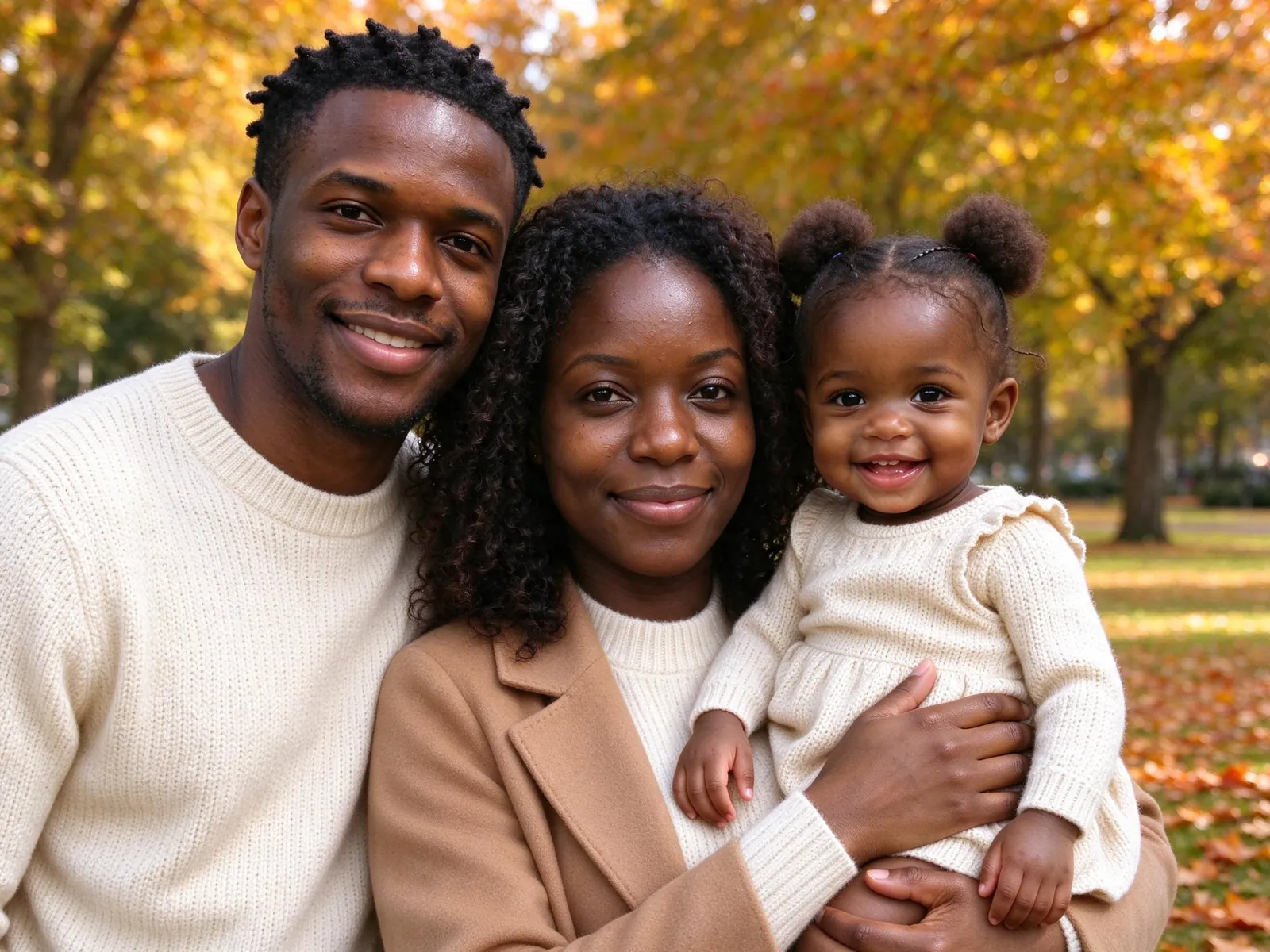
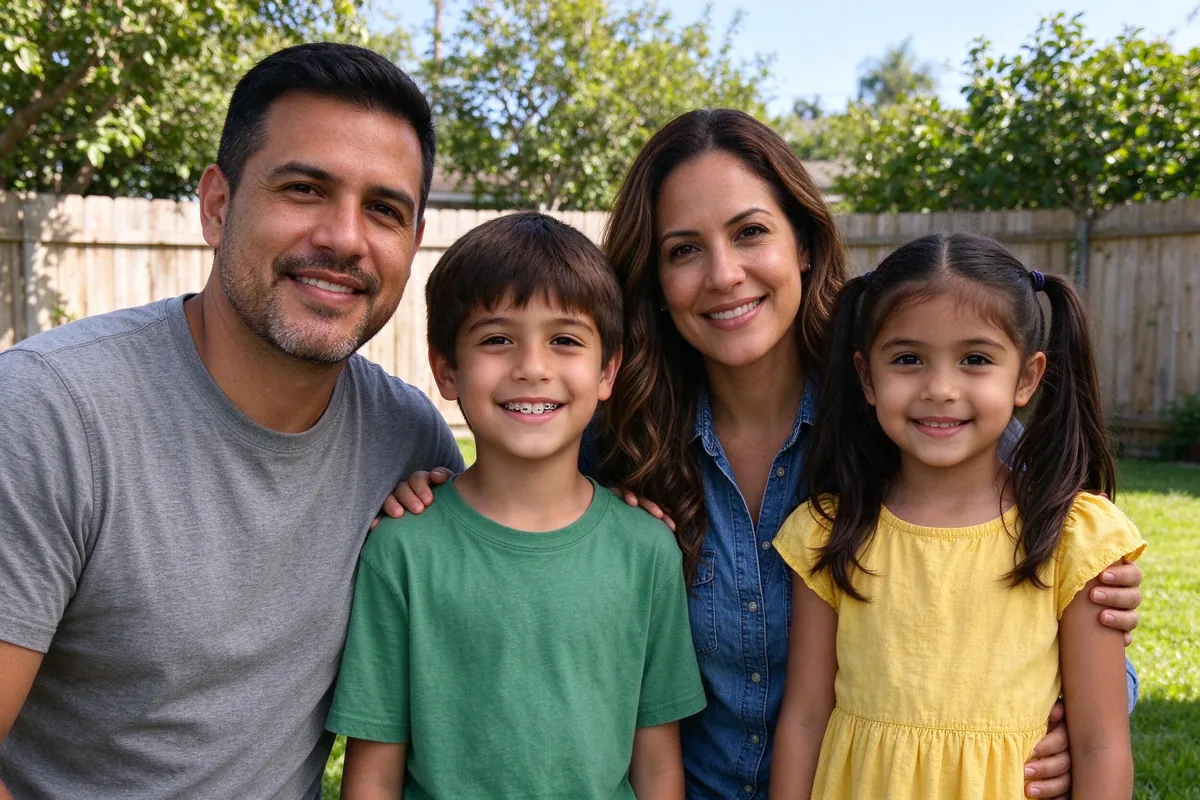
The example images are AI-generated with fictional people. No customer photos appear here.
AI photo generator privacy: the four questions to ask any service
Use these with any app, not only ours:
- Where are photos processed? In your browser, on the company's servers, or by a third-party AI provider? Usually it is a mix.
- How long is each copy kept? Uploaded photos and generated results often have different rules.
- What happens to faces? Is the service only finding faces in an image, or building a face profile that could identify someone later?
- Can you delete it yourself? And does deleting it also remove copies held by others?
A good privacy page answers all four. If a service only says "we take your privacy seriously", keep looking.
Where your photos go when you make an AI family photo
While you prepare
Cropping, choosing slots and checking photos happens in your browser. The draft stays on your device, and local drafts expire after 24 hours. Nothing is sent to an AI model while you are only preparing.
When you press generate
The prepared reference photos are uploaded to private storage. From there, they are shared with the AI provider that generates the image, using reference links that stay valid for about ten minutes. The provider is a separate company. Generating a portrait is not an on-device process, and it would be misleading to say otherwise.
After the picture is ready
The generated result is saved to your account so you can review it, redo a face or download it later. The review step is covered in how to make a family photo from individual photos.
How long VibePico keeps your photos
| What | How long VibePico keeps it |
|---|---|
| Local draft in your browser | Until it expires after 24 hours or you clear it |
| Uploaded reference photos | 24 hours, then access is denied and cleanup removes them |
| Generated results | Until you delete them |
| Face positions from detection | Not stored |
| People count and task outcome | Kept with task and billing records |
You can delete results, tasks and your account with the controls in your account. You can also remove references before the 24 hours are up. Deleting a photo does not erase billing records that must be kept.
One limit we state plainly: AI providers hold their own copies under their own policies. Our 24-hour rule describes VibePico's storage. It is not a promise about every copy a provider keeps.
What face detection does, and what it does not
This is the part most AI photo generator privacy pages skip.
VibePico uses face detection for two quality checks. In your browser, a detector finds face positions, sizes and counts so you can inspect your photos and the result side by side. On the server, when result checking is on, the service counts the human faces in a generated image to see whether the right number of people appear.

What it does not do:
- It does not create identity embeddings or face templates.
- It does not look people up in a face database.
- It does not store face geometry in your account or the task record.
- It does not count pets as human faces (pets get their own slots, as in a pet portrait with owner).
- It does not prove that a face looks like the right person.
If the face count in a result is wrong, the task gets one system retry. If that still fails, the photo fails and the reserved credits are released. A detector outage is not treated as a count of zero. The full rules are in the biometric information policy.
Consent: whose photos you can upload
Upload photos only of people who have agreed, and only photos of children when you are the parent or guardian or have their permission. The couple tool (see how to make a couple photo from two photos) is for two consenting adults; its checkbox records your statement and does not verify anyone's age. Memorial photos need thoughtful permission from the family.
What we will not claim
Privacy pages tend to oversell. Here is what VibePico does not promise:
- That an AI provider deletes its copies on our schedule.
- That every face in a result looks exactly like its reference.
- That the example images are customer photos. They are fictional people, made with the same model, and some were picked from two attempts.
Frequently asked questions
Are my photos used to train the AI?
VibePico does not use your content to train its own AI models, and it does not sell personal information. Family photos are generated through a third-party provider, KIE, using short-lived reference links; that provider handles images under its own terms. The privacy policy lists every provider.
Can I delete my photos?
Yes. Delete results, tasks or your whole account from your account controls. References expire after 24 hours on their own.
Does VibePico recognize who is in my photos?
No. Detection only finds where faces are and how many there are. It does not identify anyone.
Is it safe to upload photos of my children?
Only you can decide that. Read the retention rules above, upload only with a guardian's consent, and delete the results you do not want to keep.
See how VibePico works before you upload
AI photo generator privacy is easier to judge when you can see every step. If you want the whole flow on one page, from choosing photos to the retry and refund rules, read how VibePico works. It explains each step before you spend a credit or upload a single photo.