Pet Portrait With Owner: How to Get One With AI
A pet portrait with owner, made from one photo of your pet and one of you. Which photos work, how many pets fit, what it costs and how to check fur and faces.
Most pet photos are of the pet alone, because someone has to hold the camera and someone else has to hold the treat. A pet portrait with owner fixes that: you, your dog or cat, and maybe the rest of the family, in one picture that looks like it was planned. This guide explains how to get one with AI from photos you already have, and what to check before you print it.
The example pictures are AI-generated. The people and animals in them are fictional.
What a pet portrait with owner is, and two ways to get one
There are two routes.
Hire an artist or a photographer. A painted custom portrait is made by hand and usually takes weeks. A photo session needs everyone, pets included, calm and in one place at the same time.
Make it with AI. You upload one photo of each pet and one of each person, pick a scene, and the AI draws everyone into a new picture. A result usually takes about a minute.
If you still want a hand-painted original, an AI result makes a good reference to bring to the artist.
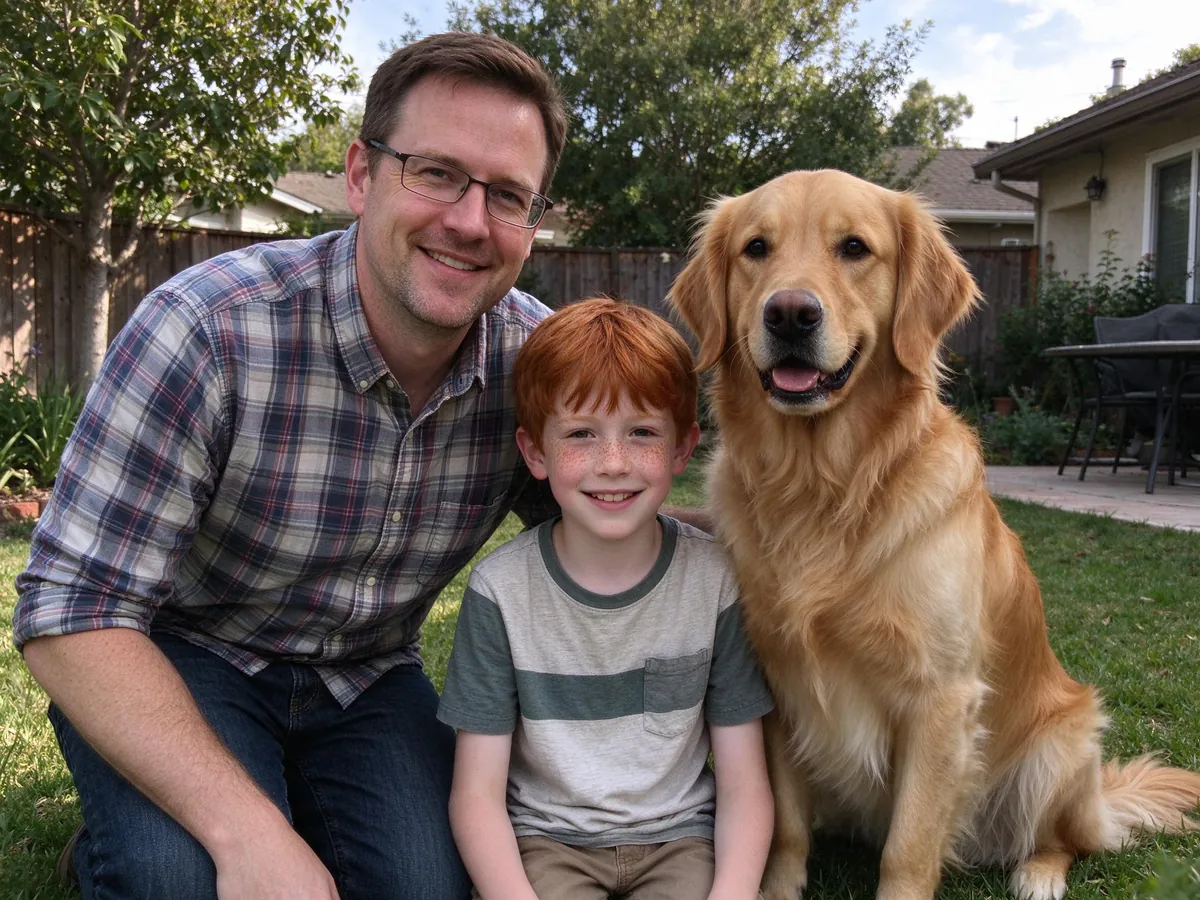
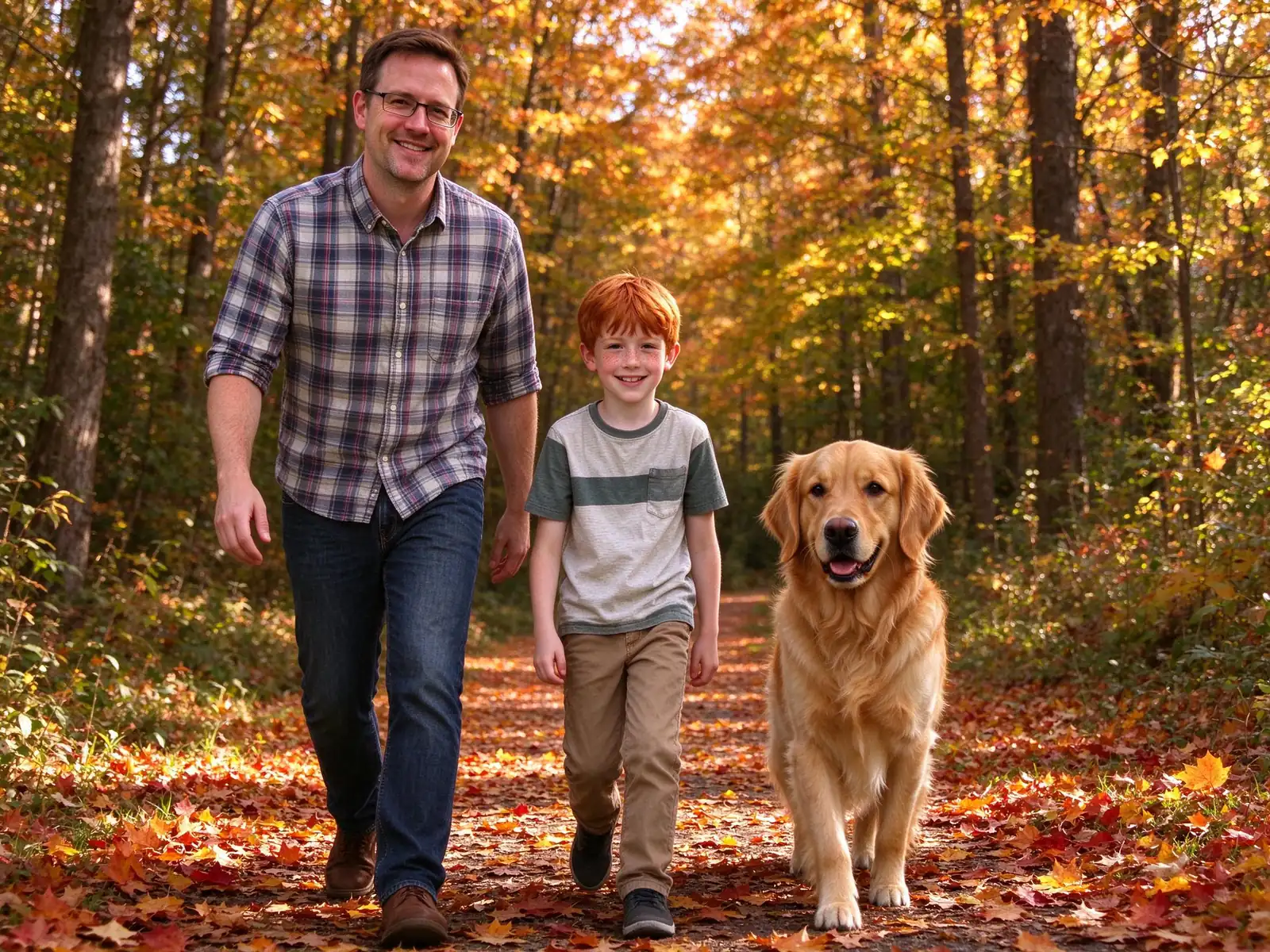
The autumn forest walk at the top of this page was generated from that one backyard photo. Same people, same dog, new scene.
How to make a pet portrait with owner, step by step
Step 1: Take a clear photo of your pet
Get down to your pet's eye level. Make sure the face and both ears are in view, and shoot in daylight if you can. A sharp, well-lit photo matters more for pets than for people, because fur patterns and markings are easy for AI to soften.
Step 2: Add one photo of each person
Use a recent, front-facing photo per person, with no filters or sunglasses. Each person and each pet gets their own slot so the head count stays right. Adding grandparents or relatives who live far away? See how to make a family photo from individual photos.
The limits are 3 pets and 8 people per picture, with no more than 10 reference photos in total.
Step 3: Pick a scene
Scenes include an autumn park, a cozy Christmas living room and a royal portrait. Each one has a tested prompt behind it, so you only choose.
Step 4: Check the cost, then generate
The cost is shown before you start. A new account gets 10 credits for one 1K pet portrait with a visible watermark. After that, a 2K portrait without a watermark costs 10 credits.
Step 5: Check fur, markings and faces
Zoom in on every face, pets included. Look at the color pattern, ear shape, collar and eyes of each animal, and compare people with their reference photos. AI can soften markings, change a collar color or reshape an ear.
Each paid photo includes one free redo with a clearer photo, up to three per account per day.
Can I make a portrait of just my pet?
Yes. Upload your pet photos and skip the person slots. One honest note: pet-only results use scenes written for families and are less tested than family portraits.
Pet portrait with owner ideas to try
Not sure which scene to pick? These work well with the scenes VibePico already has:
- The autumn walk. You, the kids and the dog on a path full of golden leaves. Good for a big dog that loves the outdoors.
- Christmas morning. Matching pajamas in front of the tree, with the dog in a Santa hat. It doubles as a holiday card, and there are more setups in these Christmas family photo ideas at home.
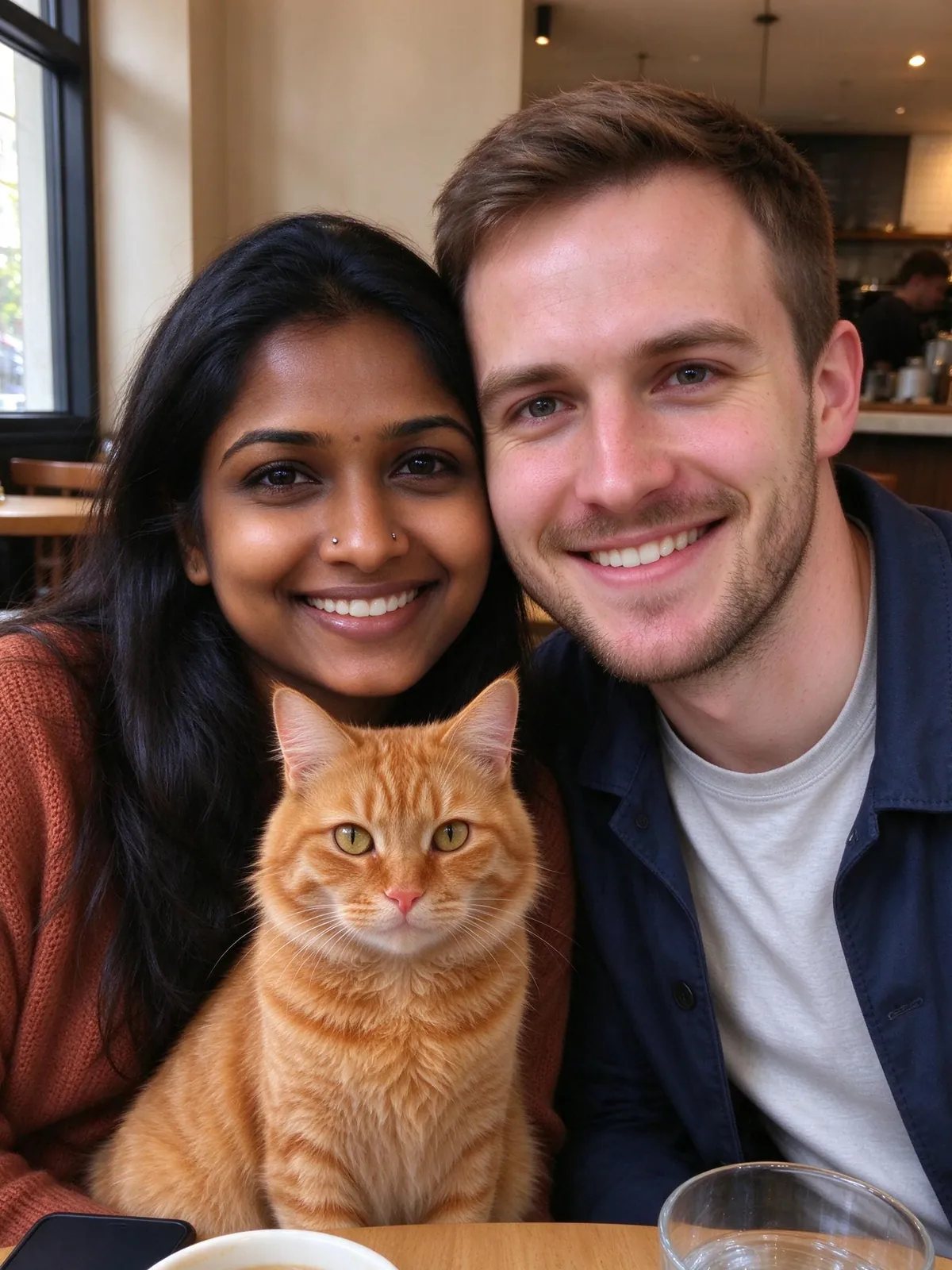
- The café date. A couple at a small table with their cat in front of them. Works well for indoor cats who never leave the apartment.
- The golden-hour beach. Light summer clothes, low sun and a dog that looks like it just came out of the water.
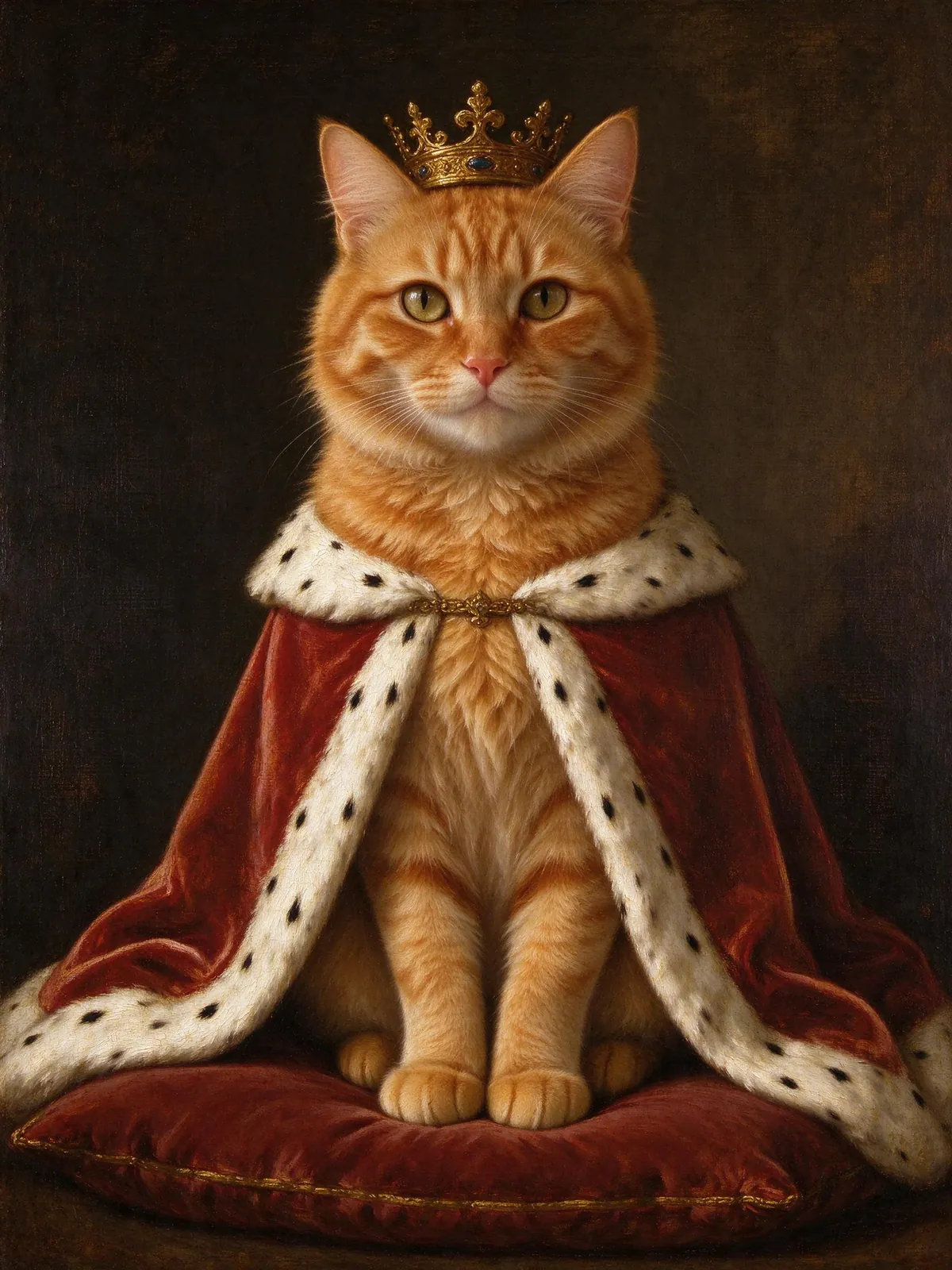
- The royal portrait. Pet only, in a crown and a red cape. Save this one for the cat who already acts like royalty.
Tips for a better pet portrait with owner
- Use an eye-level pet photo. A photo taken from above makes the head look large and the body small.
- Show distinctive markings. If your dog has one white paw, make sure it is visible in the reference.
- Avoid motion blur. Burst mode on your phone helps with wiggly pets.
- Match the season. An autumn scene with a summer-trimmed dog looks fine; a snowy scene with someone in a tank top less so.
- Keep the group small. More people and pets make each face smaller. Two people and one dog is the easiest picture to check.
Common pet portrait with owner mistakes
One photo for the whole family and the dog. It works sometimes, but separate photos give the model a clearer view of each face.
A tiny pet in the corner. Crop your pet photo so the animal fills most of the frame.
Printing larger than 5×7. Paid photos are 2K, and the print layouts cover 4×6 and 5×7. Larger prints are not available yet.
Frequently asked questions
How many pets can be in one portrait?
Up to 3 pets alongside up to 8 people, within 10 reference photos in total. Give each pet its own slot.
Will my pet's fur and markings stay the same?
Usually close, but not guaranteed. A sharp photo at eye level helps most. Compare the result before sharing.
What happens to my pet photos?
Reference photos are private and deleted after 24 hours. Results stay until you delete them from your account; the AI photo generator privacy guide explains each copy. The how it works page explains the whole process.
Can I put my pet in a Christmas photo?
Yes. The Christmas scenes accept pets too, and the AI Christmas photo generator has scenes for people, couples, families and pets.
Make your pet portrait with owner
Take one clear photo of your pet, add one of each person, and check every face and paw before you print. The AI pet portrait tool shows the cost up front, and your first watermarked photo is included with sign-up.