How to Make a Couple Photo From Two Photos With AI
How to make a couple photo from two photos: choose the right selfies, pick a moment and pose, check both faces, and know what an AI couple photo can't promise.
You have a great selfie of you. Your partner has a great selfie of them. What you do not have is a good picture of the two of you together. This guide shows how to make a couple photo from two photos with an AI couple photo tool: which photos to use, how to set the scene, and how to check both faces before you share it.
The steps below use VibePico's couple workbench, which was built for exactly this case: two separate portraits in, one shared picture out.
How to make a couple photo from two photos: the short version
- Upload one clear portrait of each person, one per slot.
- Pick a moment, such as an anniversary dinner or a Paris café.
- Pick a pose: side by side, a gentle hug or holding hands.
- Review the credit cost and generate.
- Compare each face with its original before you download.
The rest of this guide explains each step and the mistakes that cause a bad result.
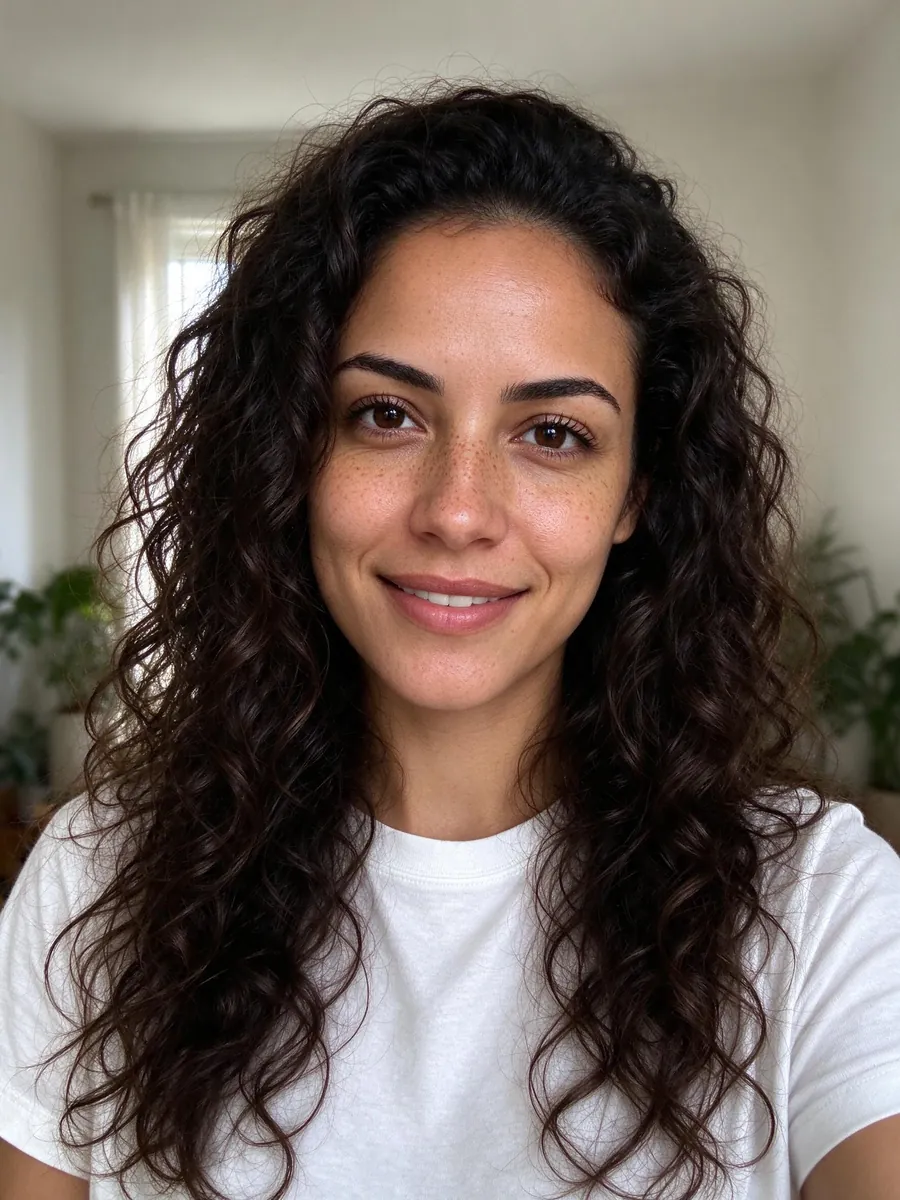
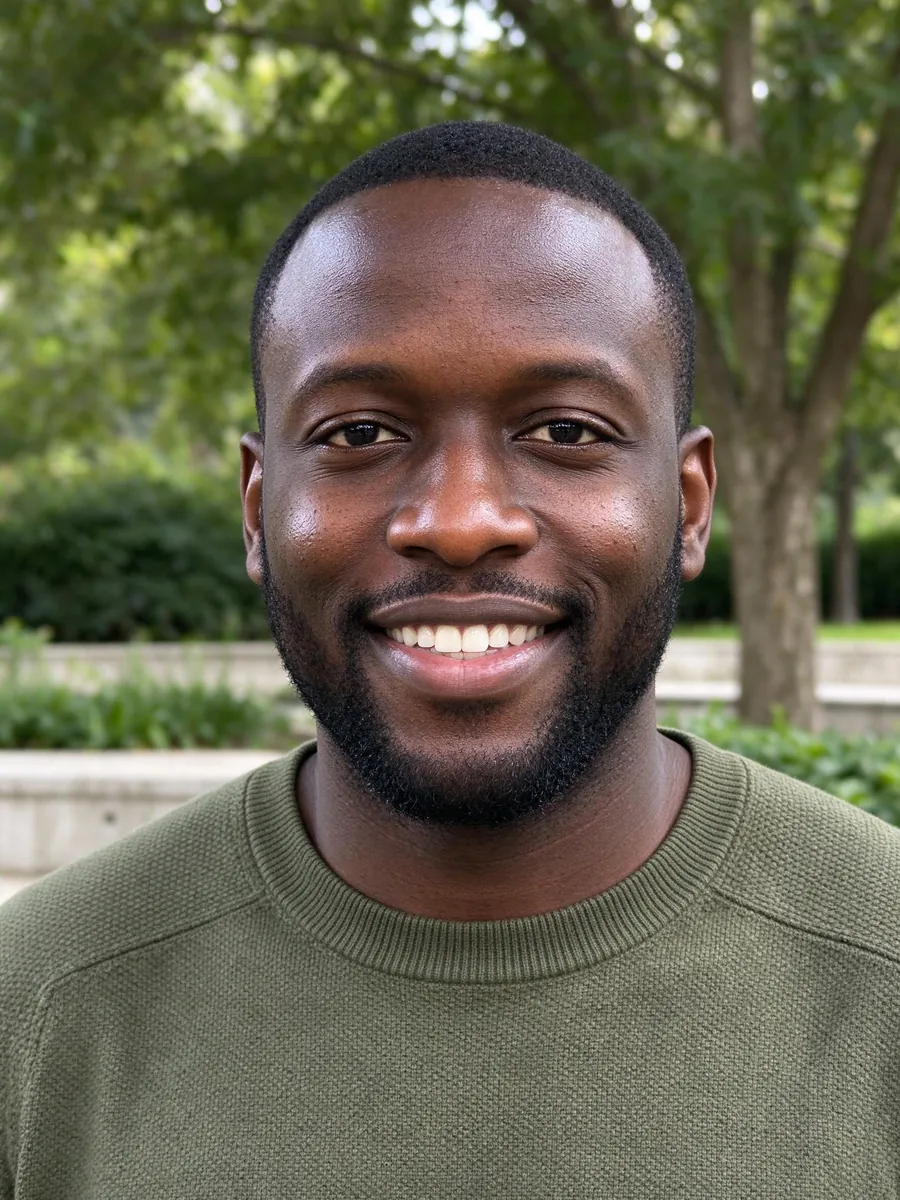
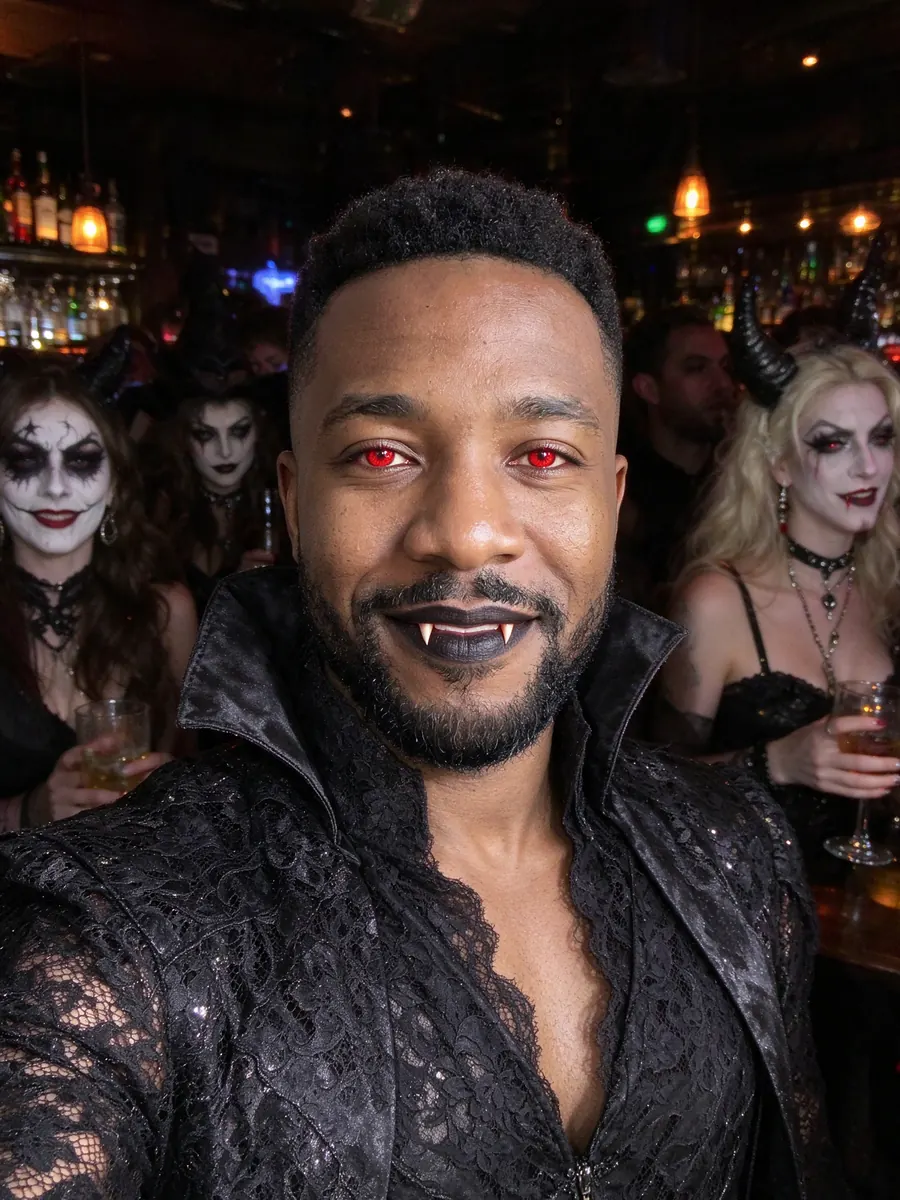
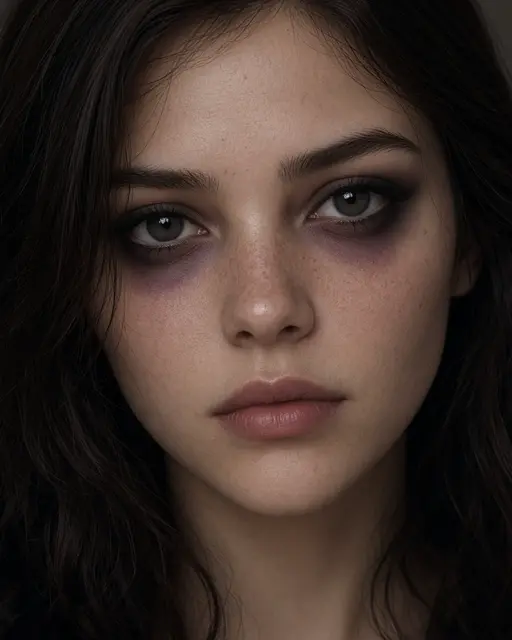
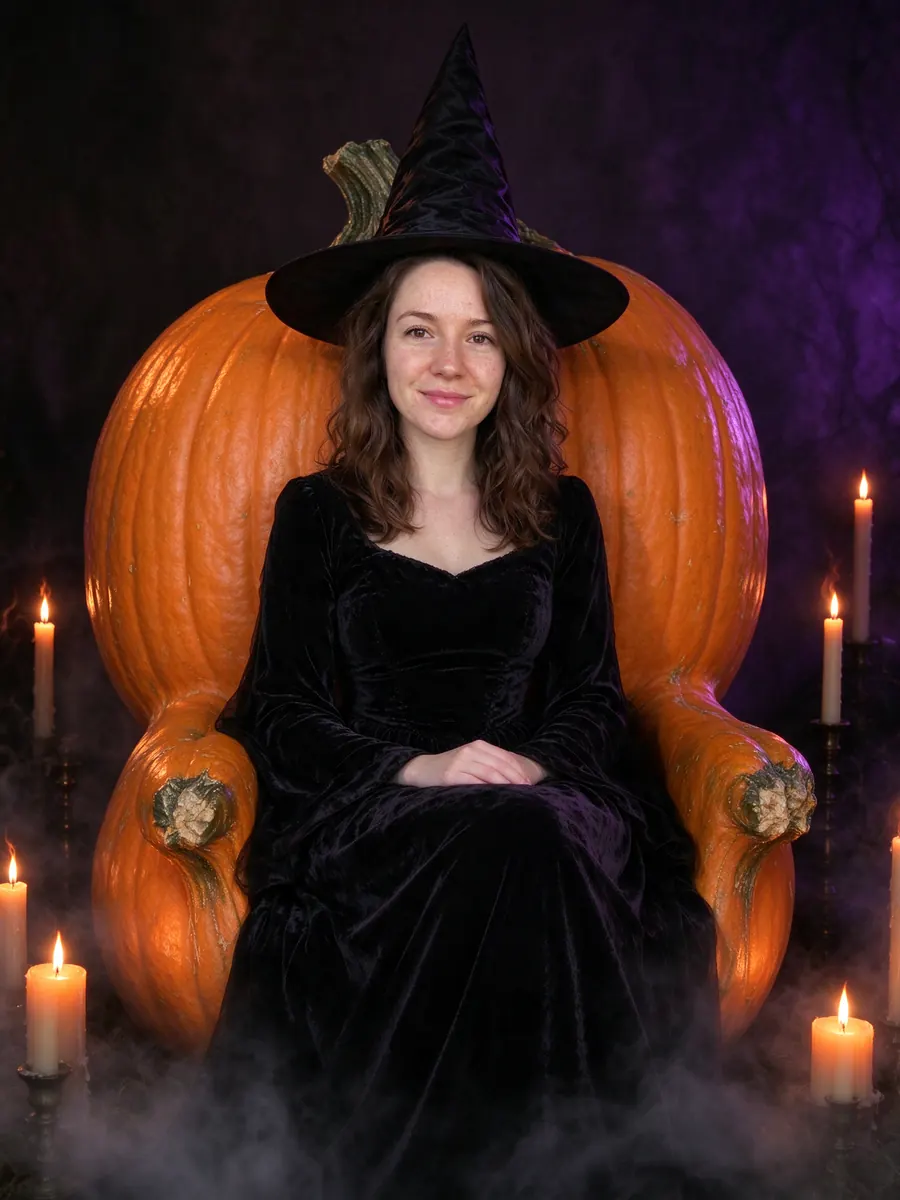
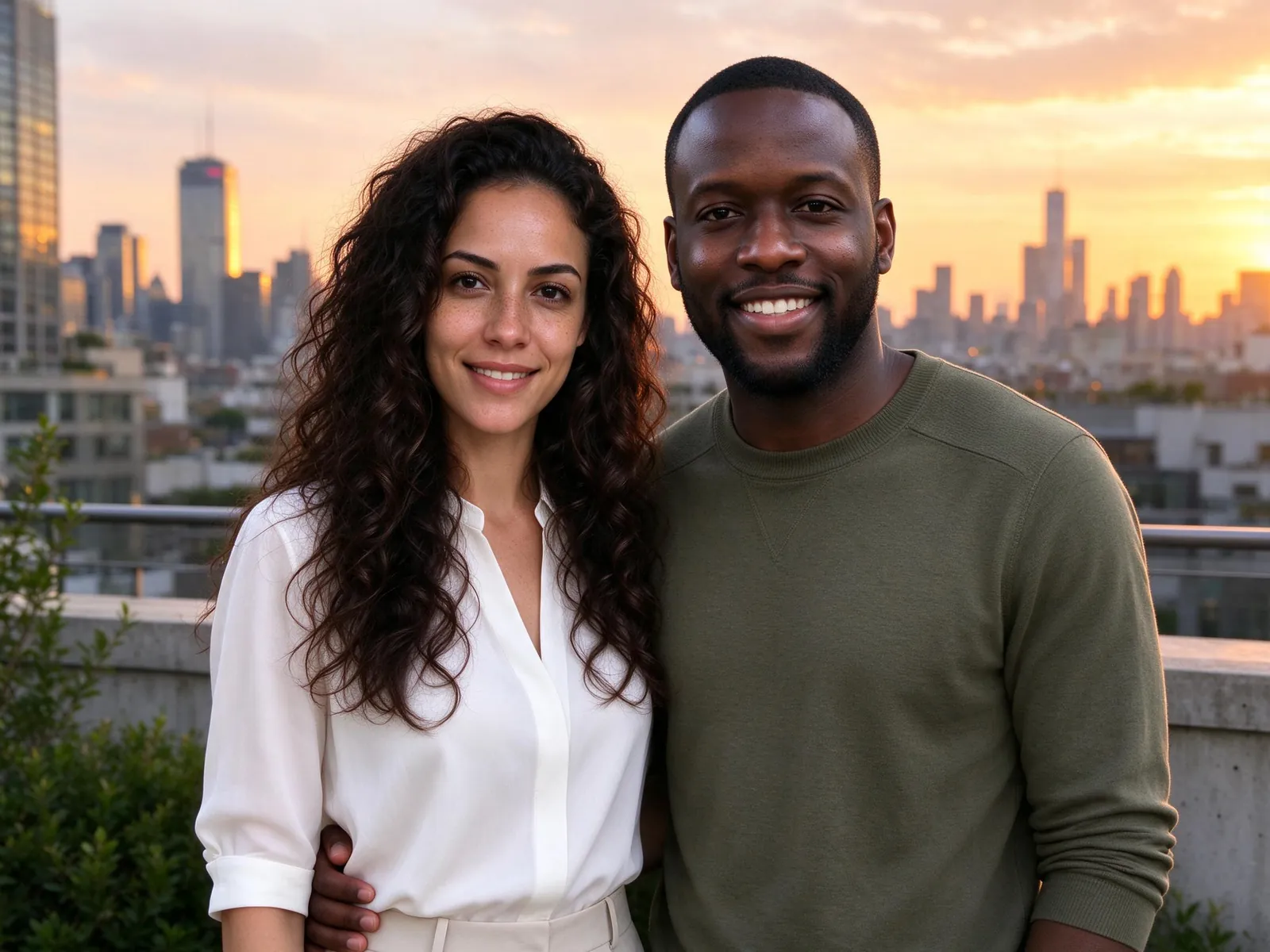
The rooftop picture at the top of the page was made from these two portraits. Different rooms, different light, different days.
Step 1: Choose two photos that show each face clearly
The model can only keep what it can see. For each person, pick a photo where:
- the face is large in the frame, not a speck in a landscape shot;
- the light falls on the face rather than behind it;
- there are no sunglasses, face filters or heavy beauty effects;
- the photo is recent, so hair and glasses match how they look now.
You can add a second angle of the same person in their slot. That helps when one photo is slightly turned or soft.
Step 2: Pick a moment for your AI couple photo
The couple workbench offers moments rather than a blank prompt box: a first Christmas, an anniversary dinner, a snowy walk, an engagement portrait or a Paris café. Planning a first Christmas together? The Christmas photo ideas at home work for two as well. Each moment comes with a written scene description, so you do not need to know how to prompt an image model.
Keep each person's own clothes if you want a familiar look. Let the scene choose outfits if you want something more styled, like winter coats for the snowy walk.
Step 3: Choose a pose and a shape
Three poses are available: side by side, a gentle hug and holding hands. Side by side is the safest for likeness, because both faces stay forward and visible.
Pick portrait 4:5 for a taller picture that suits a frame or a phone screen, or square 1:1 for a compact social image.
Step 4: Check the price and generate
The cost appears before you generate. A verified new account gets 10 gift credits for one 1K preview with a visible watermark. A standard paid 2K photo costs 10 credits and has no watermark. Preparing a draft and browsing the examples do not spend credits.
If a generation fails because of a timeout or an error, the system retries once and then returns the reserved credits automatically.
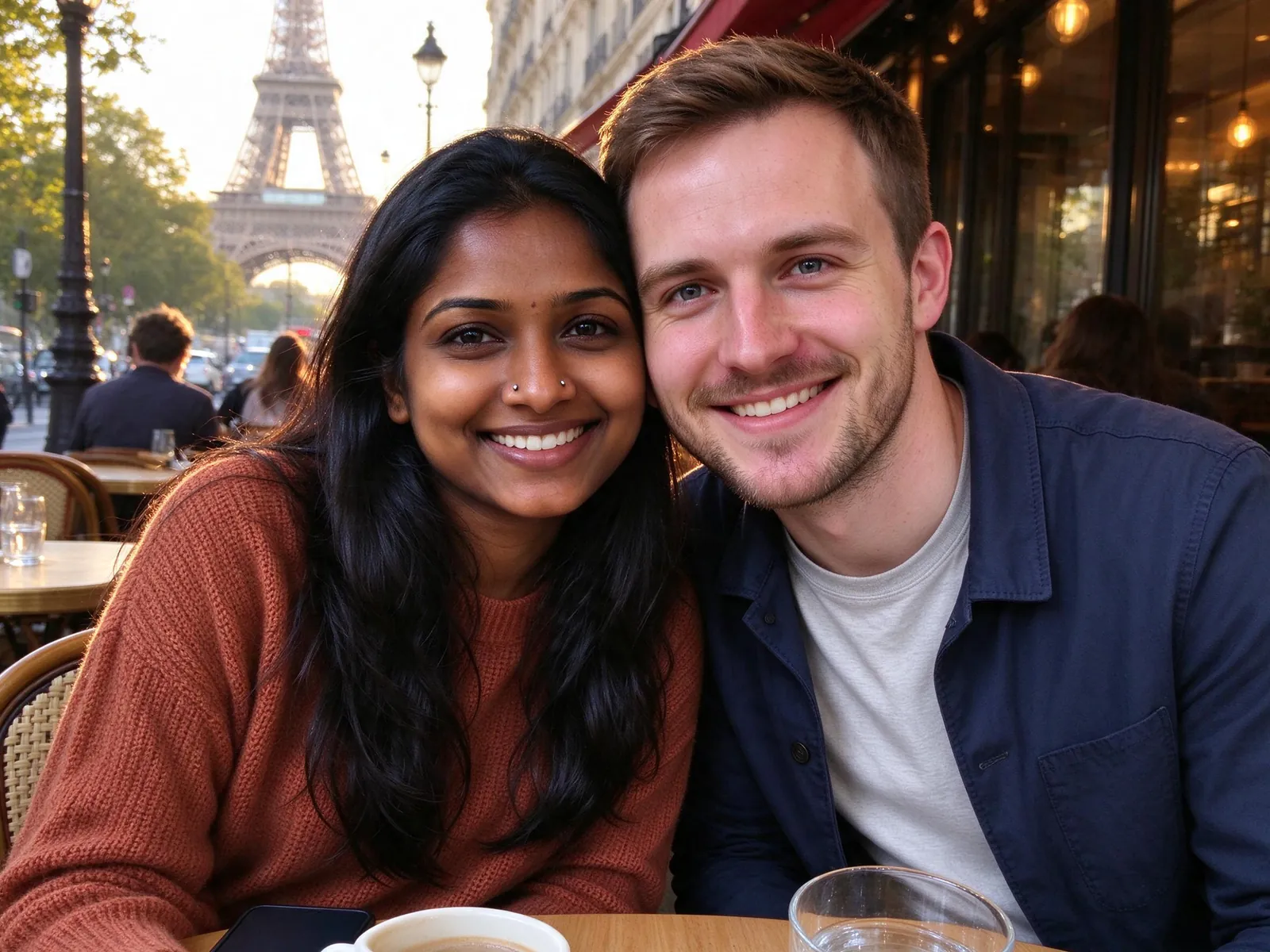
Step 5: Compare both faces before you share
Put the result next to each original photo. Look at eyes, eyebrows, hairline, teeth and any glasses or freckles. New poses and new lighting can change small facial details, and hands or jewelry can come out inconsistent.
If one face is off, replace that photo with a clearer one or add a second angle. Eligible paid photos get one free redo under the published rules. A redo is another attempt, not a guarantee.
What an AI couple photo can and cannot promise
A couple photo carries more meaning than a holiday snapshot, so here are the limits in plain words.
- Likeness is not guaranteed. The model is asked to keep both identities, ages, skin tones and builds, but it redraws every face.
- It is not evidence. A Paris café picture does not prove a trip, and an engagement portrait does not prove an engagement. Label it as AI-generated when you share it.
- It is for two consenting adults. Do not upload a child into the couple workflow. For a family picture with children, follow the family photo from individual photos guide and get a guardian's permission.
- The consent box is a statement, not a check. Ticking it records that you say both people are adults and agree. It does not verify anyone's age.
Common mistakes when making a couple photo from two photos
Using a group photo for one person. Crop it first, or better, ask for a solo shot.
Mixing a ten-year-old photo with a new one. The result can look like two people from different decades.
Choosing a hug with side-on faces. If your references are face-forward, a side-by-side pose keeps faces closer to the originals.
Printing very large. Check the actual output size first. A big print shows details you will not notice on a phone.
Frequently asked questions
Can we start from two completely separate photos?
Yes. Upload one adult portrait into each of the two slots. The tool composes a new couple scene; it does not just place two unedited photos next to each other.
Is an AI couple photo free?
The first watermarked 1K preview is, for eligible verified new accounts. A paid 2K photo costs 10 credits. The pricing page explains the credit packs and subscriptions.
What happens to our photos?
Photo preparation stays in your browser until you generate. Uploaded references are scheduled for deletion after 24 hours, and results stay until you delete them. The biometric information policy explains the face checks in detail, and the AI photo generator privacy guide covers retention in plain words.
Can I use the result on a card?
Yes, for personal use. Download it and arrange it with the card tools. Tell people it is an AI-generated image.
Make a couple photo from two photos today
Now you know how to make a couple photo from two photos: pick two clear portraits, choose a moment and a pose, and compare both faces before you share. The AI couple photo generator shows the cost up front, and your first watermarked preview comes with sign-up.