Christmas Family Photo Ideas at Home: 7 Setups + Prompts
Seven Christmas family photo ideas at home: pajamas by the tree, cookie baking, a snowy front yard and more, each with a prompt you can copy for an AI photo.
You do not need a studio, a rented sleigh or a photographer to get a good holiday picture. These Christmas family photo ideas at home use the living room, the kitchen and the front yard you already have. Each idea comes with setup tips for a real photo and a short prompt you can copy if the family is spread out and you want to make the picture with AI instead.
The example images are AI-generated with fictional people.
Christmas family photo ideas at home that are easy to pull off
A few things make any home Christmas photo look better:
- Turn off the overhead light. Tree lights, lamps and a window give warmer, softer light.
- Clear the floor. Toys, cables and laundry baskets show up more than you expect.
- Shoot at the kids' eye level. Crouch down or put the camera on a stack of books with a timer.
- Take more than you need. With small children, one shot in twenty is the keeper.
1. Matching pajamas in front of the tree
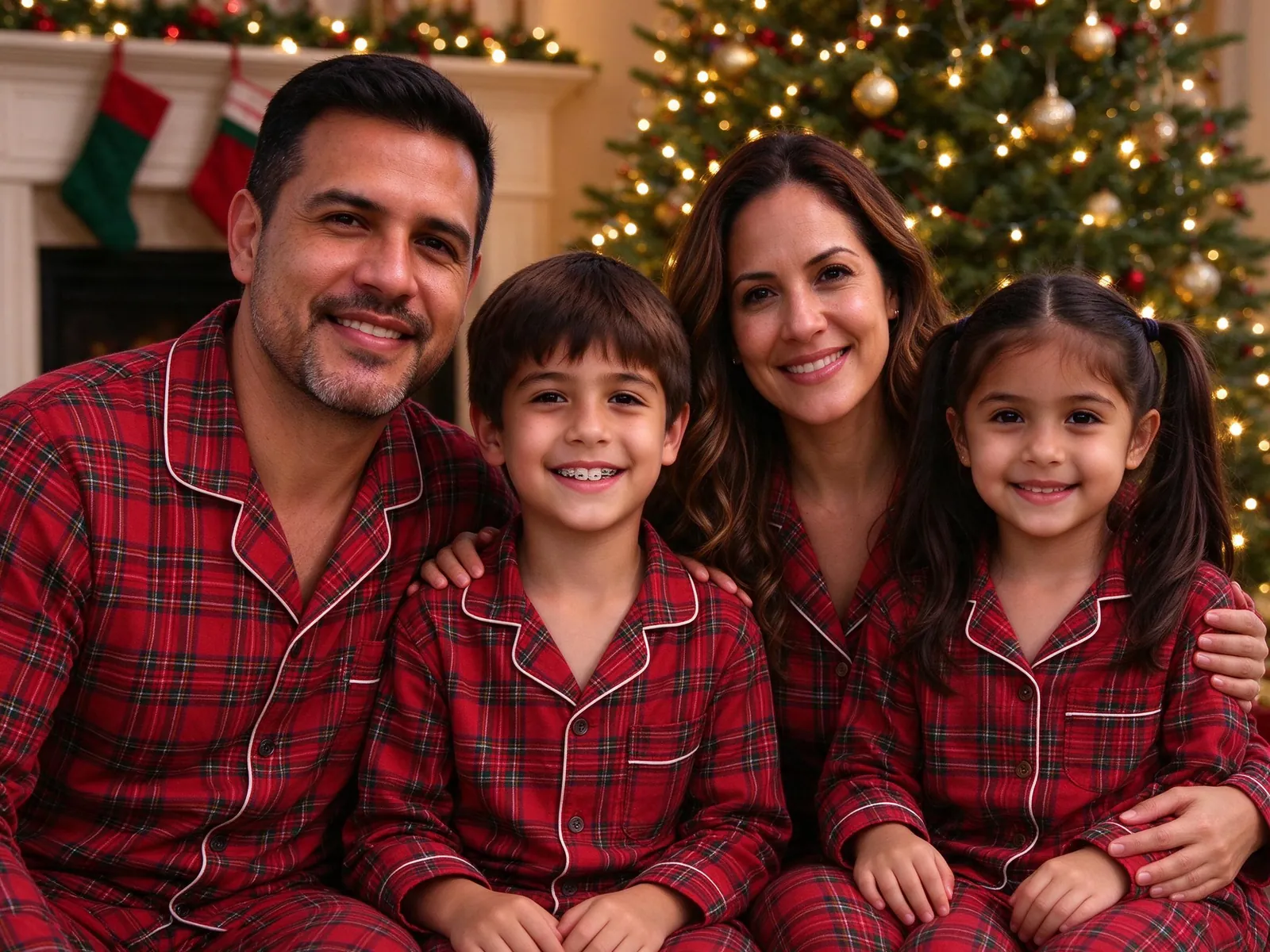
The most popular of all Christmas family photo ideas at home, and for good reason: it is cozy, funny and needs nothing but pajamas. Red plaid reads well on camera. Sit close together on the floor with the tree behind you.
Copy this idea as a prompt:
A photorealistic family photo of everyone in my photos together in a cozy Christmas living room. Twinkling lights, a decorated tree behind them, matching red plaid pajamas, warm evening glow.
2. Baking Christmas cookies together
Flour on the counter, festive aprons, a tray of cookies halfway done. Candid works best here. Let people actually bake and take pictures while they do.
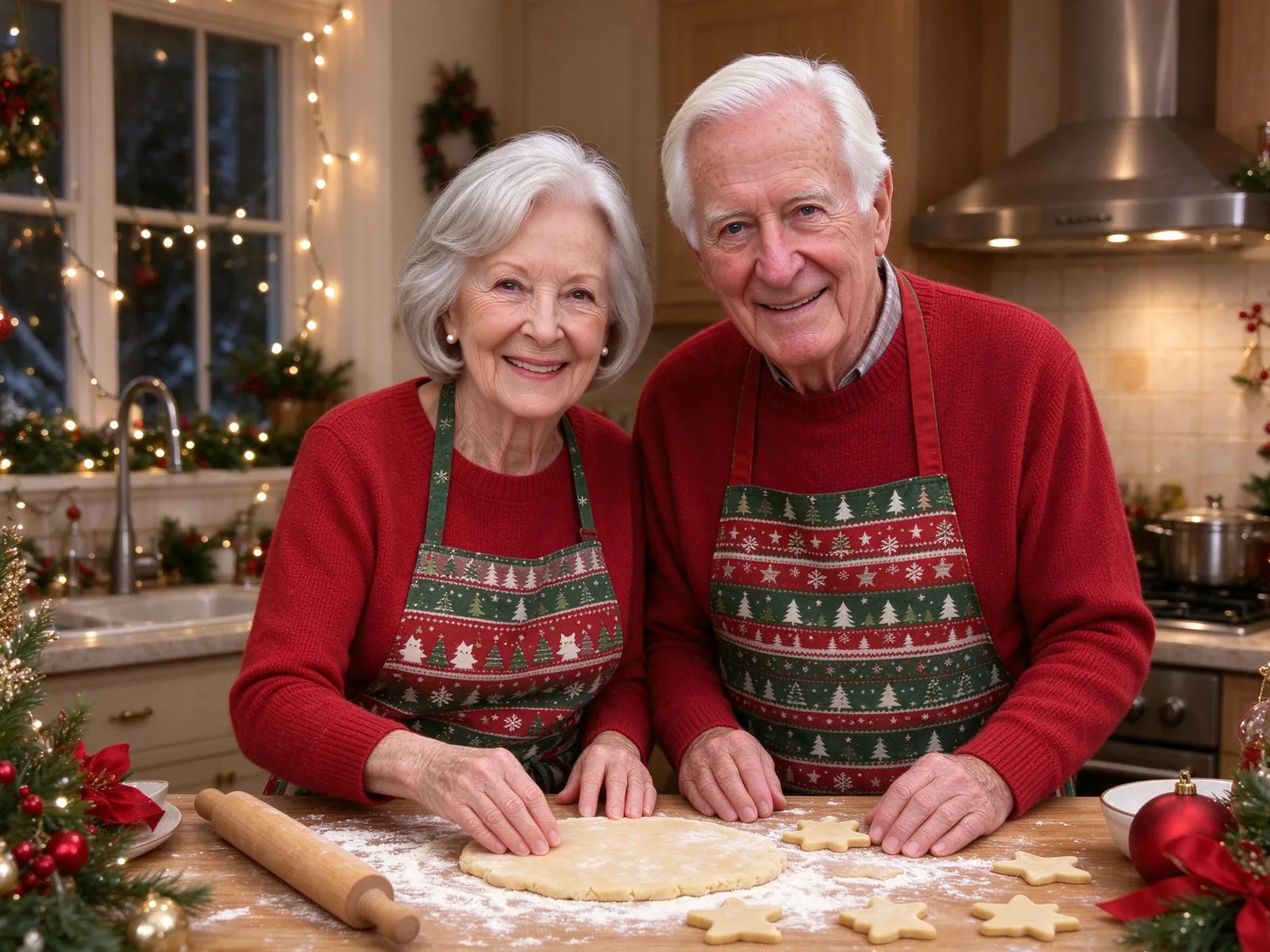
A candid family photo of everyone in my photos baking Christmas cookies together in a cozy kitchen. Festive aprons, flour on the counter, warm kitchen light.
3. Matching sweaters by the fireplace
Stockings on the mantel, the tree to one side, everyone in red and green sweaters. If you do not have a fireplace, a bookshelf with a garland works too. With grandparents in the frame, borrow the seating tips from these three generation photo ideas.
A cozy family photo of everyone in my photos in matching red and green Christmas sweaters, beside a decorated tree and a fireplace with stockings.
4. The snowy front yard at dusk
Step outside right after sunset, when the house lights glow but there is still some blue in the sky. Winter coats, knit hats and a wreath on the door finish the look.
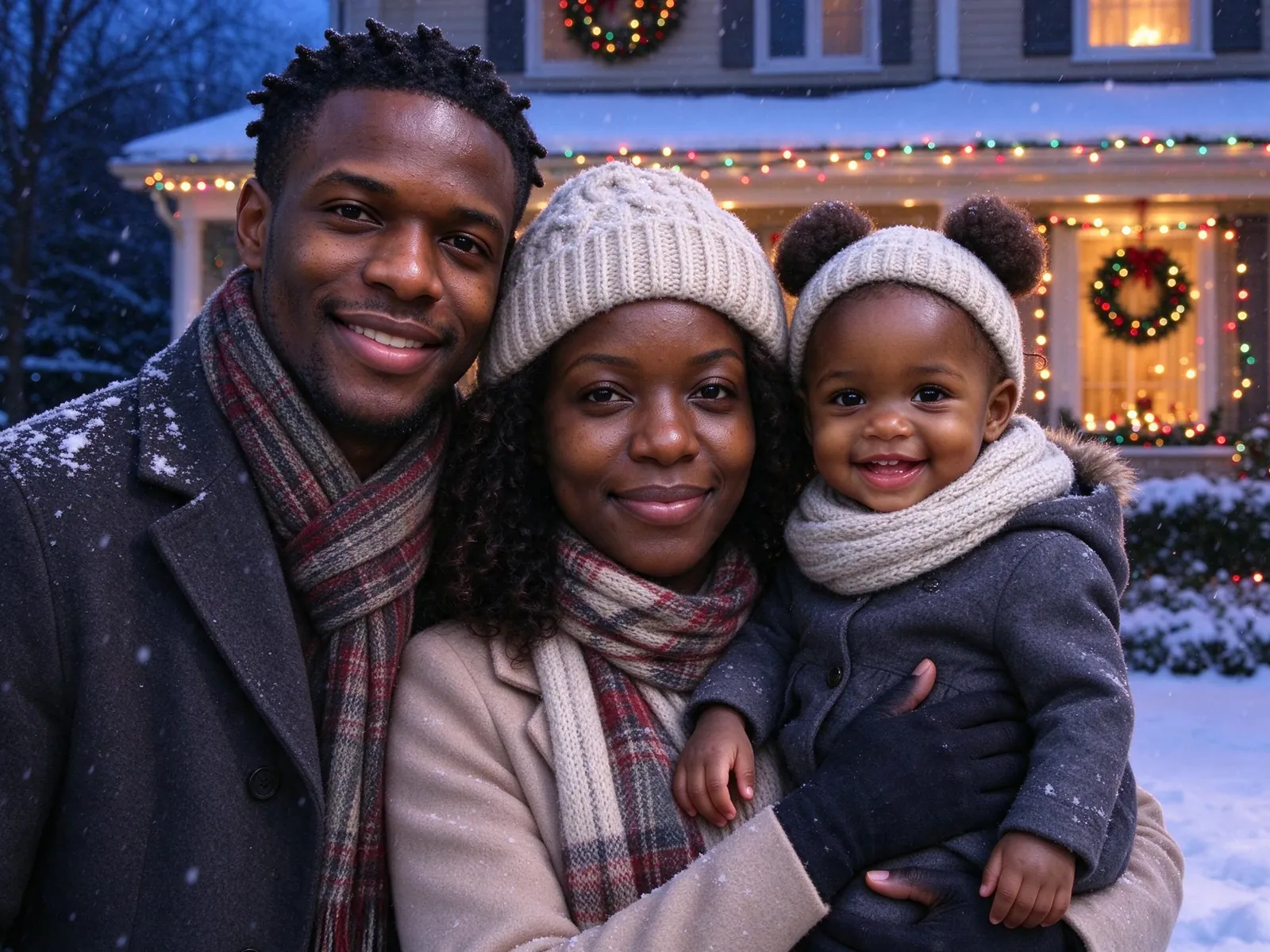
A photorealistic family photo of everyone in my photos in a snowy front yard at dusk. Christmas lights on the house, a wreath on the door, gentle snowfall, winter coats and knit hats.
5. The snow globe miniature
This one only works with AI: the whole family as tiny figures inside a glass snow globe, standing in a winter village with falling snow. It makes a playful card.
A photorealistic miniature of everyone in my photos inside a glass snow globe, standing in a tiny winter village with falling snow and warm festive lights.
6. The dog in a Santa hat
Pets belong in the holiday picture. Put the dog in the middle, get its attention with a treat held just above the camera, and shoot fast. With AI, you can add up to 3 pets alongside the people; the pet portrait with owner guide explains which pet photos work.
7. Opening one present together
Pick one gift, gather everyone around and take pictures as it is opened. Real reactions beat posed smiles. Keep the wrapping paper mess just out of frame.
How to make an AI Christmas family photo when the family is apart
If Grandpa is two time zones away, you can still get everyone into the pajama picture. The full walkthrough is in how to make a family photo from individual photos; here is the short version:
- Collect one clear photo of each person. Recent, face forward, good light.
- Open a Christmas scene. Each prompt on this page matches a VibePico Christmas template. Copying a prompt is free and does not upload photos or use credits.
- Add each person to their own slot. Up to 8 people and 3 pets per picture.
- Check the cost and generate. A new account gets 10 credits for one watermarked 1K photo; a paid 2K photo costs 10 credits.
- Compare every face. AI redraws each face, so check everyone before printing.
The prompts here are public examples for inspiration. When you generate, VibePico builds its own server-side prompt from the scene, the people and your photo settings, so you never have to paste one in.
Turn the photo into a Christmas card
Once you have a photo you like, the AI Christmas card generator offers three free layouts with your own greeting. Printing and postage are not included. Paid photos are 2K, which prints well at 4×6 and 5×7.
Christmas family photo mistakes to avoid at home
Mixing light colors. A cold ceiling light plus warm tree lights makes skin look odd. Pick one.
Busy backgrounds. Move the clutter before you start, not after you look at the photos.
Forgetting the photographer. Use a timer or a tripod so the person holding the camera is in the picture too.
Waiting until mid-December. Cards take time to print and mail. Take the photo early.
Frequently asked questions
What should a family wear for Christmas photos at home?
Matching pajamas or sweaters if you want a themed look; two or three coordinated colors, like red, green and cream, if you want something calmer.
Does copying a Christmas prompt generate a photo?
No. Copying is free and does not upload photos or use credits. The template link opens the photo tool for you to review and submit separately.
Are these the exact prompts used for generation?
No. They are public examples. The tool builds a separate prompt from your scene, people and settings.
Can the dog be in an AI Christmas family photo?
Yes. Each pet gets its own slot, up to 3 pets with up to 8 people. Check fur and markings in the result.
What happens to the family photos I upload?
Reference photos are deleted after 24 hours and results stay until you delete them. The AI photo generator privacy guide has the details.
Get the Christmas family photo prompts
Pick one of these Christmas family photo ideas at home, copy the prompt or open its template, and add your family. All five scenes are on the Christmas family photo prompts page.