Keep Vintage card art selected
This look takes one photo of one person.
Upload one photo and get a 1950s-style Christmas illustration with you as the star.
Vintage card art: Mid-century gouache, muted reds and printed-paper grain.
10 creditsFree with sign-up · 1 watermarked photo · ~40 s
You · Add photo
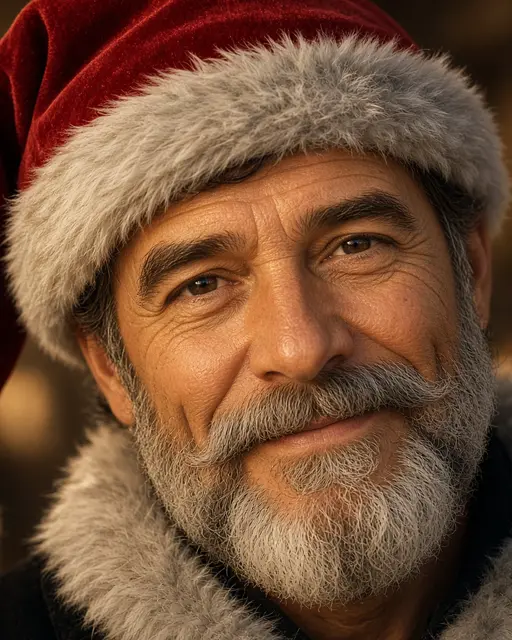
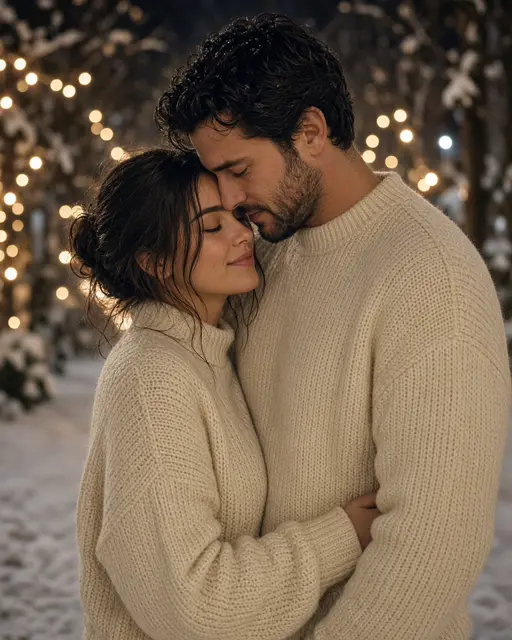
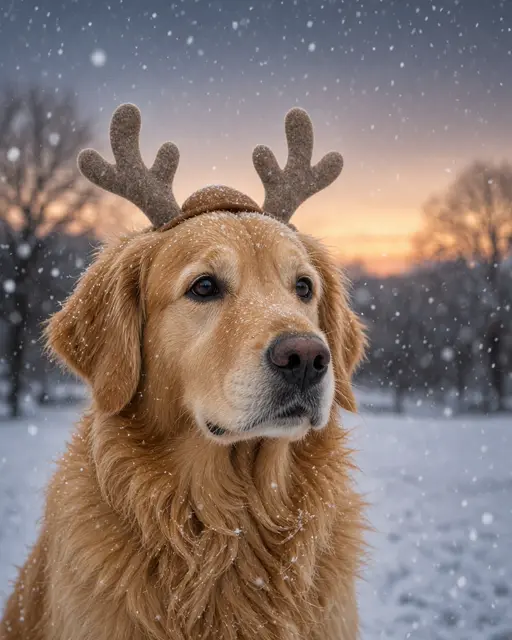
Placeholder art — real VibePico examples are on the way
This look takes one photo of one person.
A simple front-facing portrait gives the illustration a clean likeness.
It takes about 40 seconds. Use the Portrait ratio if you plan to print it.
Old Christmas cards have a recognisable look: gouache paint, muted reds and greens, and paper that shows a little of the printing process. This vintage Christmas card AI turns one photo of you into that kind of illustration, walking down a snowy village street with an armful of wrapped gifts.
The result is a painted picture rather than a photo, so it is drawn in the mid-century style while keeping the features that make you recognisable. It works well on its own or as the picture on a card you print at home.
The whole image becomes a 1950s illustration, including your clothes, the street and the snow.
Your facial features, skin tone and age are kept, in a painted style.
If you search for vintage Christmas cards you will find two kinds of result: antiques for sale, and scans of old illustrations that may be free to use. Those scans can be beautiful, but they all show somebody else. Thousands of other people can use the same image, and none of them shows your family. Vintage Christmas card AI takes a different route, drawing a new illustration in the same mid-century spirit with you as the person in the scene.
The style draws on the printed cards of the 1950s: gouache paint with flat areas of color, a restrained palette of muted reds and greens, and paper that shows a little of its printing texture. A snowy village street and an armful of wrapped gifts give it the warmth people expect from that period, without borrowing any existing artwork.
It helps to think of this as the picture, not the finished card. The illustration has no greeting on it, so the wording stays clean and is up to you. Add a line of period-style lettering in your favourite design app, or take the image into a card layout. Old cards often used a short, plain greeting, so one line such as Season’s Greetings usually looks more convincing than a long message. Printing on a matte or lightly textured card stock rather than glossy photo paper also helps it feel closer to the real thing.
You want a genuine antique image and do not need to appear in it.
You want a one-of-a-kind picture of yourself or somebody you love.
The picture has no text on it, so you are free to add your own greeting however you like.
For a finished card layout with a message, use the AI Christmas card generator.
A little framed illustration of a parent or partner makes an easy personal present.
If you want a real-looking snapshot from the era instead of a drawing, try the AI 1950s photo tool.
Illustration simplifies a face, so strong, simple features in the source photo carry through best.
A plain wall behind you helps the generator focus on your face.
A natural smile suits the cheerful style of old Christmas cards.
Your hair and eyes are what people recognise once a face is painted.
The illustration has no wording. Add your message in a card layout or any design app.
This makes a new image in an old style. It is not a reproduction of a real antique card.
This look takes one person. For a family card, use the AI Christmas family photo tool.
A new account gets 10 free credits, which make one watermarked 1K image. After that each image costs 10 credits and comes out at 2K with no watermark; paid plans can make 2 or 4 variations at once. If an image fails on our side it is retried once and then the credits are refunded automatically.
Yes. Paid images come out at 2K with no watermark, which suits a small card or a small framed print.
No. The picture has no text, which keeps the lettering clean. Add your own message afterwards.
Yes, with their permission. One clear photo of one person works best.
Pick Story 9:16, Portrait 4:5, Square 1:1 or Landscape 16:9 before you generate. Each finished image can be downloaded as a PNG or a JPG.
Uploads are private and used only to make your picture. Uploaded photos are deleted after 24 hours. Results stay in My photos until you delete them, and you can delete either at any time.
Tools, trends, prompts and scenes that go with this page.