Keep 1960s movie poster selected
This look takes one photo of one person.
Upload one photo and become the lead in a hand-painted 1960s movie poster.
1960s movie poster: Gouache brushwork, a city sunset and you as the lead.
10 creditsFree with sign-up · 1 watermarked photo · ~40 s
You · Add photo
Placeholder art — real VibePico examples are on the way
This look takes one photo of one person.
Choose a clear photo of your face. A confident expression suits a leading role.
Download the art in about 40 seconds, then add your film title in any design app.
Before photo posters took over, film posters were painted by hand, with a heroic lead, big color and a dramatic skyline. This AI movie poster generator recreates that style from one clear photo. You stand in a three-quarter pose, painted in gouache, with a sweeping city at sunset behind you in saturated teal and orange.
The finished image has visible brushwork and paper grain, like a poster that has been kept in a drawer since 1965. It keeps your features, so it reads as a painted portrait of you rather than a generic film star.
Your photo becomes a painted poster scene with new clothes, a new pose and a dramatic city backdrop.
Your facial features, skin tone and age come from your photo.
Search for a movie poster generator and you will mostly find template editors. You pick a layout, drop in a photo, and type a title over it, and the result looks like a photo with text on top. This AI movie poster generator does something different: it paints the poster art itself, so your face, the pose and the background all share the same brushwork. That is what makes it look like an object from the period rather than a design file.
The 1960s are a good era to borrow from because film posters then were still mostly illustrated. Artists built them from a heroic central figure, a dramatic backdrop and bold complementary colors. Teal and orange work so well together that films still use the pair today. Here the skyline at sunset does the storytelling, and you are the reason to buy a ticket.
Since the art has no lettering, you stay in control of the joke. Leave clear space for the title when you add it, and pick a bold condensed or brush-style typeface from the era. A short title, a tagline and two invented supporting actors are usually enough. Print it on matte paper for a more convincing vintage feel, or share it in a tall format on your phone. For a friend’s birthday, a poster can carry a running joke that only your group will understand, which is often better than anything a template offers.
You need exact text placement or a modern streaming-style layout today.
You want hand-painted art with you as the star, and will add the title yourself.
Because the art has no lettering, the title is yours to invent, and that is usually where the joke lands.
Give a colleague a farewell poster with a title about their last day, with their permission.
Print a poster of the birthday star and hang it by the door at the party.
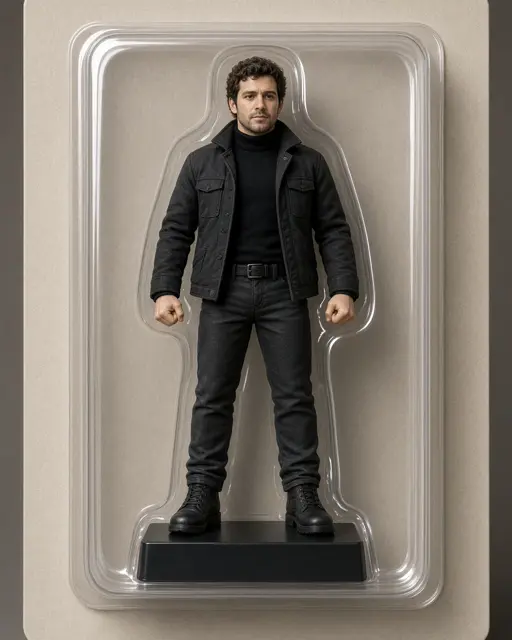
Prefer toys to cinema? The AI action figure generator puts you in a box instead.
Painted posters favour strong faces, so a clear, well-lit portrait matters more than your outfit.
Your face carries the poster, so keep it large in the source photo.
Light from one side adds shape that suits the dramatic style.
This look is built around a single star. Crop other people out.
The poster has no film title, cast list or tagline, because AI lettering often comes out garbled. Add yours afterwards.
This page makes the 1960s painted style only, not modern blockbuster or genre posters.
This makes an original poster, not a copy of a real film’s artwork or a real actor.
A new account gets 10 free credits, which make one watermarked 1K image. After that each image costs 10 credits and comes out at 2K with no watermark; paid plans can make 2 or 4 variations at once. If an image fails on our side it is retried once and then the credits are refunded automatically.
Not yet. The art has no text, so add your name and title in Canva or another design app.
This look takes one person. Make one poster for each person, or pick a couple look for two.
Portrait 4:5 is closest to a classic poster, and Story 9:16 suits phone sharing.
Pick Story 9:16, Portrait 4:5, Square 1:1 or Landscape 16:9 before you generate. Each finished image can be downloaded as a PNG or a JPG.
Uploads are private and used only to make your picture. Uploaded photos are deleted after 24 hours. Results stay in My photos until you delete them, and you can delete either at any time.
Tools, trends, prompts and scenes that go with this page.