Add a Deceased Loved One to a Photo, With Care
Add a deceased loved one to a photo only as a labelled keepsake: pick a matching portrait, ask the family first, keep everyone else still, and check every face.
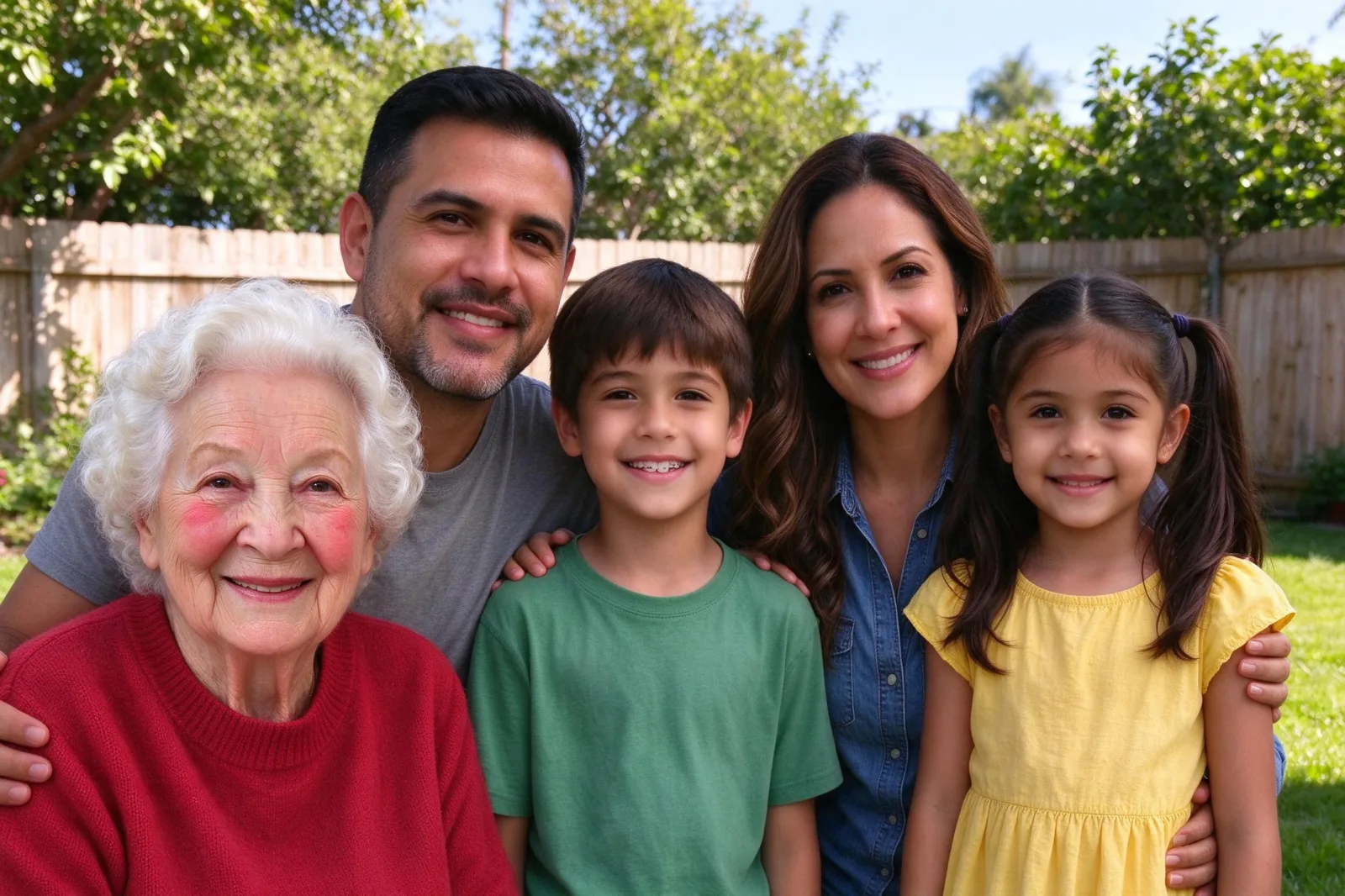
Families sometimes want one more picture together after someone has died: a holiday card, a reunion shot, a print for a memorial table. You can add a deceased loved one to a photo from a portrait of them, but only as a labelled keepsake. It is not a record of a day they attended, and it should never be used to mislead anyone.
This guide covers the careful path: who to ask, which two pictures to pick, and how to check the result. The steps use VibePico's Add Someone to a Picture tool, which edits a photo you already have. If you would rather make a new portrait instead of changing an old one, the memorial family photo tool is built for that gentler "new picture" case.
The people in the example images on this page are fictional. They are here to show the edit, not a real loss.
Add a deceased loved one to a photo: start with consent
Ask close family before you start, and again before you share. Some relatives will want the picture. Others will find it painful. A "no" is a complete answer.
If you do go ahead, say what it is. Write "edited photo" in the caption or on the back of a print. Do not present it as a photograph from the event.
What this can be, and what it cannot be
A private keepsake for people who already knew the person and agree to the edit.
Not proof. It does not show that someone was at a wedding, a funeral, or any other event. Do not use it in a document, a dispute, or a public post that could confuse people who did not ask for it.
Not a replacement for grief support. It is a picture edit. That is all.
Step 1: Choose the family photo you want to keep
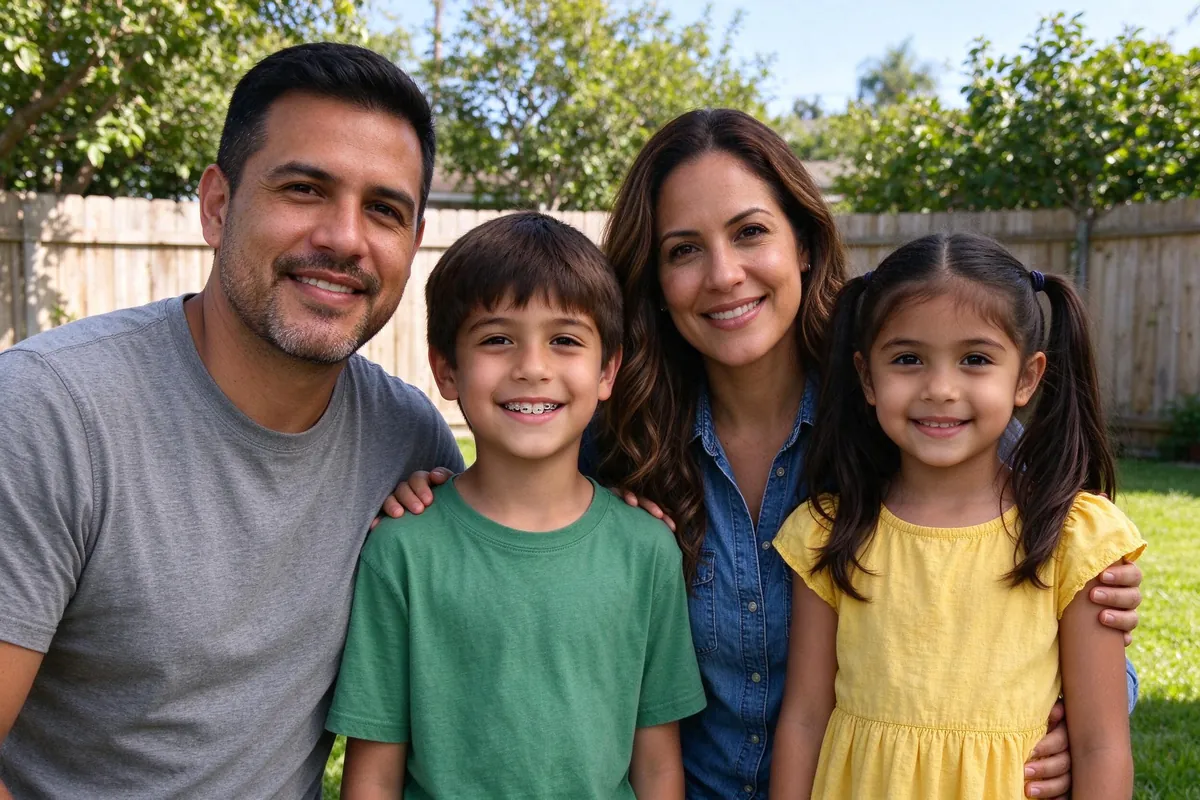
Pick a picture the family already loves, with space for one more person at the side or in the back row. Faces should be clear. Harsh mixed light makes blending harder.
The base photo sets the light, the camera angle and the grain that the added portrait has to match.
Step 2: Pick a portrait that still looks like them
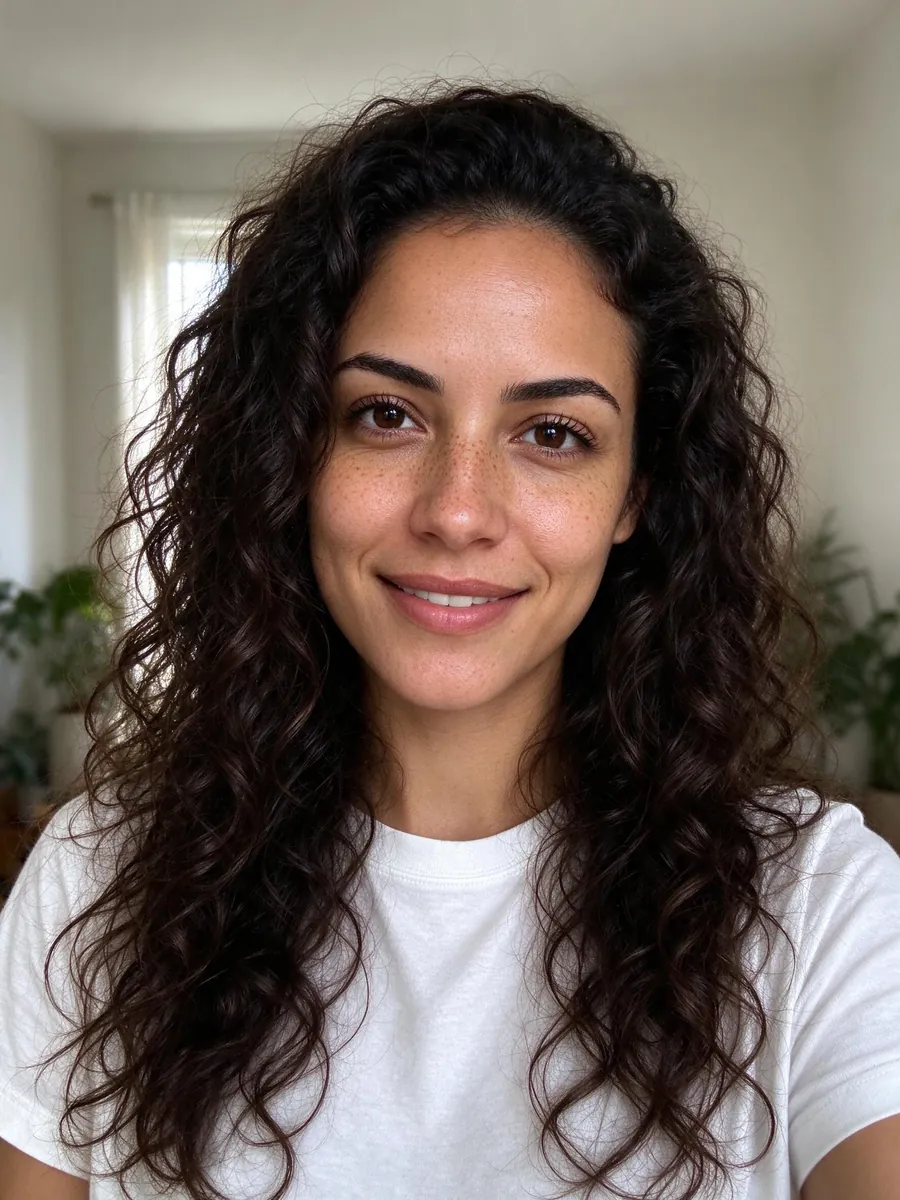
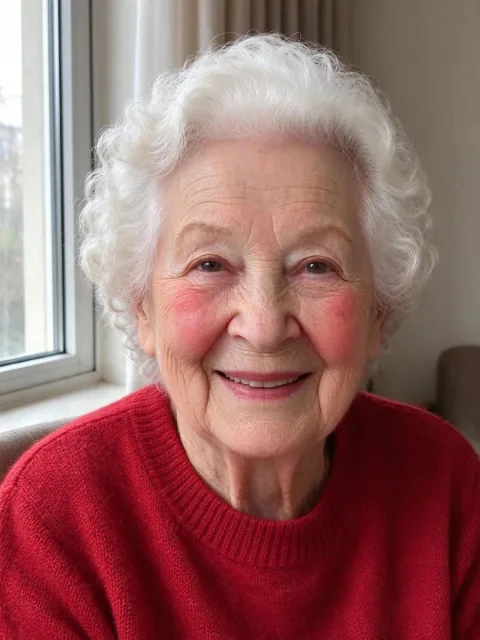
Use a clear, recent-enough portrait where the face is large and unobstructed. If the only good photo is older than the rest of the group, the age difference will show. That can be honest, and sometimes that is what the family wants. Do not pick a heavily filtered selfie.
Match the light as well as you can
A studio flash portrait dropped into a garden picture often looks cut out. A window-lit portrait has a better chance in daylight. In the example, the indoor portrait by a window sat reasonably with afternoon sun.
You can add up to four people in one edit, each from their own photo, for 10 paid credits. One person is the usual keepsake case.
Step 3: Place them, and keep everyone else still
Open the tool, upload the family photo, then the portrait. Choose a place that would have been natural for them: a back row, a side with open space, or let the model choose.
Leave "Keep everyone still" on. The point of this edit is to add one person to a picture the family already recognizes, not to restage the day. The model may still shift someone slightly to make space. That is why you check every face later.
Skip Advanced mode unless you have a short, careful request such as "stand a little closer to the group." The fixed rules still come first: same identities, same number of people, no new text in the picture.
Step 4: Check the fee, then check the faces
Sign in when you are ready to start. The edit costs 10 paid credits for one 2K image. Signup preview credits do not cover photo edits. If the provider fails, the credits are returned.
Look at the people who were already in the photo first. Then compare the added face with the portrait: hair, age, glasses and build. If the likeness is off, do not share it. A bad likeness is worse than no picture.
Uploads are private to your account and are deleted after 24 hours. Results stay until you delete them. The AI photo generator privacy guide explains retention.
A new memorial portrait, or an edit of an old photo?
If the family does not have a group photo they want changed, or if changing that photo feels wrong, make a new picture instead. The memorial tool and the family photo maker build a new portrait from separate photos. That leaves the original family snapshot alone.
If you already have the group picture and a portrait, the add-someone edit is the shorter path. The add person to photo page runs the same generator with a missing-family-member angle.
Frequently asked questions
Is it respectful to add a deceased loved one to a photo?
Only if the close family wants it and you label the result as an edit. Some families find it comforting. Some do not. Ask, and accept the answer.
Can I post it on social media?
Only with agreement from the people in the photo and from close family of the person you added. A private print is a smaller risk than a public post.
What does it cost?
One 2K edit is 10 paid credits, for one person or up to four. The pricing page lists the packs.
Will the rest of the family look the same?
The default option asks the model to keep them still. Small shifts still happen. Compare every original face before you share.
Add a deceased loved one to a photo with VibePico
If the family has agreed, you can add a deceased loved one to a photo as a labelled keepsake: a matching portrait, a careful place in the group, and a check of every face. Open the Add Someone to a Picture tool when you are ready, and say clearly that the result is an edit.