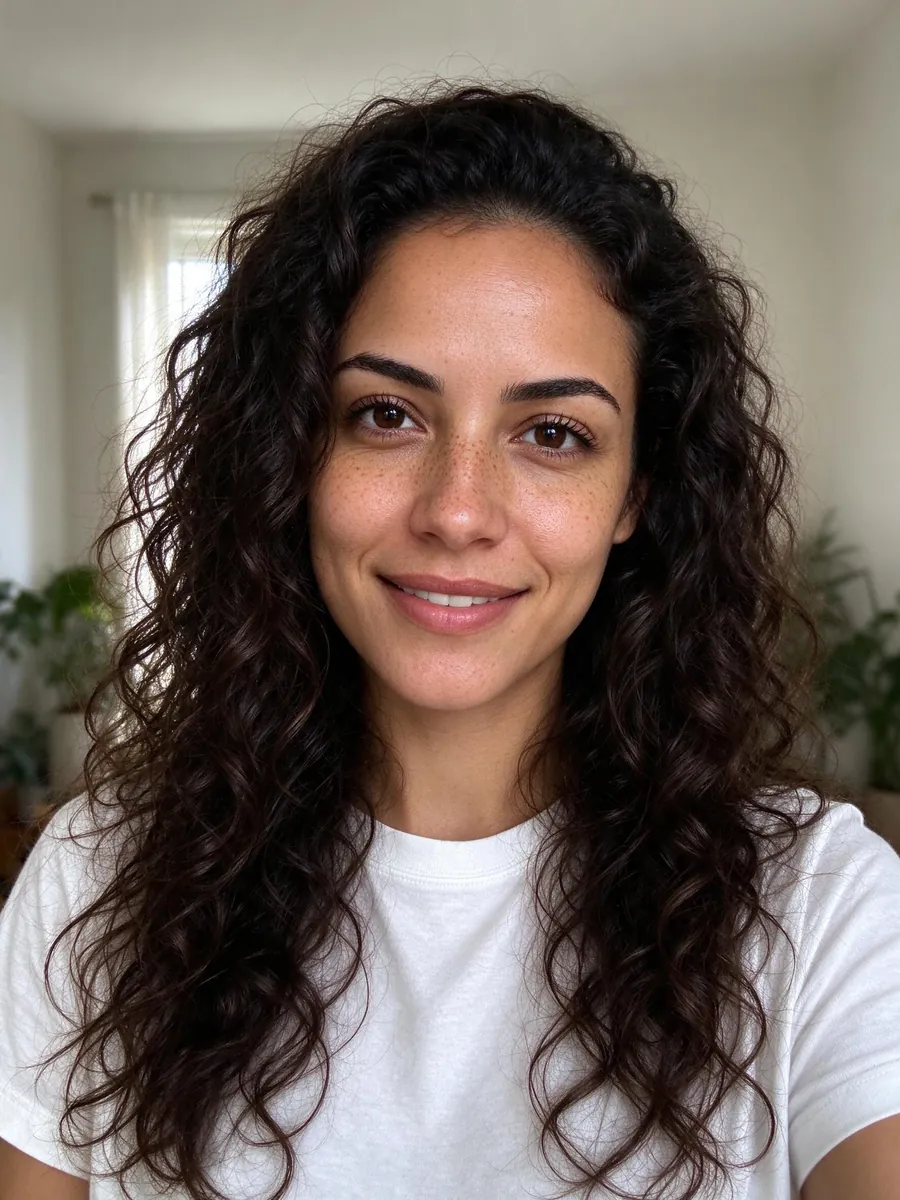
Add a Person to a Photo Without Photoshop
Add a person to a photo without Photoshop in your browser. Upload the picture and a portrait, pick a spot, and check every face before you share.
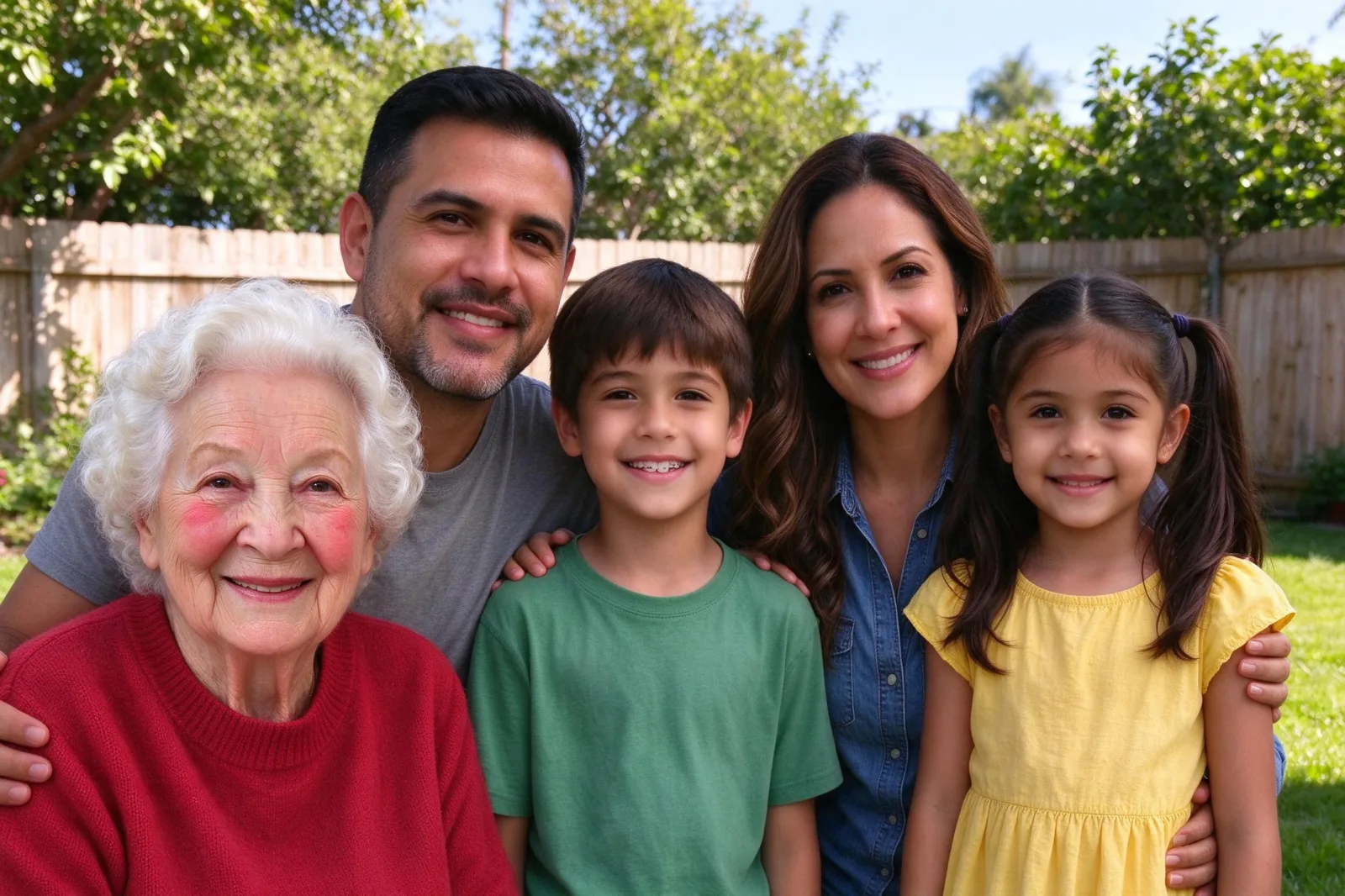
You do not need a layers panel to put one more person into a family shot. You can add a person to a photo without Photoshop in a browser: upload the picture you already have, add a clear portrait, pick a place, and review the faces. This is for a keepsake, not for documents or for proving that someone was there.
The steps below use VibePico's Add Someone to a Picture tool. It runs in Safari on iPhone and in a regular desktop browser. You tap options for placement and framing. The site writes the prompt. A text box appears only if you open Advanced mode.
Photoshop still has a place if you already know masks, lighting, and cleanup. This page is for the case where you do not want to learn that, and you just need someone added to a picture you already like.
Add a person to a photo without Photoshop: the short version
- Open the tool in a browser and upload the photo you want to change.
- Upload a clear portrait of the person to add. You can add up to four people, each from their own photo.
- Choose automatic, left, center, right or back row.
- Leave "Keep everyone still" on unless the group has no space.
- Confirm permission, check the 10-credit fee and start.
- Compare every original face, then the new one.
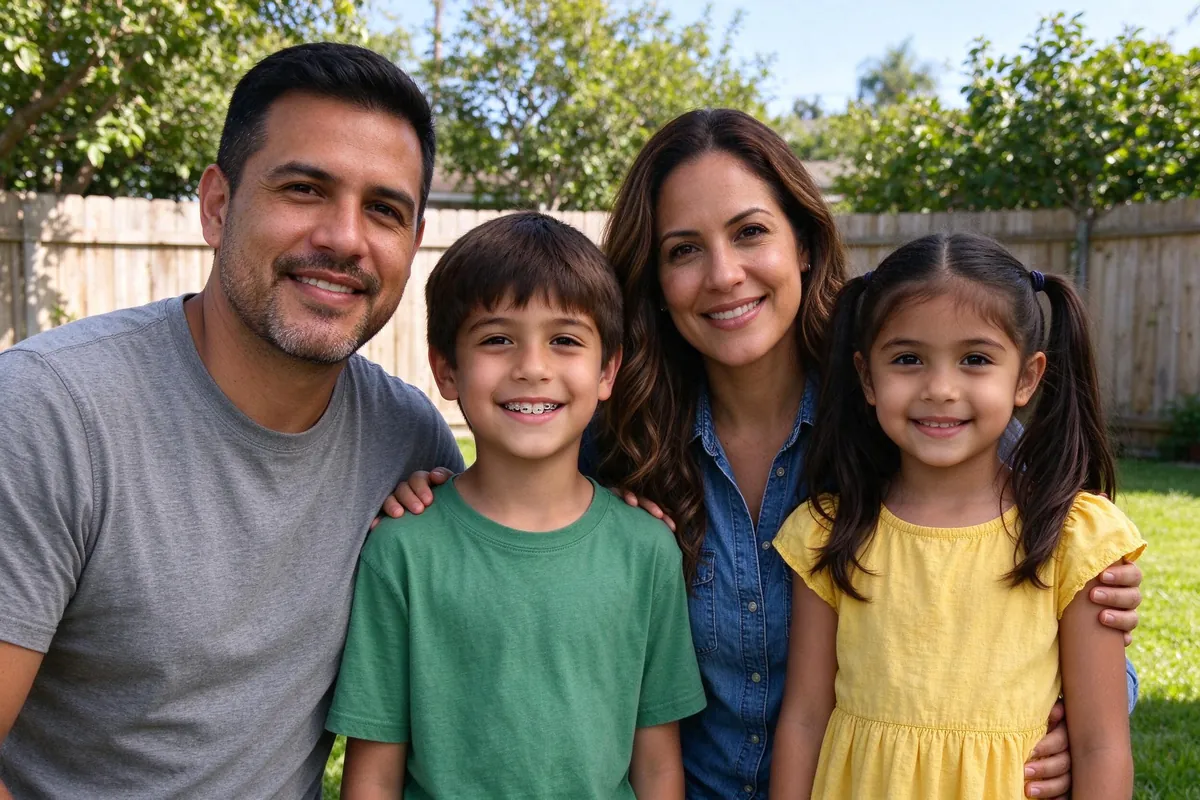
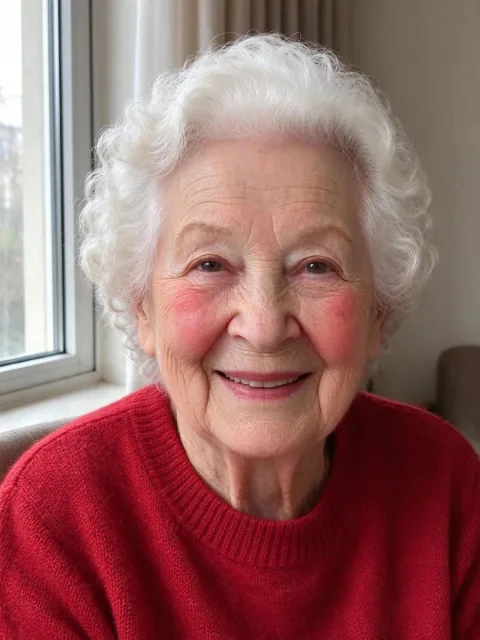
The cover image was made from these two inputs with the tool's own edit.
Why people look for a way without Photoshop
Photoshop, GIMP and similar editors can do this work well. They also ask you to cut a subject out, match color, paint shadows, and fix hair edges. That is a skill. Most family photos do not need that much control. They need a likeness that survives a look at the original faces.
A browser tool trades fine manual control for a shorter path. You still have to pick good inputs and check the output. You do not have to manage layers.
When an editor is still the better choice
- you need a precise pixel position, such as a composite for print design
- you are already comfortable with masks and want to adjust every edge
- the job is not "add this person" but a full retouch or graphic layout
For a missing relative in a backyard picture, the shorter path is usually enough.
Step 1: Upload the photo and the portrait
Use a sharp group photo with even light and a little space at the side or back. Then add a portrait whose light is close to that scene. Indoor flash on a sunny group is a poor pair.
HEIC from iPhone is accepted, along with JPEG, PNG and WebP, up to 10 MB. You do not install a plugin.
If you do not have a group photo yet, build a new one from solo shots instead. How to make a family photo from individual photos covers that route. How to combine two photos into one is the two-person version.
Step 2: Tap the placement and start the edit
The left-hand buttons set where the new person should stand and whether the people already in the shot should stay put. Output size can follow the original picture. Light, color, scale and perspective are matched for you.
Advanced mode is optional. Use it for a short extra request, such as "stand a little closer to the group." It cannot override likeness or the number of people.
Starting the edit asks you to sign in. One 2K image costs 10 paid credits, for one person or four. The signup preview does not cover this edit. Failed provider jobs return the credits. The pricing page lists the packs.
Step 3: Check the result the way you would check a retouch
A slider helps, but your eye does the work.
Look at:
- every original face
- the area around the new person, including hands and clothes
- hair edges and shadows
- the added face against the portrait
If the likeness is weak, do not share it. Ask permission from everyone in both photos. Uploads are deleted after 24 hours; results stay until you delete them. The AI photo generator privacy guide has the retention detail.
How this compares with a manual composite
| Browser add-a-person tool | Photoshop or similar | |
|---|---|---|
| Skill needed | Pick photos, tap options, review faces | Layers, masks, color, shadows |
| Time | About a minute plus a careful check | Often much longer |
| Control | Placement presets and an optional short note | Full manual control |
| Cost | 10 paid credits per 2K image | Software cost, plus your time |
| Best for | Family keepsakes from a photo you already have | Design work and precise composites |
The add person to photo page runs the same generator if you came in through that wording.
Do not use either method to invent a record of an event. Label the file as an edit when you share it.
Frequently asked questions
Can I add a person to a photo without Photoshop on iPhone?
Yes. Open the tool in Safari, pick the photo from your library, and add the portrait the same way. There is no app to install.
Is the result as clean as a careful Photoshop composite?
A skilled retoucher can beat a one-click edit on hard edges and invented shadows. For many family pictures, a checked AI edit is close enough. Always compare faces with the originals.
How many people can I add at once?
Up to four, each from their own portrait, in one 10-credit edit.
Will the people already in the photo stay the same?
The default option asks the model to keep them still. Small shifts still happen, as in the example. Check every original face.
Add a person to a photo without Photoshop with VibePico
You can add a person to a photo without Photoshop by picking two good pictures, choosing a place, and checking every face. Open the Add Someone to a Picture tool in your browser, upload the photo you already have, then the portrait.